Greenspire Island - Survival World Map
- 8-01-2026, 10:57
- 623
Adventure Maps / Creation Maps / Custom Terrain Maps / Survival Maps
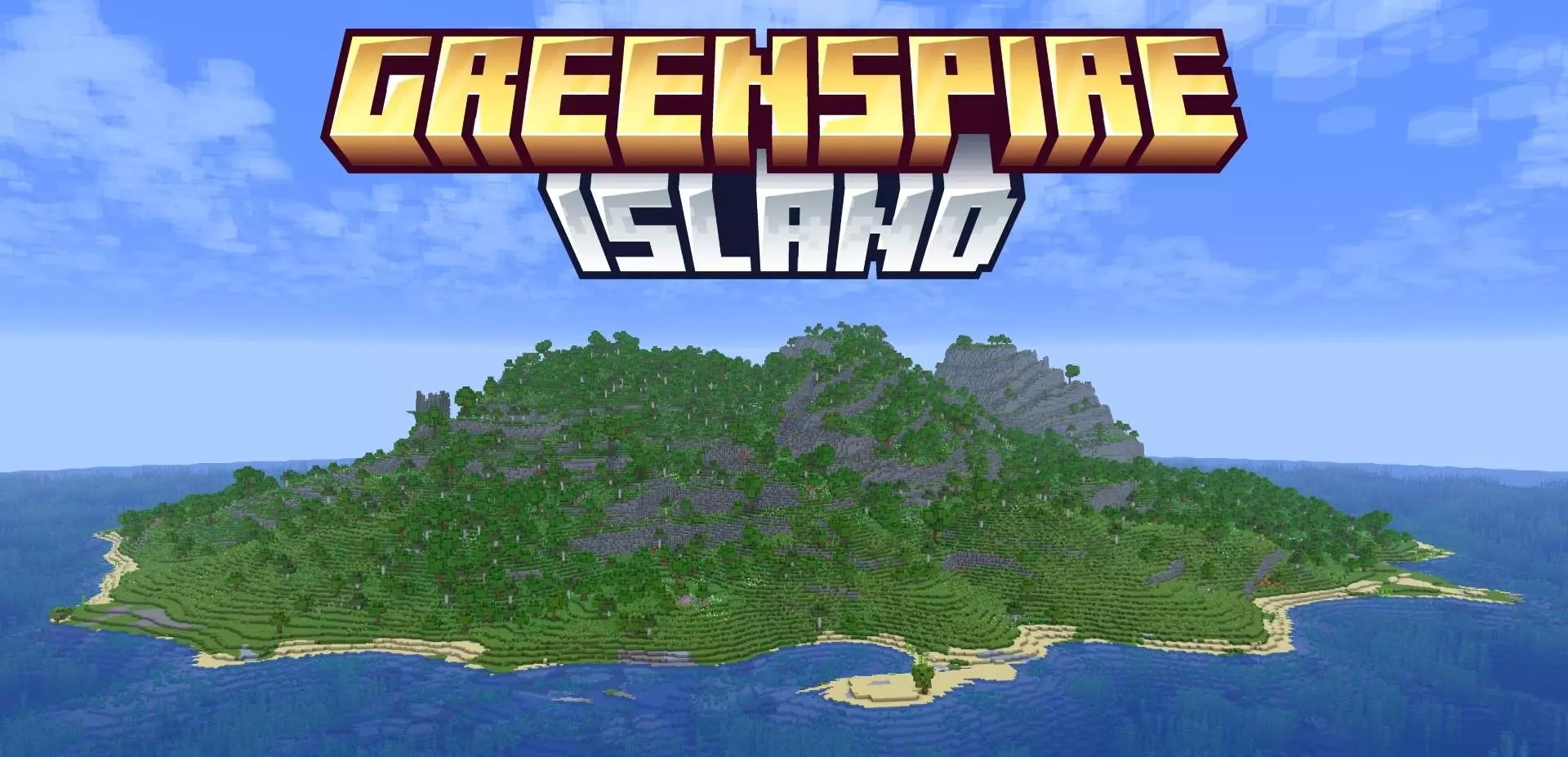
Greenspire Island - Survival World Map — a 1000×1000 survival-friendly island that gives you a contained world to grind in, while still letting vanilla terrain continue outside the custom border.
Greenspire Island - Survival World Map is made for Minecraft Bedrock / MCPE players who like the idea of an “island run” but don’t want an empty decorative map that falls apart the second you try to play legit survival. The world is a clean 1000×1000 island space built to actually support progression, so you can spawn in and treat it like your main survival world instead of a short sightseeing trip. The island format makes everything feel more focused: you’re not getting lost in endless biomes, you’re learning one environment, carving out routes, and slowly turning the whole place into your territory.
What matters most is that it includes the core survival ingredients you’d normally worry about on a custom map: ores, caves, and dungeons. That means your progression loop still works the way you expect—dig down, find resources, get geared, then start pushing deeper into riskier spaces. Caves give you the classic early-to-mid game scramble (coal, iron, the first real mining trips), and dungeons add that “I might get jumped for loot” energy that keeps exploration from feeling safe. Since the map is sized, you can also do long-term planning without needing to roam forever: pick a base spot, set up storage, mark entrances to caves, and build paths that connect everything so you’re not constantly swimming around the shoreline every time you need something.
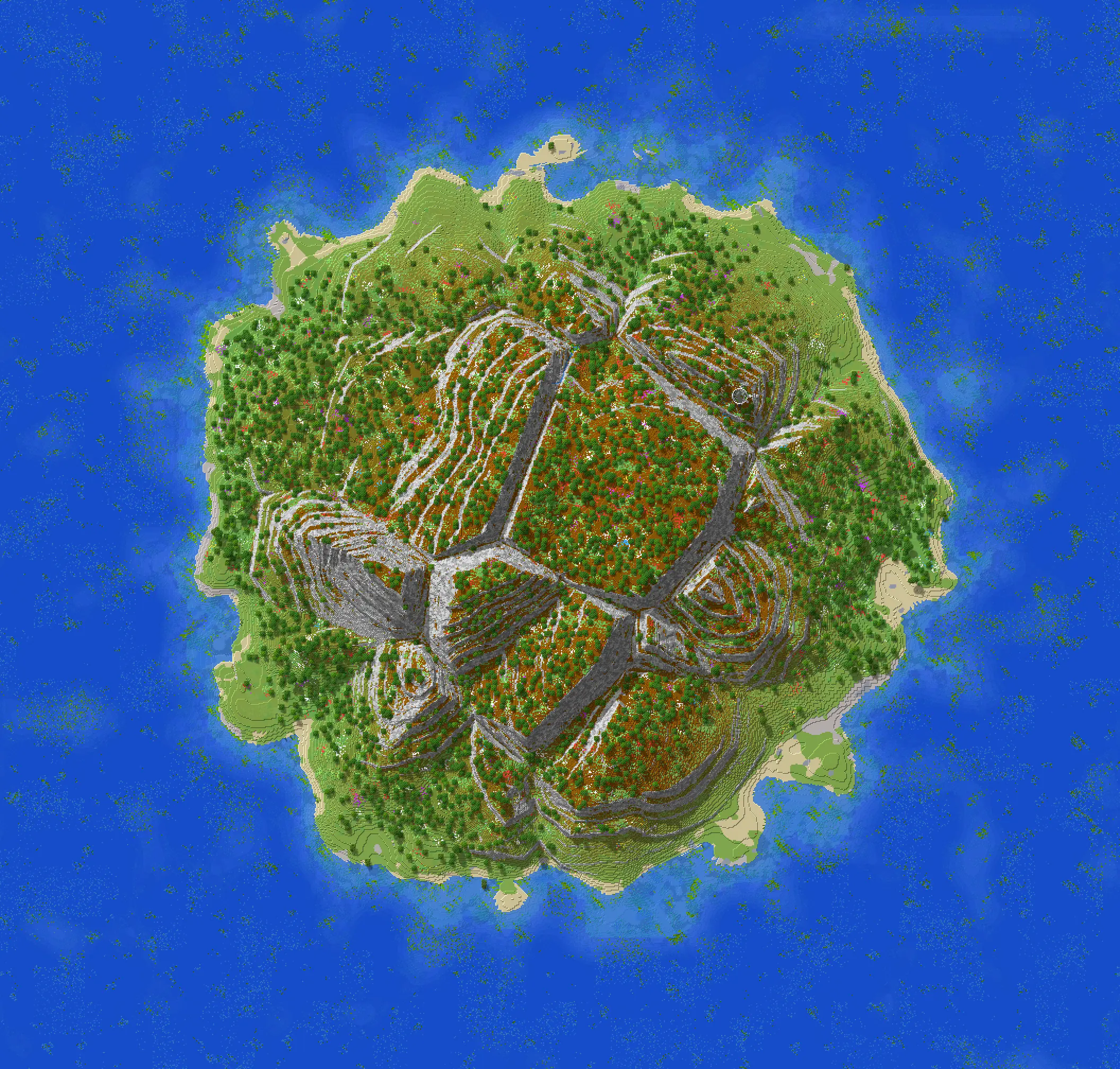
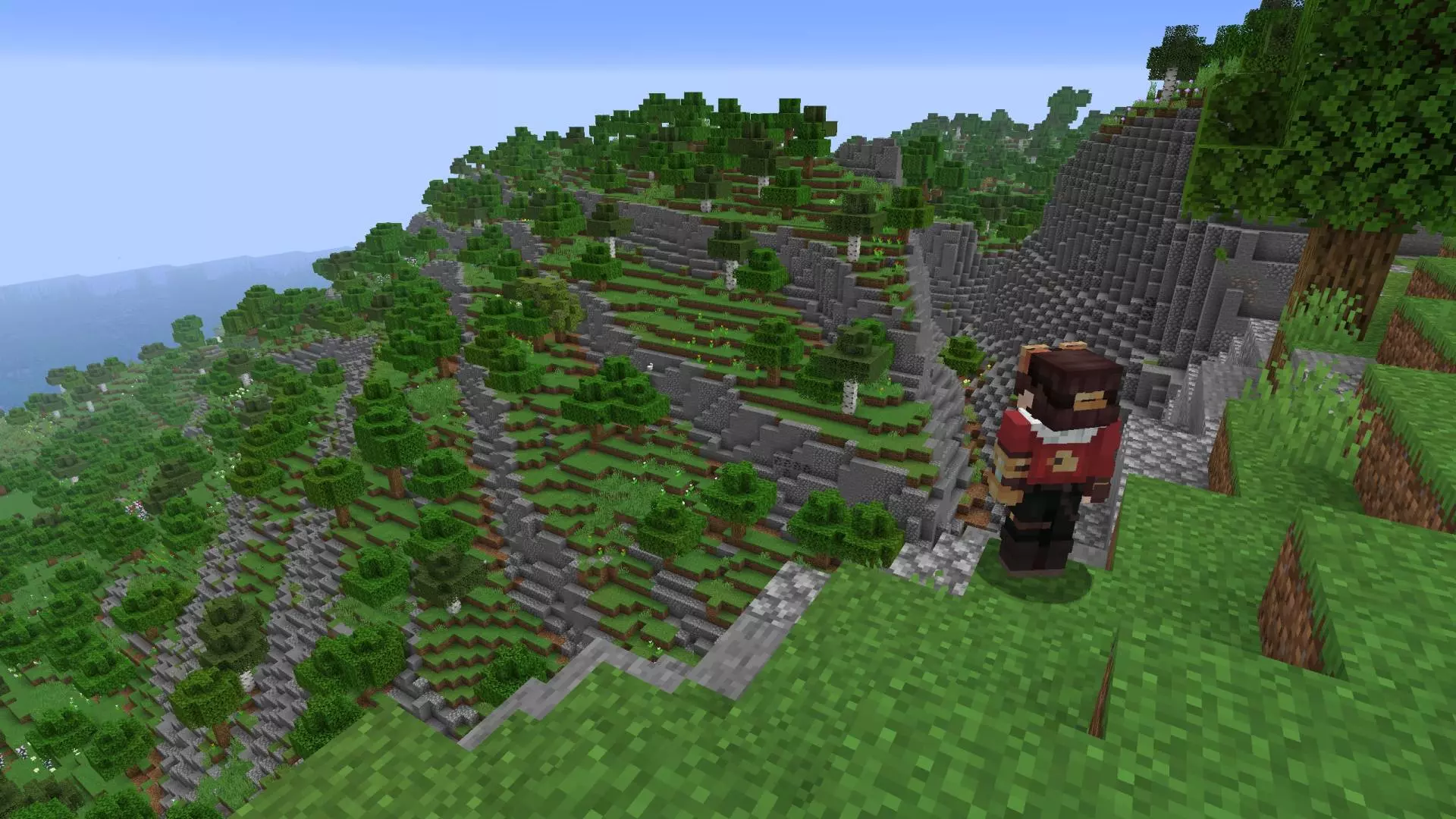
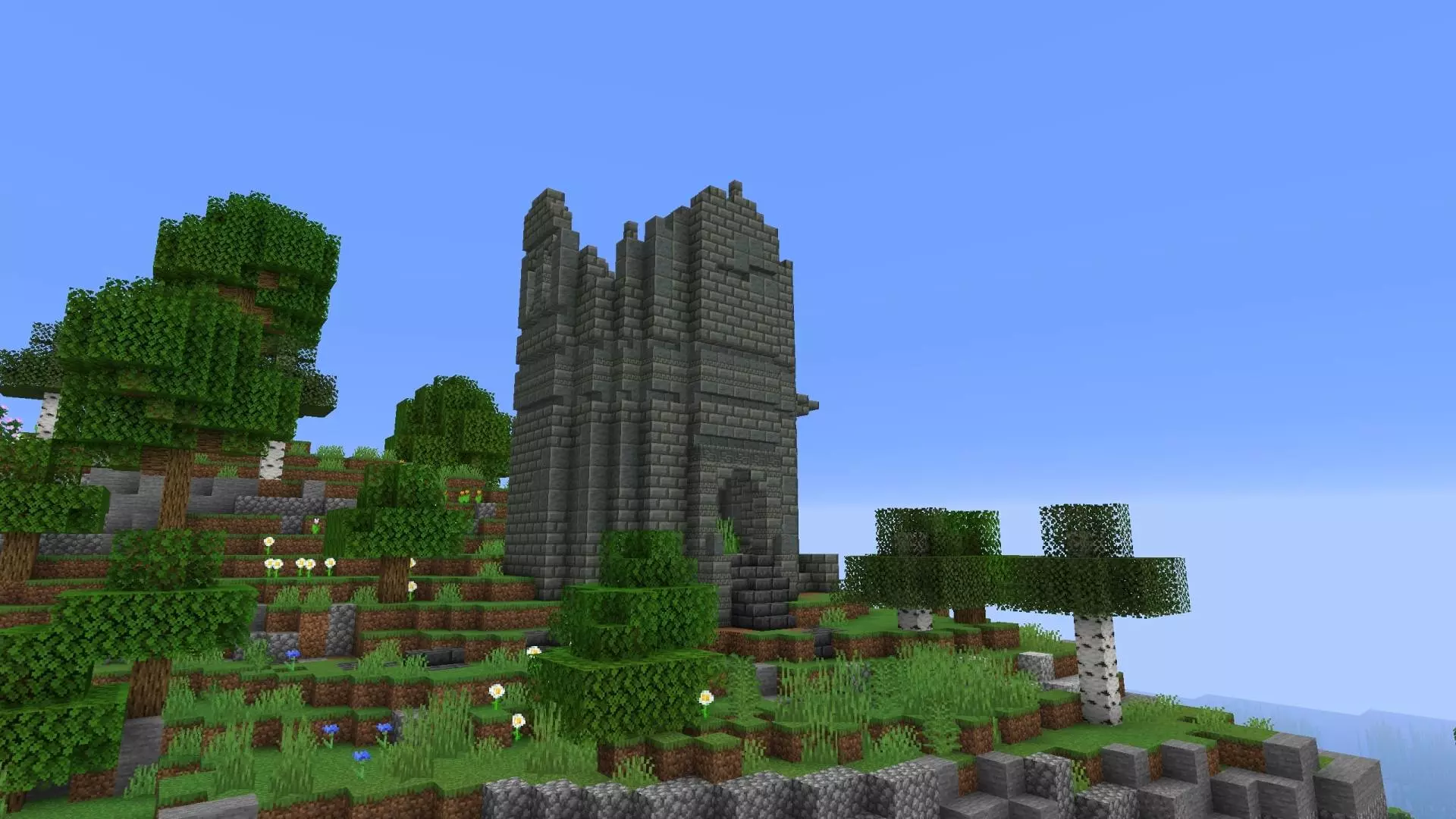
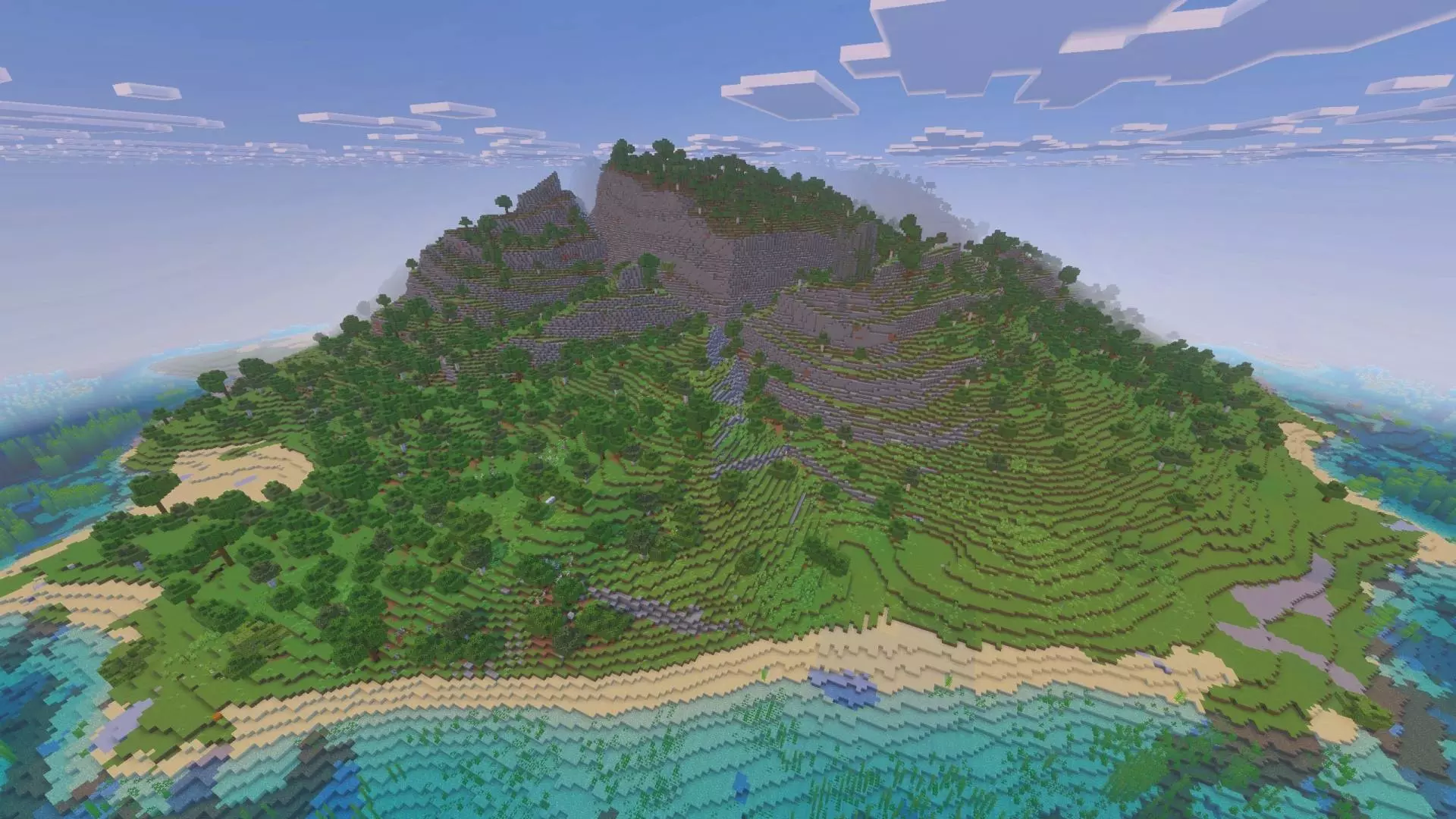
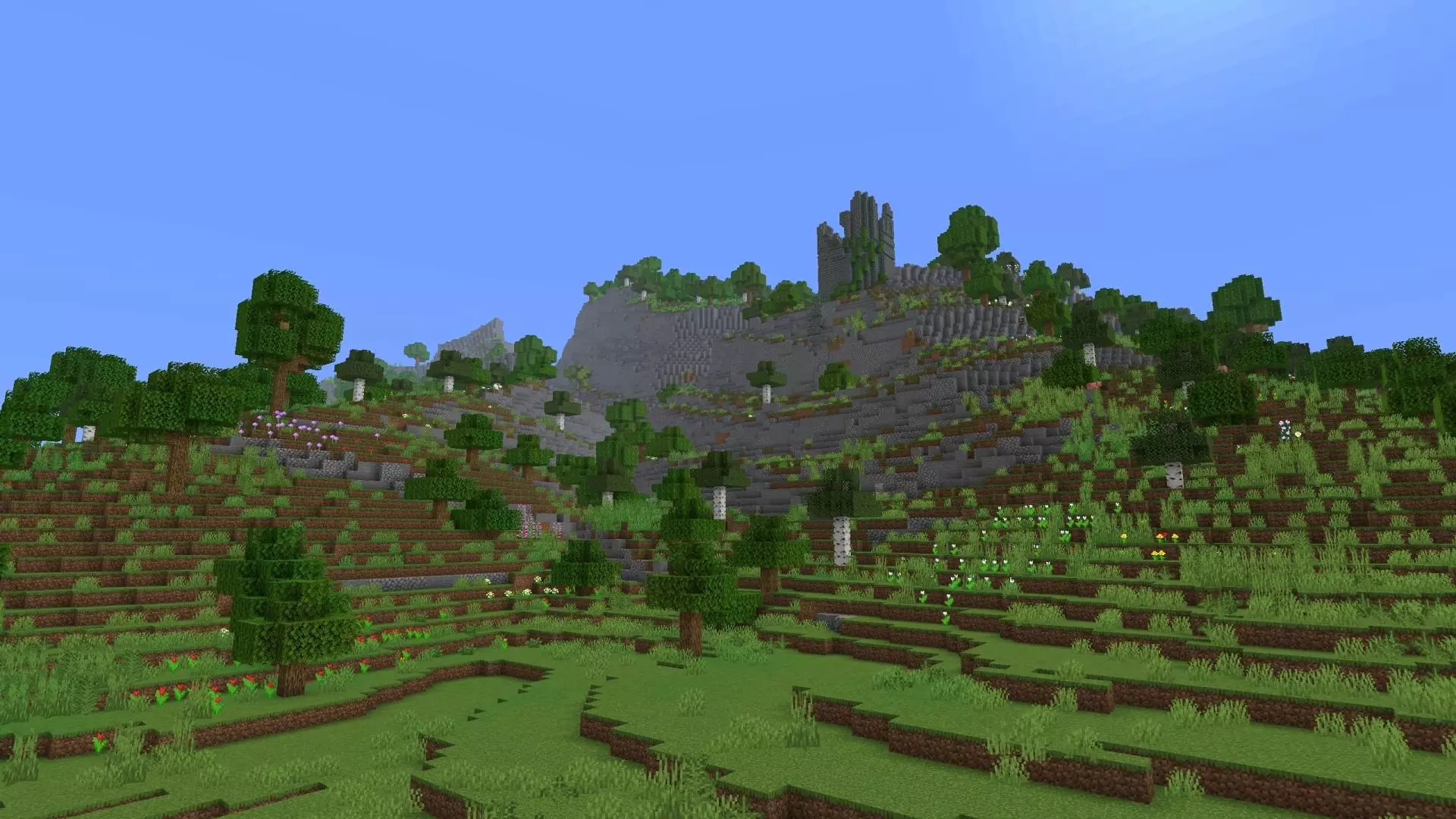
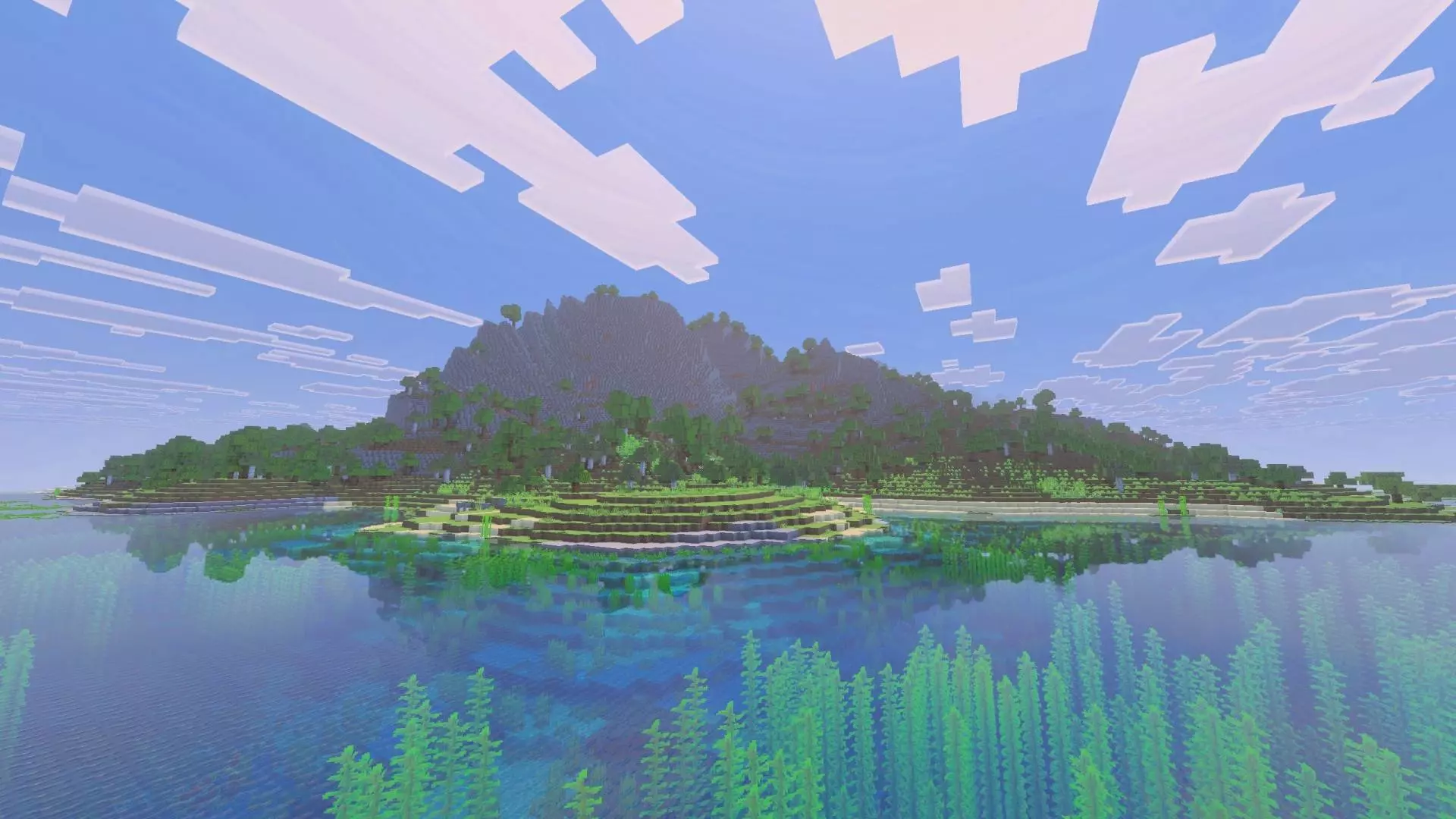
The other big detail is that vanilla terrain generates outside the custom world. That’s a nice safety valve. If you’re the kind of player who eventually wants more space, more biomes, or just a bigger endgame build area, you’re not trapped inside the 1000×1000 forever. You can treat Greenspire Island like your “main chapter” — the place you build your starter town, farms, docks, and main storage — and then expand outward into normal generation once you’re ready. It also makes multiplayer smoother, because the island can be your shared hub while people who want to roam can still go beyond it without the world feeling like it ends at an invisible wall.
If you want a Minecraft Bedrock / MCPE survival map that feels curated and playable, not just pretty, Greenspire Island - Survival World Map gives you that island survival vibe with the practical stuff—ores, caves, dungeons—and the freedom to expand into vanilla terrain whenever you outgrow the custom area.
How to install?
Android: use ES Explorer to find mcworld in the download folder. Click on a file to import it inside.
Versions of Windows 10: Go to your downloads folder and find mcworld. Click on the document to add it to the client.
IOS: as soon as they clicked on the Download button below, the device will offer to open it.
Comments (0)