One Lucky Block Map
- 1-10-2026, 08:17
- 589
Adventure Maps / Minigame Maps / Survival Maps

Normal skyblock maps get predictable once you learn the block progression. The One Lucky Block map changes that completely for Minecraft Bedrock players. You still start on a single block floating in the void, but mining it triggers a random event every time.
Sometimes it drops high-tier gear or generates a random building, while other times it spawns a creeper right under your feet. It works fine solo, but playing this lucky block survival challenge with friends on a multiplayer server is where the real chaos happens. There is even an automatic teleport system to keep the gameplay moving. Grab the world file and see how long you survive.
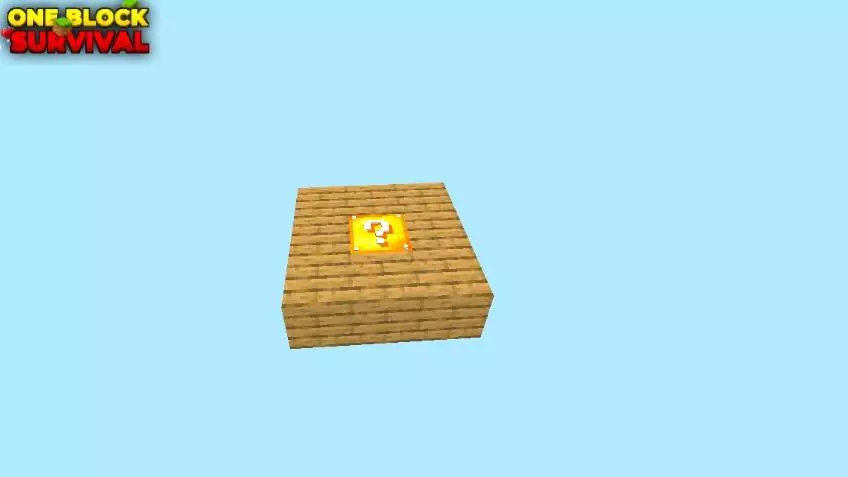
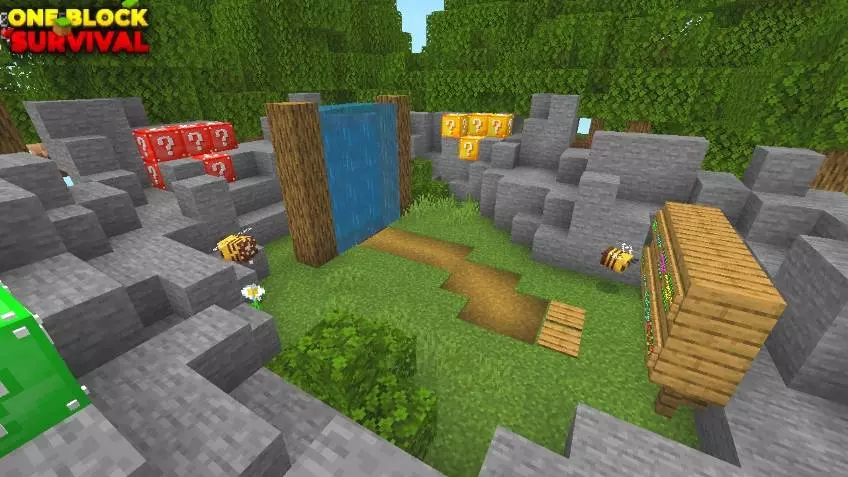
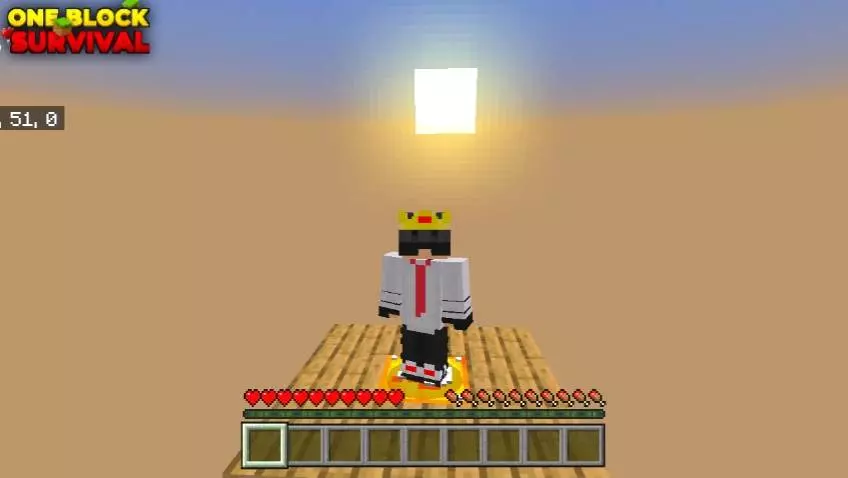
Because the core mechanics rely entirely on a custom add-on to manage the massive randomized loot tables and sudden structure spawns, the map carries strict technical limitations. The exact second you import this world template and step into the lobby, your Xbox Live achievements are permanently disabled. You cannot earn official Gamerscore on this save file. Furthermore, the map will not function if you simply hit play without checking your world options. You must go into the settings and manually toggle on the Experimental Gameplay features, paying special attention to activating the Beta APIs. If you skip this mandatory step, the background scripts will fail to execute, meaning the central block will likely break without regenerating, leaving you completely stranded over the void with zero progression.
Hardware performance is entirely dictated by the luck of the draw. Because the surrounding environment is a completely empty void, starting the map on a high-end desktop PC or a modern home console feels incredibly smooth, with zero input delay even when rapidly chain-mining. However, if you are playing on an older budget smartphone, you need to mine with extreme caution. While simple item drops are processed easily, a bad roll that instantly generates a massive custom structure or spawns a dozen hostile entities into a confined space will immediately tank a mobile processor's tick rate. The sudden burst of collision math and block updates can cause severe screen freezing on older devices. Keeping your platform well-organized, storing items in chests immediately, and dealing with bad spawns quickly is the only way to prevent thermal throttling while surviving the chaos.
How to install?
Android: use ES Explorer to find mcworld in the download folder. Click on a file to import it inside.
Versions of Windows 10: Go to your downloads folder and find mcworld. Click on the document to add it to the client.
IOS: as soon as they clicked on the Download button below, the device will offer to open it.
Comments (0)