FROZEN APOCALYPSE: THE ABANDONED CARGO SHIP MAP
- 19-09-2026, 03:54
- 231
Adventure Maps / Creation Maps / Survival Maps
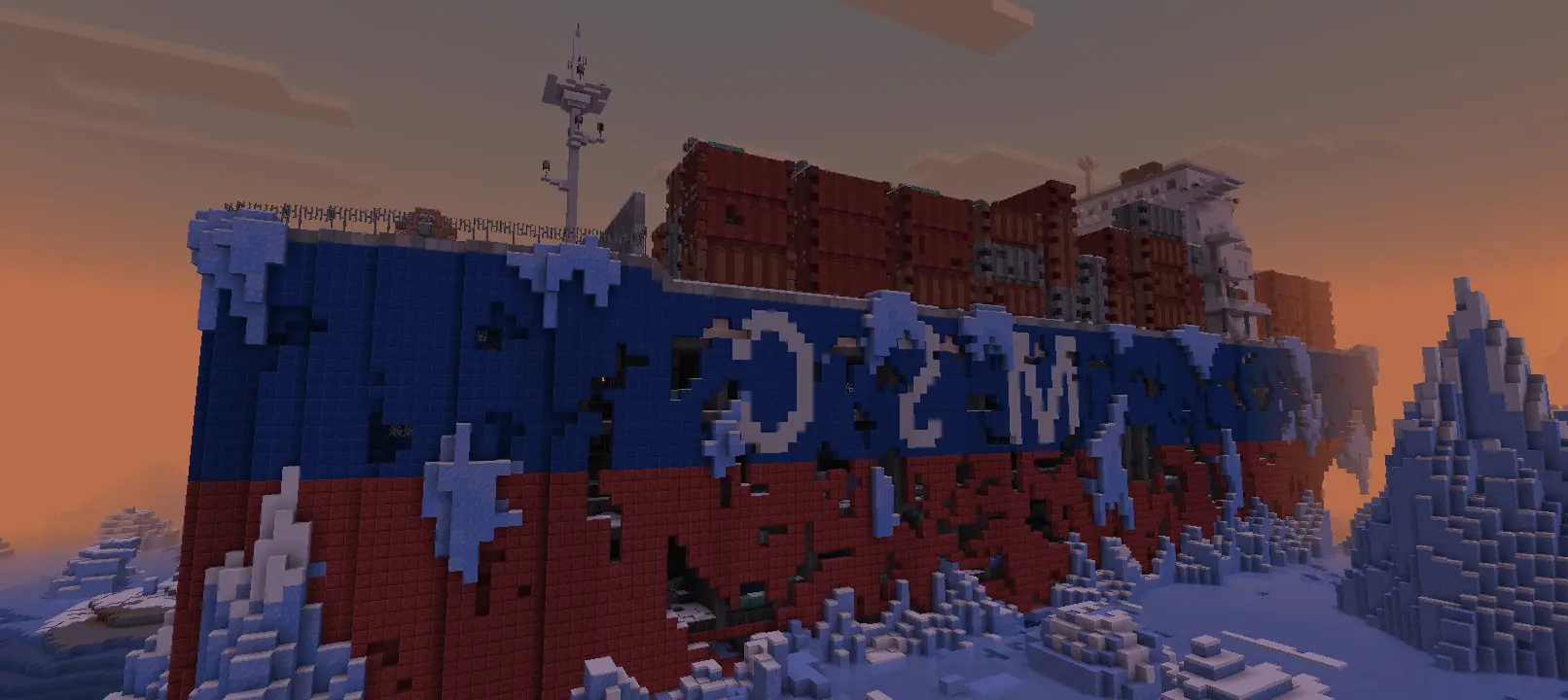
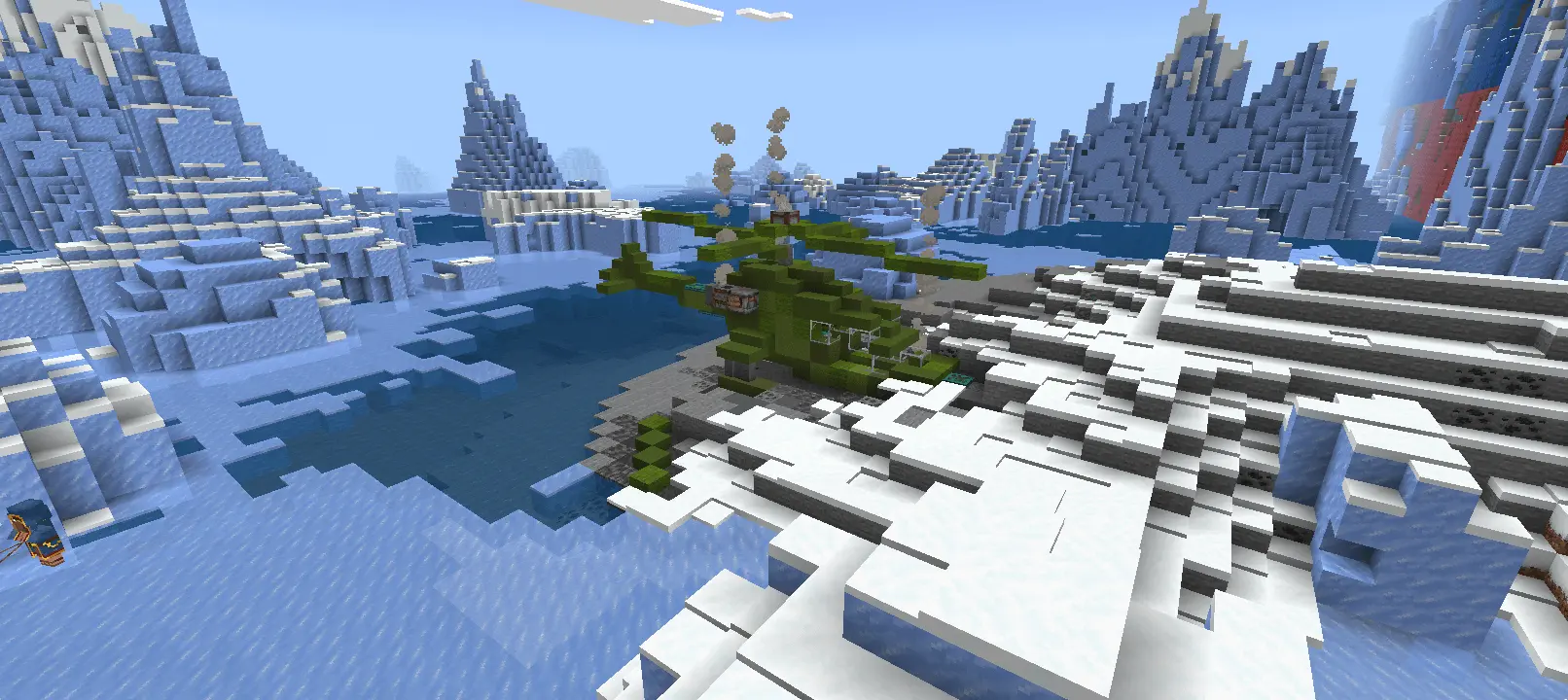
Surviving a standard winter biome is one thing, but waking up next to a colossal, ice-locked cargo ship is a completely different kind of challenge. The Frozen Apocalypse Map throws you into a brutal, freezing wasteland where your only immediate shelter is a massive derelict freighter. What makes this setting actually feel authentic is the construction method. The creator didn't just paste a generic schematic into the world using third-party editing tools; every single block of this multi-level ship was placed by hand. You can really feel that human touch when you are exploring the wrecked military helicopter on the upper deck or carefully navigating the flooded, ruined corridors down in the engine room. It feels like an actual crashed vessel with a dark history rather than a randomly generated structure.
If you are expecting to punch a few trees and immediately craft a full set of tools, you are in the wrong place. The resource scarcity on this frozen ocean is intentionally brutal. Loot is carefully distributed across the ship to prevent any overpowered early-game shortcuts, meaning you have to actually plan your scavenging runs and fight for every scrap of food and gear. Because this is a custom-tailored .mcworld file with hand-placed loot tables and a pre-built narrative environment, loading up the save will automatically disable your Xbox Live achievements. For players who want a genuine, atmospheric survival challenge rather than another standard vanilla playthrough, trading away gamerscore is a very easy decision. Plus, the map is built to expand, with future updates aiming to connect the ship to a frozen ghost city and an abandoned industrial port.
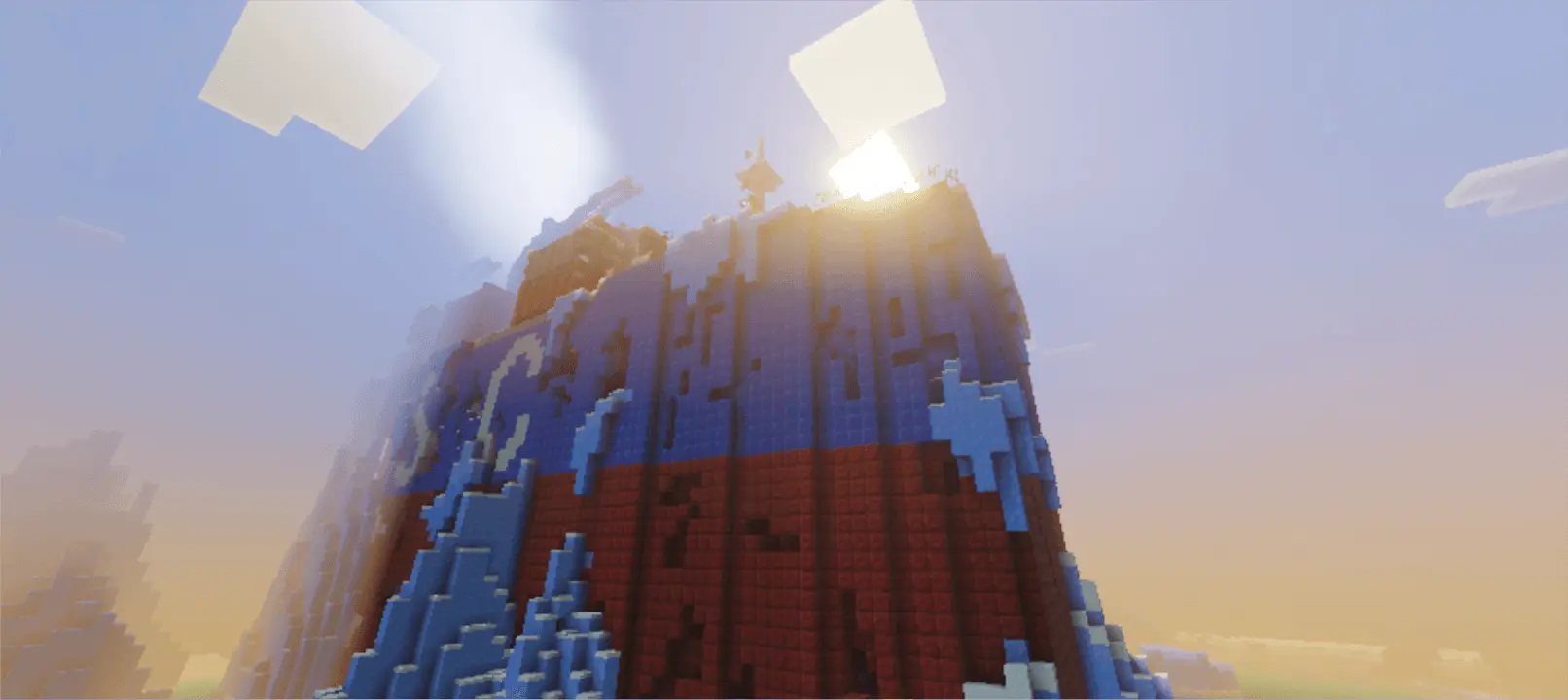
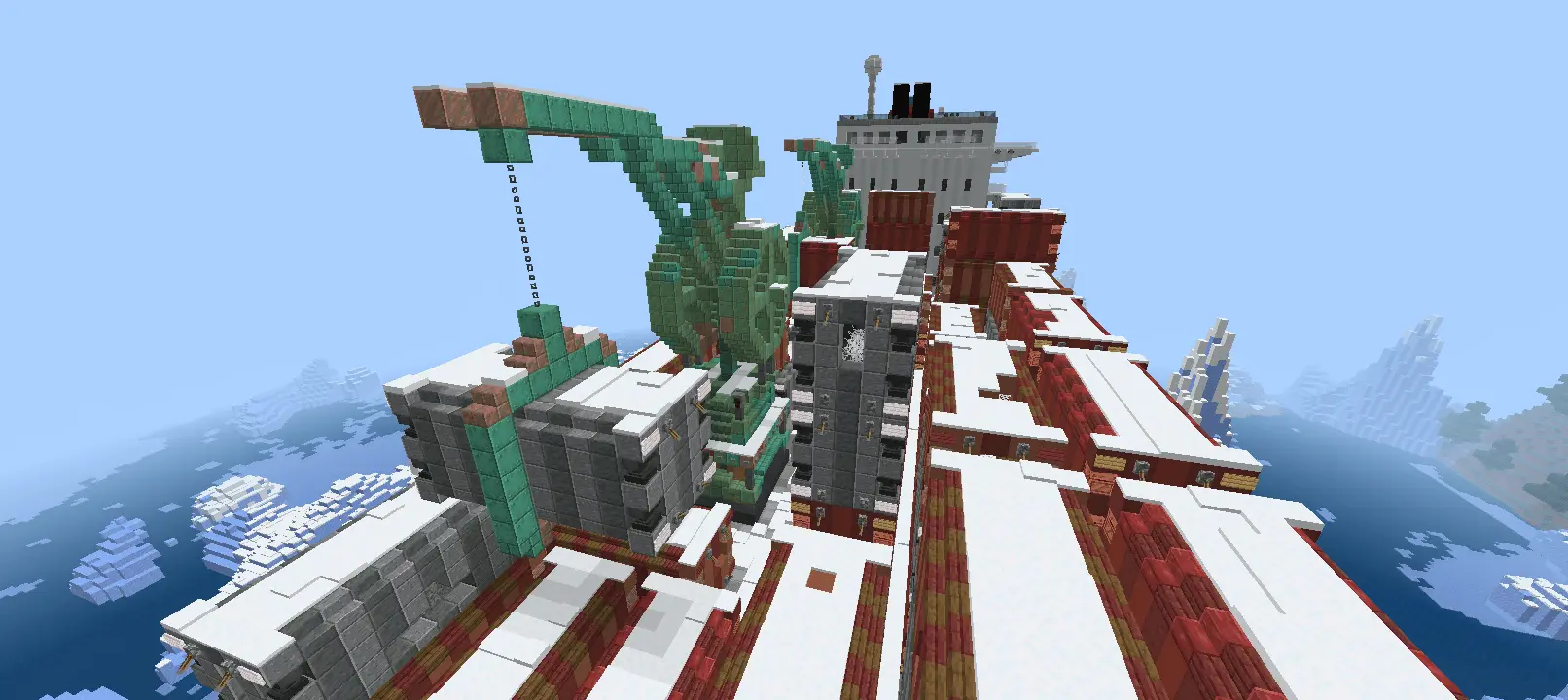
Huge custom builds usually come with a heavy performance tax on Bedrock, but this map completely sidesteps that issue. Because the apocalypse is built purely out of standard blocks—without relying on heavy background scripts, custom entity behaviors, or lagging command block loops—the world file runs incredibly well. The environment is purely structural. You can sprint through the dense upper quarters or drop into the lower decks on a mobile phone, console, or PC without suffering from those world-freezing chunk-loading spikes. It provides a massive, highly detailed survival playground that stays perfectly smooth no matter what device you use to explore it.
How to install?
Android: use ES Explorer to find mcworld in the download folder. Click on a file to import it inside.
Versions of Windows 10: Go to your downloads folder and find mcworld. Click on the document to add it to the client.
IOS: as soon as they clicked on the Download button below, the device will offer to open it.
Comments (0)