Dappled Forest Hut Map
- 19-09-2026, 04:03
- 142
Adventure Maps / Creation Maps / Survival Maps
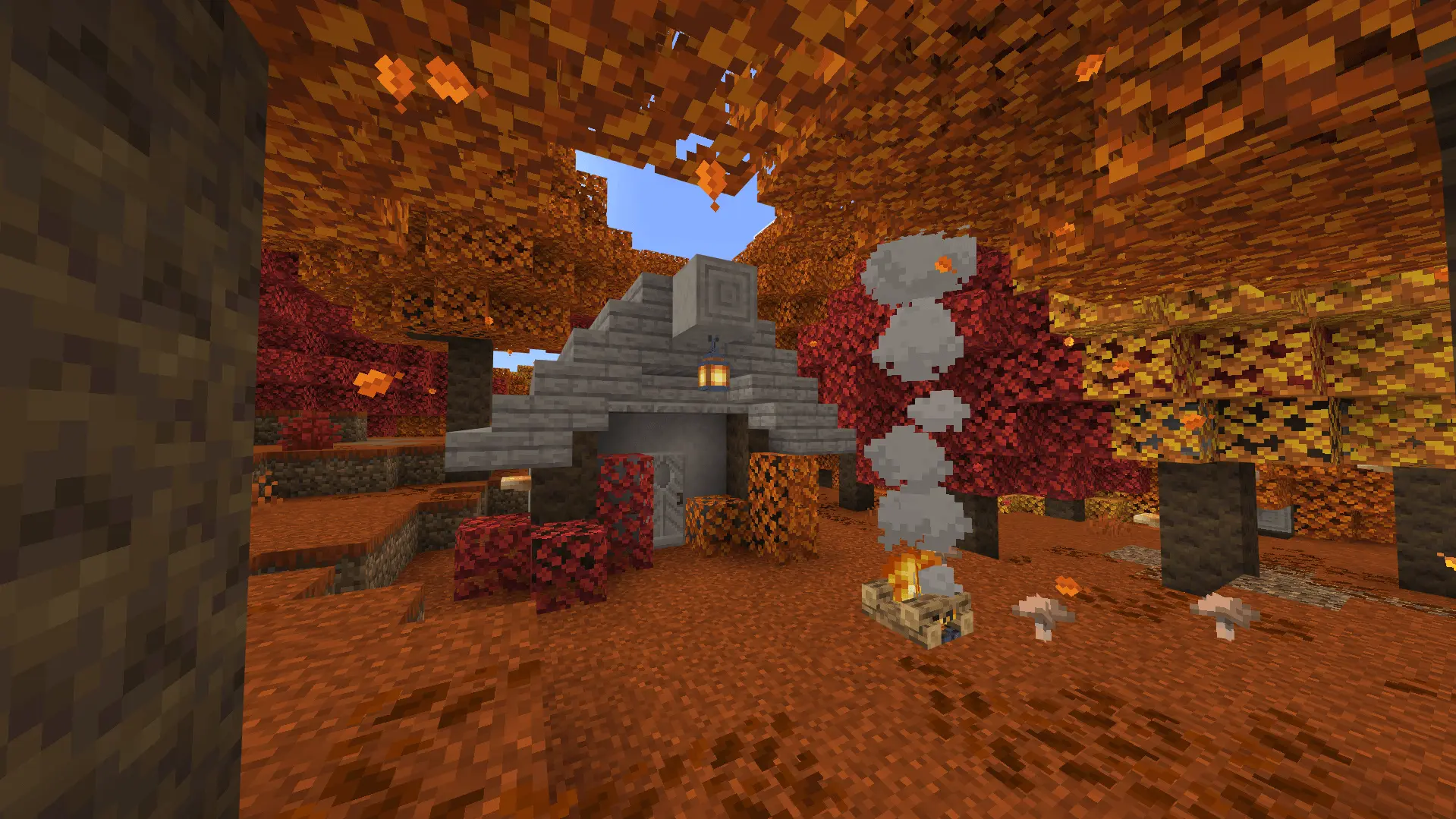
Starting a survival world usually means sleeping in a hole in the dirt or throwing together an ugly cobblestone box before the sun goes down. The Dappled Forest Hut Map sorts that out immediately by dropping your spawn right next to a fully finished cabin in the middle of a custom biome. The entire build uses Poplar wood and vibrant foliage from the new Dappled Forest trees, giving the campsite an earthy, distinct look that vanilla Minecraft doesn't offer. The cabin itself isn't an oversized empty shell; it is compact and ready for day-one survival, stocked with a bed, crafting table, furnace, and storage chests tucked under the roof. You can skip the tedious initial resource gathering and start exploring the new landscape right away.
Under the hood, the map bundles custom behavior and resource packs to handle the new Poplar logs, planks, and colored leaf models. You will need to make sure experimental gameplay toggles are turned on when loading the world file, or the custom blocks simply won't render properly. Because the save injects brand-new block data and relies on active behavior files, Xbox Live achievements are completely locked. That is standard procedure for any world introducing non-vanilla materials, but it is an essential detail to keep in mind if you are actively grinding for Gamerscore.
Custom trees and leaf blocks have a bad habit of bogging down Bedrock, especially on phones or older consoles that struggle with heavy chunk updates. Thankfully, this world avoids performance pitfalls by keeping the backend footprint minimal. There are no runaway background scripts, complex redstone clocks, or heavy custom mob spawns eating into the server tick rate. The new block models load cleanly into the standard terrain pipeline, meaning you can sprint through the woods, chop down trees, and expand the homestead on mobile, console, or PC without dealing with stuttering frames or memory lag.
How to install?
Android: use ES Explorer to find mcworld in the download folder. Click on a file to import it inside.
Versions of Windows 10: Go to your downloads folder and find mcworld. Click on the document to add it to the client.
IOS: as soon as they clicked on the Download button below, the device will offer to open it.
Comments (0)