MINECRAFT BUT BLOCK CHANGE EVERY DAY Map
- 19-09-2026, 06:13
- 215
Adventure Maps / Creation Maps / Survival Maps
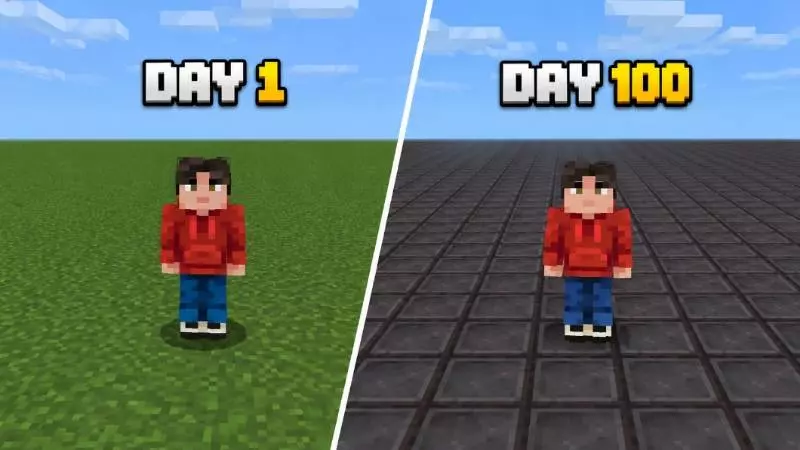
Playing on a superflat world usually means spending hours running between villages just to scrape together basic gear. The MINECRAFT BUT BLOCK CHANGE EVERY DAY MAP completely changes that dynamic by turning the ground itself into a strict timer. Every single time the sun comes up, the entire three-layer floor of the map instantly swaps to a brand new block. You start on standard grass, but the 100-day cycle aggressively pushes you through basic building materials, rare ores, and late-game utility blocks. If you need diamonds or obsidian, you have exactly one in-game day to dig up as much as you can before the terrain shifts again. It completely breaks the usual pacing of survival, making it a highly replayable setup for fast multiplayer sessions or structured 100-day challenge videos.
Swapping out the entire floor of a world on a rigid 20-minute timer requires some heavy backend scripting. Because this map relies on automated commands and customized block progression cycles to function, Xbox Live achievements are permanently disabled for the save file. Since this is clearly built as a specialized gimmick challenge rather than a long-term vanilla world, losing access to standard trophies is just part of the deal. You don't have to manage any of the background logic or flip any levers yourself; the sequence runs automatically in the background and cleanly loops right back to the starting grass block on day 101 if you actually manage to survive that long.
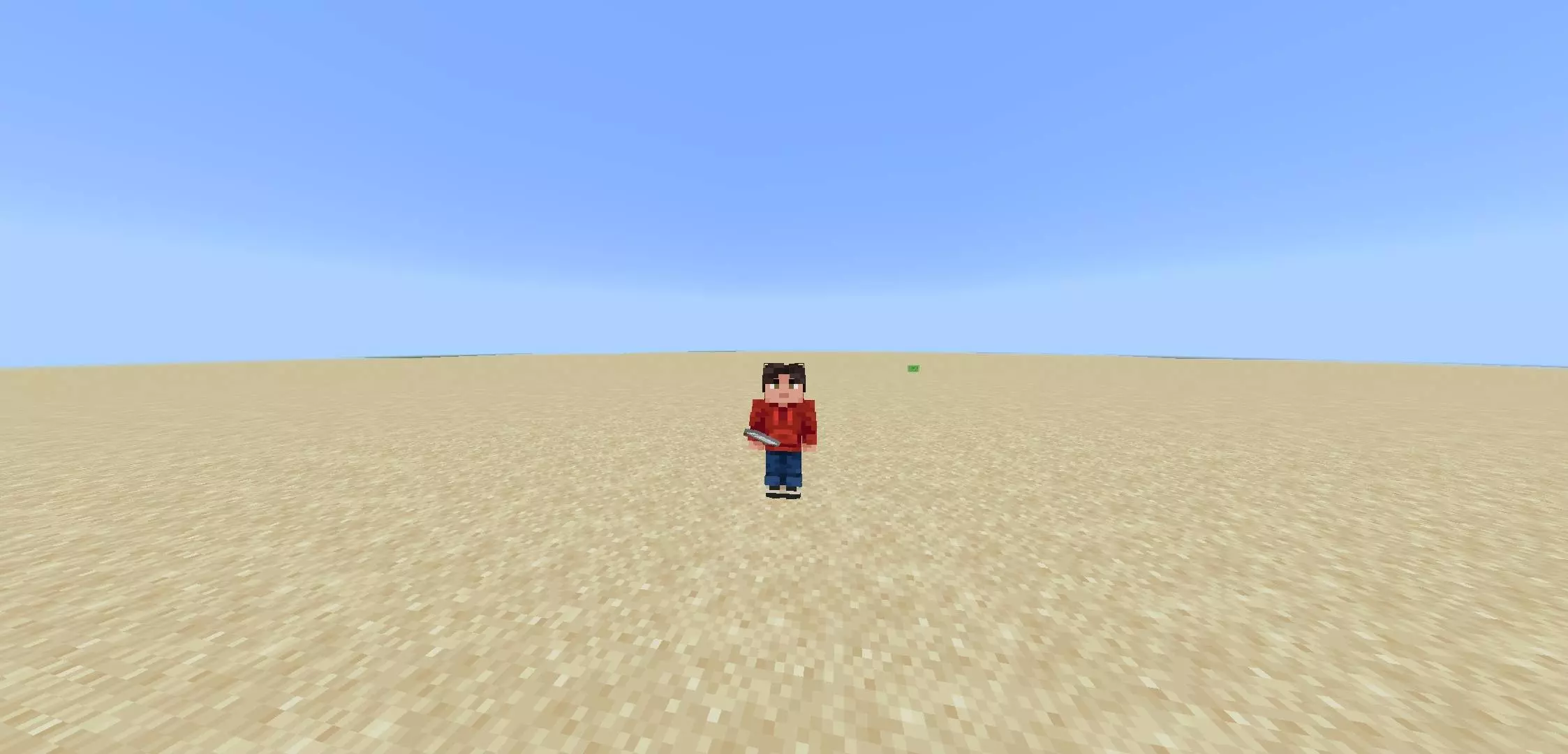
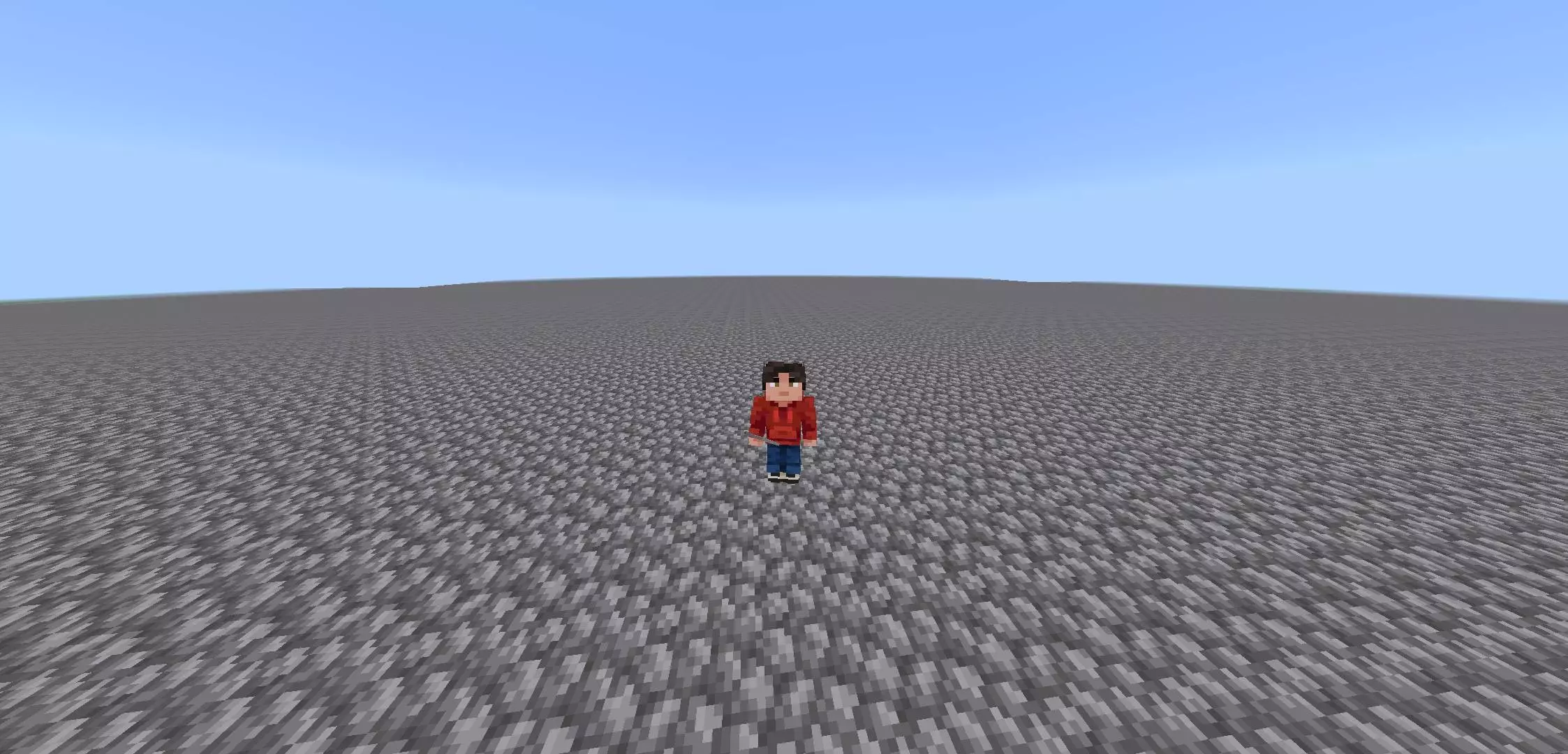
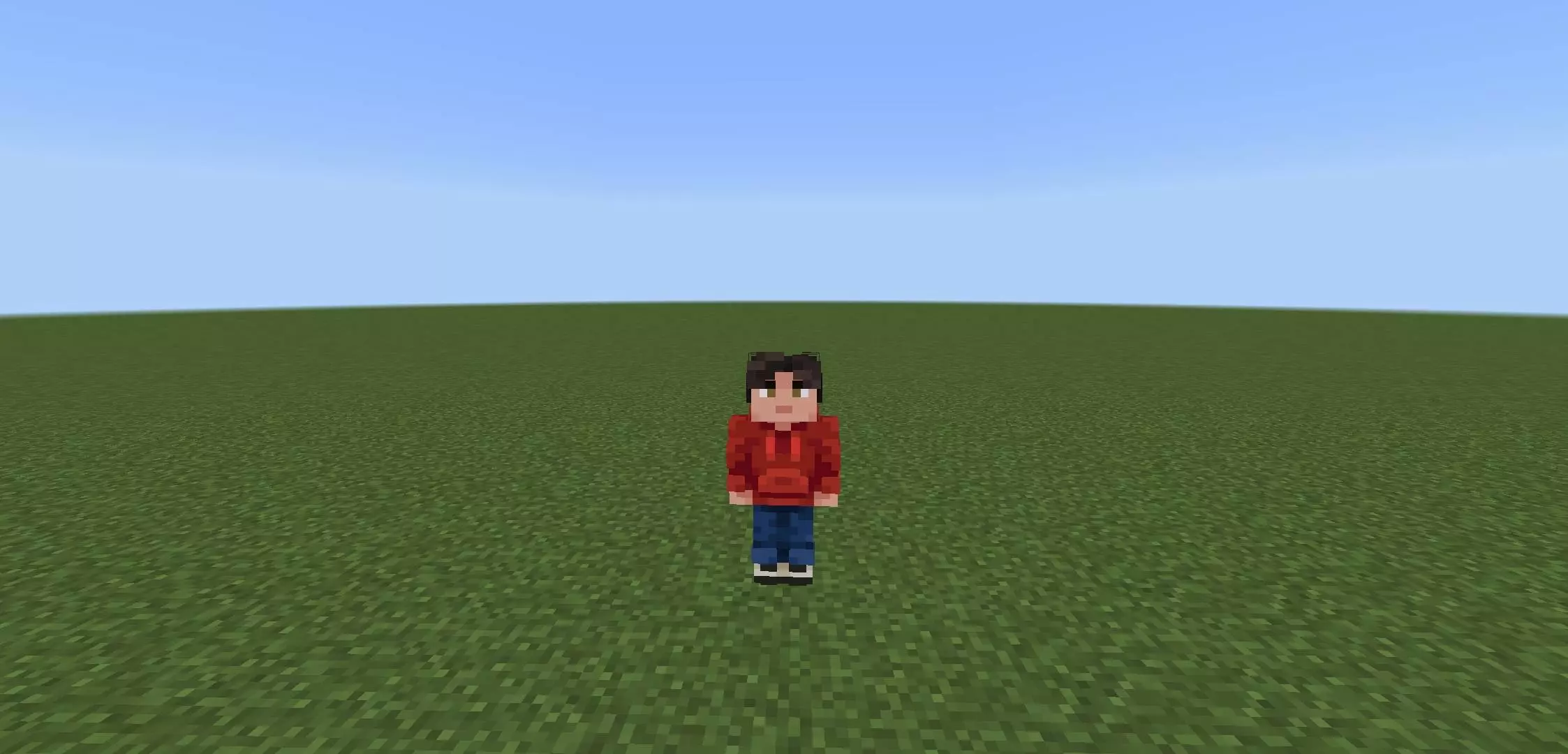
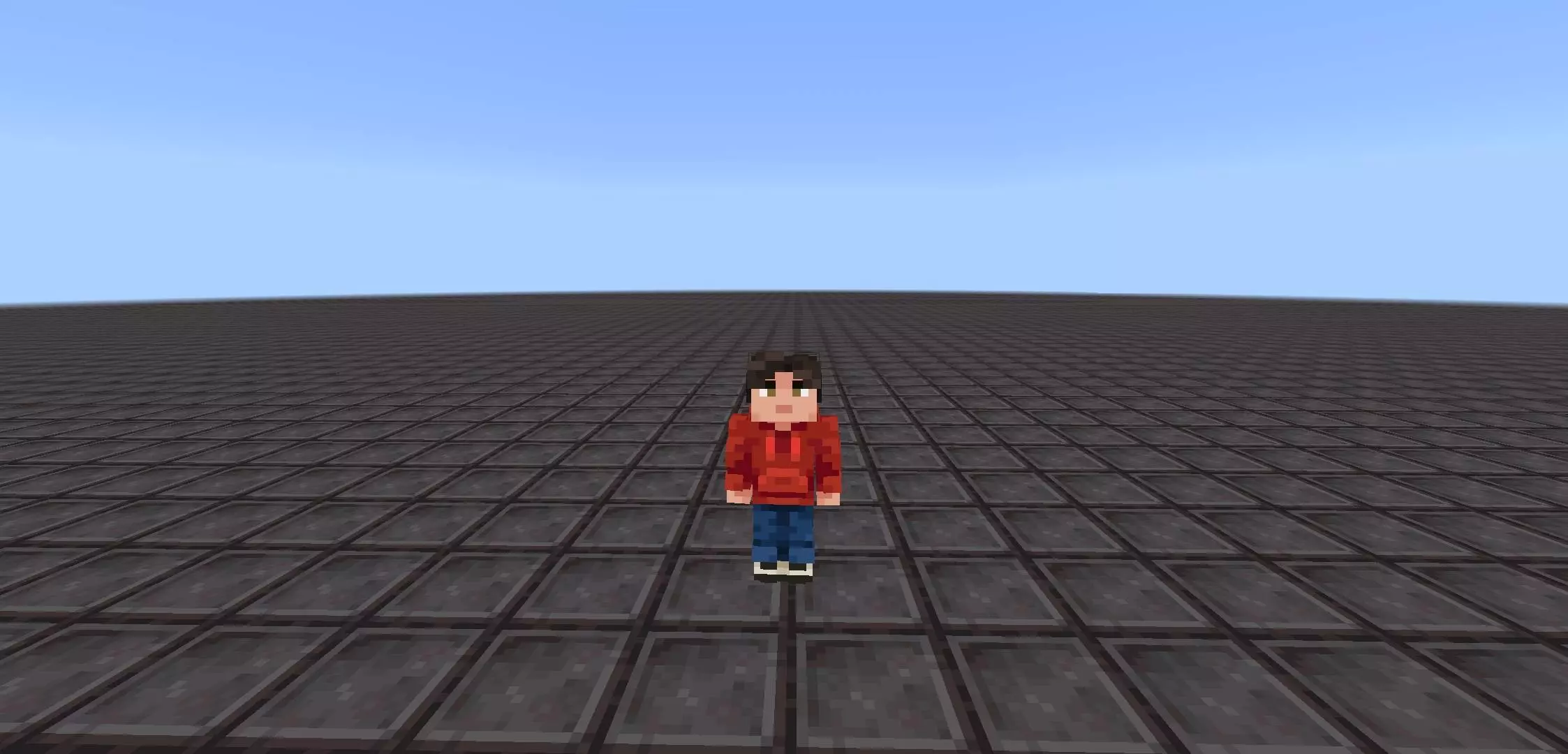
From a performance standpoint, changing thousands of blocks simultaneously at dawn is usually a fast track to crashing a Bedrock server or freezing your application. Thankfully, the replacement commands here are optimized to keep the game engine from choking. You might notice a very brief frame drop exactly at sunrise when the script actually executes the mass block swap, but the tick rate stabilizes almost immediately without leaving any lingering memory bloat. It runs stable enough on mobile devices, consoles, and PCs that you can confidently host a multiplayer group or record a long-term survival run without worrying about the world file corrupting halfway through the challenge.
How to install?
Android: use ES Explorer to find mcworld in the download folder. Click on a file to import it inside.
Versions of Windows 10: Go to your downloads folder and find mcworld. Click on the document to add it to the client.
IOS: as soon as they clicked on the Download button below, the device will offer to open it.
Comments (0)