Day 0 Ultimate Survival Base Map
- 19-09-2026, 13:40
- 153
Adventure Maps / Creation Maps / Survival Maps
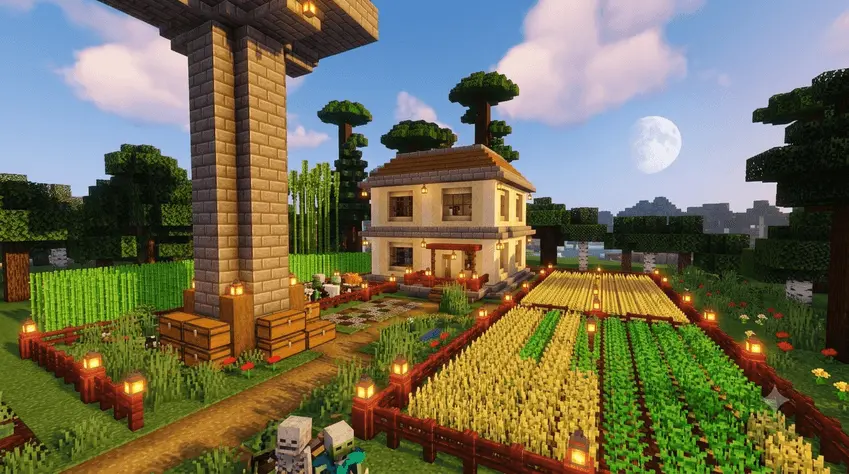
Starting a new survival save always sounds like a great idea until you remember how many hours you have to waste just securing basic food and shelter. The Day 0 Ultimate Survival Base Map completely skips that tedious early-game grind. Instead of spawning in the middle of nowhere with absolutely nothing, you start your journey right inside a fully constructed modern compound. The place is already set up and ready to go, complete with essential survival farms that handle all your basic resource needs from the very first minute. You can immediately start exploring, caving, or expanding your territory without panicking when the sun goes down on the first night.
The absolute biggest draw here is the technical status of the save file. Nine times out of ten, downloading a custom world with a massive pre-built base means the creator used creative mode or world-editing tools, which permanently disables official progression. This compound, however, was built entirely within the strict boundaries of pure vanilla survival, meaning Xbox Live achievements are 100% enabled. It even includes a few subtle quality-of-life add-ons that enhance the experience without tripping the game's cheat detection. Finding a stacked starter map that still lets you grind out your Gamerscore is incredibly rare, making this a perfect setup for achievement hunters who just want a solid head start.
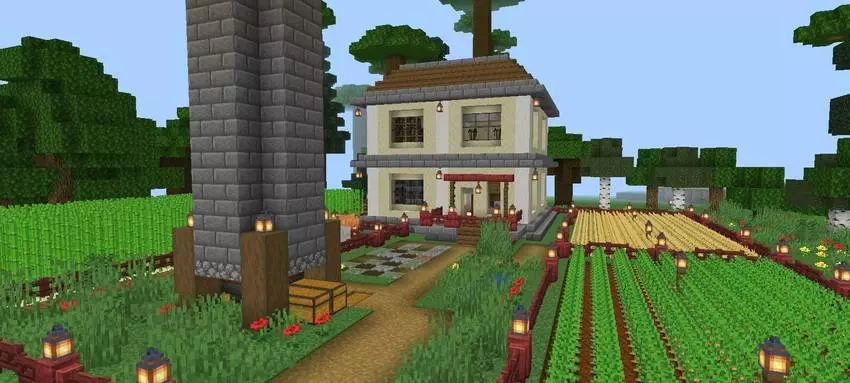
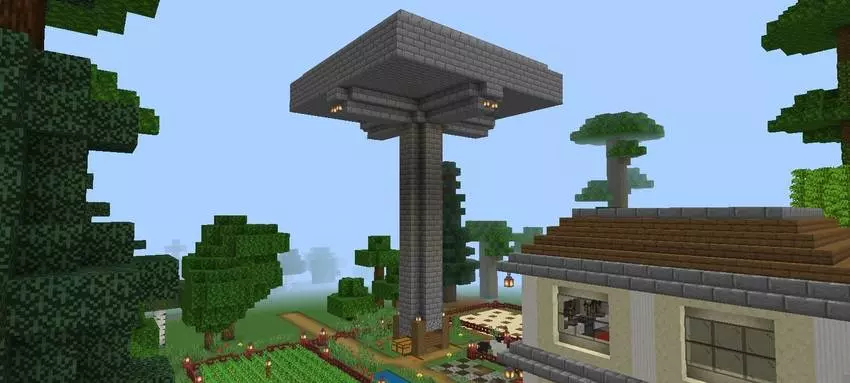
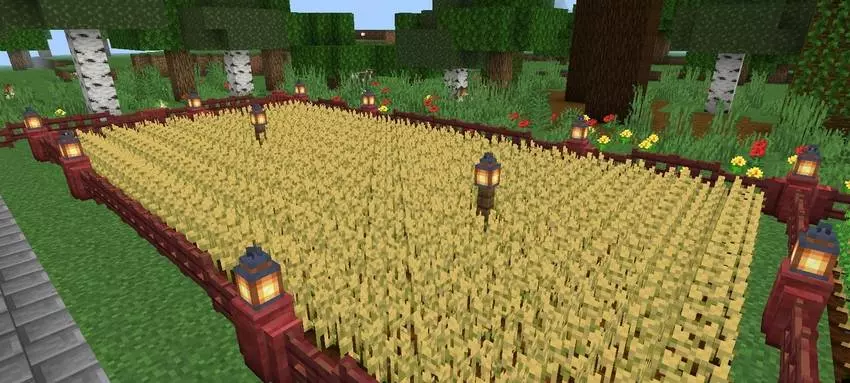
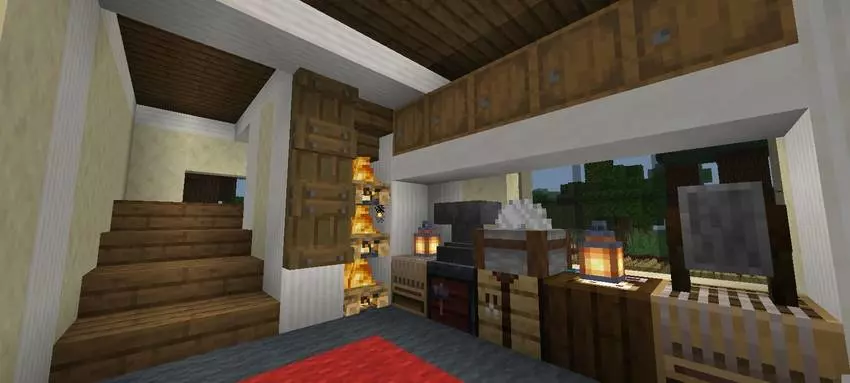
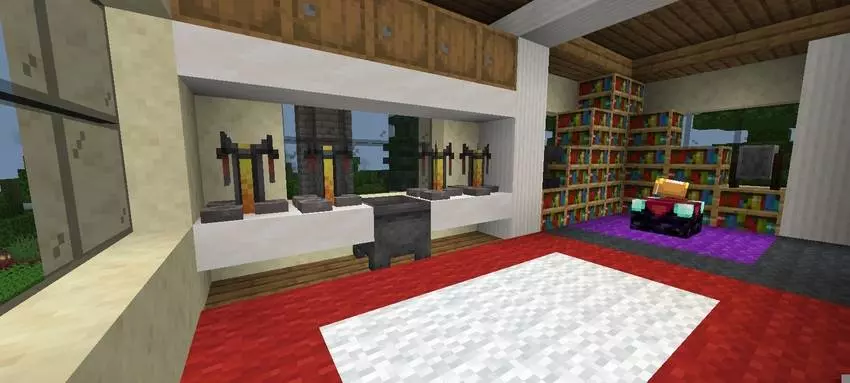
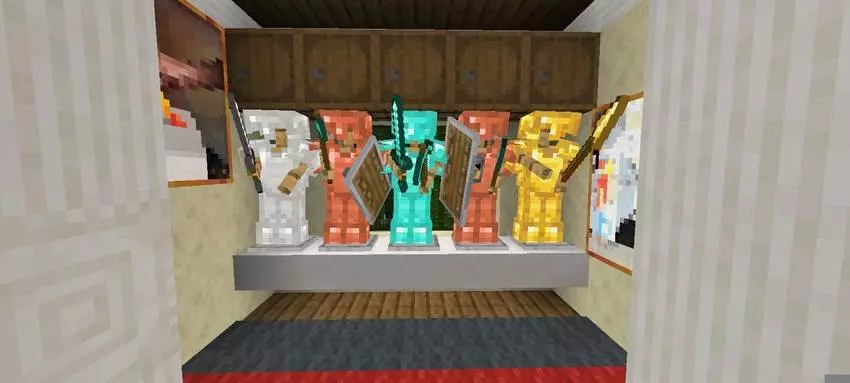
Packing a starter base full of working farms and extra add-ons right at world spawn is usually a fast track to terrible chunk-loading lag, especially on phones or older consoles. Thankfully, the technical setup here is surprisingly clean. The farm designs are optimized to avoid spamming the game with unnecessary redstone updates or entity lag, and the included add-ons run quietly in the background without eating up your device's memory. You can sprint around the compound, harvest your crops, and manage your storage without suffering from sudden frame drops, giving you a perfectly smooth, lag-free headquarters right out of the box.
How to install?
Android: use ES Explorer to find mcworld in the download folder. Click on a file to import it inside.
Versions of Windows 10: Go to your downloads folder and find mcworld. Click on the document to add it to the client.
IOS: as soon as they clicked on the Download button below, the device will offer to open it.
Comments (0)