Minecraft: Speedrun Edition Map
- 21-09-2026, 03:14
- 110
Adventure Maps / Minigame Maps / Puzzle Maps
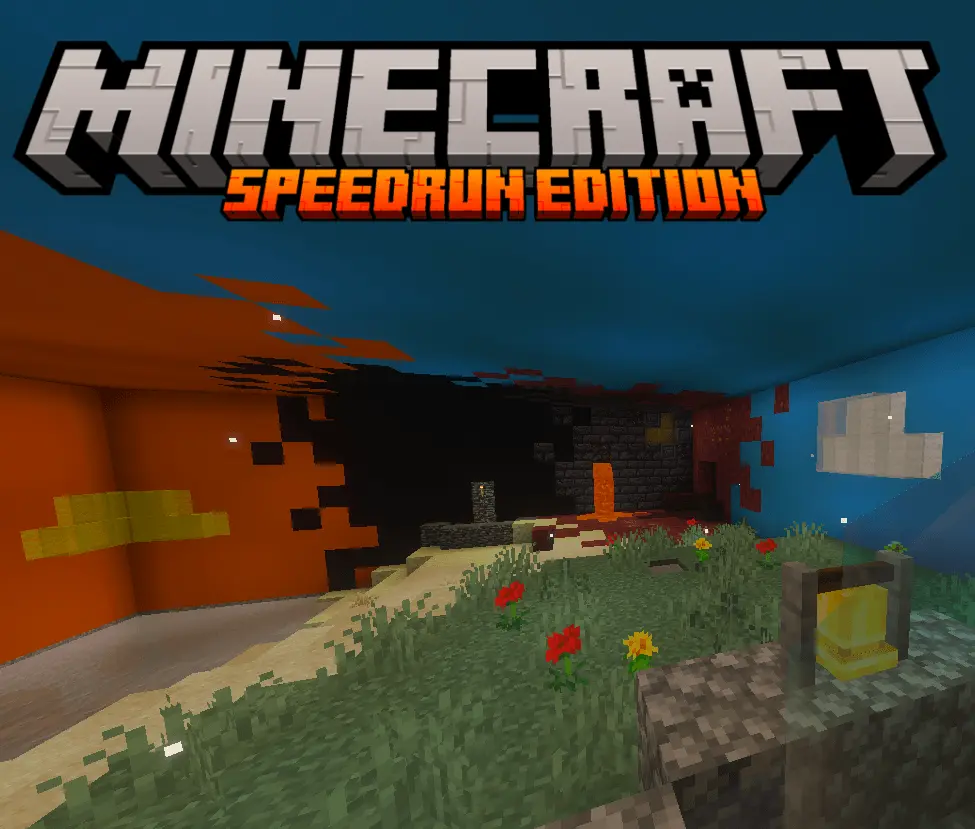
Grinding for a new personal best usually means staring at the terrain generation screen for hours just to roll a decent starting spawn. This map completely bypasses that frustration by acting as a self-contained speedrun engine inside a single Bedrock save. You can instantly reset attempts and wipe the terrain without ever leaving the world. It provides a massive toolkit for runners of any skill level, featuring a built-in customizable timer, automatic split tracking, and a pool of over 1.5 billion seeds where chest loot and structure generation remain rigidly standardized for fair practice. If you are trying to learn the ropes, there are dedicated tutorial zones to help you master specific high-level mechanics like Bastion routing, rapid portal building, and stronghold navigation, complete with a beginner-friendly state-rollback feature to undo mistakes.
Managing instant world resets, custom RNG modifiers, and on-screen user interfaces requires an extensive network of backend scripts and behavior modifications. Because the map relies entirely on these customized commands to function, Xbox Live achievements are permanently locked.
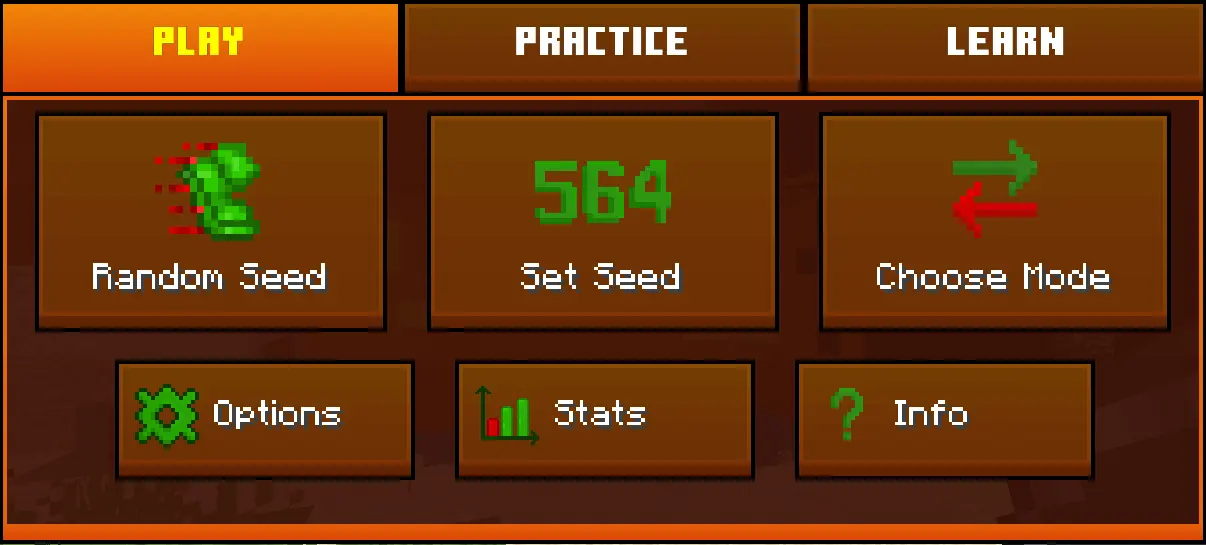
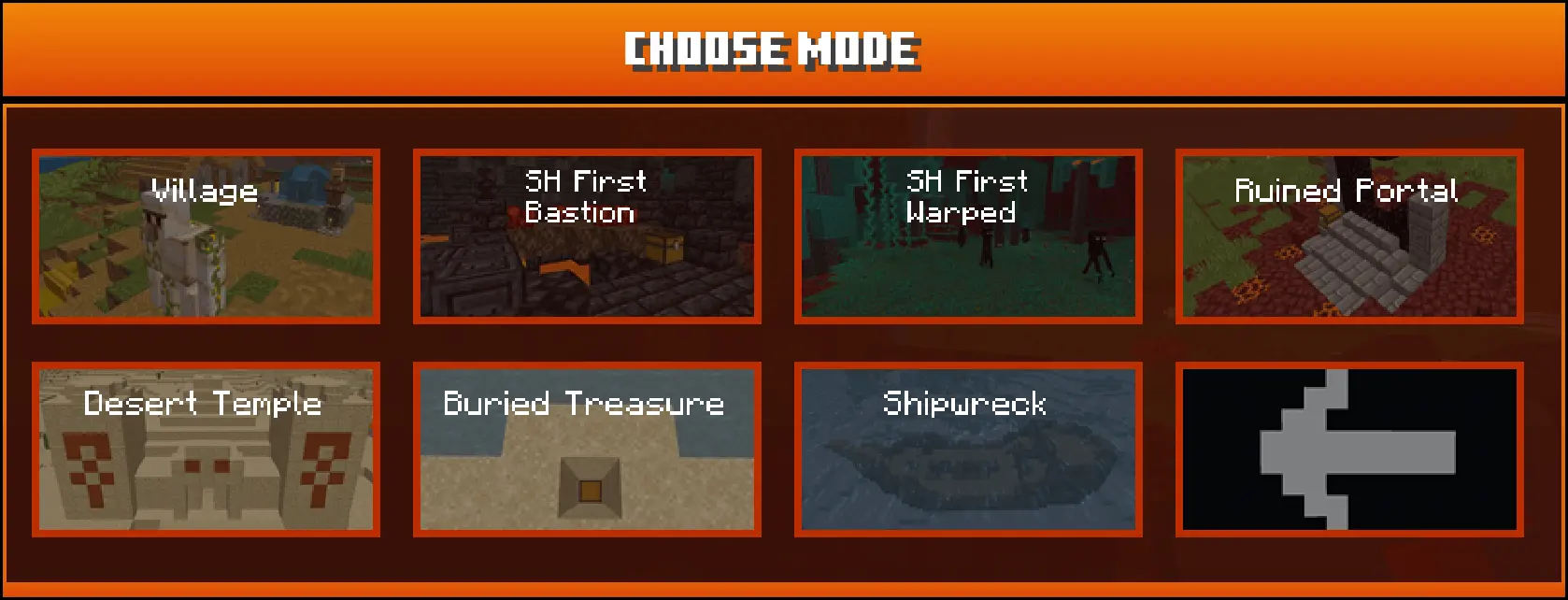
Forcing the game engine to rapidly delete and regenerate structures between attempts is an easy way to cause severe memory leaks and crippling lag spikes in Minecraft. To prevent the world file from corrupting itself, the creator implemented an aggressive, automatic cleanup protocol that instantly clears leftover block updates and entities the moment you trigger a reset. The tick rate stays remarkably snappy even after dozens of back-to-back runs. Furthermore, the custom UI and control panels were specifically designed to be mobile-compatible, meaning smartphone players can manage their stats and configure their run settings just as easily as PC and console users without the menus blocking their field of view.
How to install?
Android: use ES Explorer to find mcworld in the download folder. Click on a file to import it inside.
Versions of Windows 10: Go to your downloads folder and find mcworld. Click on the document to add it to the client.
IOS: as soon as they clicked on the Download button below, the device will offer to open it.
Comments (0)