One Block Map
- 30-09-2026, 02:06
- 137
Adventure Maps / Custom Terrain Maps / Minigame Maps / Survival Maps
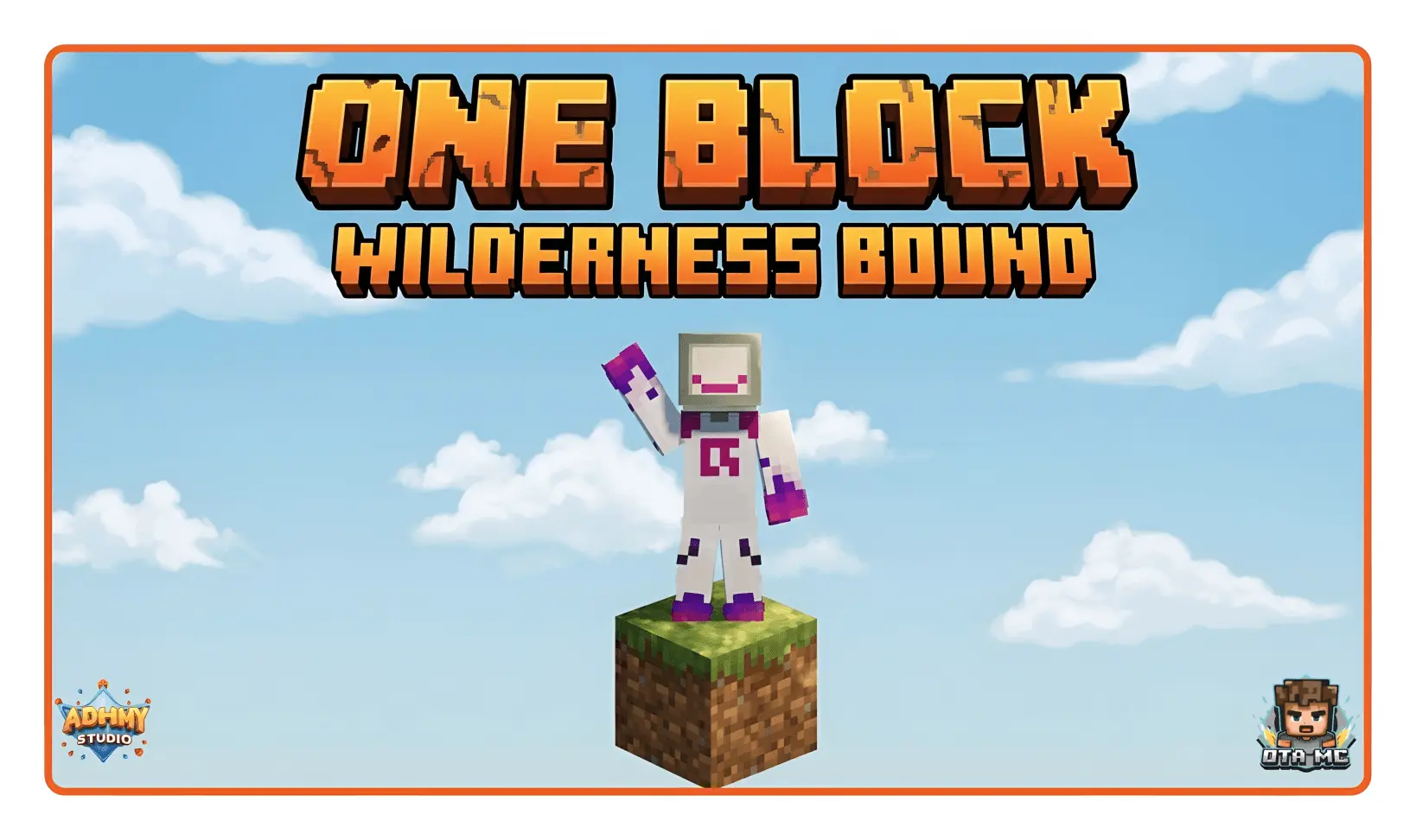
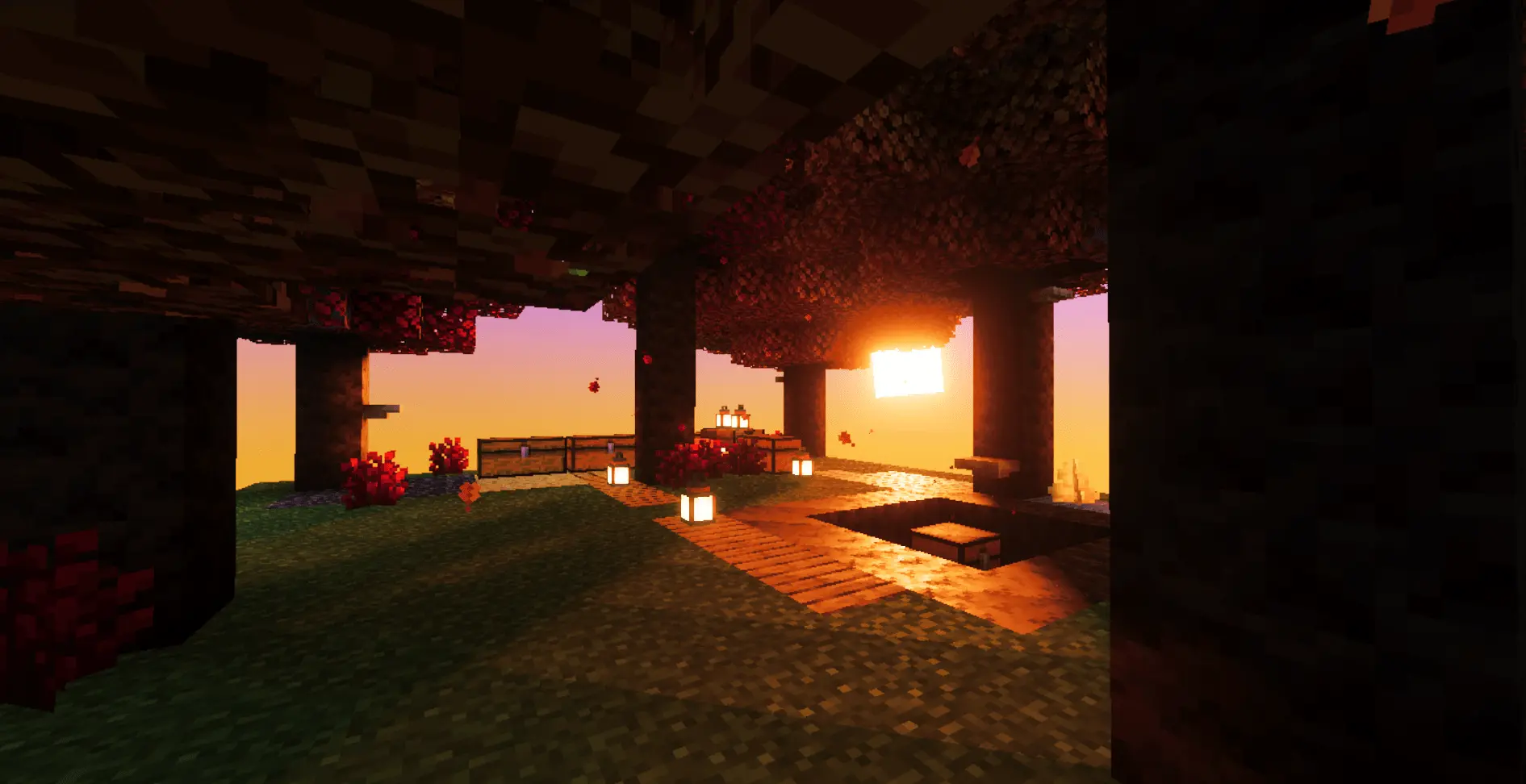
If you have spent any real time around the Minecraft community, you know Skyblock inside and out, but One Block pushes that isolated void concept to a ridiculous extreme. You wake up floating in an empty sky with nothing beneath your boots except a single block of dirt. Every single time you break it, another resource instantly takes its place, steadily nudging you through different thematic milestones. It sounds endlessly repetitive on paper, yet the loop hooks you almost immediately. You start out collecting basic dirt and oak saplings, dig down through stony underground caverns, survive sandy deserts, and eventually scramble for your life against hostile spawns in Pale Gardens, Trial Ruins, and Ancient Cities. There are even stages dedicated to Woodland Mansions and the Nether, forcing you to dodge wither skeletons on a tiny platform with zero guard rails. It captures that classic Java challenge and smooths out the rough edges so it actually works properly on Bedrock, whether you are grinding solo or yelling at your friends over a misjudged jump.
Because this map is packed with background scripts that track your total breaks, roll custom loot tables, and manage level transitions, it comes with a few technical realities you need to know about. Loading into this custom world template permanently turns off your Xbox Live achievements. If you are actively hunting Gamerscore, you will want to stick to a vanilla survival world instead. You also have to handle a little setup before you start digging. Heading into the world settings to switch on Experimental Gameplay features, specifically Beta APIs, is mandatory. If you skip that toggle, the regeneration scripts will break on your very first swing, stranding you on an ordinary piece of dirt with nowhere to go.
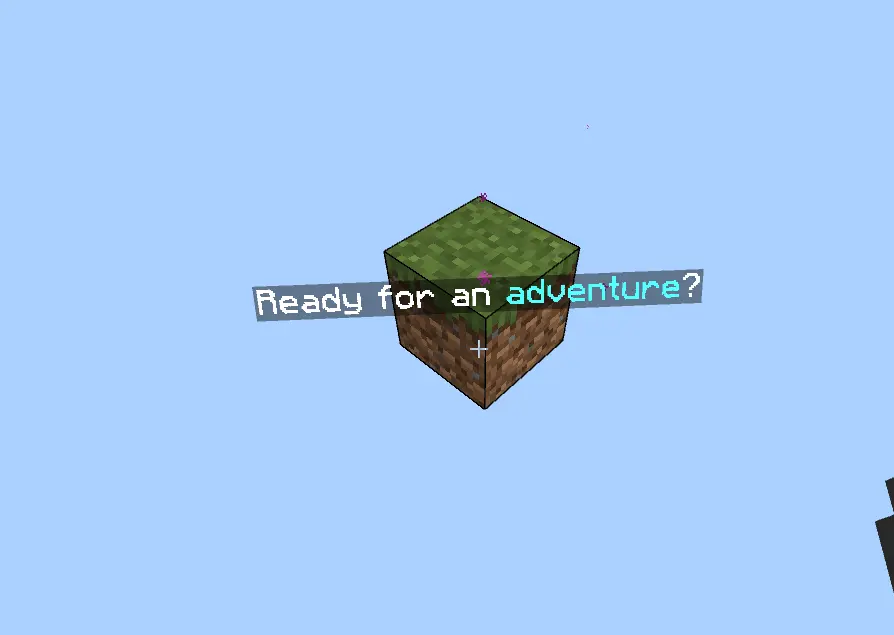
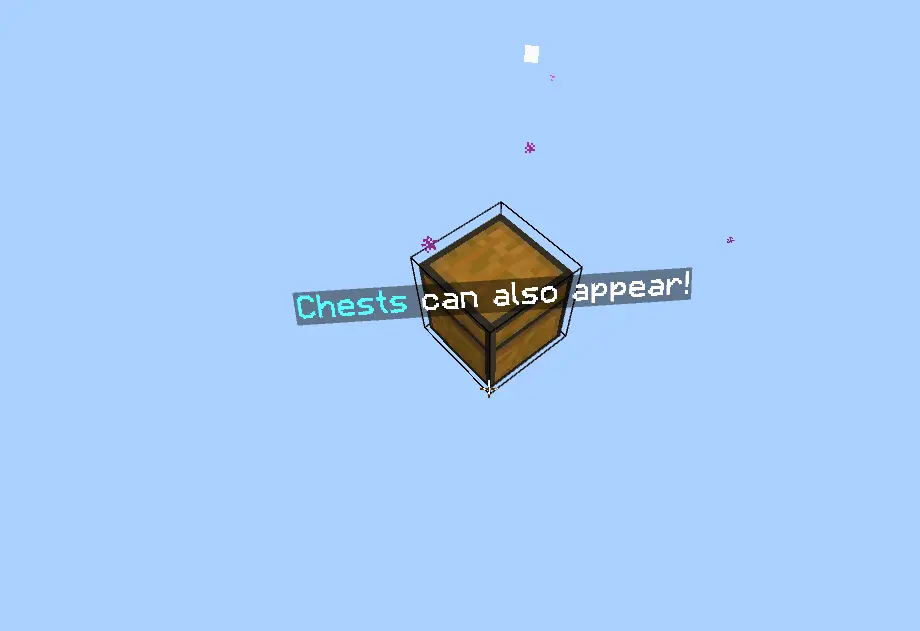
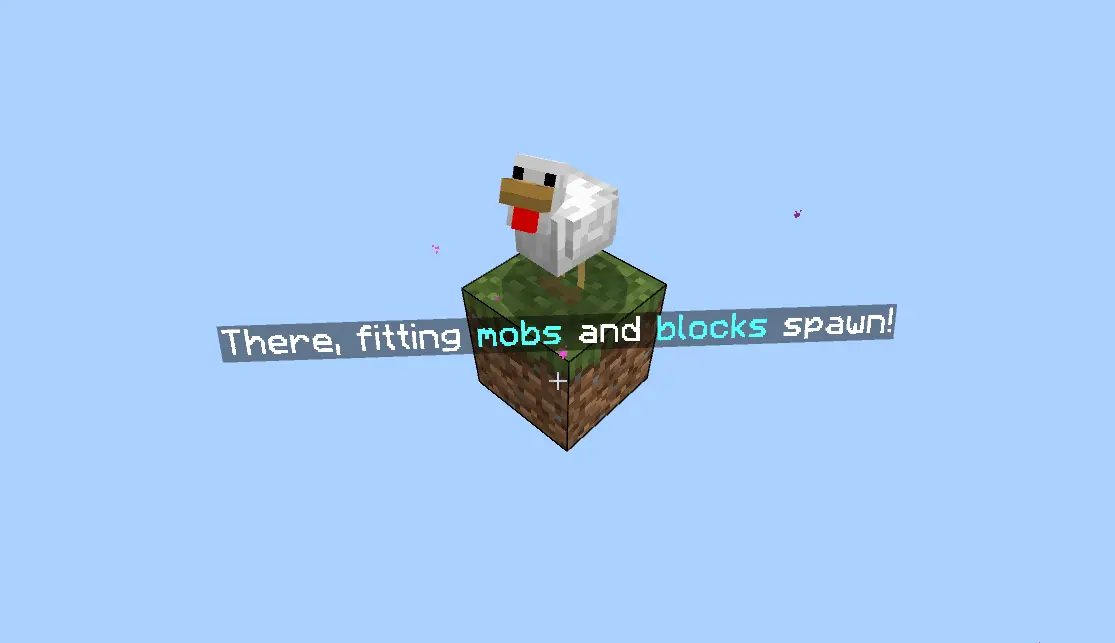
Hardware performance is actually pretty smooth at the start because an empty void gives the Bedrock engine almost nothing to render in the distance. Running this on a PC or a modern home console is effortless, and you can chew through hundreds of blocks without dropping frames. The real test comes on budget smartphones once you hit the advanced stages. When an Ancient City or Nether phase suddenly drops a cluster of hostile mobs, falling gravel, and dozens of loose item entities onto your tiny base all at once, older mobile processors will definitely choke. Letting floating drops pile up will tank your framerate in a hurry, so keeping your platform clean and shoving items into chests right away is the best way to keep things running smoothly.
How to install?
Android: use ES Explorer to find mcworld in the download folder. Click on a file to import it inside.
Versions of Windows 10: Go to your downloads folder and find mcworld. Click on the document to add it to the client.
IOS: as soon as they clicked on the Download button below, the device will offer to open it.
Comments (0)