A 550 DAYS HARDCORE WORLD Map
- 1-10-2026, 07:47
- 153
Adventure Maps / Creation Maps / Survival Maps / CTM Maps
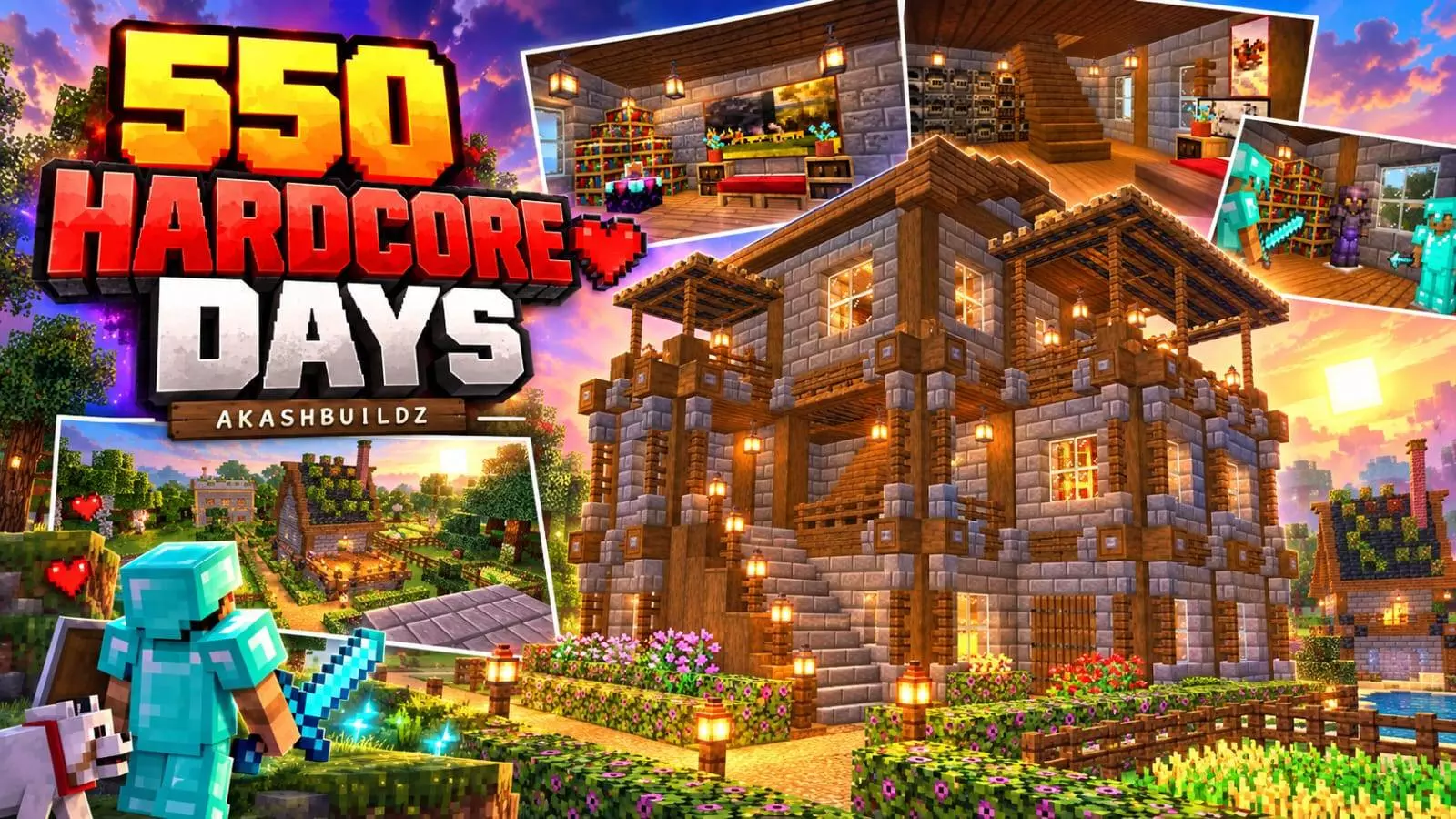
Stepping into someone else's long-term survival world usually goes one of two ways: either it's an absolute mess of half-finished projects and dirt huts, or it's an over-engineered monument where you can't find a single chest. This 550-day hardcore world actually strikes the right balance by feeling lived-in, organized, and genuinely functional. Instead of treating the map like a museum showcase, the layout is designed around practical day-to-day survival. You spawn into a fully realized base built around a classic rustic palette of textured stone and wood, complete with landscaped flowerbeds, lantern-lined gravel pathways, and houses that actually have furnished interiors rather than empty floors. What really gives the save real value, though, is the infrastructure already humming in the background. With five operational farms up and running—including a working iron farm, an unlimited stone generator, and an automatic bamboo farm—you skip the tedious early-game resource grind entirely and can jump straight into high-tier building or endgame exploration.
Because this is an imported world file loaded with pre-existing structures and modified save data, your Xbox Live achievements are shut off the moment you load into the world. If you are specifically hunting Gamerscore or aiming to unlock survival milestones on your personal profile, you will want to grind your own seed instead. On the flip side, the technical configuration is surprisingly painless. Because the builds and redstone setups rely strictly on vanilla Bedrock mechanics rather than custom script events, you don't actually need to flip on Experimental Gameplay features or toggle Beta APIs in the world options. You can simply import the save file, boot it up, and all five farms will function immediately without breaking your game's underlying physics engine.
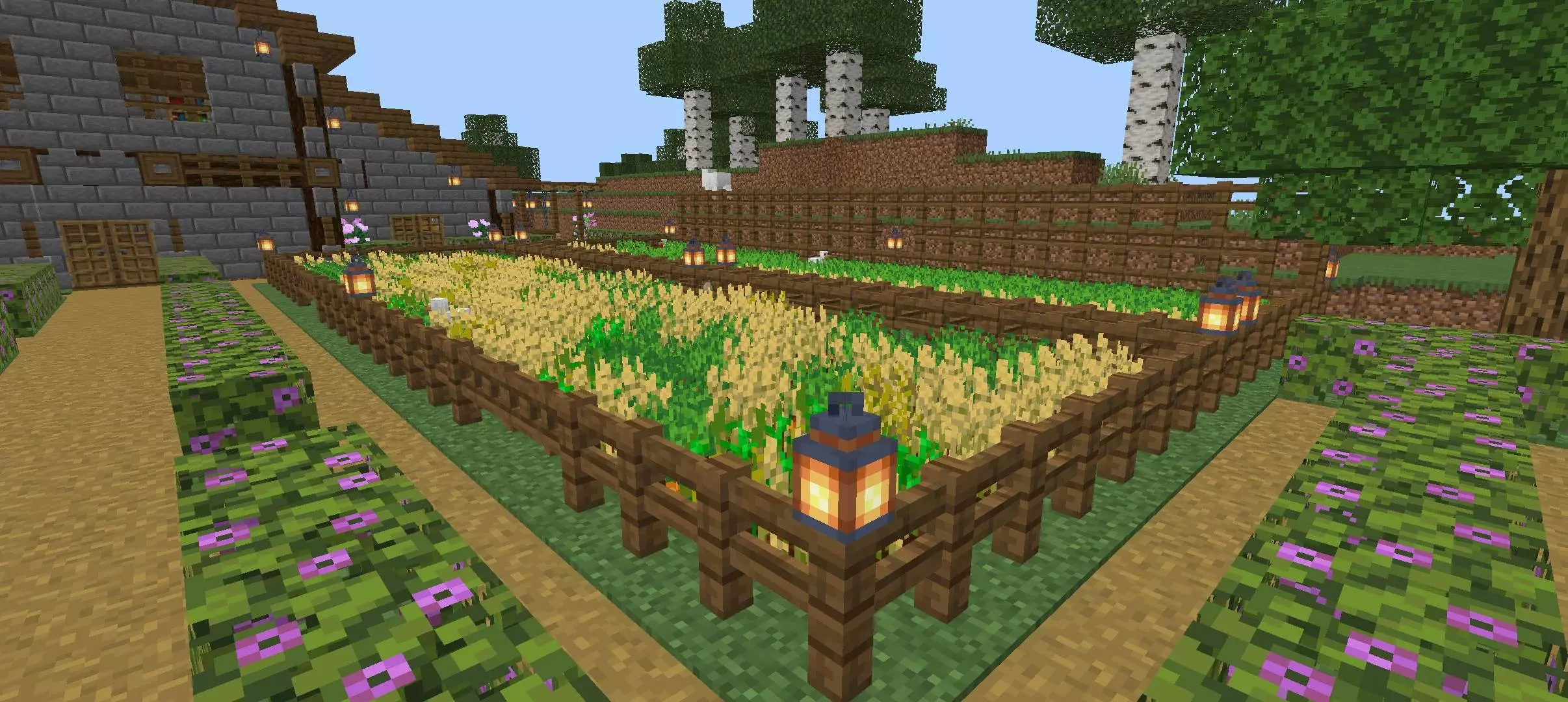


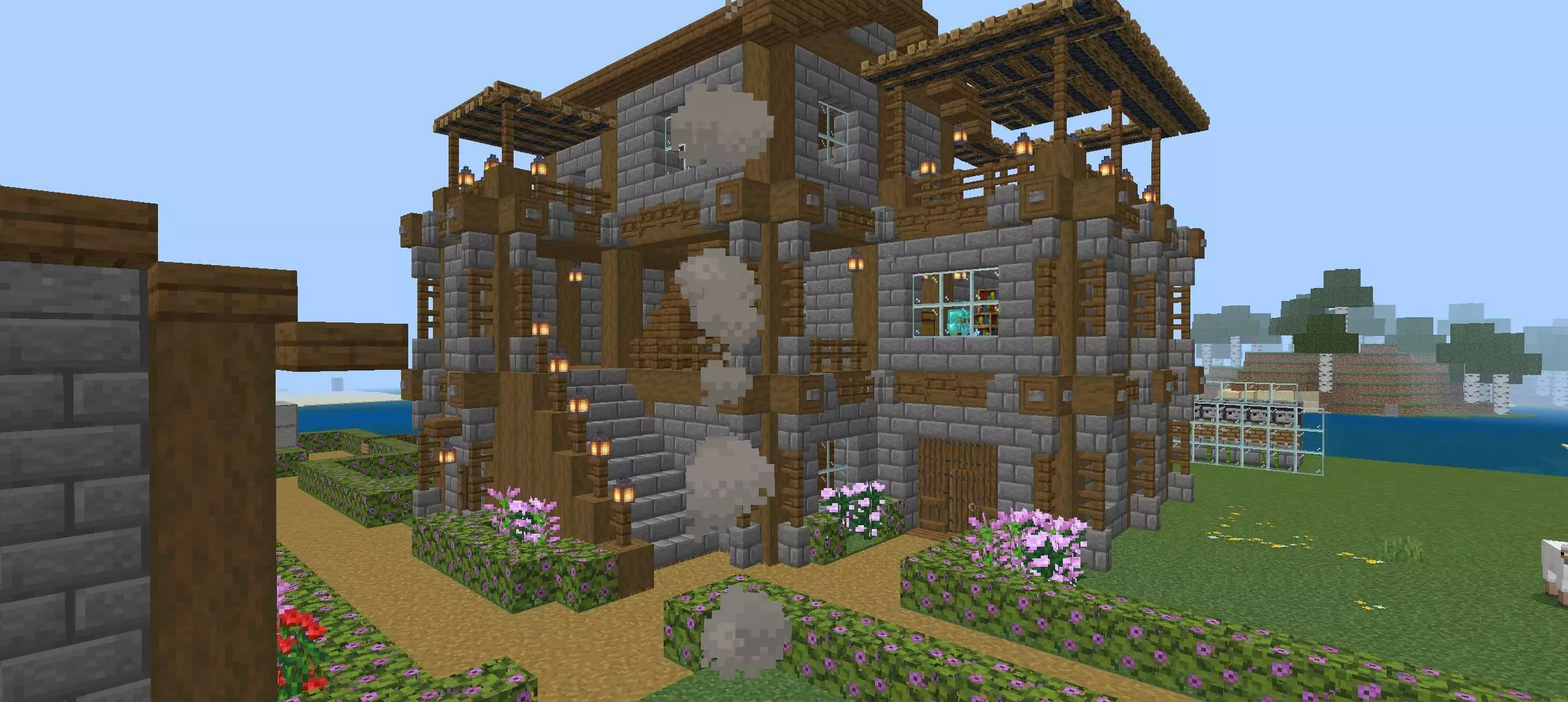
Framerate stability, however, is going to depend heavily on where you stand and what hardware you are holding. High-end PC rigs and current-gen consoles will glide through the main courtyard at a steady refresh rate without breaking a sweat, even with all the redstone clocks ticking. The problem comes down to weaker hardware, especially older Android or iOS devices. Having villagers locked into an iron farm, multiple hopper lines pushing items into storage, and redstone pistons firing off inside the bamboo farm all within the same simulation distance creates a noticeable processing bottleneck. If you hang around the main compound with high chunk rendering on an older phone, expect to see your framerate dip and your device heat up. Turning off unneeded farms when you aren't using them and lowering your simulation distance will keep the world running smoothly while you explore the leftover hardcore progress.
How to install?
Android: use ES Explorer to find mcworld in the download folder. Click on a file to import it inside.
Versions of Windows 10: Go to your downloads folder and find mcworld. Click on the document to add it to the client.
IOS: as soon as they clicked on the Download button below, the device will offer to open it.
Comments (0)