POPPY PLAYTIME 1 Map
- Today, 10:55
- 32
Adventure Maps / Minigame Maps / Puzzle Maps / Survival Maps
Recreating mascot horror games in Minecraft usually ends up looking like a bad parody with re-skinned creepers wandering into walls, but this Chapter 1 remake actually uses its bundled add-on to pull off the factory atmosphere. Instead of relying on vanilla levers and iron doors to fake the puzzles, the map incorporates custom 3D models for the GrabPack, interactive power circuits, and a properly animated Huggy Wuggy. The layout faithfully reconstructs the Playtime Co.
Getting everything to work properly requires some manual prep in the menus because the map relies heavily on custom assets. Since this is an imported world running custom behavior files, Bedrock flags the save immediately and permanently disables Xbox Live achievements, so don't expect any Gamerscore progress. More importantly, you have to dig into the world settings before launching and toggle on Experimental Gameplay options, specifically making sure Beta APIs are enabled. If you launch the world without those developer switches, the add-on scripts will collapse: the GrabPack won't fire or latch onto sockets, puzzle doors won't trigger, and the custom Huggy Wuggy entity will either spawn completely frozen or fail to appear entirely.
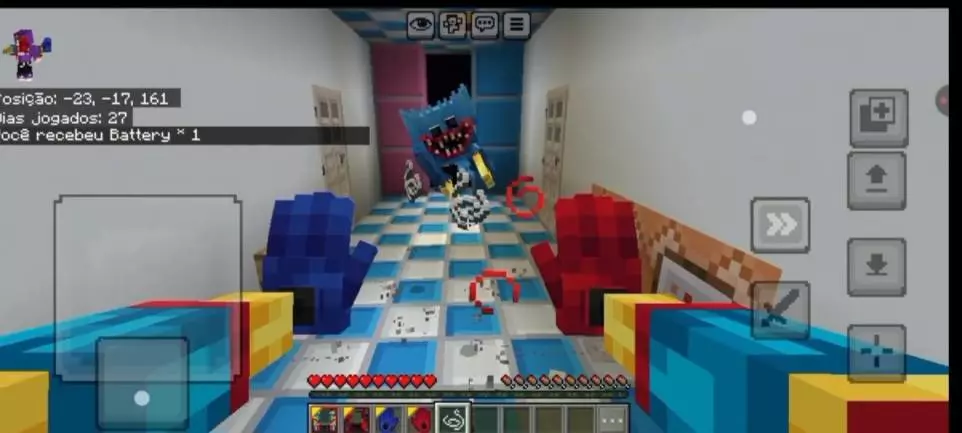
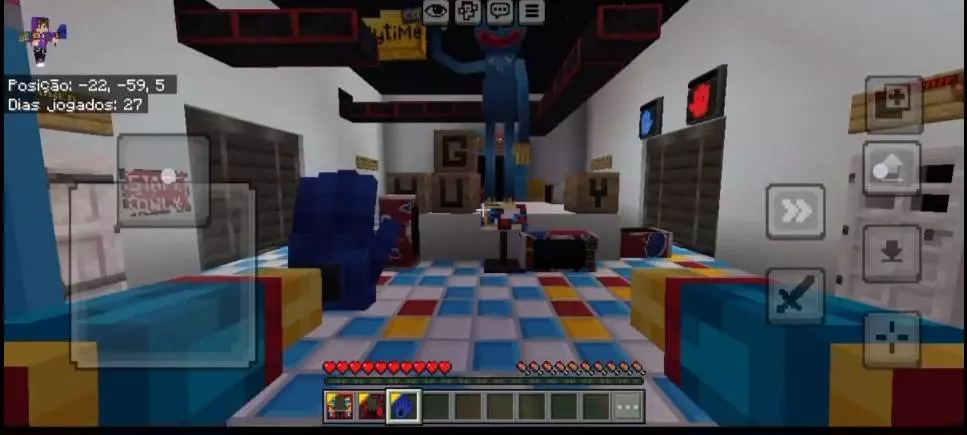
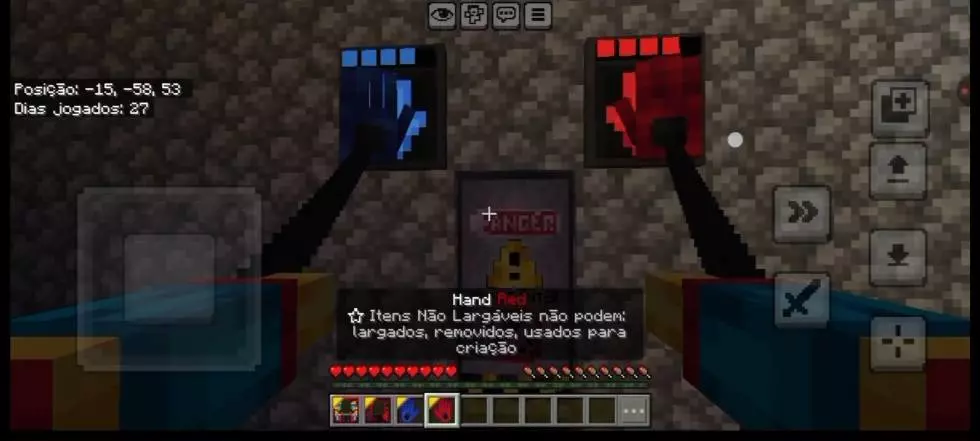
On the performance side, the closed-off factory layout keeps general world rendering light since the engine never has to process distant horizons or weather. PCs and modern consoles will easily maintain a locked 60+ FPS throughout the entire run. On budget smartphones and older tablets, however, the custom add-on assets are a known bottleneck. High-poly entity models, custom sound cues, and bone-based animations place extra strain on mobile chips. During the vent chase sequence, where rapid movement coincides with intense entity pathfinding and command execution, weaker mobile processors will often drop frames or stutter. If you are playing on a lower-end phone, turn off fancy graphics, kill background apps, and dial back your FOV slightly so the frame drops don't cause you to miss a critical turn during the chase.
How to install?
Android: use ES Explorer to find mcworld in the download folder. Click on a file to import it inside.
Versions of Windows 10: Go to your downloads folder and find mcworld. Click on the document to add it to the client.
IOS: as soon as they clicked on the Download button below, the device will offer to open it.
Comments (0)