Dragon Mounts: Medieval Village Map
- 13-12-2025, 12:22
- 741
Dragon Mounts: Medieval Village Map — a cozy medieval hub built to pair perfectly with Dragon Mounts, so your dragon life actually has a home base that feels right.
Dragon Mounts: Medieval Village Map is basically the “starter town� your world deserves if you’re running the Dragon Mounts addon. Instead of taming or riding dragons in some random flat spawn area, you get a themed medieval village that instantly matches the whole fantasy vibe. It’s the kind of place that makes sense for dragons: stone paths, old-world buildings, and that classic village layout that feels like it belongs in a story. You can use it as your main base, a roleplay town, or the place you keep returning to between dragon hunts and long exploration trips. Having a dedicated village like this makes Dragon Mounts gameplay feel way less like “addon slapped onto vanilla� and more like an actual medieval dragon world.
The nice thing is the map doesn’t lock you into only one playstyle. It’s updated specifically to work with Dragon Mounts add-ons, so if you’re using those, the village becomes a natural staging area for raising, mounting, and showing off your dragons. Think of it like your stable, your market, your meet-up spot with friends on a Realm, and your “safe zone� when you come back with loot. If you’re playing multiplayer, this is a super easy way to start a server: everyone claims a house, sets up shops, then heads out to hunt for dragons and return to town like it’s an RPG.
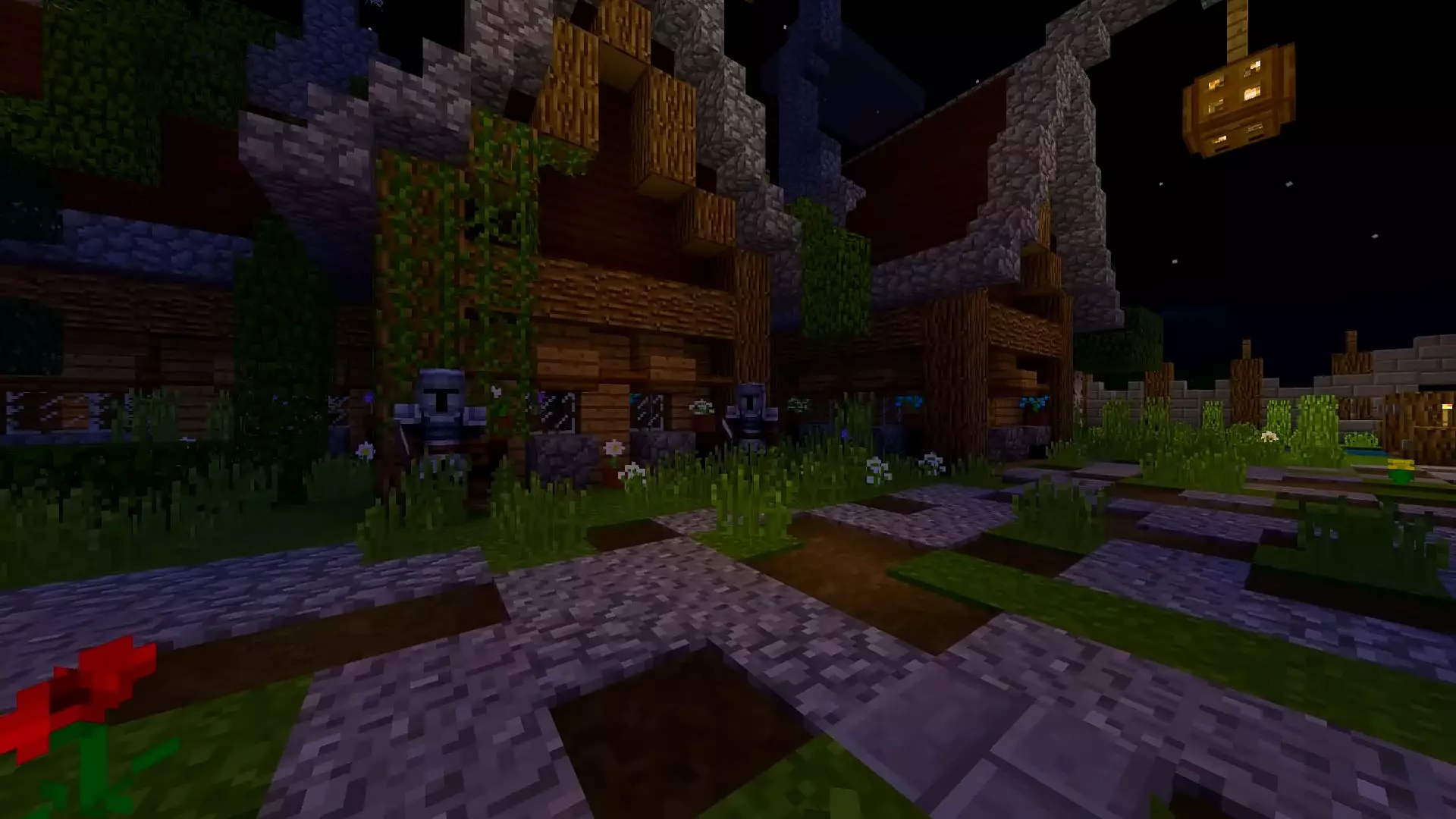
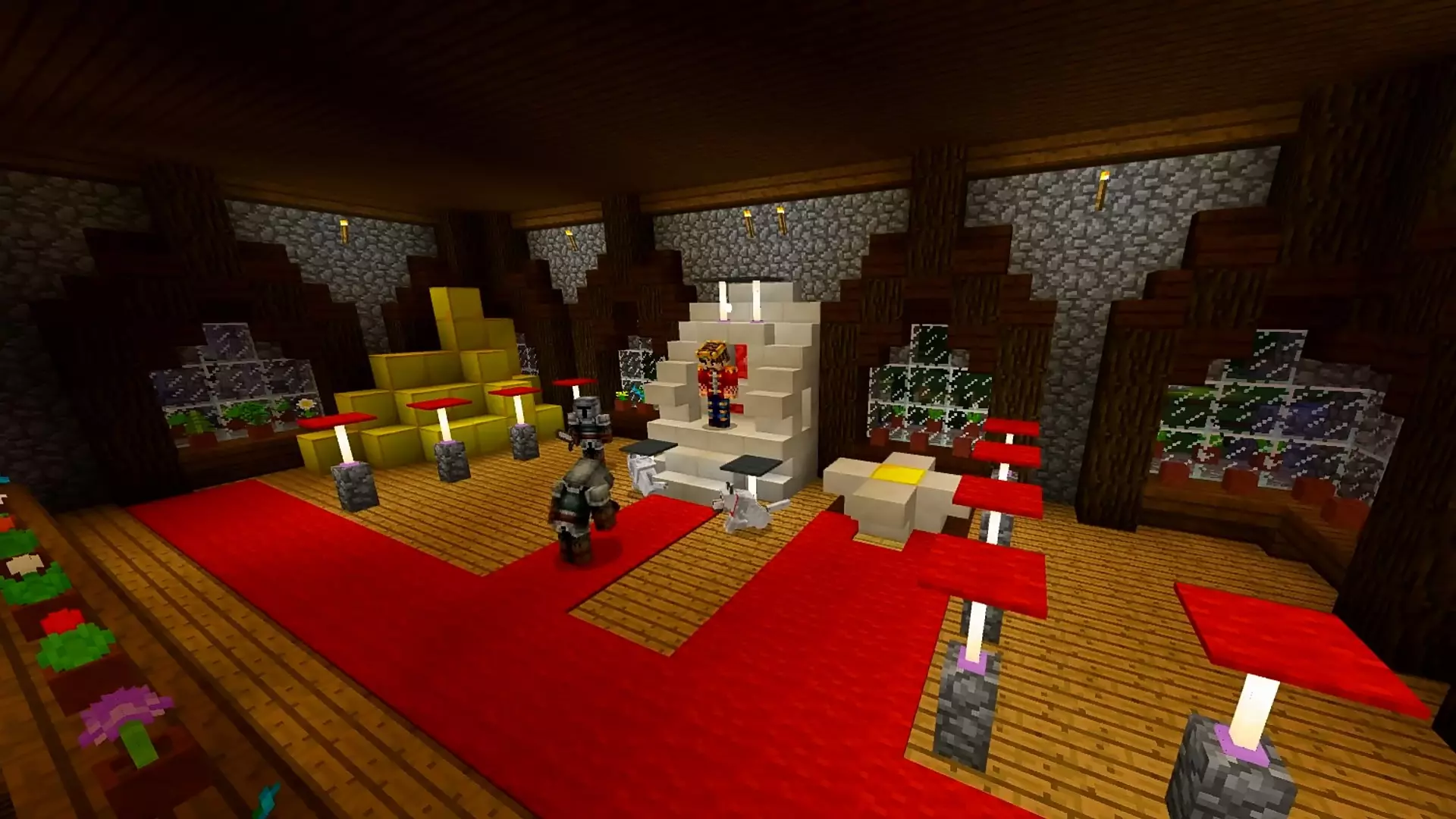
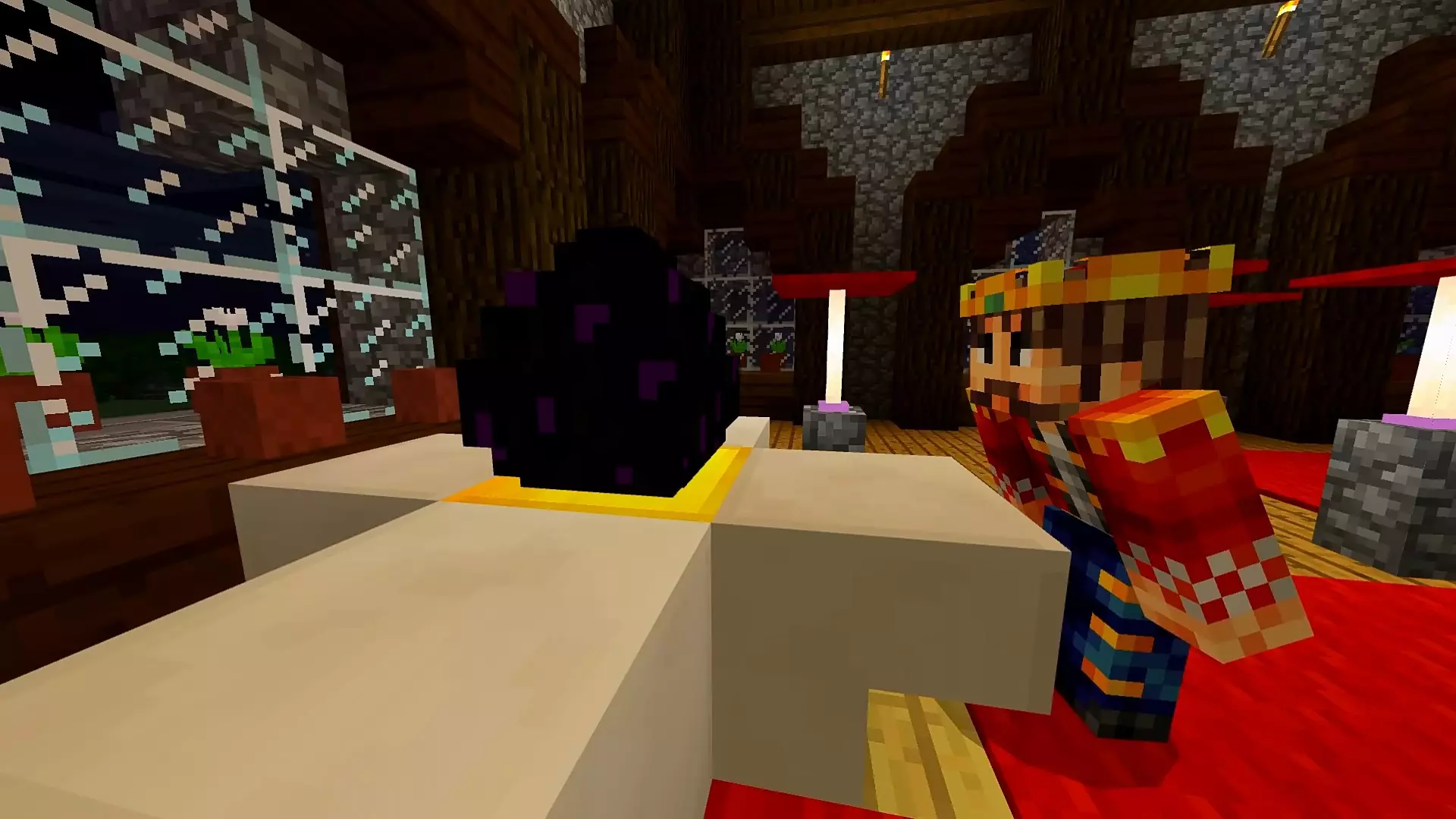
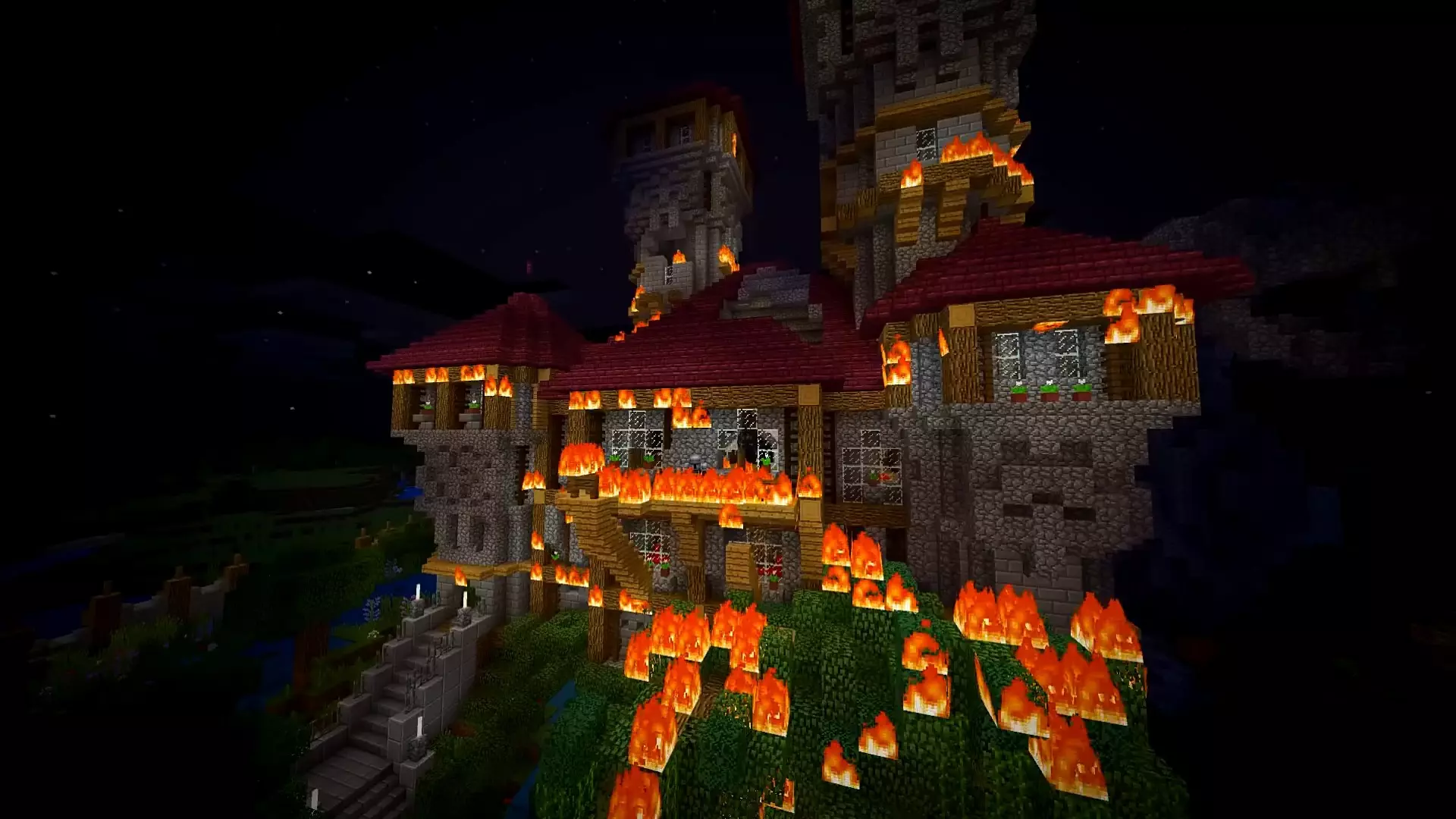
But if you want vanilla, it still works. Dragon Mounts: Medieval Village Map can be played by itself, so you can just treat it as a ready-made medieval settlement for Minecraft Bedrock survival. That’s great if you don’t want to build a town from scratch but still want a world that feels lived-in on day one. You can expand it, wall it off, add farms, build a castle nearby, or turn it into a full kingdom over time. Whether you’re going full dragon rider fantasy or keeping it simple and staying vanilla, this map gives you a solid medieval village foundation that feels like a real place instead of an empty spawn platform.
How to install?
Android: use ES Explorer to find mcworld in the download folder. Click on a file to import it inside.
Versions of Windows 10: Go to your downloads folder and find mcworld. Click on the document to add it to the client.
IOS: as soon as they clicked on the Download button below, the device will offer to open it.
Comments (0)