Willy's Rock Map
- 14-12-2025, 17:36
- 455
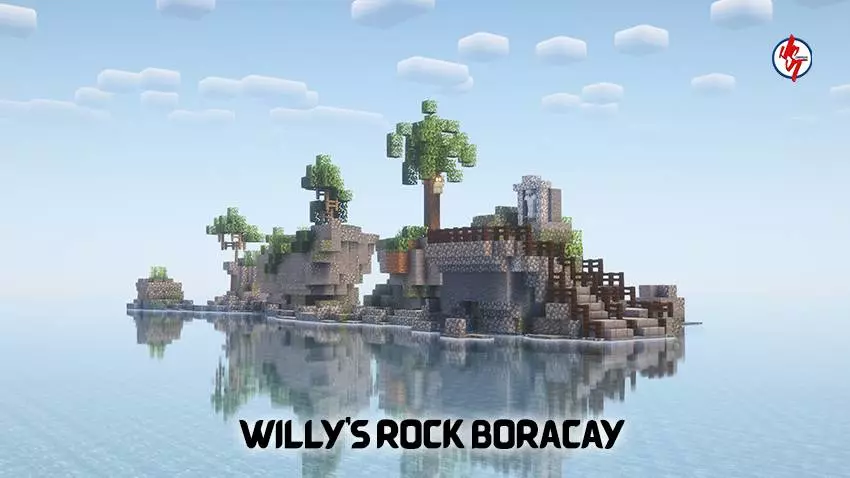
Willy's Rock Map — a chill Boracay-style landmark build that lets you explore a tidal rock island with carved volcanic steps and a statue waiting at the top.
Willy's Rock Map is basically a postcard turned into a Minecraft Bedrock destination. You get a rocky outcrop sitting just off the shore like a little tidal island, and the whole vibe is “walk out there, climb it, and take in the view.� The standout detail is the staircase cut right into the volcanic-looking stone, leading up to a statue on the peak, which makes the climb feel like an actual landmark visit instead of a random rock pillar. If you’re the kind of player who likes exploring real-world builds, snapping screenshots, or setting up a coastal base with a story behind it, this map nails that tourist spot energy.
The fun gameplay loop here is simple and relaxing. Start from the beach side and time your approach like you’re actually heading out to a tidal island. Walk the shoreline, take a boat around it, swim in and come up from the waterline, then climb the carved steps to the top. The vertical route is short, but it feels satisfying because it’s a “destination climb,� not parkour for no reason. At the top, you’ve got a clean lookout spot for sunrises and sunsets, and it’s an easy place to set a personal goal like building a small beach camp nearby, adding a dock, or making a little boardwalk path that guides players straight to the rock.
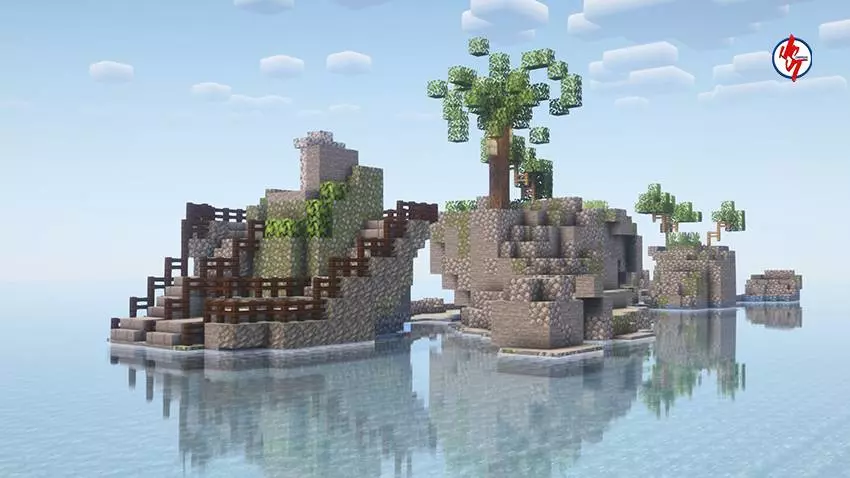
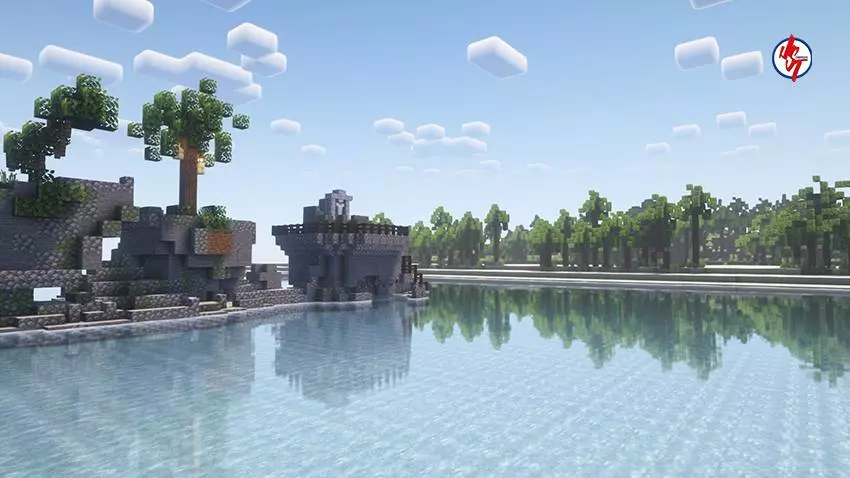
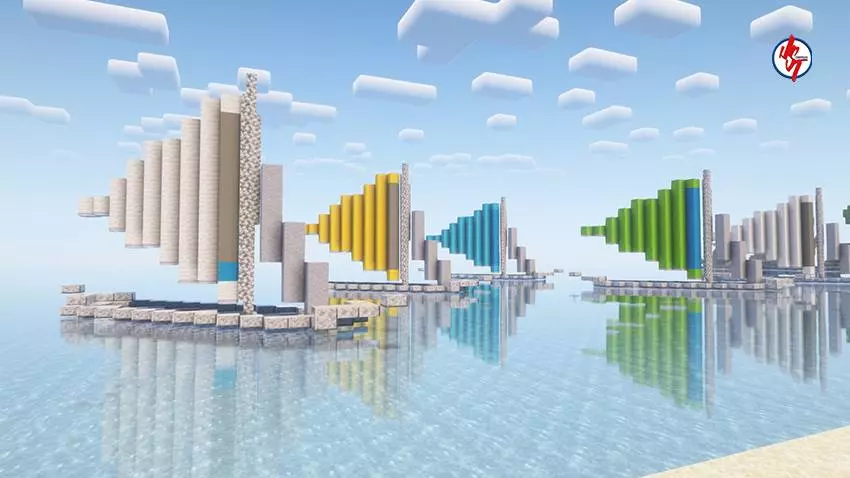
Willy's Rock Map also works great as a build reference if you’re trying to make your own tropical town or resort area in MCPE. Drop this into a world and you instantly have a centerpiece that makes everything around it feel intentional. Build a few beach huts, a small market street, or a cozy survival house on the mainland, then treat the rock like the landmark everyone visits. If you play with friends on a Realm, it’s a perfect meetup spot for roleplay, tours, or just hanging out and taking group photos, because everyone understands the goal the moment they see the steps and the statue on top.
Even if you don’t want to expand anything, it’s still a clean “travel map� to load up when you want something peaceful that looks good with your favorite texture pack or shaders. Walk it, circle it, climb it, and enjoy having a real-world-inspired landmark sitting in your Minecraft Bedrock world without needing to build the whole scene from scratch.
How to install?
Android: use ES Explorer to find mcworld in the download folder. Click on a file to import it inside.
Versions of Windows 10: Go to your downloads folder and find mcworld. Click on the document to add it to the client.
IOS: as soon as they clicked on the Download button below, the device will offer to open it.
Comments (0)