Shadow PvP Map
- 17-07-2026, 11:55
- 318
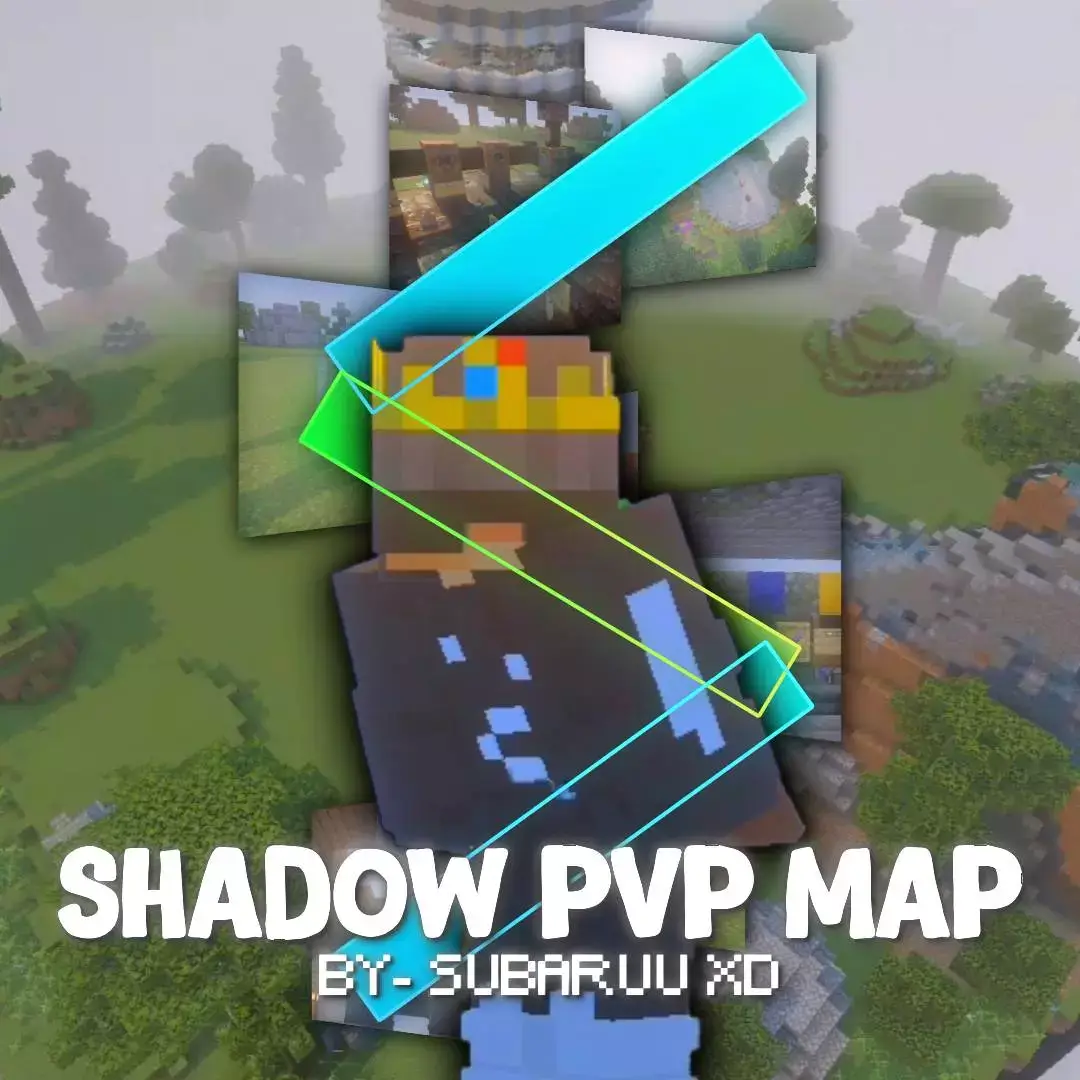
If you are tired of downloading a dozen different worlds just to practice different combat styles, the SHADOW PvP map basically rolls everything you need into one massive training ground. It completely skips the annoying setup phase and drops you right into a highly optimized environment built specifically to grind out your Bedrock PvP mechanics. Whether you want to 1v1 your friends or just warm up against some bots, it gives you a perfectly organized hub to improve your skills.
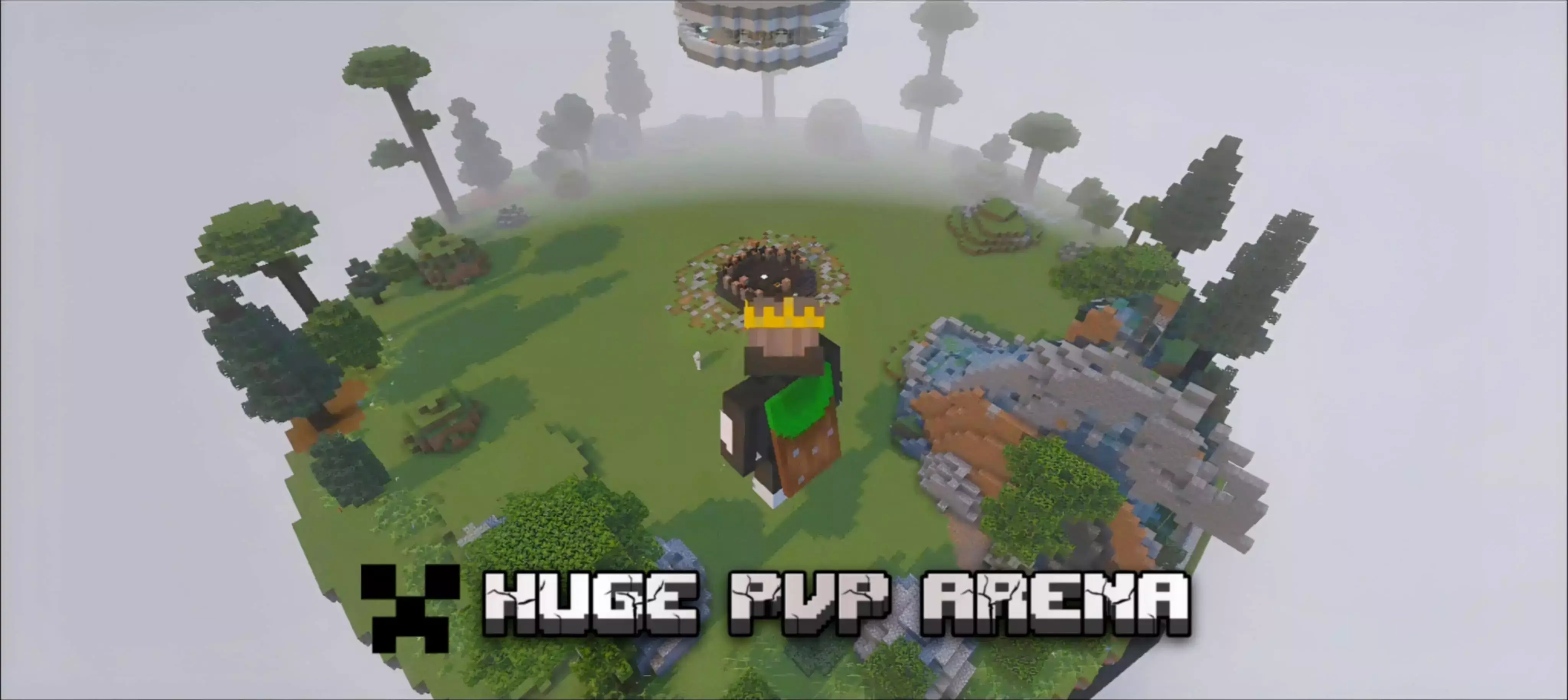


Automated Arenas and Bots
The best part about this map is how completely hands-off the background systems are. Instead of wasting time manually clearing out blocks or resetting the arena after a messy fight, the map handles all the cleanup automatically. You can seamlessly jump from fighting real players to warming up your aim and movement against dedicated PvP bots without ever breaking a sweat over the lobby settings. It keeps the downtime to an absolute minimum so you can actually focus on getting better.
Mastering the Kits
You are not just stuck practicing standard sword swings either. The developer packed in ten completely unique PvP kits that force you to adapt to totally different combat scenarios. You can swap between these loadouts on the fly to grind out specific mechanics, whether you are trying to get better at standard melee trades, bow spamming, or managing your healing items during a sweaty duel. It forces you to actually learn the ins and outs of every combat style instead of just relying on the exact same loadout every single time.
How to install?
Android: use ES Explorer to find mcworld in the download folder. Click on a file to import it inside.
Versions of Windows 10: Go to your downloads folder and find mcworld. Click on the document to add it to the client.
IOS: as soon as they clicked on the Download button below, the device will offer to open it.
Comments (0)