Rise and Survive – Progressive Zombie Apocalypse Addon
- 21-12-2025, 13:24
- 713
Rise and Survive – Progressive Zombie Apocalypse Mod — a day-by-day zombie outbreak where the longer you live, the nastier the world gets.
Rise and Survive – Progressive Zombie Apocalypse Mod turns Minecraft Bedrock into a timer-based nightmare you can’t outgear with one lucky mining trip. There’s a dynamic difficulty bar that ticks up every day, pushing zombie spawn rates higher and higher, so the “early game peace” window closes fast. Then every 8 days the mod flips another switch: zombies start moving faster, hitting harder, and sometimes unlocking new abilities, plus the higher the difficulty climbs, the more you’ll see zombies rolling in with armor and weapons. It also replaces the usual hostile mob mix by disabling vanilla hostiles completely, but you’re not locked out of their drops, because you can still get that loot from killing zombies. The whole world becomes one focused problem: the dead are the ecosystem now, and you’re living inside it.
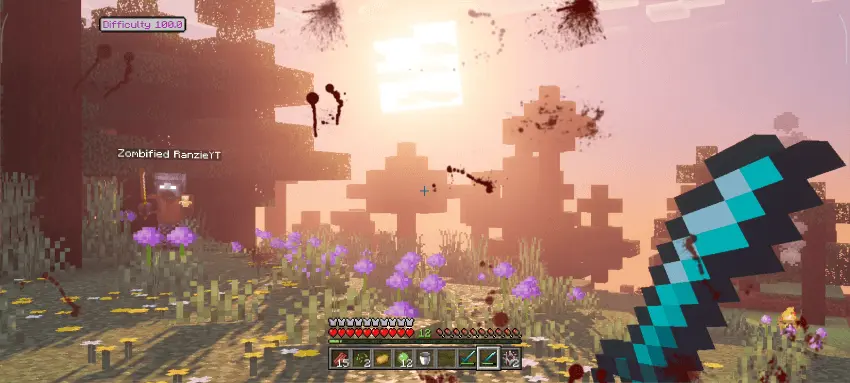
The scary part isn’t just numbers, it’s how many different zombie behaviors mess with your habits. Miner Zombies break blocks to get to you (and they speed up as difficulty rises), so “I’ll just wall up” stops being reliable. Block Placer Zombies can tower and bridge like they’re building a staircase straight into your safe spot, which is honestly the moment you realize your base layout matters. Witch Zombies throw and drink potions, Ender Zombies pop around with ender pearls, Bomber Zombies fling TNT for damage-only chaos, and you’ve got jumpers leaping onto blocks, crawlers slipping through tight spaces, revealers screaming to give away your position and then booking it, and spitters pressuring you from range. On top of the regular swarm, horde leaders show up with their own vibe: a Giant that jumps and summons fangs, a Tank that just refuses to die, and a Necromancer that brings extra zombies into the fight. Some zombies even spawn with potion effects like Speed or Fire Resistance, so you can’t assume every encounter plays the same.
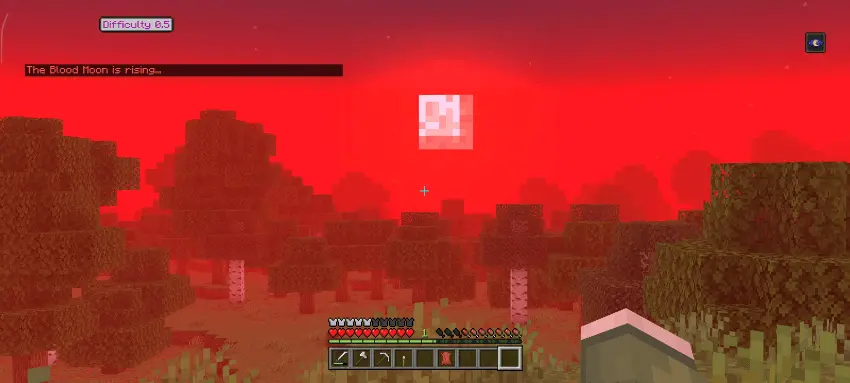
The horde and Blood Moon cycle is what keeps you from getting comfortable. Bloodmoon happens every 8 days, sleep is disabled, you’re guaranteed 1–2 horde events, and zombies always know where you are. Outside Blood Moon, hordes can still spawn about 15 blocks away and they’re already locked onto you, with the size scaling up as difficulty rises (and yes, you can tweak that in settings). The world also reacts to your choices in dumbly stressful ways: blow a horn or ring a bell and zombies get pulled in instantly, take damage and you give off a blood scent they can detect up to 10 blocks. The mod even adds faster Java-style regeneration so fights feel snappier, plus craftable gunpowder using coal and an iron nugget, and high-quality structures with loot that tempt you to keep moving even when moving is dangerous.
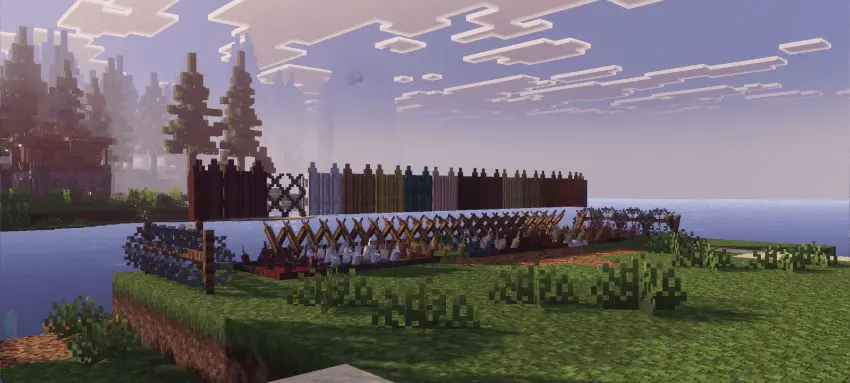
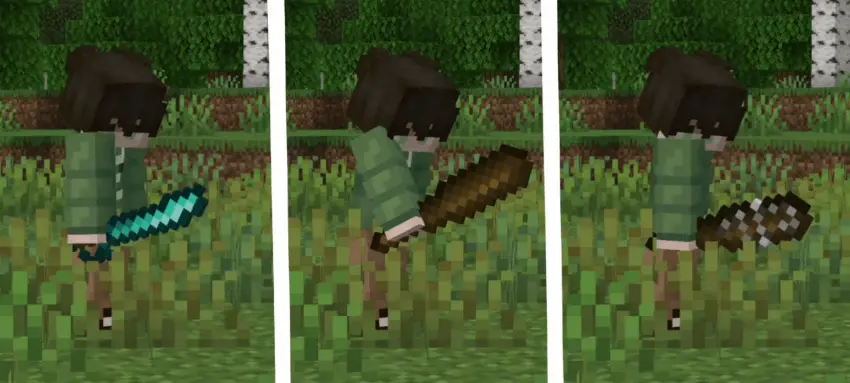
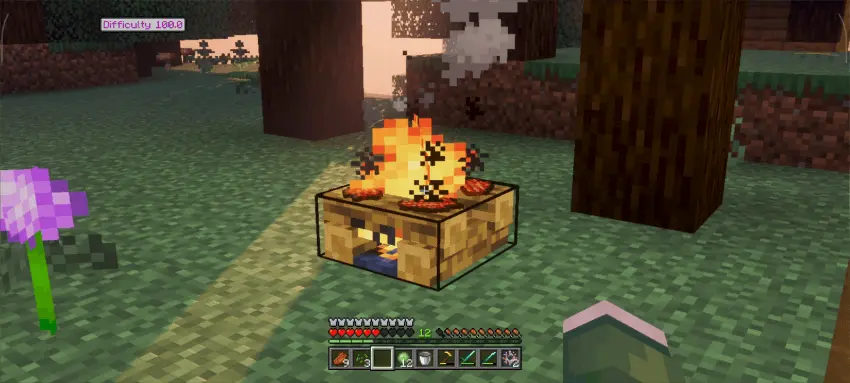
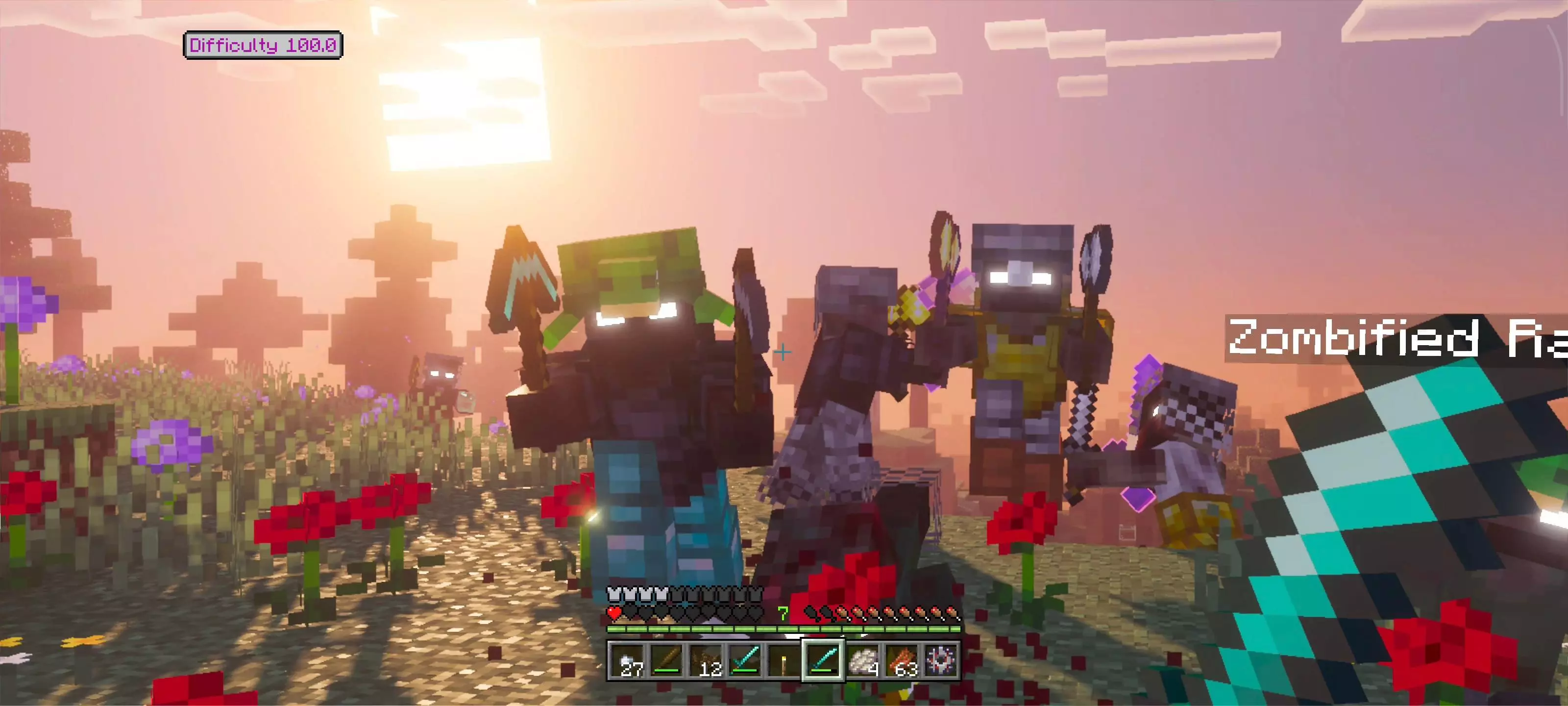
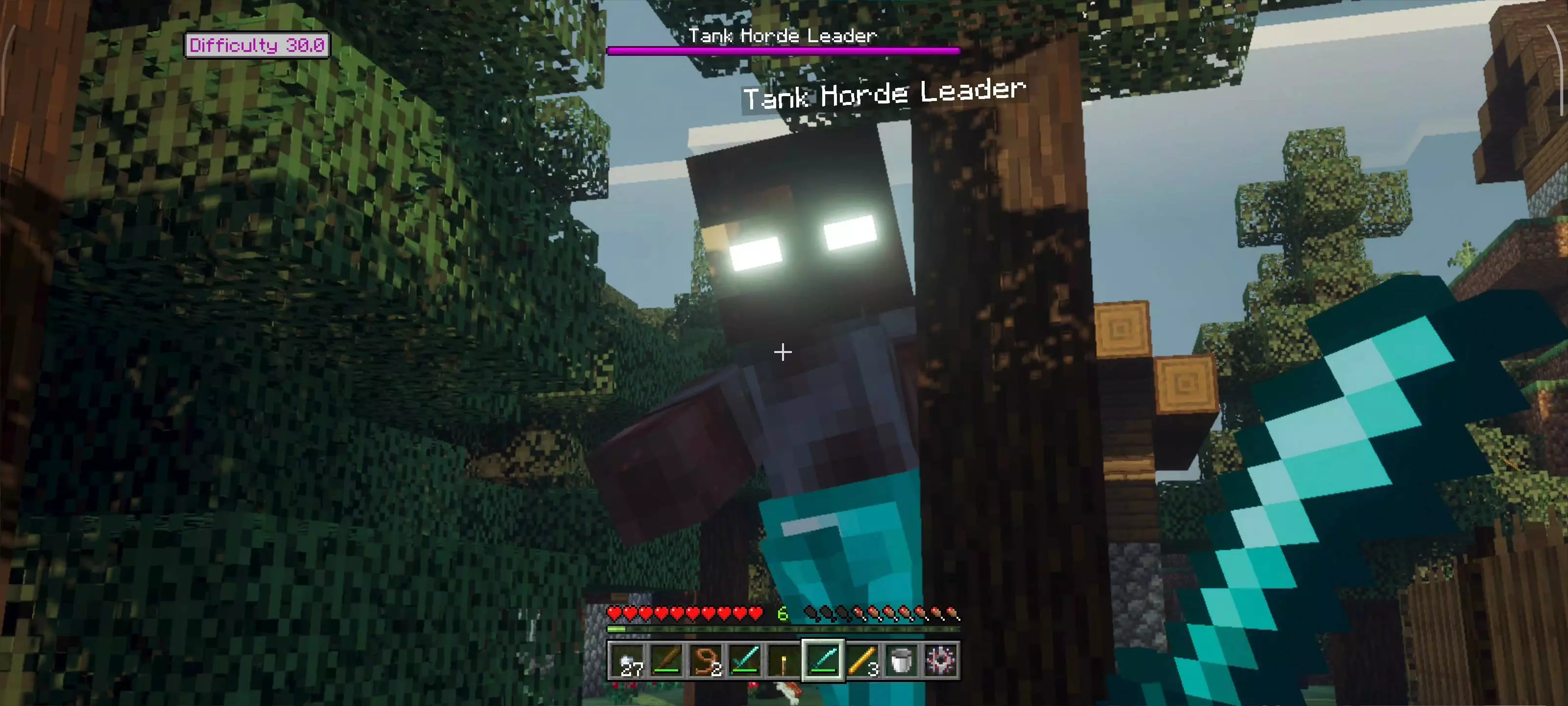
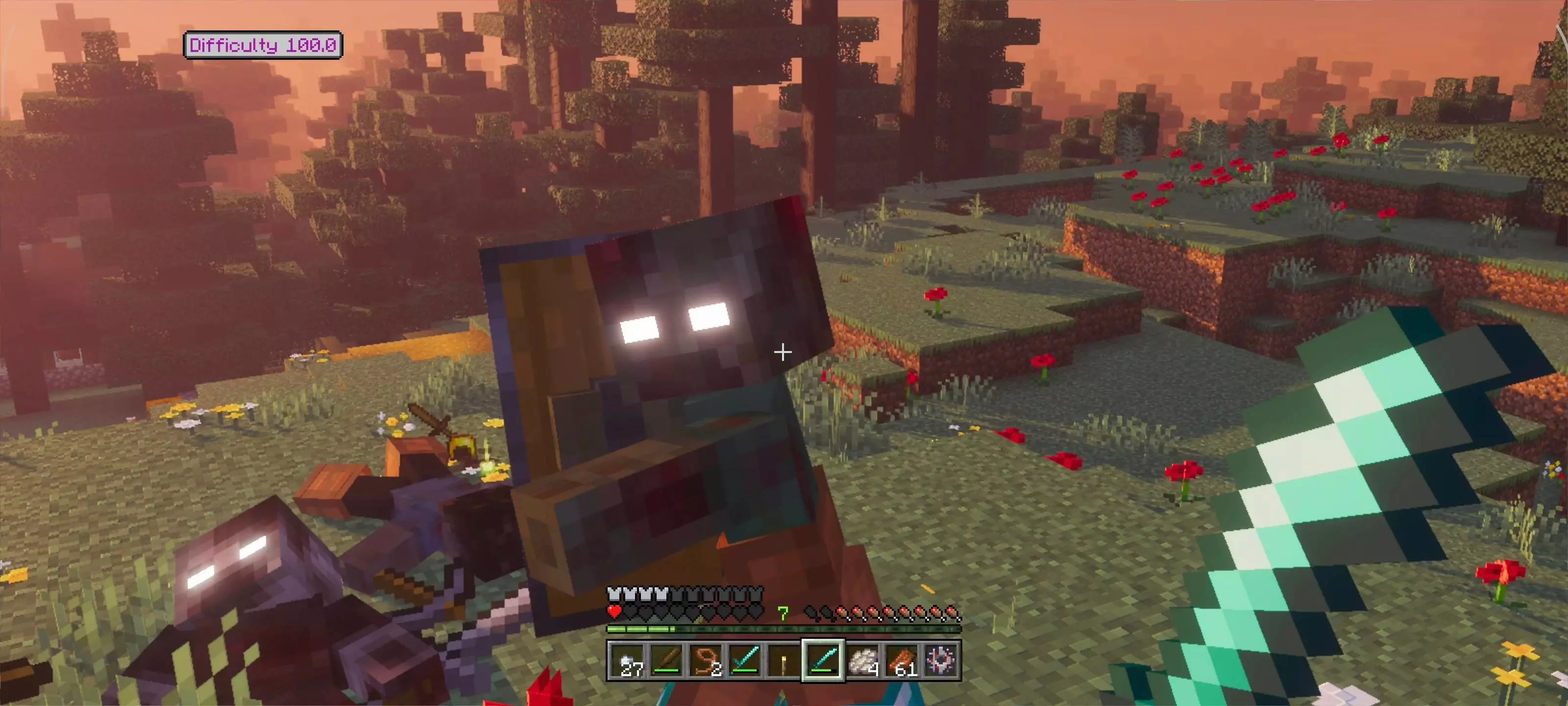
Rise and Survive – Progressive Zombie Apocalypse Mod adds an infection system too, where zombies can infect you on hit with a customizable chance, and if the timer runs out you collapse. The only cure is a Golden Apple, so every one you find starts feeling like a “save it for later” panic button. For defense, you get options like Wired Fence, Cheval Fence, Wired Wall, chain fence that zombies can’t break until difficulty hits 75.0, plus Spiked Plate and Spiked Fence (with a reinforced version zombies can’t break), all built to hurt zombies and shape hordes. Combat gets new toys as well, like a Bolo that chops wood, a Katana for fast slashes, a Dagger for rapid attacks, a Saber for big sweeps, a Longsword with wide radius, and a Hammer for heavy crit hits. Even rotten flesh gets a purpose, upgrading from Raw Flesh to Cooked Flesh to Leather, so your kill count actually feeds your progression. Rise and Survive – Progressive Zombie Apocalypse Mod isn’t about surviving one rough night; it’s about surviving the calendar while everything out there keeps learning how to hunt you better.
Installation:
— Download McPack
— Install McAddon or McPack files, just open it for this;
— Select new textures in the settings;
— Done.
Comments (0)