Armored Elytra Addon
- 3-01-2026, 17:20
- 1 064
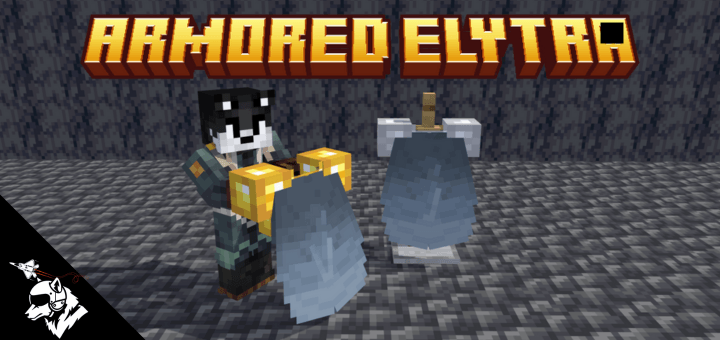
Armored Elytra Mod — fly with an Elytra without feeling naked, so you can glide and still keep real armor protection.
Armored Elytra Mod is for Minecraft Bedrock / MCPE players who love flying but hate the tradeoff that comes with it. In vanilla, Elytra is amazing for movement, but the second you put it on you lose your chestplate slot protection, which turns every landing into a “please don’t hit me” moment. This addon’s whole point is fixing that pain: it lets you run an Elytra setup that’s armored, so you’re not forced to choose between mobility and surviving a bad fight.
In real gameplay, that’s a huge quality-of-life upgrade because most Elytra deaths aren’t even dramatic—they’re the annoying ones. You clip a tree, slam into a cliff, get jumped by mobs while you’re trying to take off, or you land in a messy area and suddenly you’re taking way more damage than you’d normally allow. With an armored Elytra option, you can actually explore aggressively, take fights while traveling, and treat flying like a normal part of your survival kit instead of a “only when it’s safe” tool. It’s also great for long-distance resource runs, mapping sessions, and just bouncing between builds, because you’re not constantly swapping chest gear every time you want to glide.
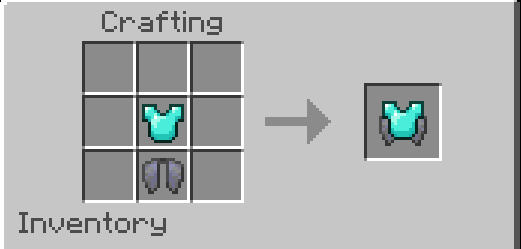
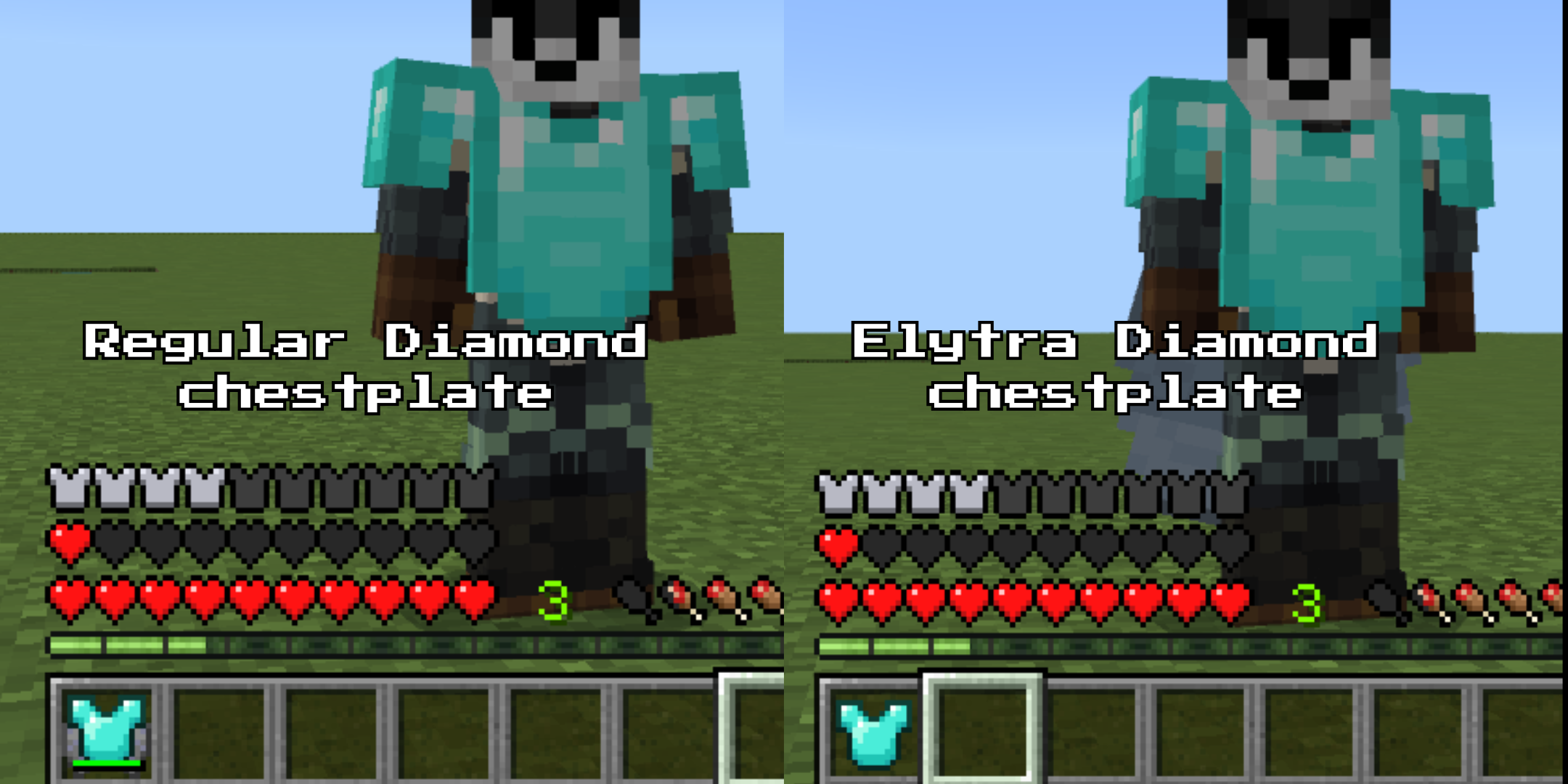
Armored Elytra Mod fits especially well on servers and realms where travel and PvP or random ambushes happen. Flying becomes less of a gamble and more of a playstyle. You can scout, reposition, and move fast without feeling like you’re wearing paper armor. If you’re the kind of player who builds tall bases, mountain homes, sky bridges, or anything that involves a lot of vertical movement, the armored Elytra idea makes the game flow smoother because your gear doesn’t fight your movement choice. Armored Elytra Mod is basically the “let me fly but still live” fix—simple concept, huge impact on day-to-day survival.
Installation:
— Download McPack
— Install McAddon or McPack files, just open it for this;
— Select new textures in the settings;
— Done.
Comments (0)