APOCALYPTIC CITIES Addon
- 15-01-2026, 11:04
- 460
APOCALYPTIC CITIES Mod — randomly generated apocalypse cities with highways, sewers, and creepy ambient details that make your world feel abandoned but still worth exploring.
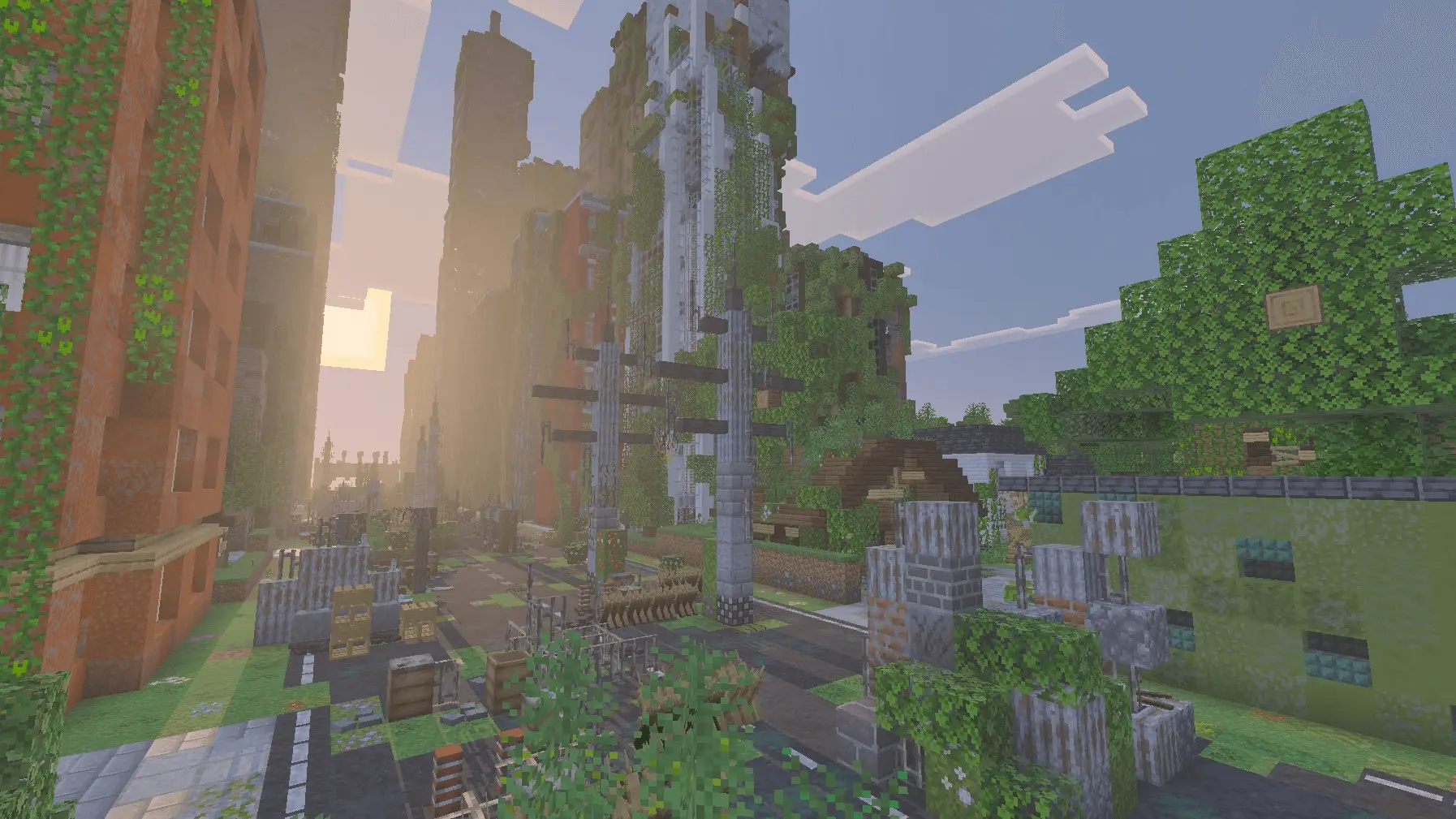
APOCALYPTIC CITIES Mod drops large, ruined-style cities into your Minecraft world using jigsaw generation, so the layouts stay fresh instead of repeating the same blocks in the same spots. Buildings and houses come out random each time, and it’s described as a bigger take on the cities from the CORDYCEPS ADDON, which is why it blends so well when you’re stacking it with other apocalypse addons. The city layout has a main highway as the spine, then it branches into streets that generate buildings. Along the edges of those streets, especially near sewer entrances, you’ll start seeing houses and lower structures, which makes the whole place feel layered instead of flat. It’s the kind of worldgen that turns a casual resource run into a full scavenging trip, because every turn can be a different block of buildings and loot.
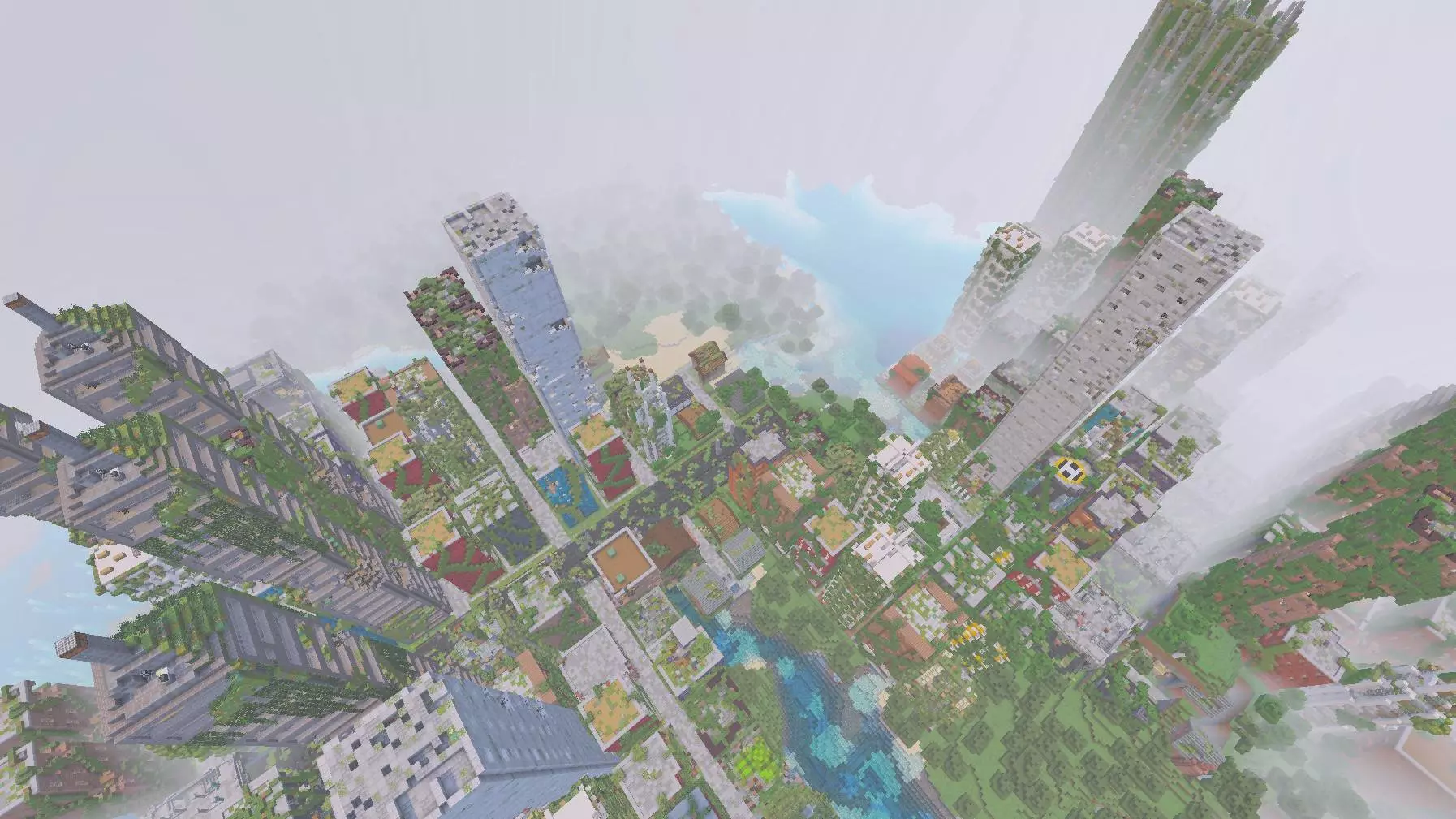
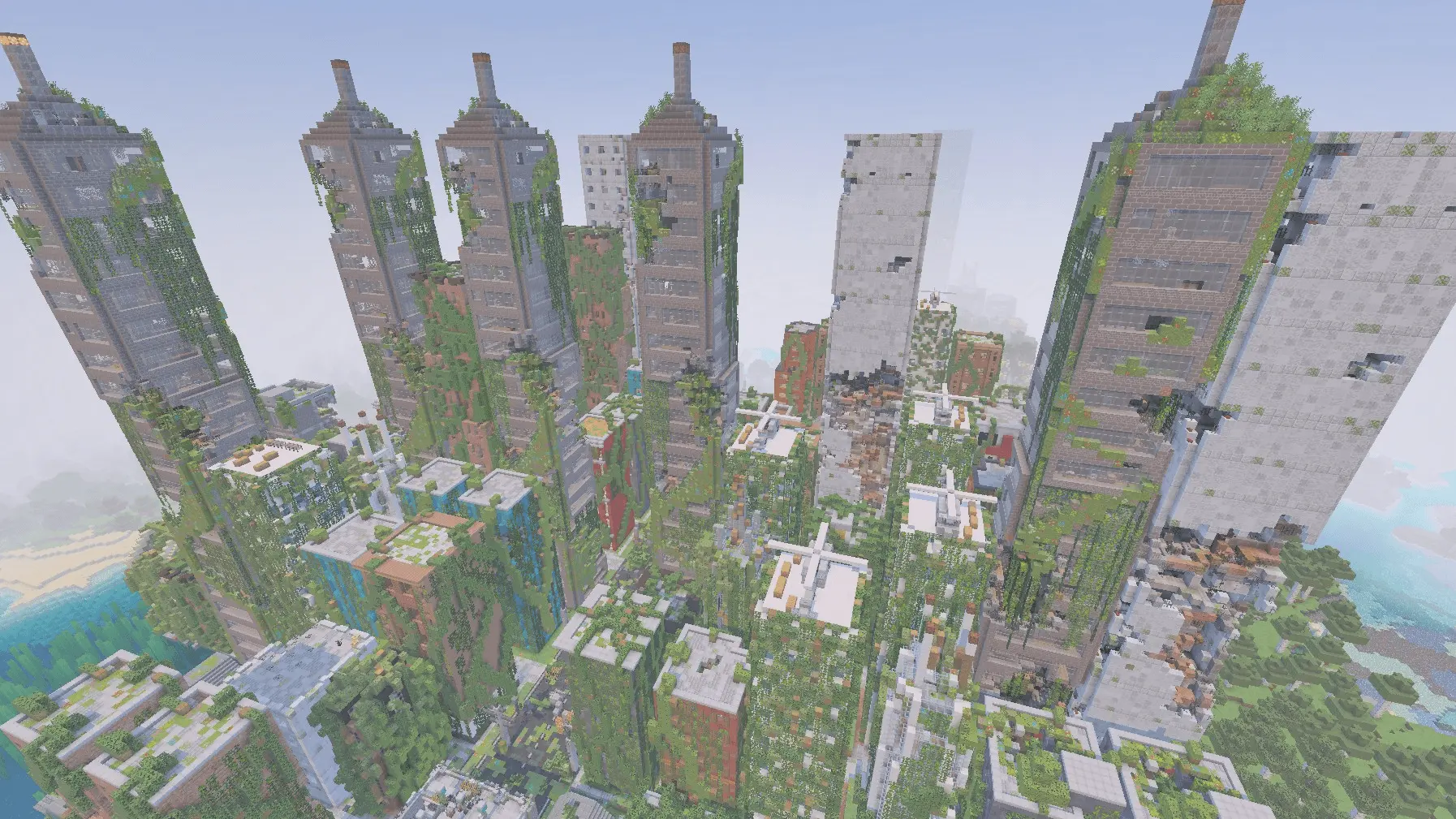
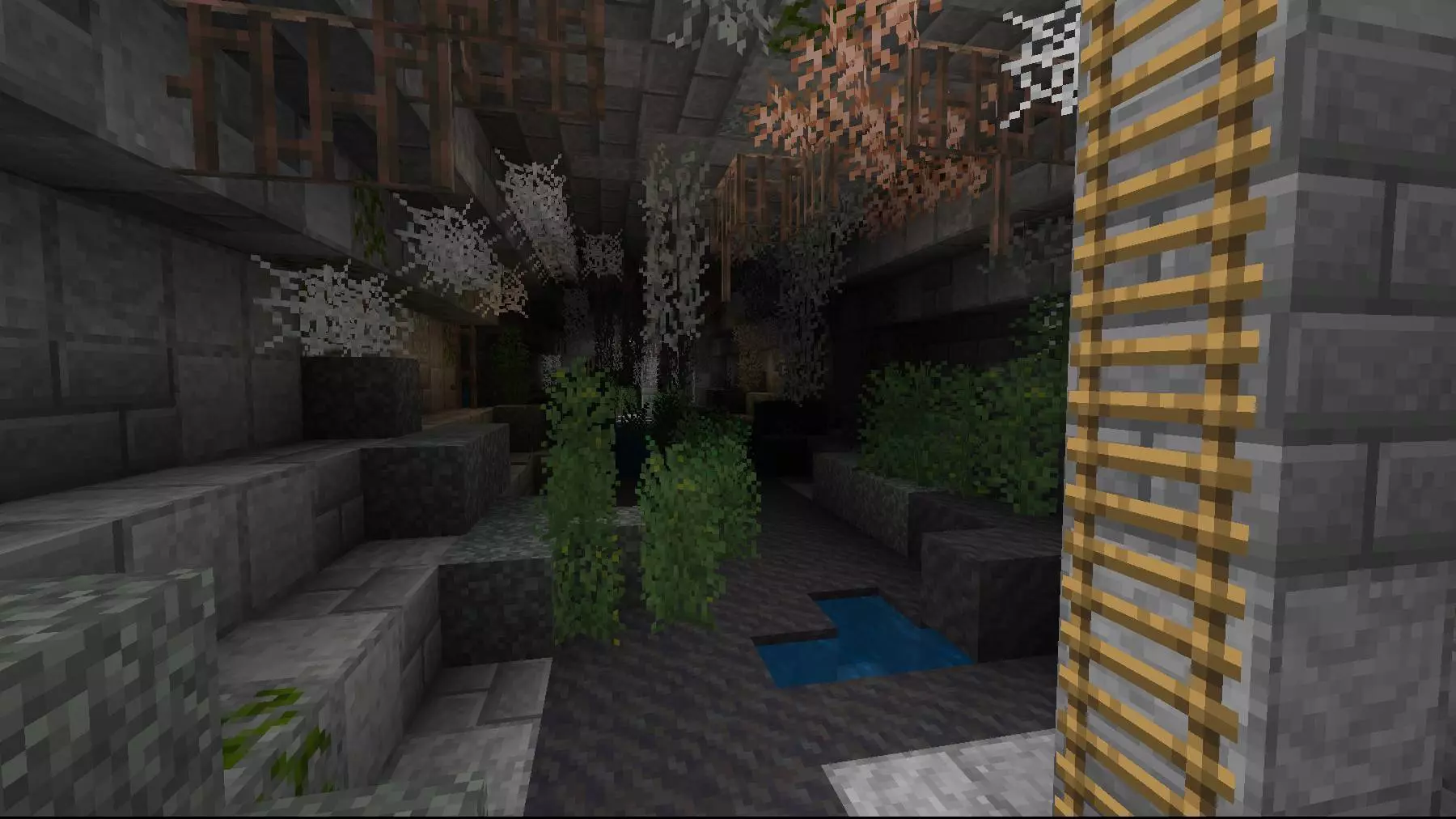
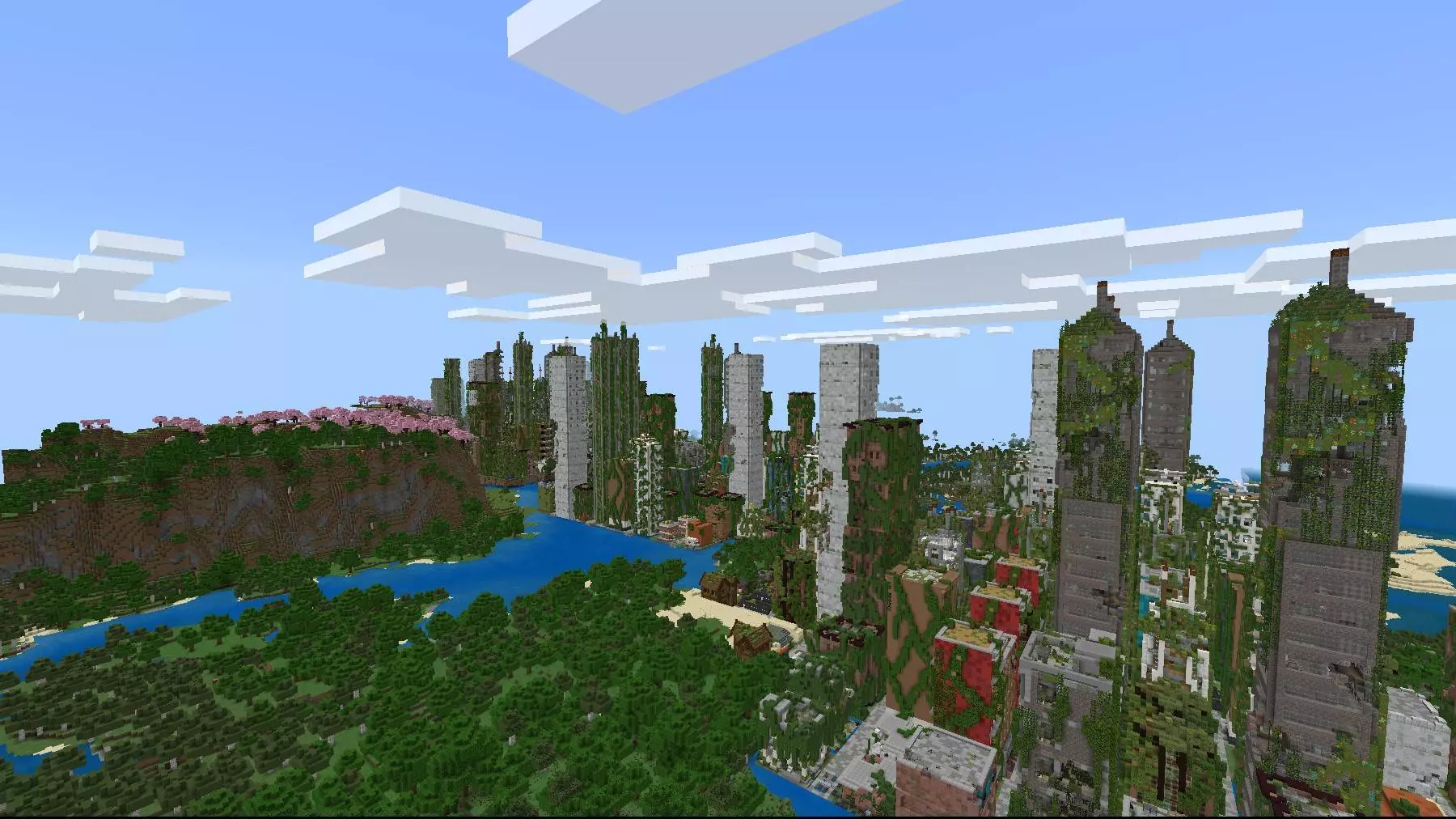
Underneath the cities is where things get even more interesting. There are sewers and tunnels that lead into caves, and down there you can find gunpowder ore. That’s a big deal if you’re running other addons that rely on gunpowder for ammunition, because it gives you a reason to go below the streets instead of just surface-looting and dipping. Cities can generate in specific biomes—Plains, Birch Forest, Forest, Desert, Savanna, and Ice Plains—so you’ll see them show up across very different terrain vibes, which keeps exploration from feeling samey. The blocks and melee weapons match what’s in the Cordyceps Addon, and they’re included both for aesthetics and as loot, so your scavenged gear and the city’s look stay on the same theme when you mix mods together.
A bunch of the city blocks can yield loot when touched, and you can mine them with pickaxes, so you’re not just sightseeing—you’re actively scraping value out of the environment. There are also environmental blocks like the jelly bush, which tends to appear along highways and adds city sounds during the day and night, plus particles like mosquitoes and butterflies that make the streets feel alive in that unsettling way. Some structures include functional radios you can turn on with a right-click, and you can swap stations by crouching with an empty hand and right-clicking again, with an optional extra radio music pack mentioned if you want more tracks. For builders, some decorative blocks have texture variations, and in Creative you can cycle textures by right-clicking them with a stick, which is perfect for making custom maps. And if you’re the type who likes risky plays, gas cylinders and barrels can explode if you right-click them with flint and steel, so even the scenery can turn into a moment.
Installation:
— Download McPack
— Install McAddon or McPack files, just open it for this;
— Select new textures in the settings;
— Done.
Comments (0)