Bedrock Bridging Addon
- 15-01-2026, 01:51
- 817
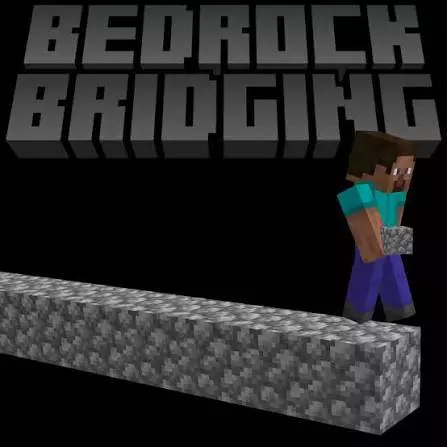
Bedrock Bridging Mod — an auto-bridging helper that starts and stops with a simple double-jump + shift combo, so you can cross gaps without doing the slow, sweaty edge-walk every time.
Bedrock Bridging Mod is made for anyone who’s sick of the same routine: staring at the void, inching forward, placing blocks one by one, and praying you don’t mis-tap and fall. This add-on gives you Auto Bridging, which is basically a quality-of-life switch for building bridges faster and with way less stress. The control is kept super simple on purpose. To start auto bridging, you jump twice and hold shift, and when you want it off, you do the same input again to stop. No complicated setup, no menus, just a quick movement combo you can use on demand.
In real Minecraft Bedrock gameplay, that’s huge for anything where bridging is constant. Crossing ravines, connecting floating builds, moving between sky platforms, or just making quick paths while you explore—bridging is one of those tasks that’s not “hard,” it’s just annoying and slow. Bedrock Bridging Mod basically takes that boring part and makes it feel like you’re flowing instead of crawling. Since it’s a toggle, you can keep it off during normal base work, then pop it on when you hit a gap and want to move fast. That start/stop combo also keeps it from feeling like it’s always taking over; you decide when you want the help.
It’s especially nice in multiplayer worlds where people are always building paths between areas. Instead of one person spending forever laying blocks while everyone else waits, you can bridge quickly and keep the session moving. It also fits challenge-style play where you’re doing quick travel and don’t want your run to get slowed down by basic bridging chores. The best part is that the input is easy to remember: jump twice and hold shift to start, then repeat to stop. Bedrock Bridging Mod is basically the “I’m done wasting time bridging” addon—simple controls, quick toggle, and way less frustration every time the terrain tries to split your path.
Installation:
— Download McPack
— Install McAddon or McPack files, just open it for this;
— Select new textures in the settings;
— Done.
Comments (0)