Mutated Items Addon
- 15-01-2026, 14:42
- 210
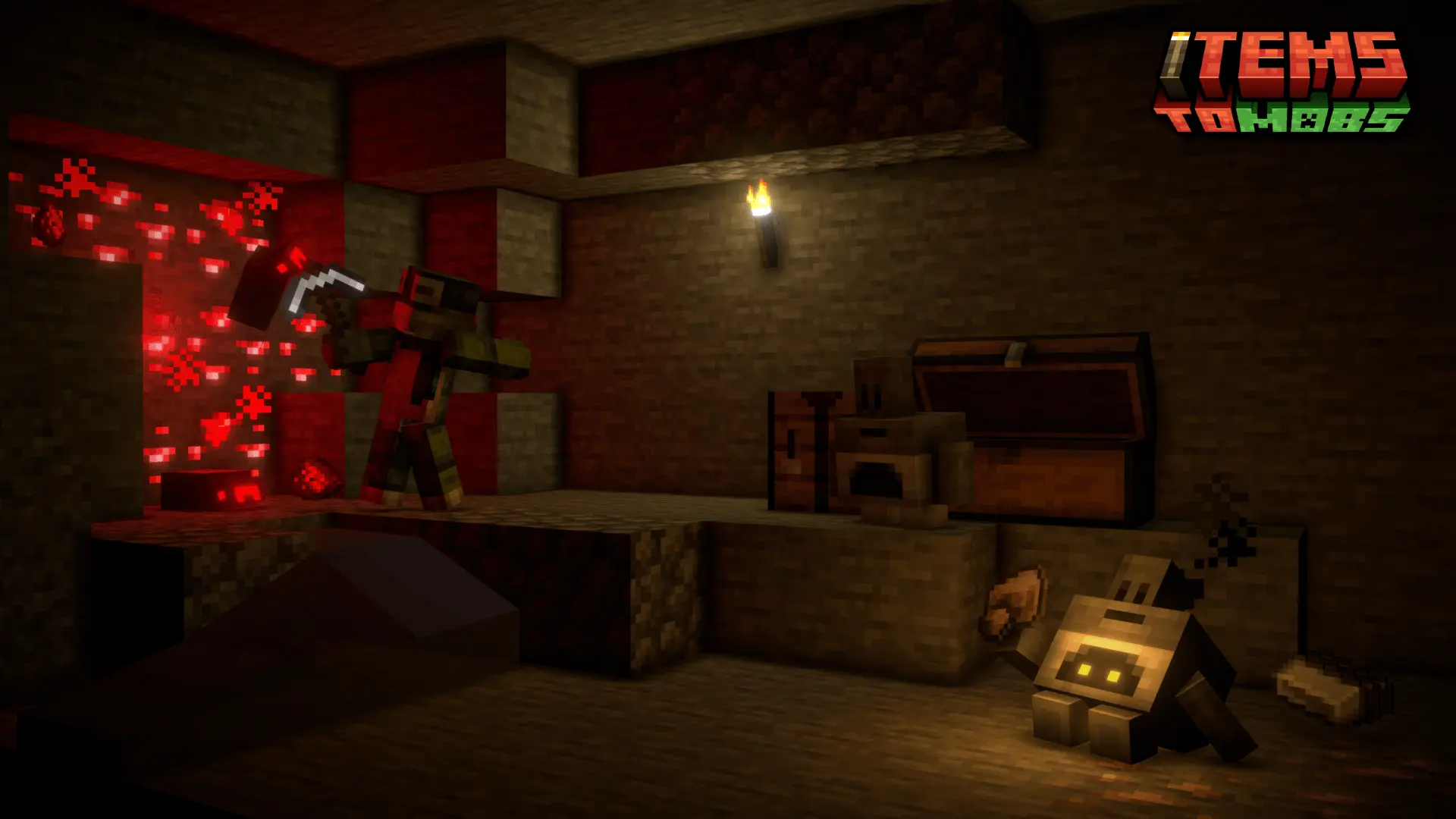
Mutated Items Mod — adds “mutated item” mobs to your world, turning normal item vibes into enemies you can run into and deal with.
Mutated Items Mod is a simple concept with big “wait, what is THAT?” energy: it adds mutated item mobs to the game. Instead of items only being things you pick up or craft with, this add-on makes them show up as mobs, which instantly changes the vibe of exploration and survival because you’re not always sure what’s just loot and what’s about to move. Even without a long feature list, the idea alone is enough to make a world feel less predictable, because items are usually the most safe, familiar part of Minecraft. When those become mobs, it flips that comfort into tension and surprise.
In a survival world, mutated item mobs are the kind of threat that can mess with your routine in a good way. You’re doing your usual grind—mining, looting, building—and suddenly you’ve got a new category of enemy to watch for. That makes caves, nighttime travel, and random wandering feel more alive, because there’s something new in the mix that doesn’t match the standard mob lineup. It’s also a fun add-on for multiplayer because it creates instant reactions. Somebody spots one first, calls it out, and the whole group shifts into “okay, is it dangerous or just weird?” mode. Those moments are exactly what keep a long-term Bedrock/MCPE world from feeling stale.

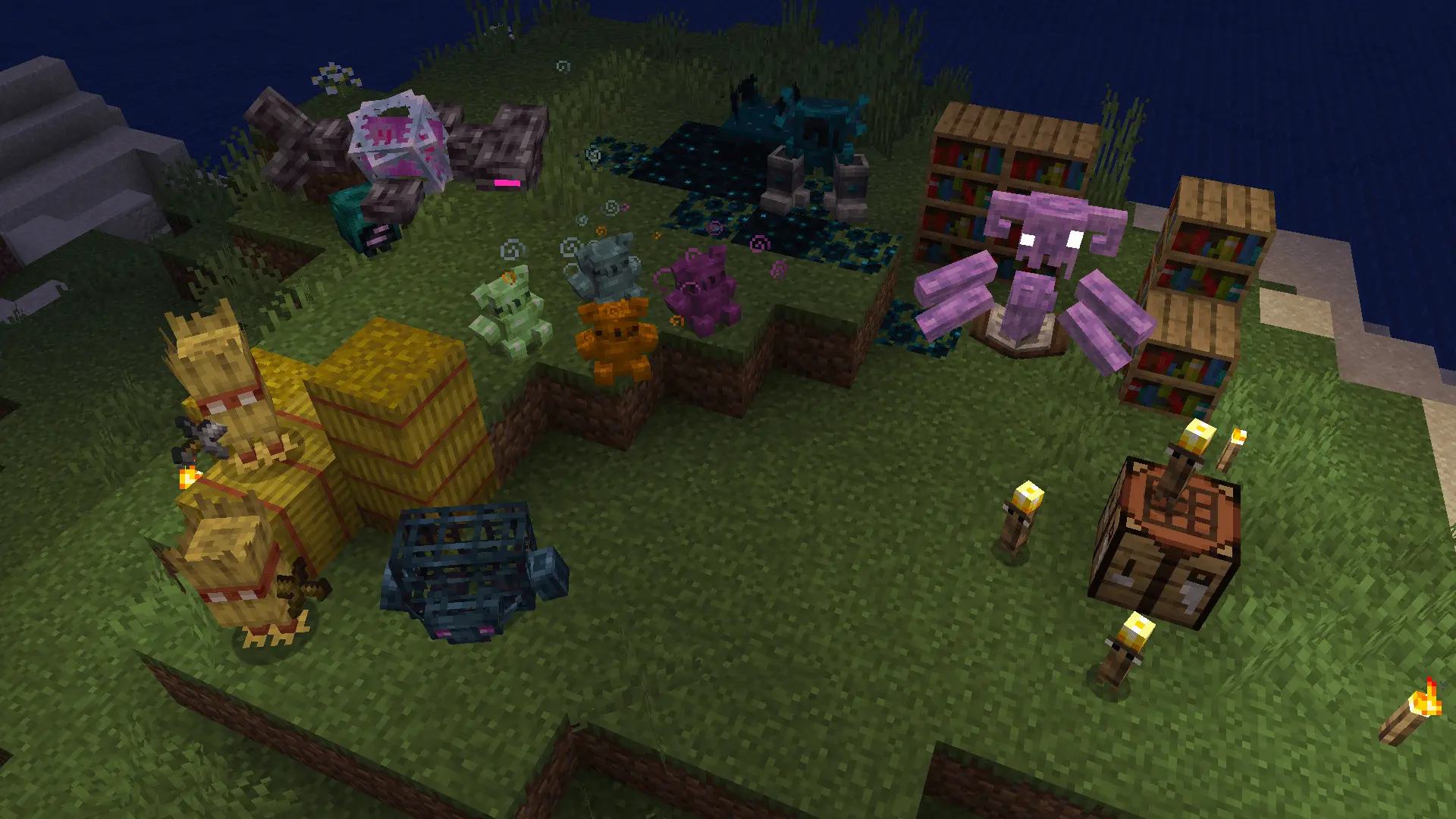
Mutated Items Mod is best when you want your world to feel a little more cursed and unpredictable without needing complicated systems. It keeps the pitch clean: mutated item mobs get added to the game, and that alone is enough to turn ordinary sessions into ones where you’re paying attention, staying alert, and getting surprised in places you usually feel safe.
Installation:
— Download McPack
— Install McAddon or McPack files, just open it for this;
— Select new textures in the settings;
— Done.
Comments (0)