RR Super TNT Bow (Nuclear Explosions) Addon
- 16-01-2026, 07:53
- 715
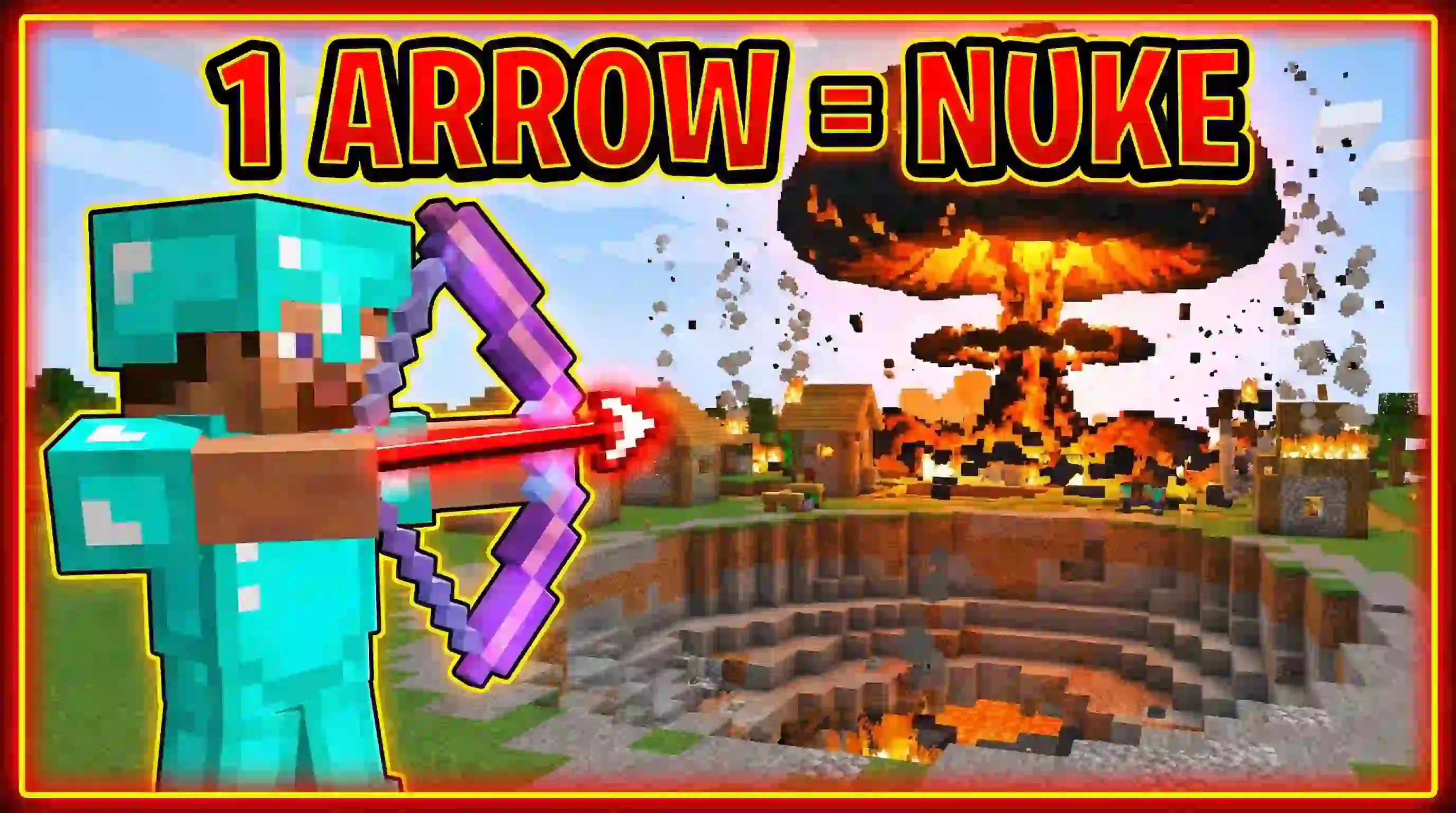
RR Super TNT Bow Mod (Nuclear Explosions) — a scripted bow upgrade that turns arrows into explosions, letting you swap between a safer grenade-style blast and a full-on nuclear shot when you’re ready to risk it.
RR Super TNT Bow Mod (Nuclear Explosions) comes from a real frustration every Minecraft player has felt: regular TNT is slow and clunky when you just want something to go boom. Instead of crafting blocks, placing them, and lighting them like it’s a whole ceremony, this addon rewires the bow in the actual game code so your shots do the work instantly. The whole fantasy is simple and kinda unhinged in the best way—stand on a mountain, fire one arrow, and watch the impact speak for itself. It’s not a texture trick or a cosmetic swap; it’s a Script Addon that changes how the bow behaves so you’re basically carrying a demolition tool in your hotbar.
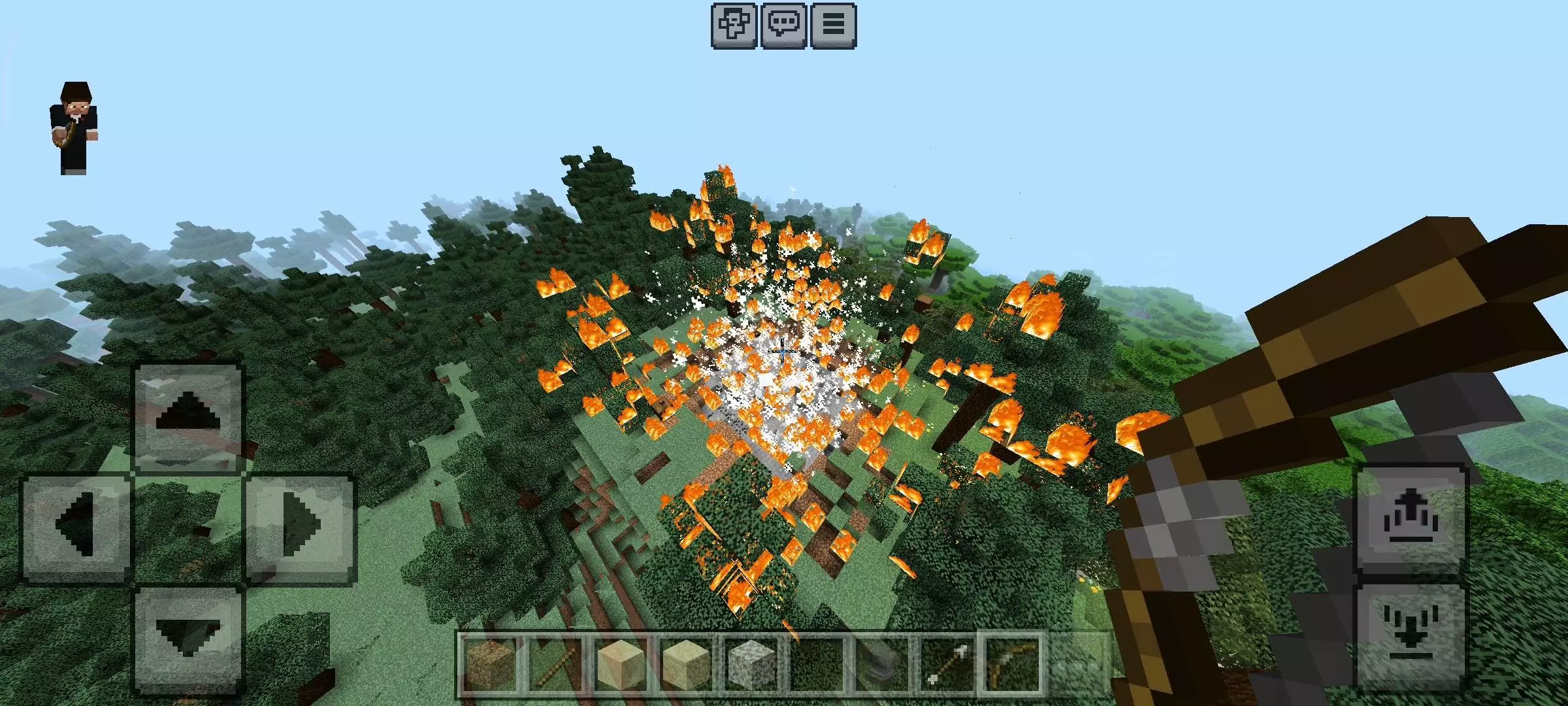
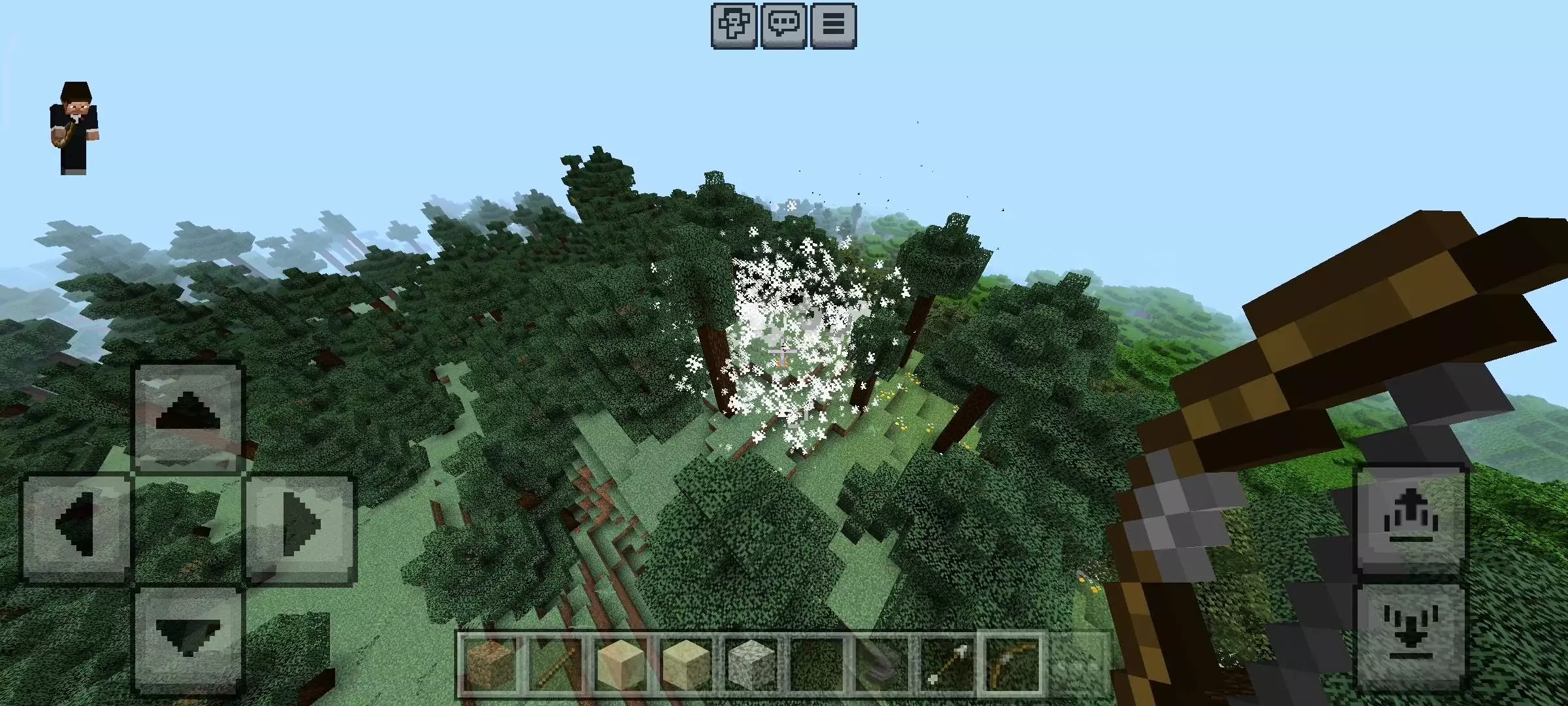
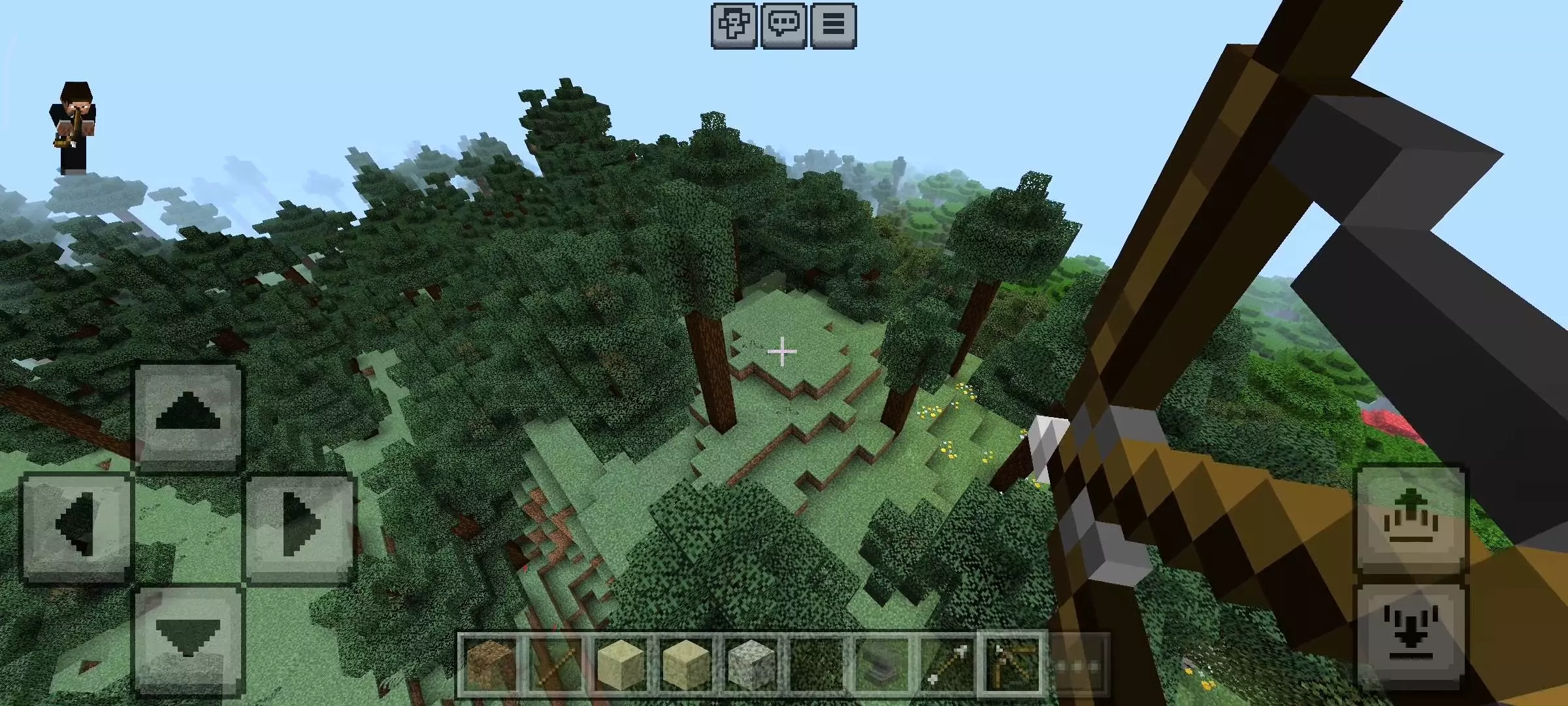
The mod is built around two power levels so you can choose whether you’re playing “useful survival tool” or “total destruction mode.” When you first install it, you’re in Grenade Mode by default, and the bow behaves like a grenade launcher. You shoot an arrow, it hits, and a small explosion pops right on impact. The point of this mode is that it’s strong without being world-ending. It’s described as safe enough for stuff like mining ores or clearing trees, and it can drop zombies in one hit without turning the whole area into a crater. In a normal survival session, that’s the sweet spot: you get quick utility and faster fights without accidentally deleting your own progress because you got trigger-happy near your base.
Nuclear Mode is the real headline, and it’s treated like an “advanced” setting for a reason. The explosion is said to be ten times bigger than normal TNT, leaving a massive crater and setting the area on fire. It’s powerful enough that one shot can wipe out a Pillager Outpost, which tells you exactly what kind of scale you’re dealing with. That’s why the addon ships with Nuclear Mode disabled at first—a built-in safety lock so you don’t accidentally torch your base or turn your world into a lag festival on a server. When you want to unlock it, you don’t just flip a random switch. You calibrate the bow using a system key: grab an anvil and a paper, rename the paper to “Activation Key,” then hold that renamed paper to update the bow settings. Once you do, the full power is unlocked and you can use it anytime, which makes the bow feel like it has a legit “armed” state instead of being permanently dangerous by default.
Installation:
— Download McPack
— Install McAddon or McPack files, just open it for this;
— Select new textures in the settings;
— Done.
Comments (0)