Ore Generator Addon
- 24-01-2026, 16:50
- 16
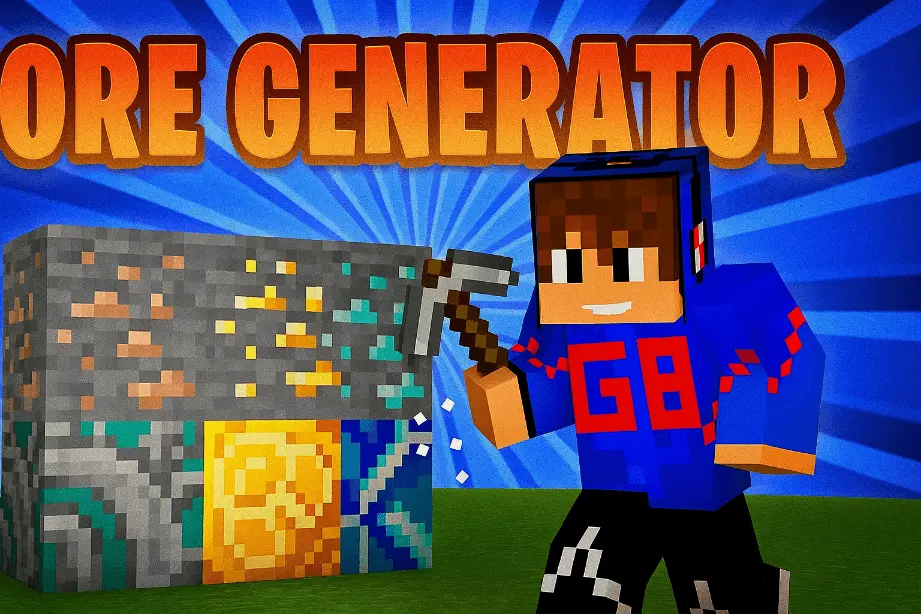
Ore Generator Mod — drop a generator block, let it spit out the ore you want, and skip the whole “dig a 2,000-block staircase” routine.
Ore Generator Mod is a Minecraft Pocket Edition addon built for players who’d rather build and progress than live in strip-mining tunnels all day. The whole idea is dead simple: instead of hunting underground for resources, you place an Ore Generator block and use it as your steady supply. That’s why it fits Skyblock so well—when your world is basically one floating platform, “go find diamond” usually means “go do nothing for an hour,” but with generators you can actually keep moving. It also slides nicely into economy servers because you can make mining output predictable, which makes trading, shops, and pricing feel more controlled instead of pure RNG. And in singleplayer survival or big building projects, it’s just a time-saver—less running around, more crafting, more building, more progress.
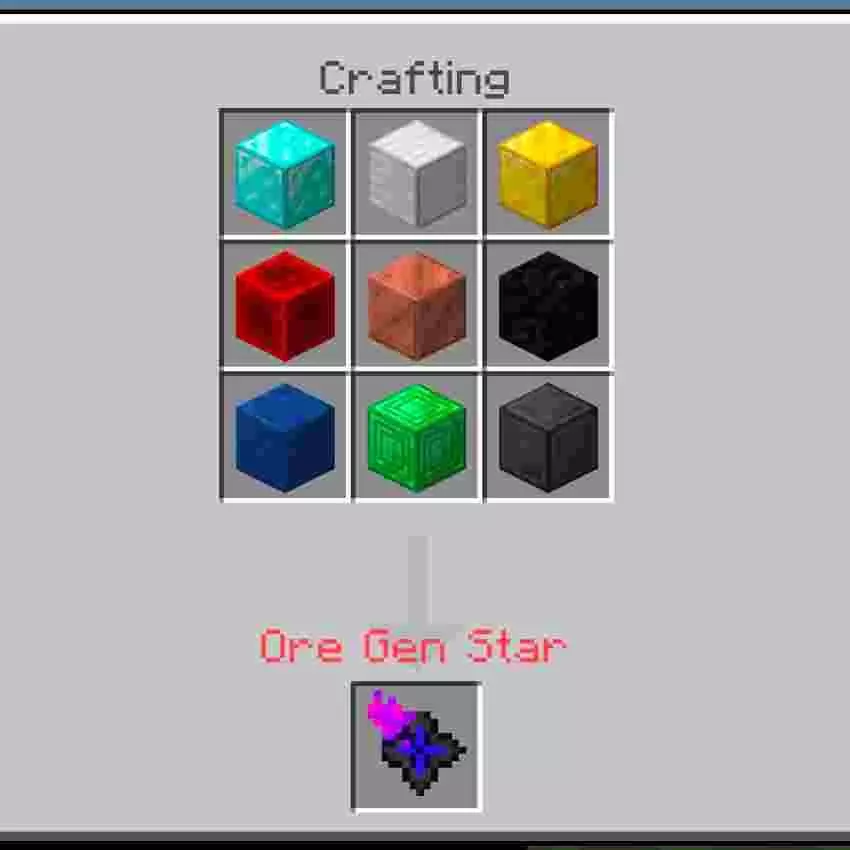
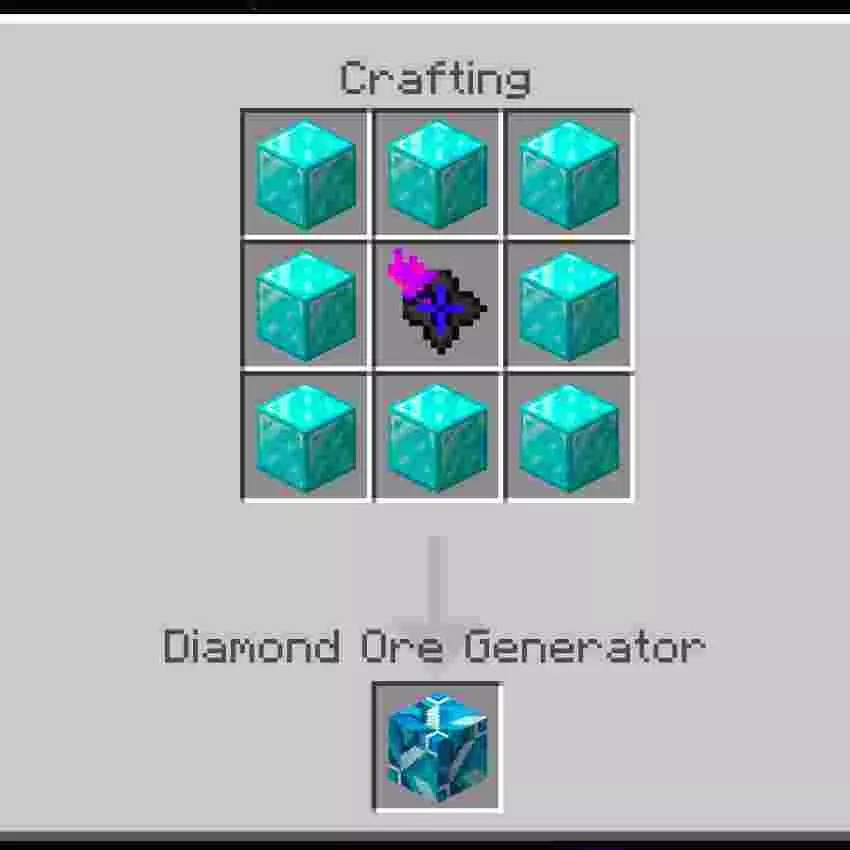
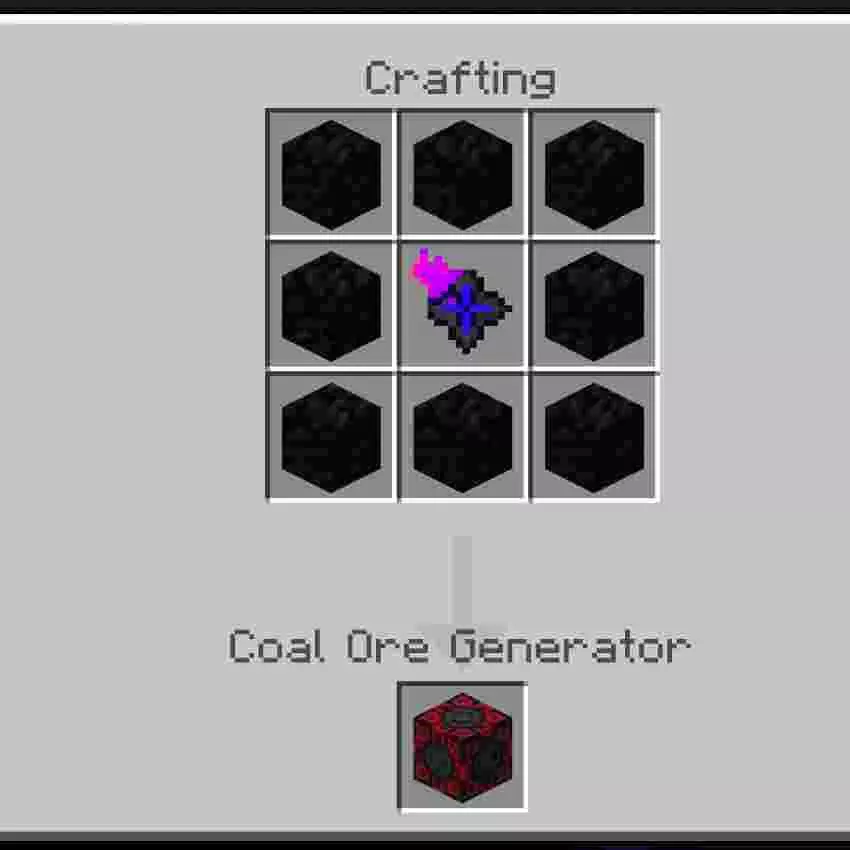
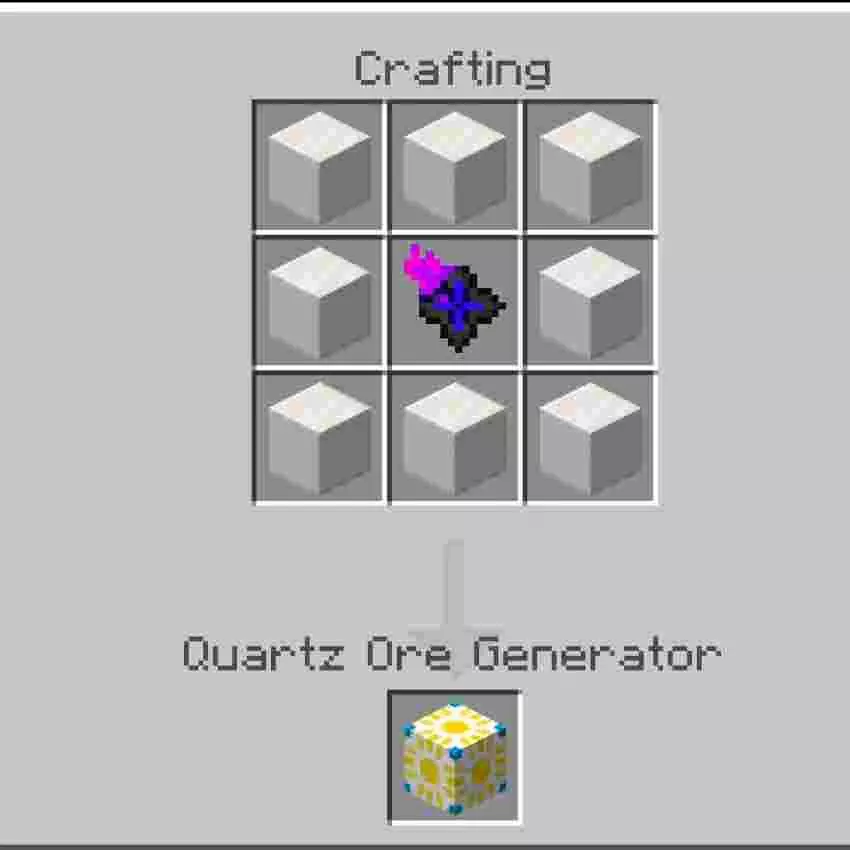
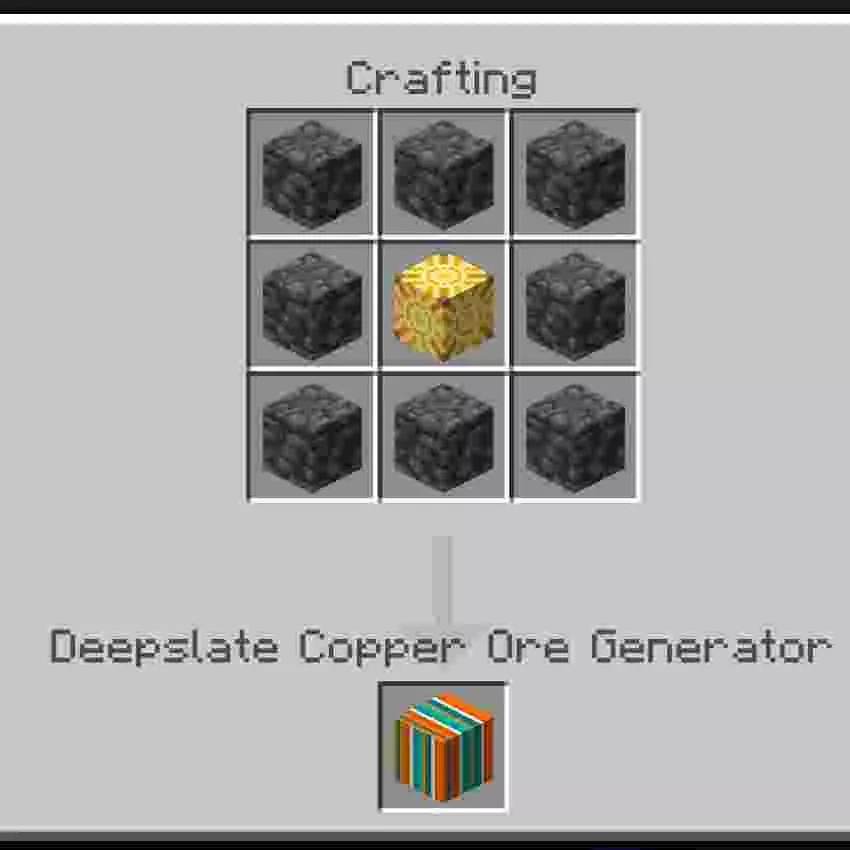
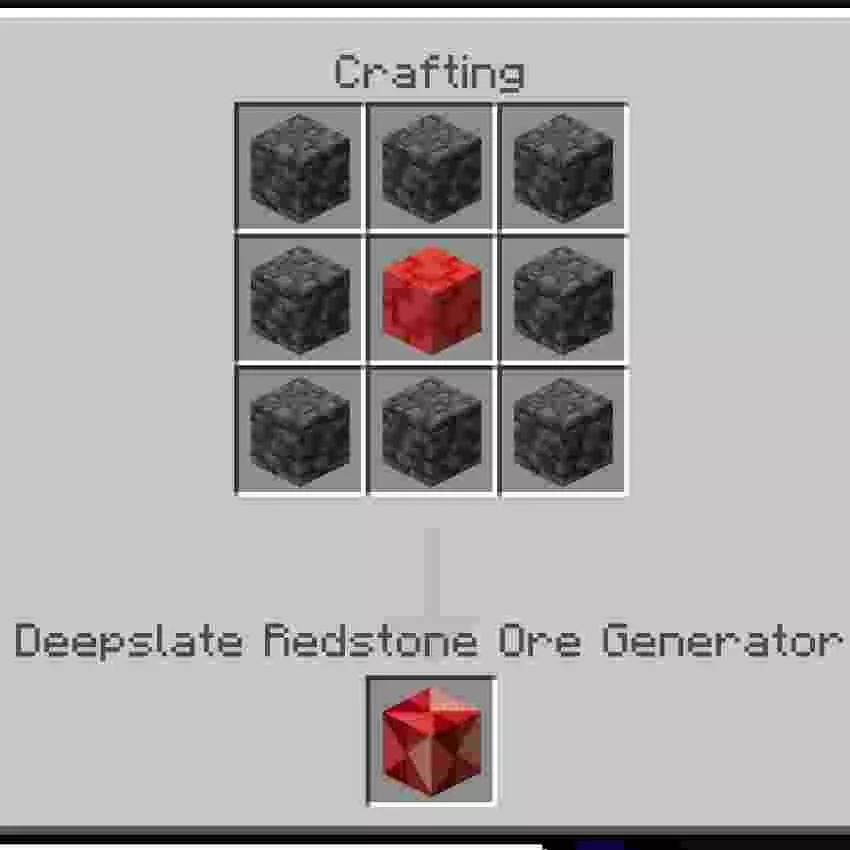
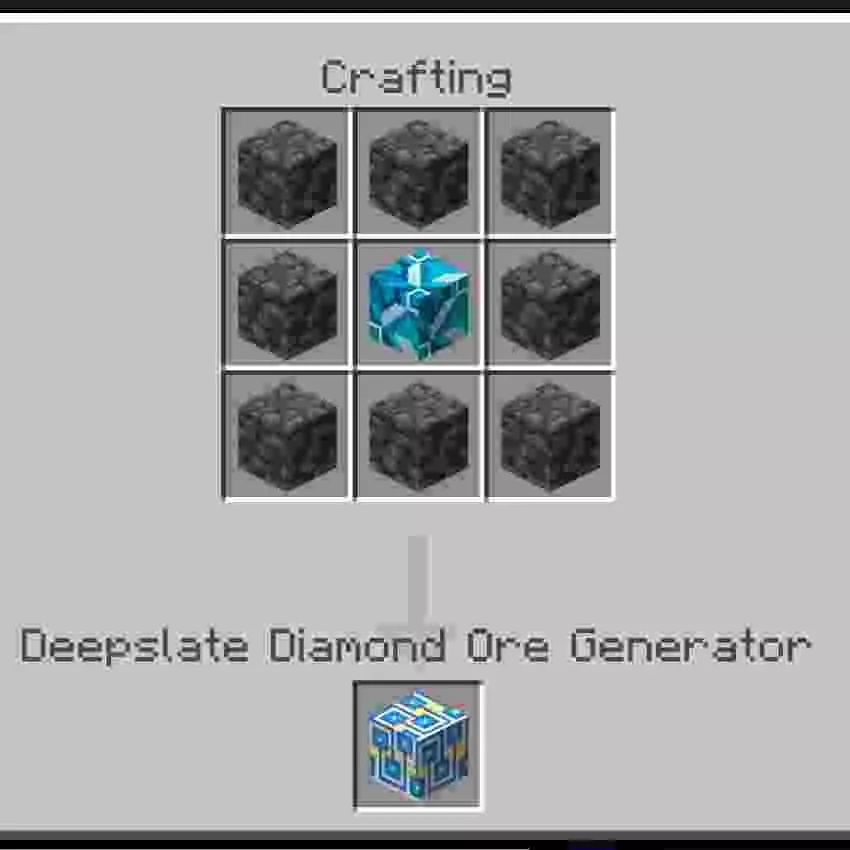
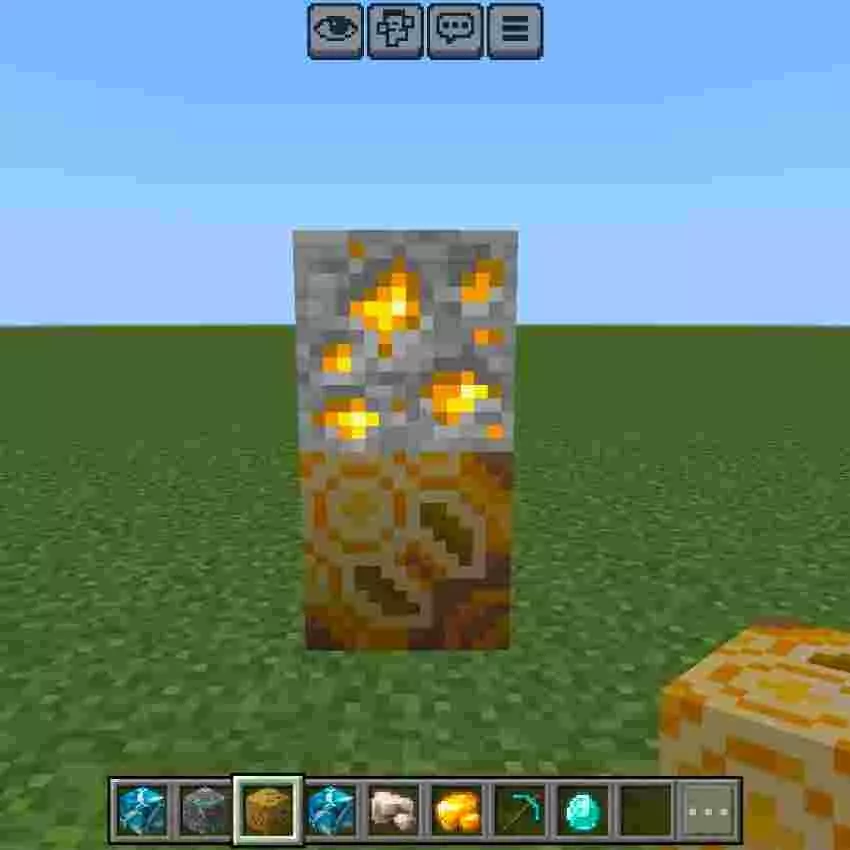
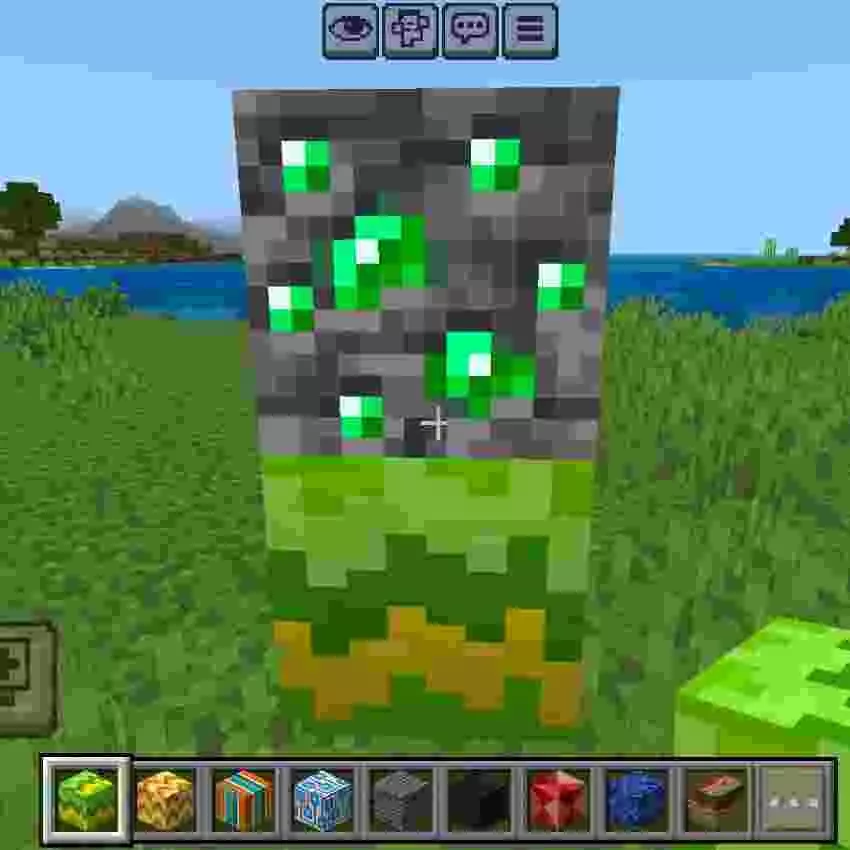
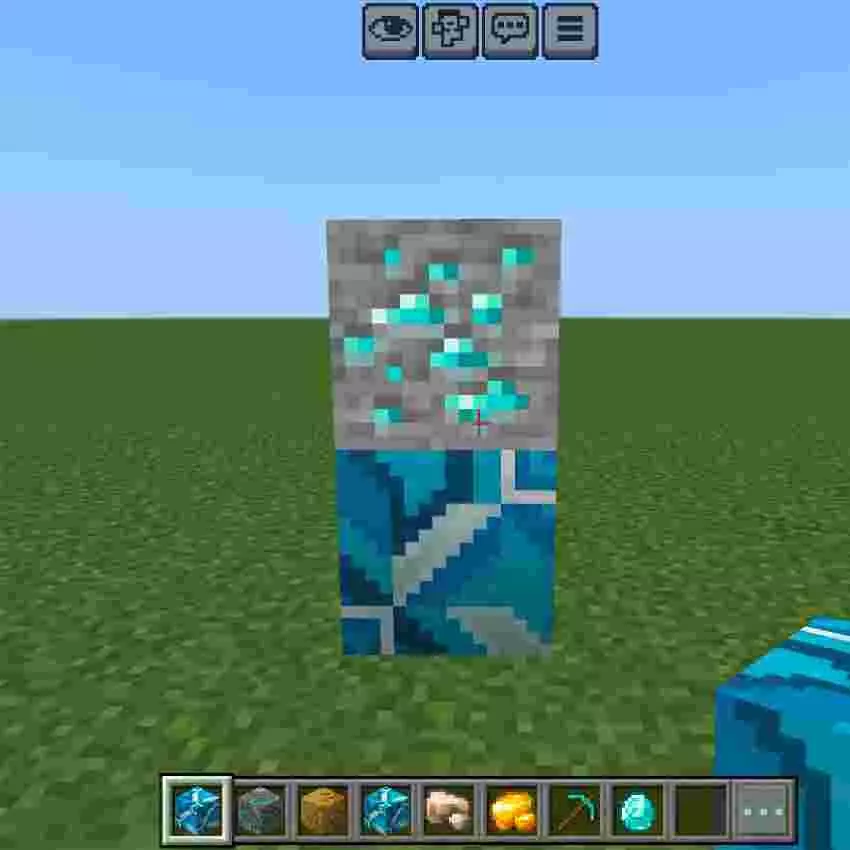
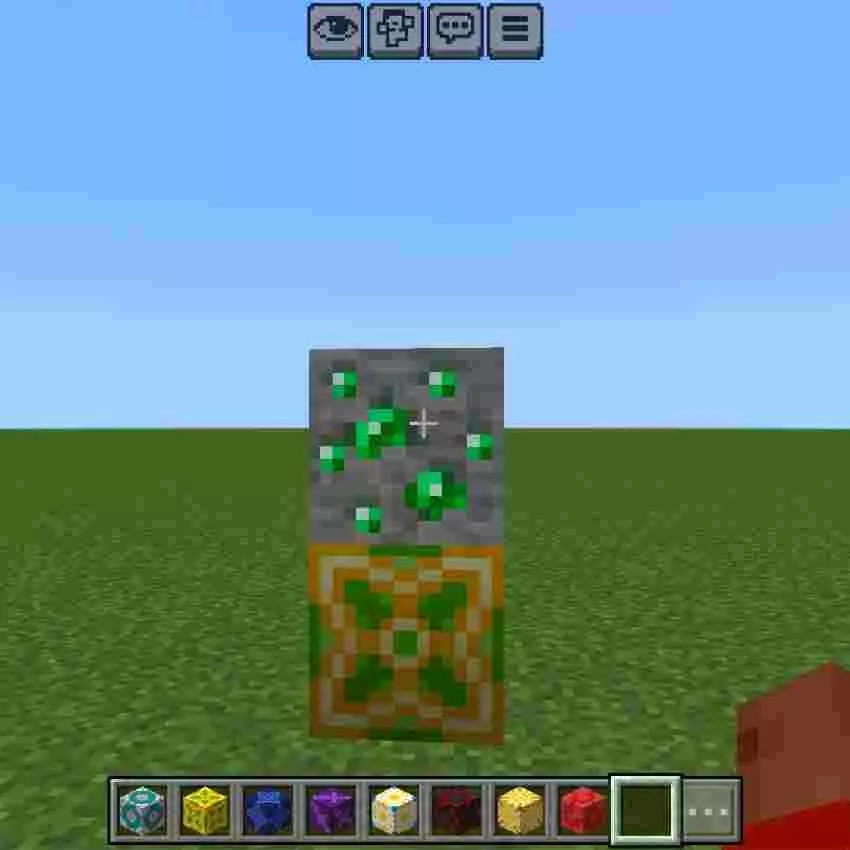
This addon comes stacked with generator options, so you’re not locked into just the basic stuff. You’ve got Coal Ore, Iron Ore, Gold Ore, Diamond Ore, Redstone Ore, Copper Ore, Lapis Lazuli Ore, Emerald Ore, Nether Quartz Ore, Ancient Debris, and even utility blocks like Cobblestone. It also covers Nether Gold Ore and a full set of deepslate variants, including Deepslate Stone plus Deepslate Coal, Copper, Iron, Gold, Redstone, Lapis Lazuli, Diamond, and Emerald Ore. That mix is pretty clutch because it means you can keep your builds looking consistent too—if your base theme is deepslate and you want your resource area to match, you’re not stuck with only normal stone ores. In practice, Ore Generator Mod is the “set it and forget it” backbone for worlds where you care more about managing resources smart than grinding caves, and it’s especially handy when you’re trying to keep a Skyblock run, a server economy, or a long survival world moving without hitting that boring mining wall.
Installation:
— Download McPack
— Install McAddon or McPack files, just open it for this;
— Select new textures in the settings;
— Done.
Comments (0)