Block To Xp Converter Addon
- 25-01-2026, 18:05
- 402
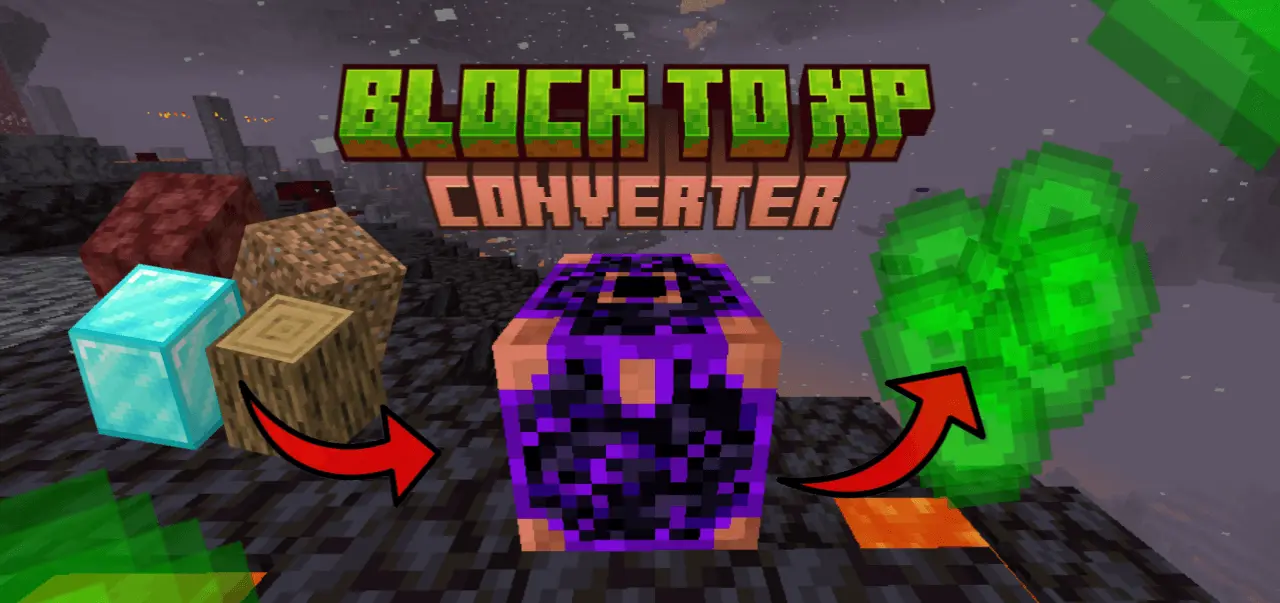
Block To Xp Converter Mod — a simple converter block that turns the stuff you’re holding into straight XP, with rewards based on how valuable the block is.
If you’ve ever stared at a chest full of random blocks and thought “cool, but I really need levels,” this one’s made for that exact moment. In Minecraft Bedrock / MCPE, you craft the Converter using 3 Crying Obsidian and 6 Copper Ingots, place it down, and it’s ready to eat blocks for experience. The one rule is non-negotiable: you have to be holding a block (or item you’re converting) when you press the Converter. If your hand is empty, nothing happens, so it doesn’t turn into some accidental spam machine while you’re just clicking around your base.
The XP payout is tiered, so expensive blocks actually feel expensive. Netherite Blocks pay the top reward at 150 XP, while Diamond Blocks sit at 100 XP and Emerald Blocks hit 80 XP. Gold Blocks come in at 50 XP, Iron Blocks at 30 XP, Lapis Blocks at 25 XP, and even Diamond Ore can pay 40 XP if you’d rather cash it out instead of smelting or storing it. Mid-range stuff like Redstone Blocks give 20 XP, Coal Blocks give 15 XP, and both Gold Ore and Iron Ore land at 15 XP and 10 XP. On the lower end, Copper Ore gives 8 XP, and basic blocks like stone, dirt, and wood give around 3–5 XP, with “all other blocks” sitting at 3 XP. That spread makes it feel like you’re making a choice, not just dumping junk.

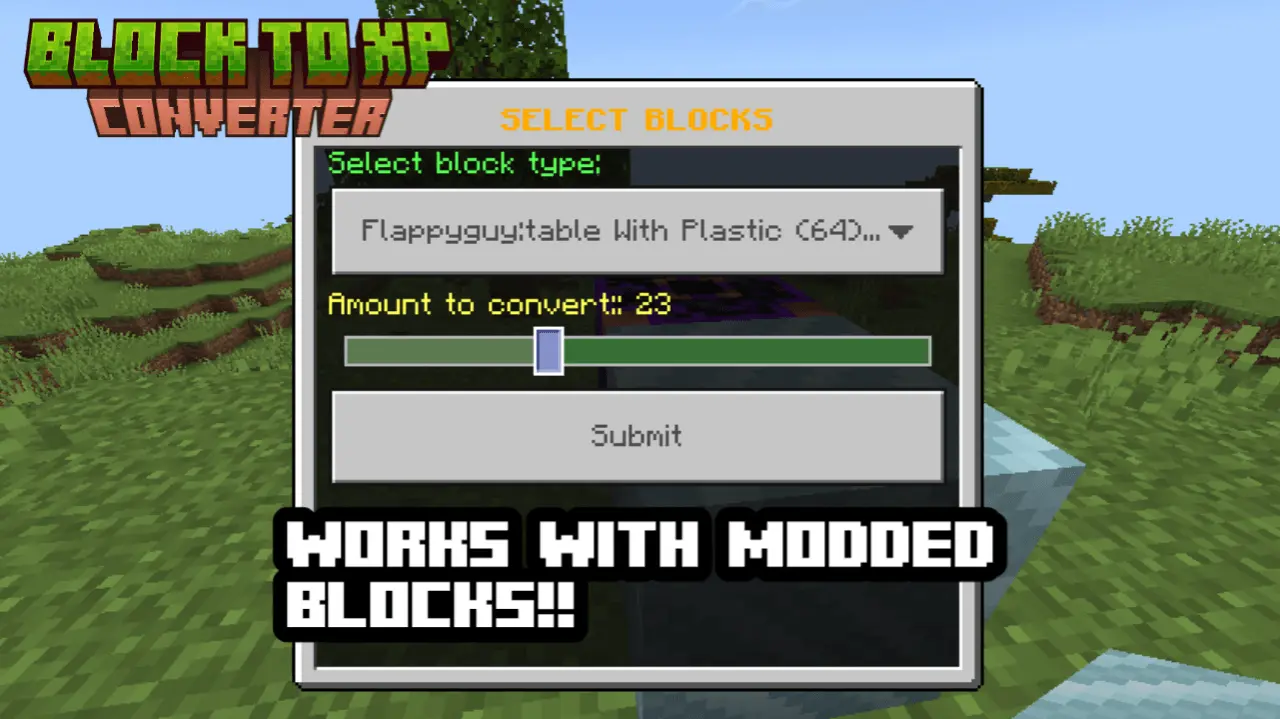


What’s nice is it doesn’t stop at vanilla. The Block To Xp Converter Mod also recognizes modded blocks using simple name rules, so you’re not stuck with a converter that only understands the default game. If a modded block name includes “crystal” or “gem,” it pays 25 XP, and if it includes “ore,” it pays 12 XP. Anything else modded falls back to 3 XP, which keeps it from turning into a broken XP fountain the second you install another addon. On top of that, the converter lets you choose what you want to convert and how many you want to feed it, so you can do quick small trades or dump a bigger stack when you’re gearing up for enchants. It’s already solid “for now,” and the fact it’s getting updated soon makes it feel like one of those utility addons you keep in every survival world once you’re used to it.
Installation:
— Download McPack
— Install McAddon or McPack files, just open it for this;
— Select new textures in the settings;
— Done.
Comments (0)