Usefull Addon
- 25-01-2026, 08:19
- 614
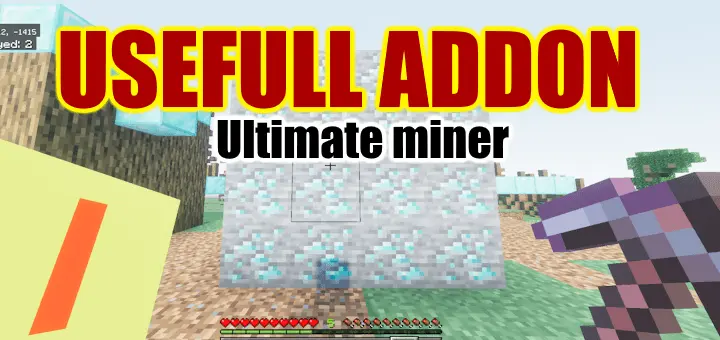
Usefull Addon — basically “MineAll + Tree Harvest” vibes, but with profiles that also let you auto-place blocks for bridges, stairs, and fast building in Bedrock.
This pack has two big parts: Breaking and Placing, and both are controlled by profiles so you can swap behavior depending on what you’re doing. For breaking, the core move is simple: hold sneak (Shift) while you break a block and it will chain-destroy based on your current profile. It supports Fortune and Silk Touch, and the best quality-of-life thing is that drops go straight into your inventory, so you don’t leave a mess on the ground while mining. It’s not “free” though—tool durability is spent for every block broken, so nuking a big vein will chew your pickaxe like it should in survival.
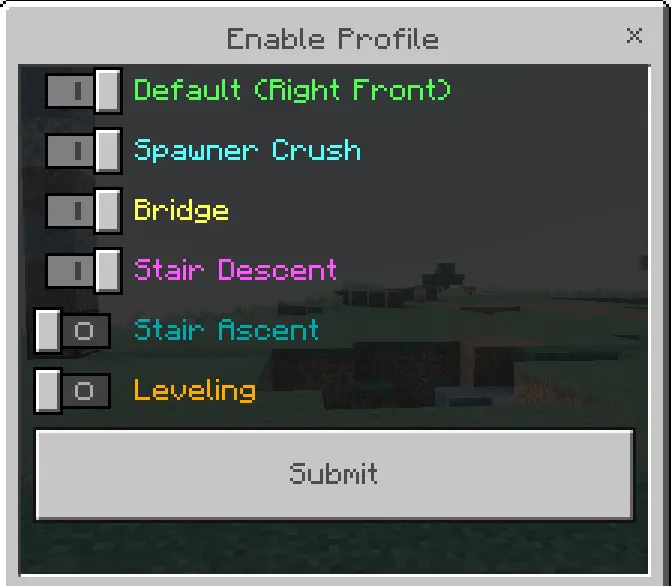
Switching break profiles is also quick: hold a tool (like a pickaxe), then press Use (right click) while sneaking to select a profile. If you want the profile to be super visible and easy to read, you use the “Useful addon settings” item → Break Setting → Enable Profile. Same settings item is where you do deeper setup: Break Setting → Profile List, and you can tweak details (the addon expects you to check the tooltip for the finer knobs).
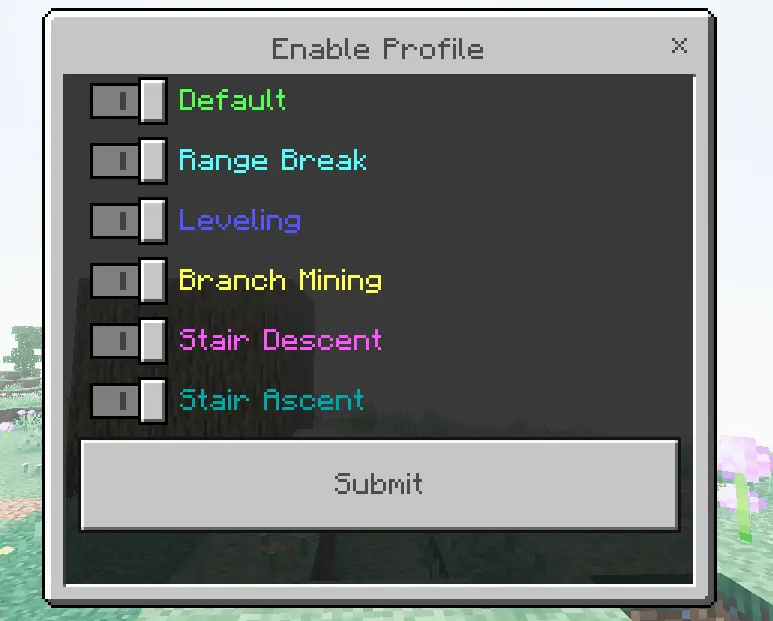

Break profiles give you a bunch of different playstyles:
Default: breaks adjacent blocks of the same type (default cap is 64 blocks), so it’s perfect for chopping huge ore veins or clearing a whole patch of one material.
Range Break: destroys a cube area (default 3×3×3) which is great for speed-mining and clearing rooms.
Leveling: breaks blocks above the block you mined—nice for flattening land and cleaning up hills fast.
Branch Mining: mines straight forward, great for strip-mining tunnels when you’re hunting ore.
Stair Descent: auto-mines a downward staircase, which is super handy early game when you’re digging down safely without thinking.
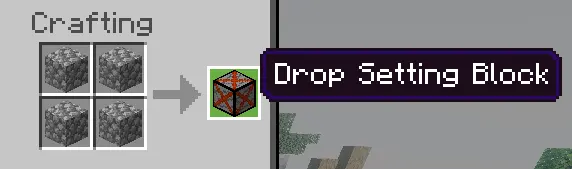
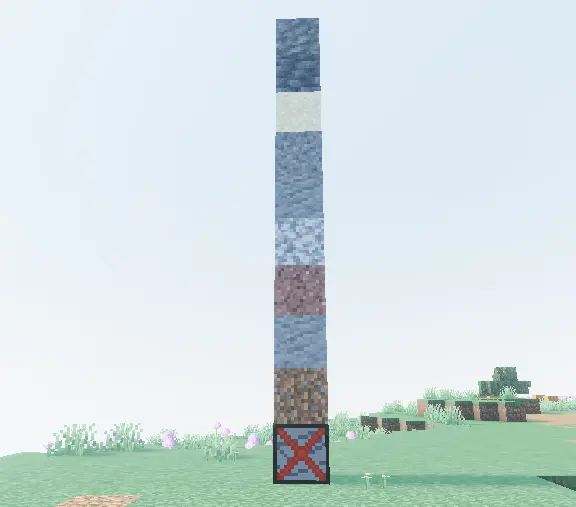
It also has a Drop Setting system, which is low-key powerful for servers or grinders. You craft a Drop Setting Block, then stack blocks on top of it to disable drops for those blocks. You can save presets on the Drop Setting Block, and those presets work with a special break profile called “Item Drop Ignore” (so you can mine without flooding your inventory with junk).
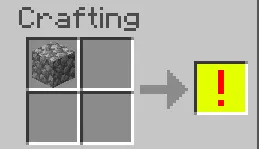
Then you’ve got the building side: Placing. To use auto-placement, you need a special off-hand item (crafted using cobblestone). Once you have that in your off-hand, you can sneak + place to auto-place multiple blocks at once. It consumes blocks normally, so it’s legit survival building, just way faster. To select a placing profile, you line your crosshair on any block, then sneak + attack (left click). (In creative, that same action destroys blocks, so watch your clicks.)
Place profiles are the “builder brain off” section:
Default: places blocks to the right, forward, and upward (default 4×4×4)—good for quick walls and chunky shapes.
Spawner Crush: covers surrounding blocks, mainly to slap half-block coverage over a wide area so mobs don’t spawn.
Bridge: classic one-block-wide bridge builder for crossing gaps fast.
Leveling: fills blocks at the same height, great for making flat floors without placing every single block by hand.
Overall, Usefull Addon is one of those “I can’t go back” utility packs: fast mining when you’re grinding resources, and fast building when you’re laying out bases, bridges, stair paths, and big flat areas—without turning survival into creative.
Installation:
— Download McPack
— Install McAddon or McPack files, just open it for this;
— Select new textures in the settings;
— Done.
Comments (0)