HEALTH INDICATOR Addon
- 1-02-2026, 10:08
- 64
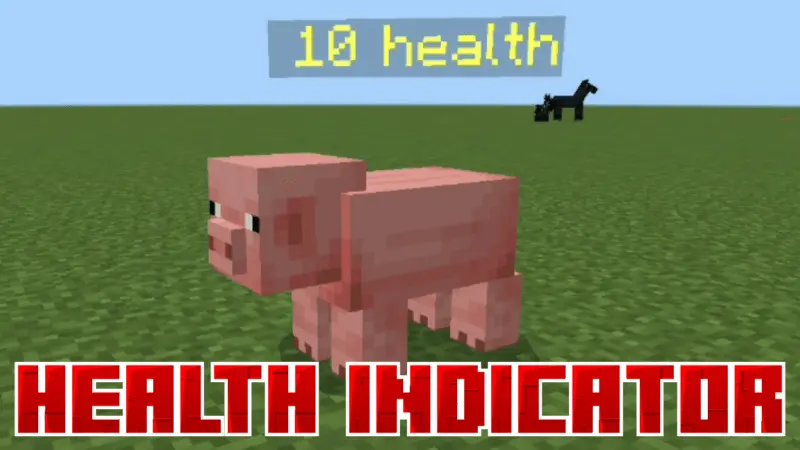
ZEPHYR HEALTH INDICATOR Mod — quick health reads so you stop guessing and start fighting smarter.
Zephyr Health Indicator Mod is one of those small “why isn’t this vanilla?” helpers that instantly makes combat and survival decisions feel cleaner. Instead of swinging at a mob and hoping you’re winning the trade, you can actually see how much health it has left. That changes everything in messy situations like caves, raids, or nighttime runs where you’re juggling multiple threats. You’ll know when a mob is basically one hit from dropping versus when it’s still tanky enough that you should back up, heal, or switch tactics. It’s also a nice reality check for “is this thing actually dangerous or am I overreacting?” which matters a lot early-game when your gear is trash and every hit feels personal.
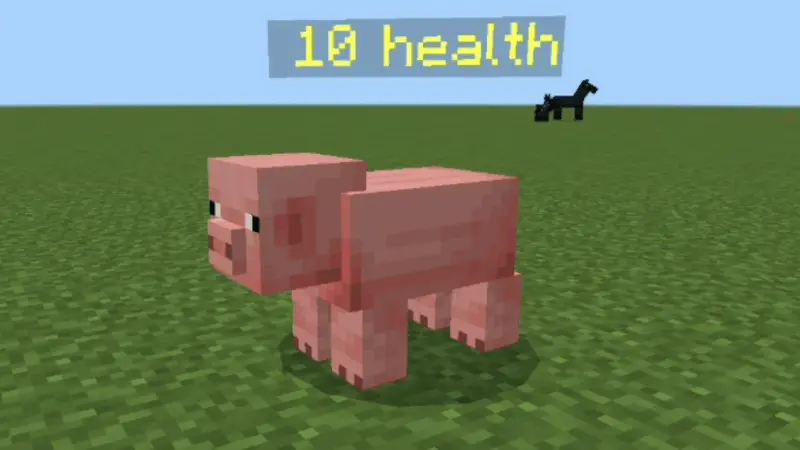
Where Zephyr Health Indicator Mod really saves you from heartbreak is friendly mobs and helpers. Wolves and Iron Golems are easy to accidentally finish off when you’re panic-swinging during a fight, especially if the area is crowded or you’re using sweeping attacks. With a health indicator, you can see when your wolf is low and pull it out of danger, or notice your village golem is getting chipped down and stop stacking extra damage on it by mistake. It’s basically a “don’t grief your own team” mod, and it’s super useful for players who actually care about keeping pets alive or protecting a village long-term.
In normal gameplay, it’s also perfect for testing builds and balance. If you’re trying new weapons, enchant setups, or just comparing how fast you can drop different mobs, having visible health makes it feel way less random. Zephyr Health Indicator Mod keeps fights more readable, makes you less likely to waste resources, and helps you play safer without turning the game into numbers spam. If you’ve ever said “bro I swear that mob was almost dead,” this fixes that instantly.
Installation:
— Download McPack
— Install McAddon or McPack files, just open it for this;
— Select new textures in the settings;
— Done.
Comments (0)