VDX: Java/Desktop UI Addon
- 24-09-2026, 07:44
- 4 832
Mods 26 [1.26] / Mods 1.21 / Mods 1.20
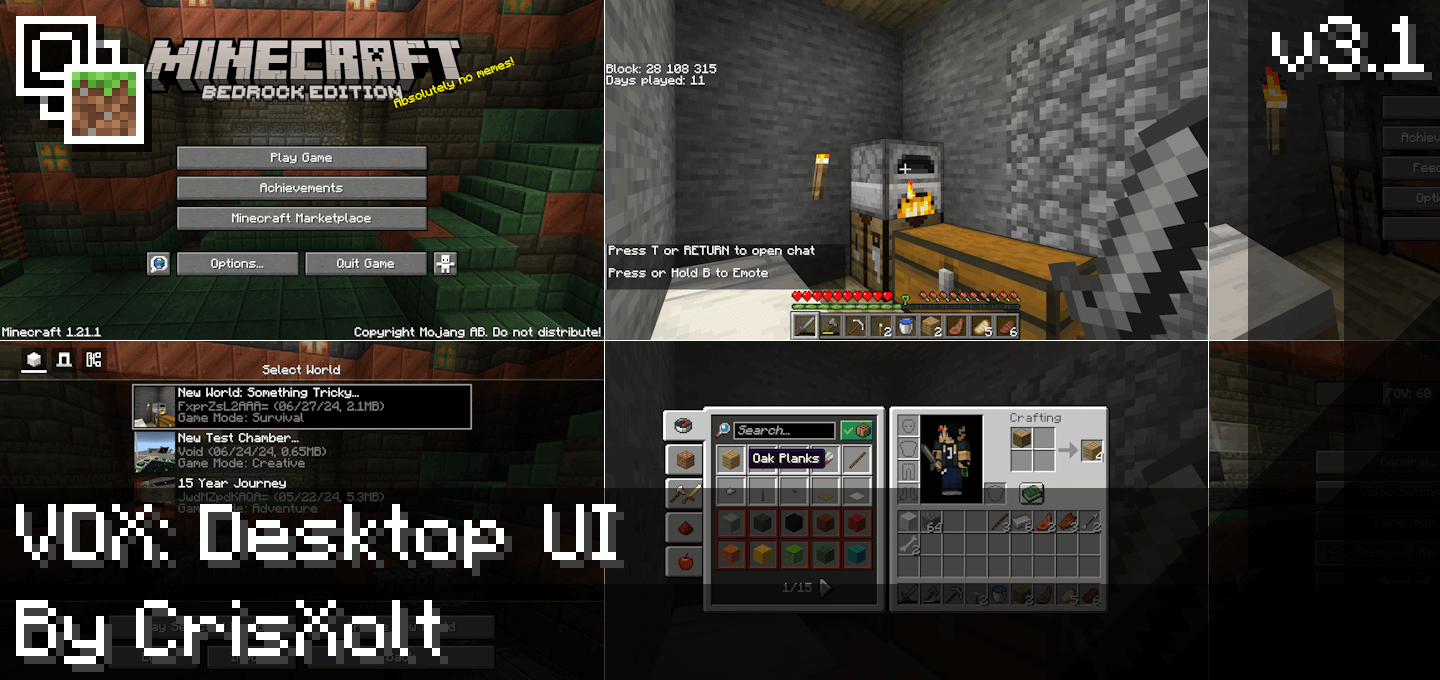
VDX: Java/Desktop UI - download for free a very popular mod for an updated game interface, menu in Minecraft Bedrock.
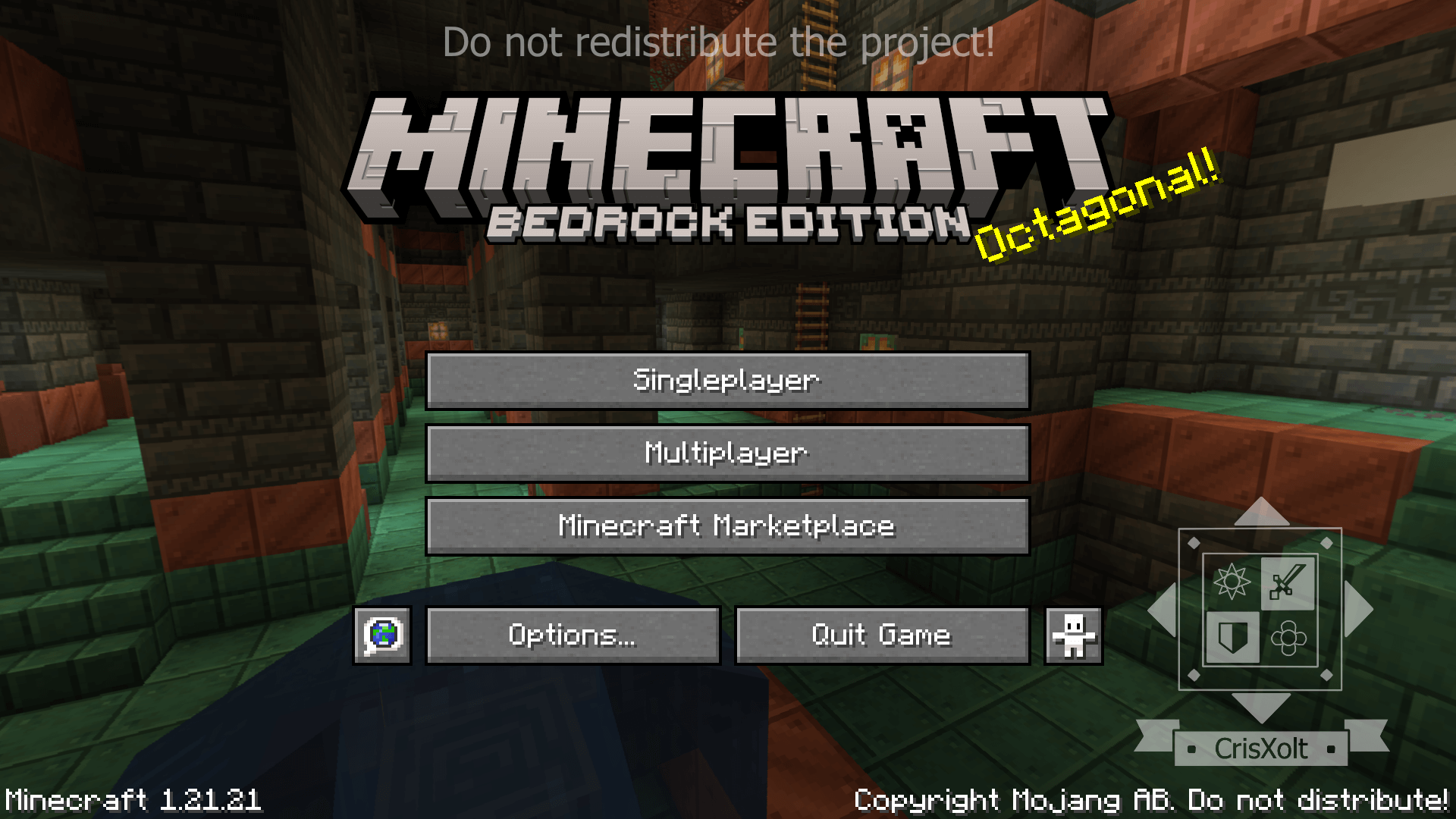
Bedrock Edition is amazing for cross-play, but the user interface has always been a massive compromise. Because Mojang had to design menus that work for mobile touchscreens, everything feels slightly blown up, clunky, and buried behind unnecessary sub-menus. The VDX Java Desktop UI addon completely rips out that mobile-first design and replaces it with a perfect, one-to-one recreation of the classic Java Edition interface. The moment you boot up the game, you are greeted with the iconic dirt-background panorama and the clean, minimalist start menu instead of the standard Bedrock layout.
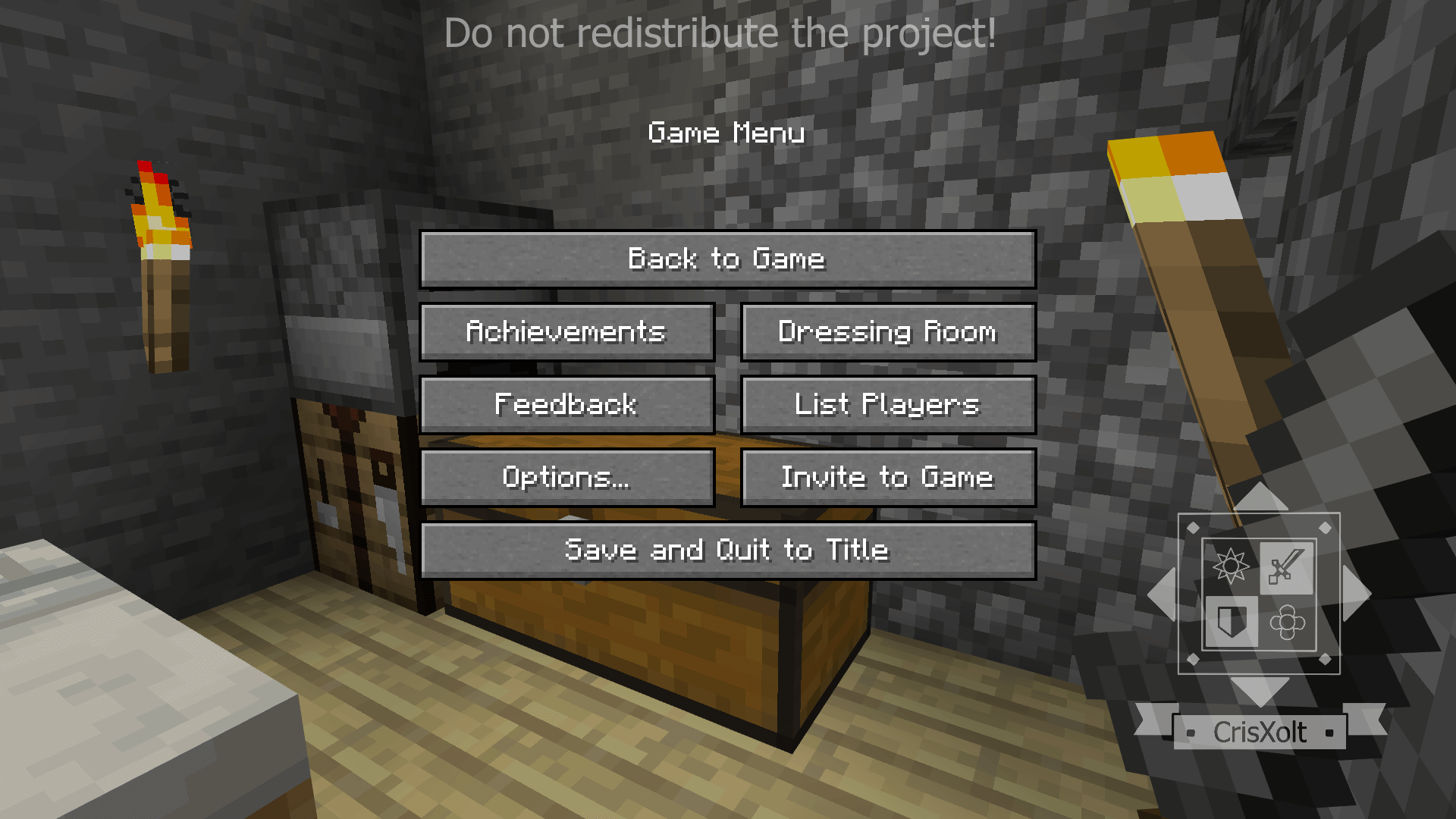
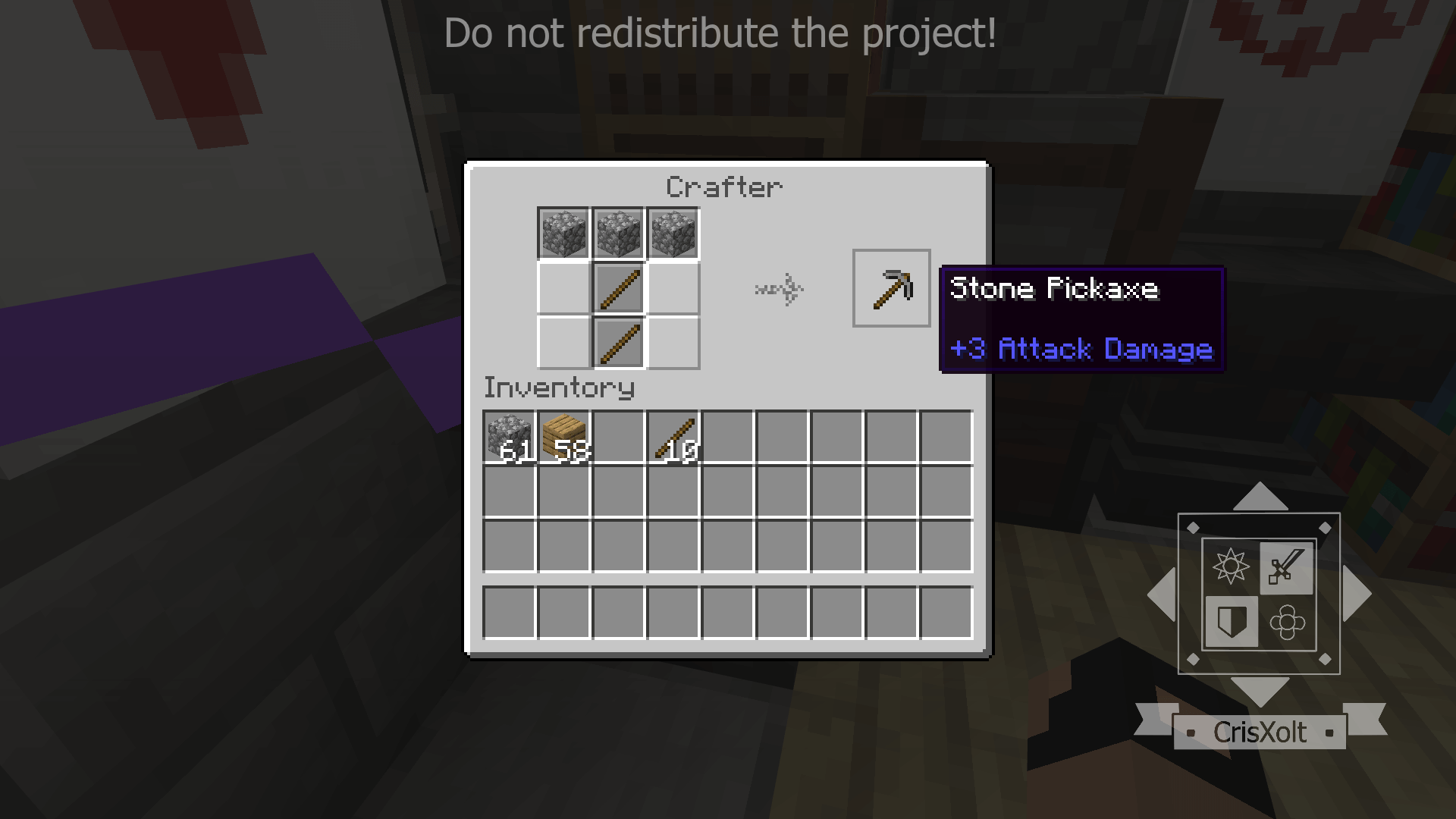
The immersion goes way beyond just the title screen. Every single interface in the game has been meticulously redesigned to match the desktop version. When you open your inventory, craft at a table, trade with a villager, or dig through the settings menu, you get the exact layout, pixel-perfect textures, and click sounds from Java Edition. It completely removes those massive, annoying sidebars from the Bedrock inventory screen and brings back the compact, organized grid that long-time PC players have been using for over a decade. Even the loading screens and the chat box are overhauled to look completely authentic.
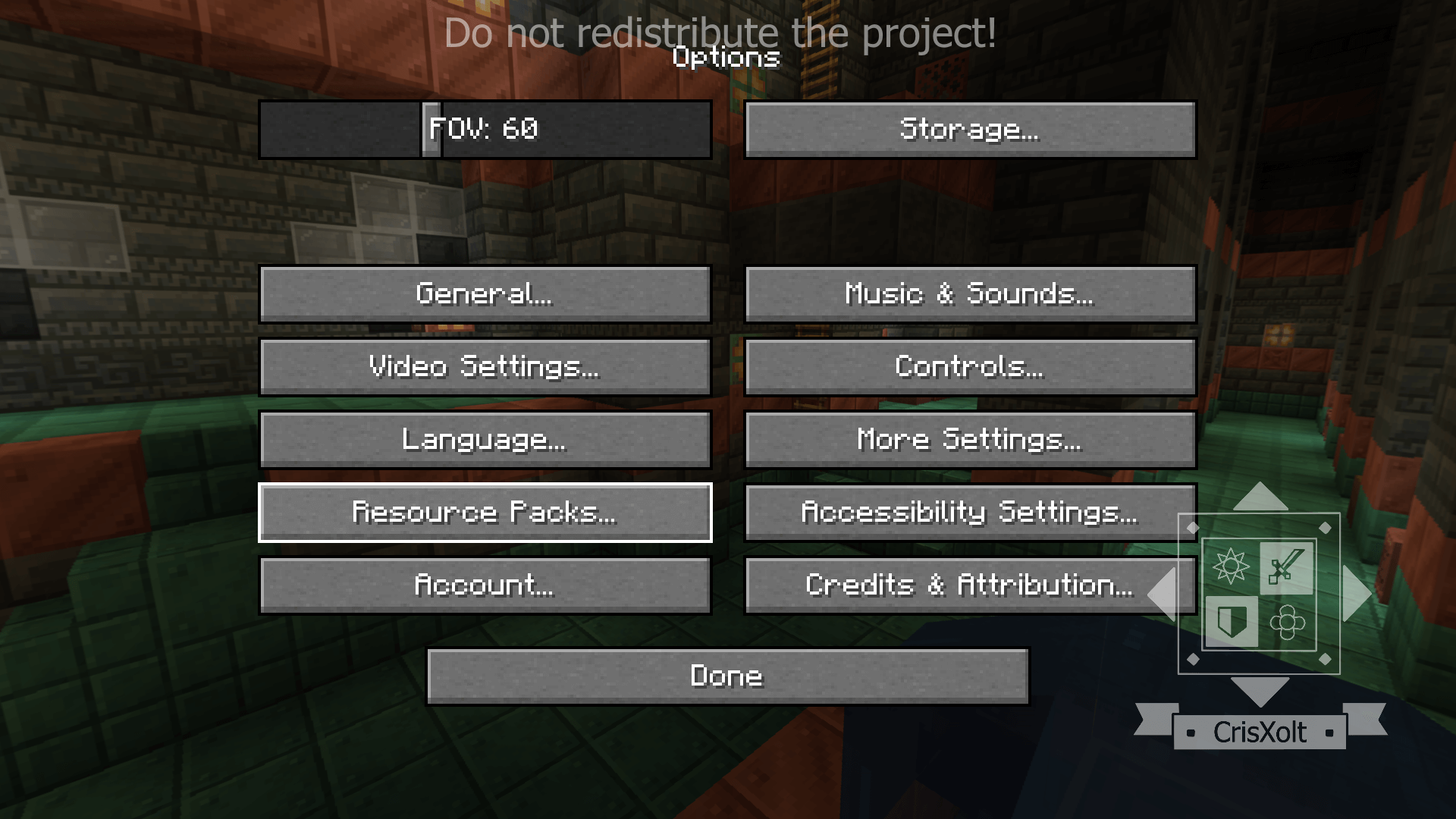
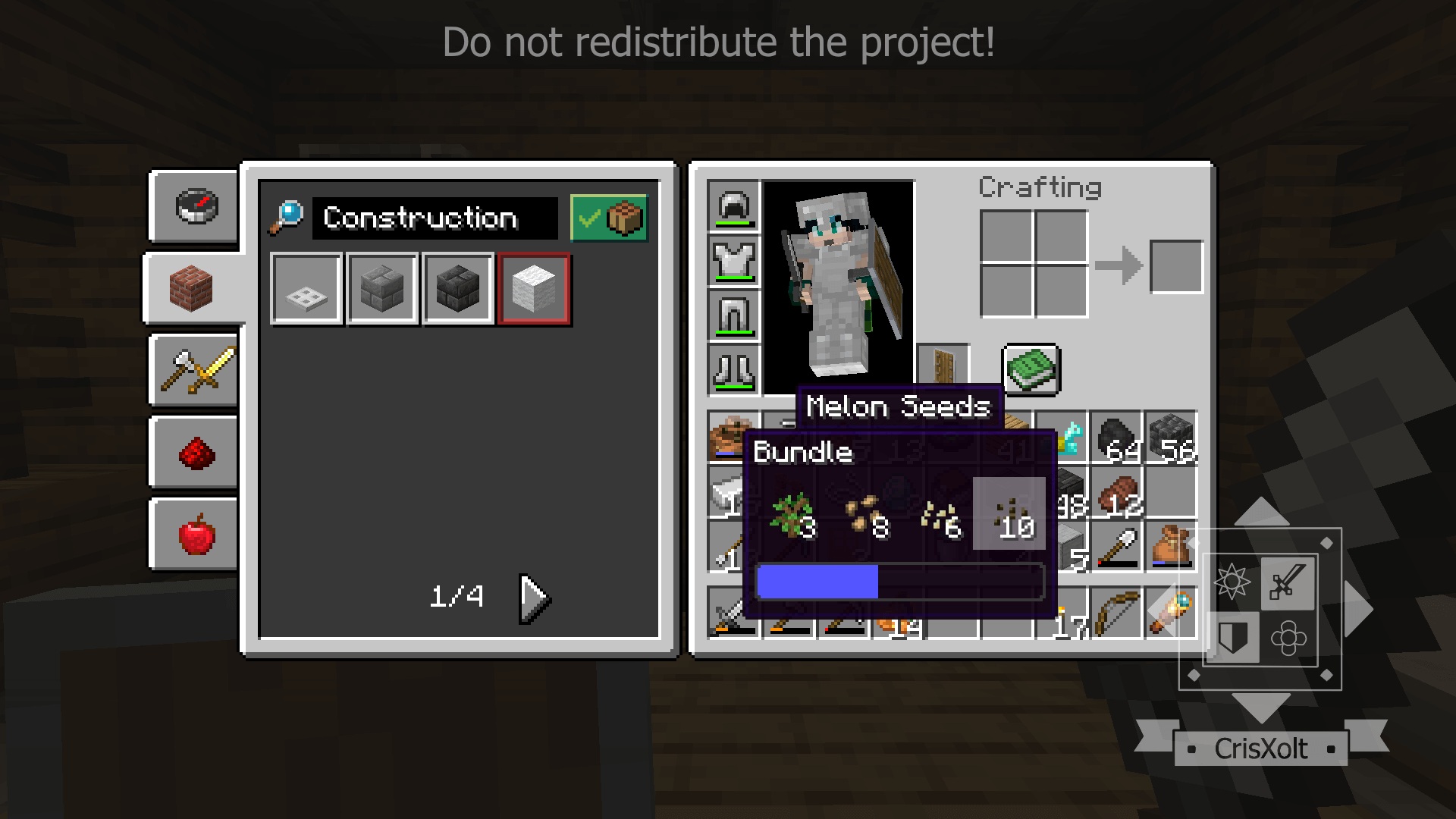
The absolute best part about this pack is how lightweight and safe it is to use. Because this is purely a client-side visual resource pack that only alters 2D menu assets, your Xbox Live achievements remain completely active. You do not need to enable any experimental developer toggles or mess with behavior packs.
Performance-wise, the technical footprint is completely non-existent. It does not ask the engine to render custom 3D models or calculate complex scripts, so it will never drop your framerate, even on the oldest hardware. The only practical thing you need to keep in mind is your specific platform. If you are playing on a PC or using a controller on a console, this is an immediate, mandatory quality-of-life upgrade. However, if you are playing on a small smartphone, just be aware that the Java interface was specifically designed for a precise mouse cursor, meaning tapping those compact inventory slots with your fingers might require a bit more accuracy than the oversized default Bedrock buttons.
Installation:
— Download McPack
— Use the Minecraft
— Install McAddon or McPack files, just open it for this;
— Select new textures in the settings;
— Done.
Comments (1)