DoubleHands - Functional Offhand Addon
- 21-04-2026, 04:48
- 1 070

DoubleHands - Functional Offhand Mod — finally gives Bedrock a real offhand that actually feels useful, not just like a shield slot that forgot its job.
With DoubleHands - Functional Offhand Mod installed, your character suddenly handles tools and blocks like a Java player. You can toss almost any item or block into your offhand and actually use it: torches, redstone, seeds, buckets, tripwire hooks, building blocks, you name it. The way you activate it is simple and feels natural. On keyboard or controller you just double sneak and the item in your hand swaps into the offhand. On touch you use the “over there� emote to trigger it. From there, if your main hand is empty or holding a tool, the offhand takes over for placement and use, so you get that clean “tool in one hand, utility in the other� flow that Bedrock has been missing.
The smart part is how it respects main hand priority. If you’re holding an axe, hoe, pickaxe, bow, or other tool, the game will use that tool’s normal action first instead of constantly dumping blocks or items from the offhand by accident. That means you can walk through a forest with an axe in your hand and saplings in your offhand, strip logs, chop wood, and then replant in one smooth rhythm. Same idea for farming: keep a hoe in your main hand, seeds or crops in the offhand, and just work your field in a single pass, tilling and planting without swapping hotbar slots every few blocks. It makes basic survival chores feel way less clunky on Minecraft Bedrock and MCPE, especially if you’re on mobile.
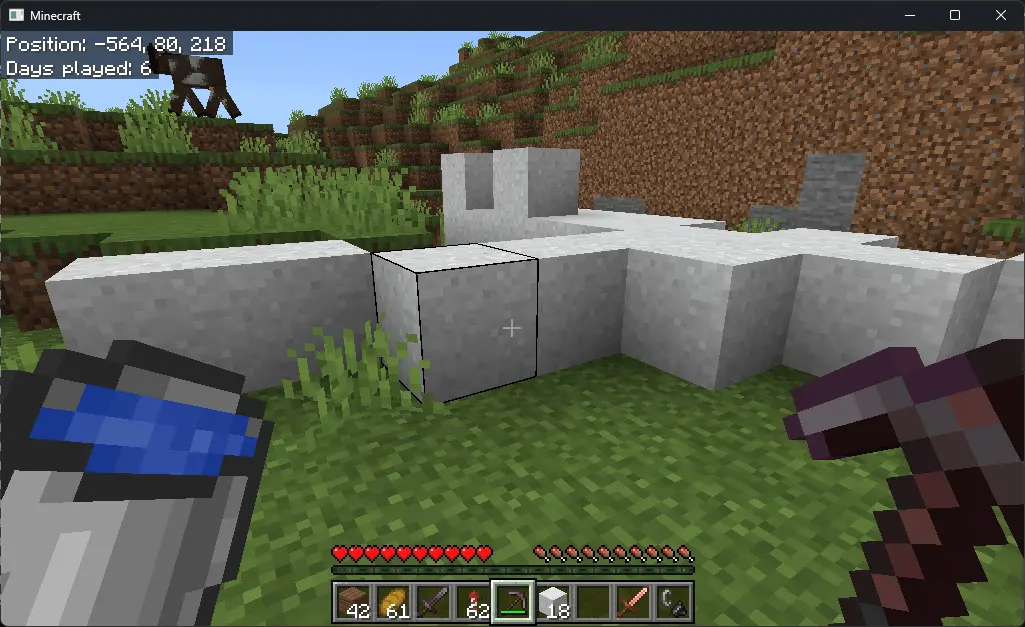
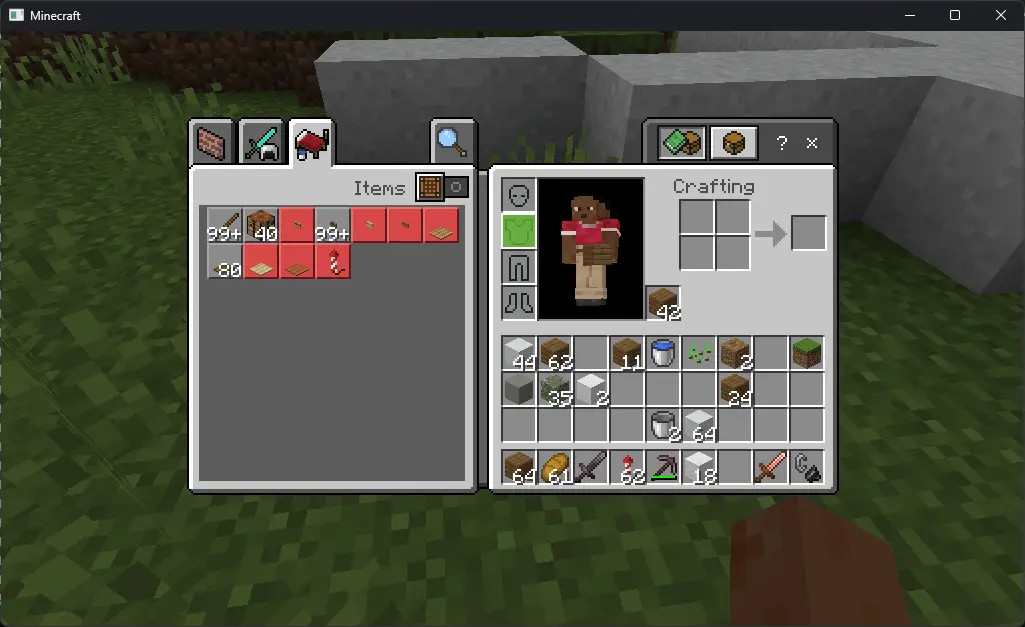
Builders and technical players get an even bigger upgrade from DoubleHands. You can hold a pickaxe in your main hand and stone in your offhand while shaping walls, or carry redstone components, tripwire hooks, buckets, and flint and steel in the offhand while you wire contraptions and test them on the fly. Liquids can be placed from the offhand, fire from flint and steel lights correctly, and every interaction plays proper sound feedback, so the whole thing feels native, not hacked in. The addon doesn’t rely on experimental toggles and is built to survive future updates, which makes it ideal for long-term survival worlds, Realms, and servers where nobody wants to rebuild their control scheme every patch. Once you get used to sprinting through caves with a pick in one hand and torches in the other, or farming with full offhand support, going back to vanilla Bedrock movement and item handling feels like giving up a tool you didn’t realize you needed this badly.
Installation:
— Download McPack
— Install McAddon or McPack files, just open it for this;
— Select new textures in the settings;
— Done.
Comments (0)