QB Furniture Addon
- 16-12-2025, 05:21
- 671
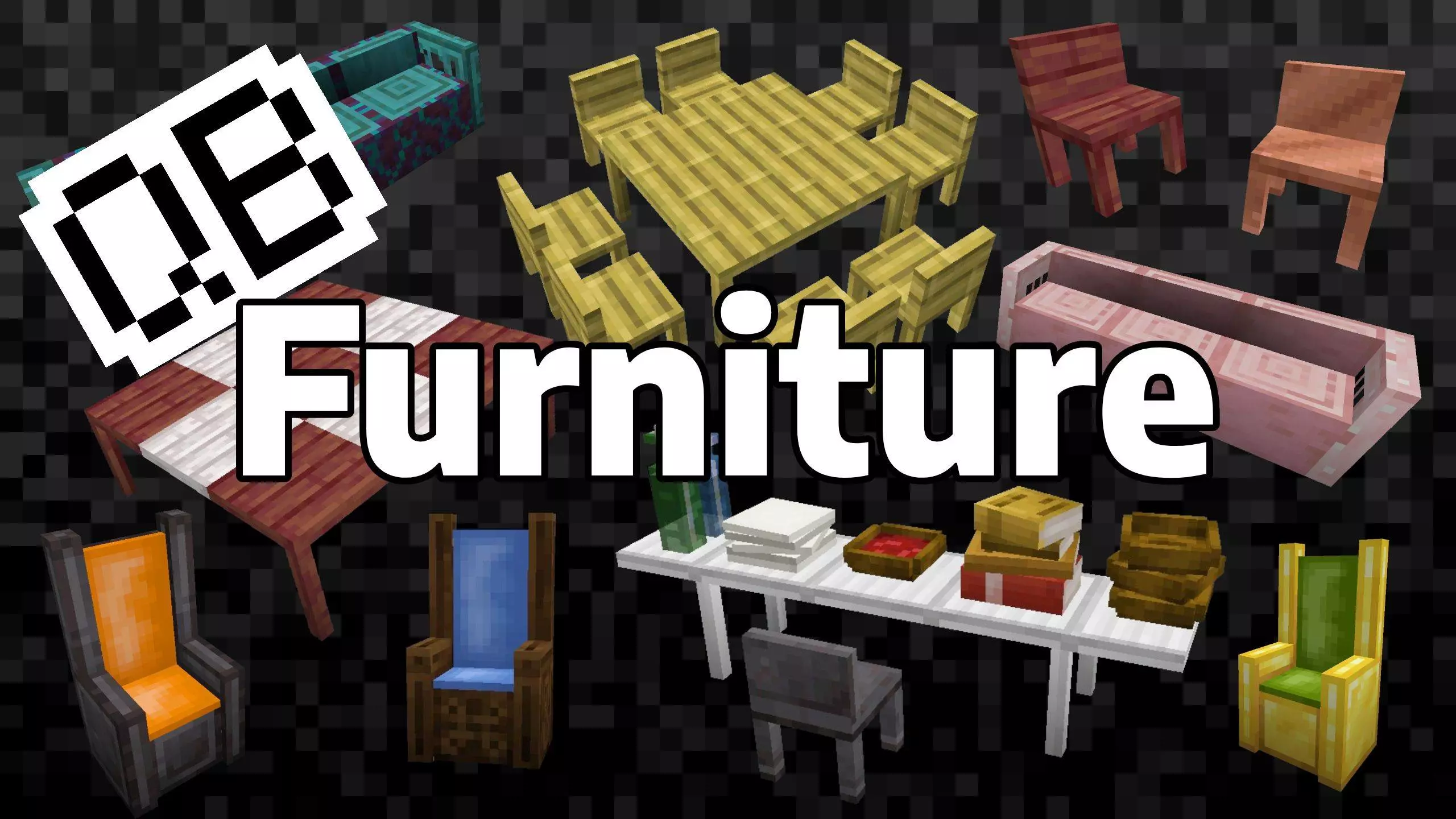
QB Furniture Mod — clean, survival-friendly furniture that actually feels like it belongs in your builds, not like some weird modded sci-fi set.
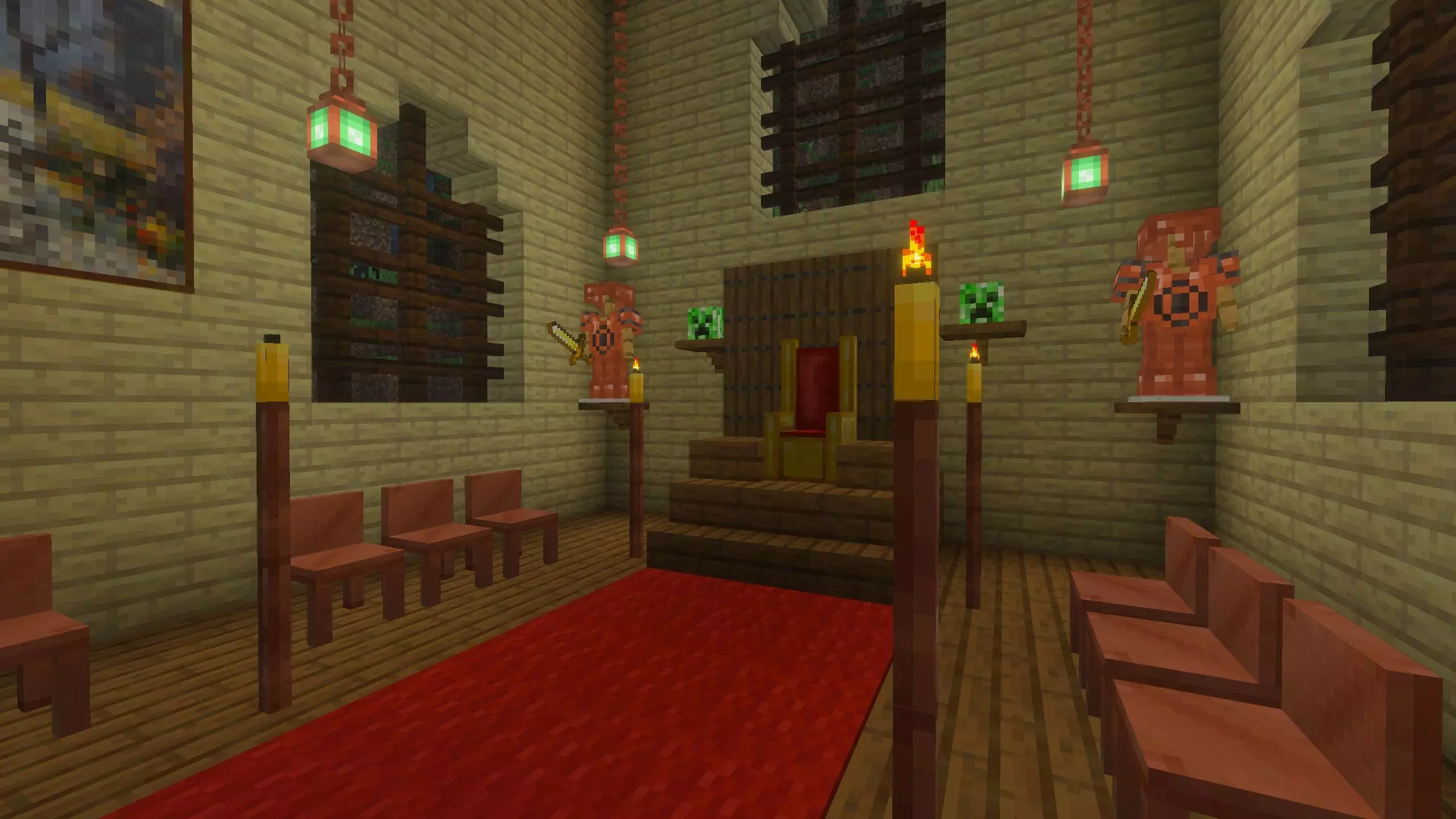
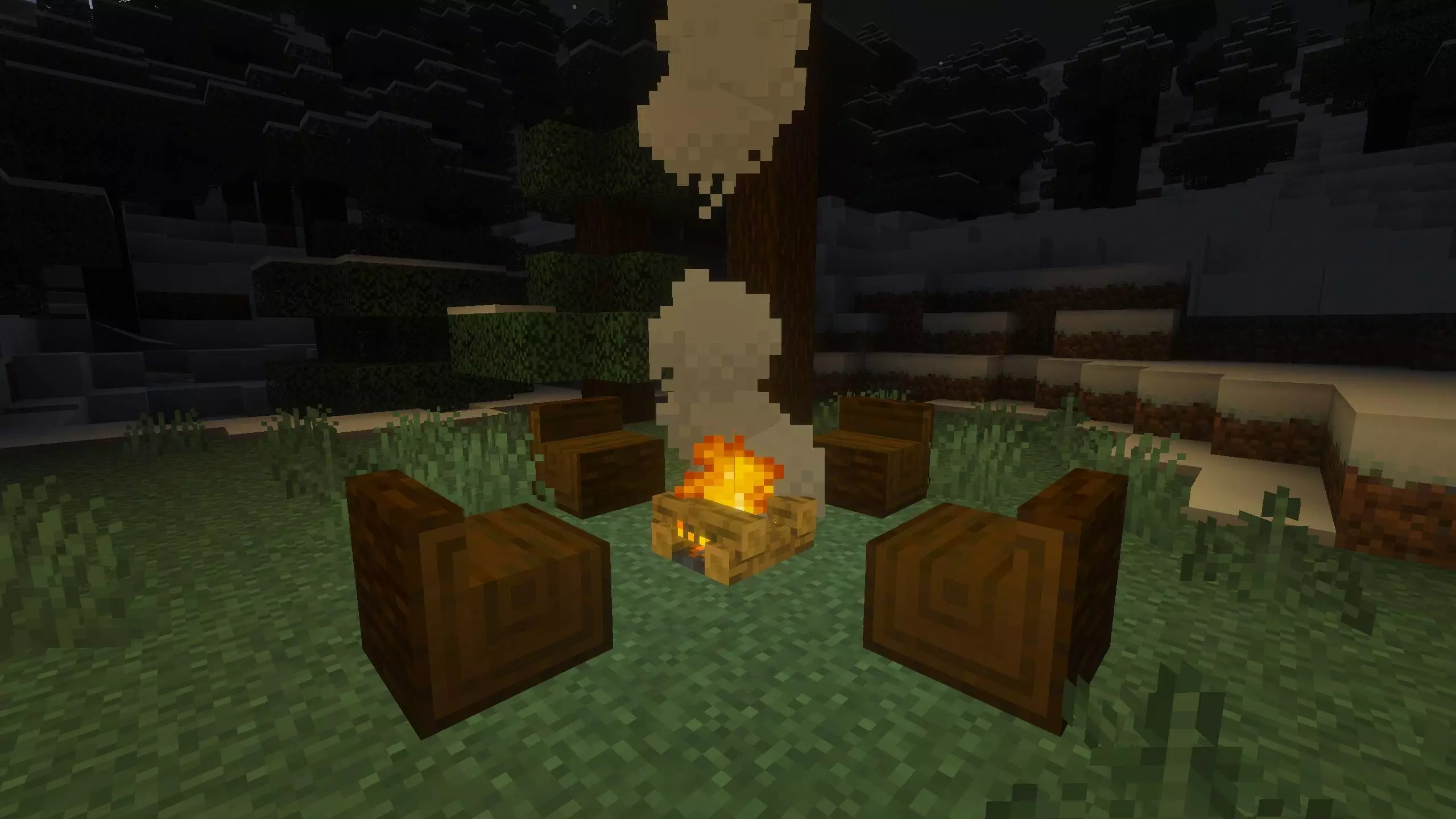
QB Furniture Mod is all about decorating without breaking the vibe of a normal Minecraft world. Everything is made to blend in whether you’re grinding survival or just speed-building in creative, so you don’t get that “this looks modded” clash when you drop a chair into a wooden cabin or a throne into a castle hall. The core lineup is straightforward but deep: tables, wall-mounted shelves, and three types of seating, with interactions that make the furniture feel usable instead of being pure decoration. You can sit on any seat by interacting with it, and tables have a fun extra touch—interact with a table and you can crawl beneath it, which is perfect for little hidey spots, roleplay rooms, or just messing around in a friend’s base.
The seating selection is huge: 95 seating blocks total. You’ve got 23 chairs with both wooden and metal variations, 24 log benches that cover all wood and stripped variations, and 48 thrones that go hard with materials like wood, gold, and netherite. Thrones also let you pick padding in all 16 colors, so you can match a faction color, a bedroom palette, or whatever theme you’re running. Tables and wall-mounted shelves come in 23 variants each, and the material list is stacked: Oak, Birch, Spruce, Jungle, Acacia, Dark Oak, Mangrove, Cherry, Pale Oak, Bamboo, Crimson, and Warped, plus metal options like Iron, Gold, Netherite, and Copper with eight oxidization and waxed variations. That copper range is especially nice if you’re into builds that “age” over time or you want that greened-out rooftop look without having to fake it.
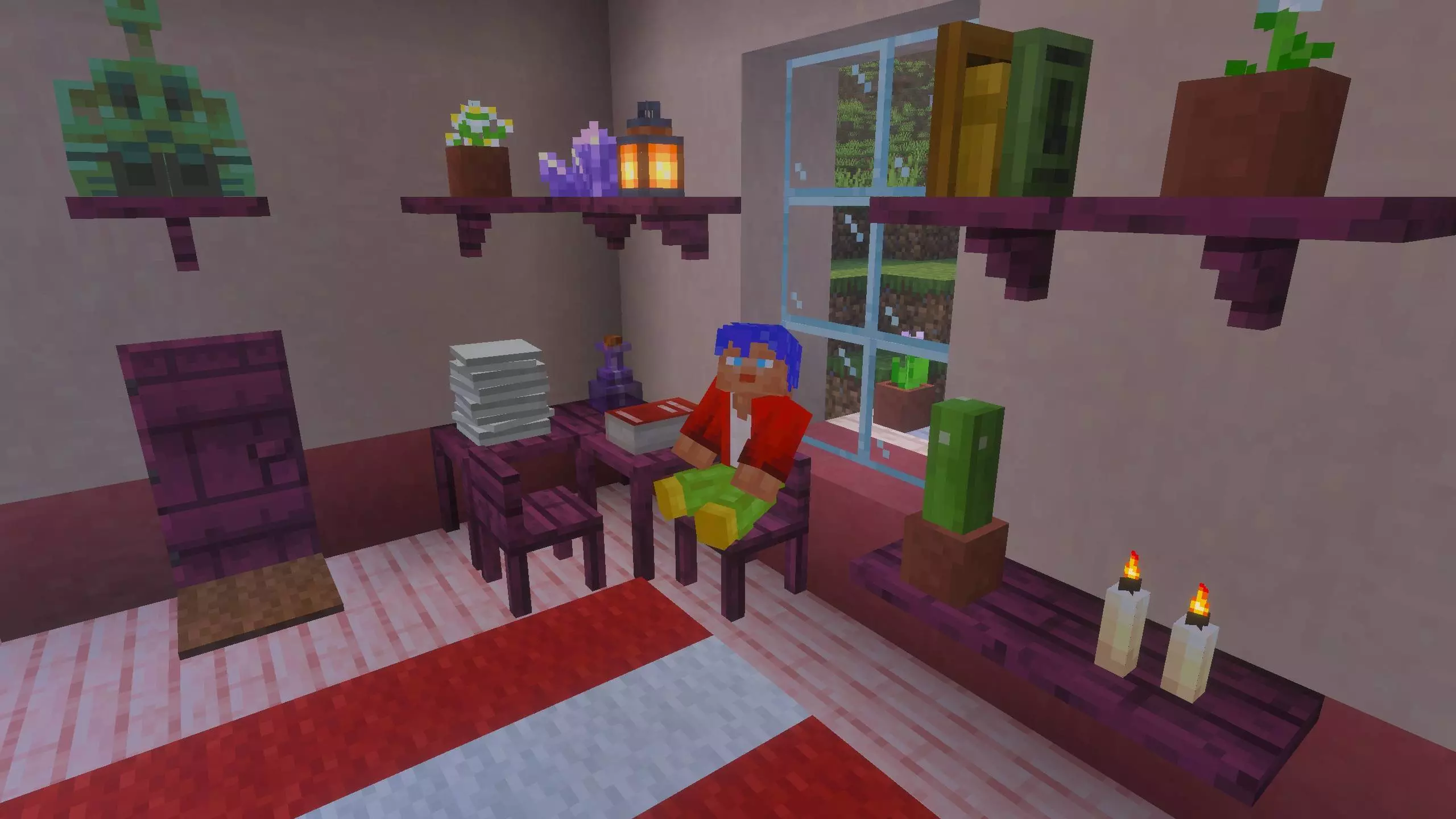
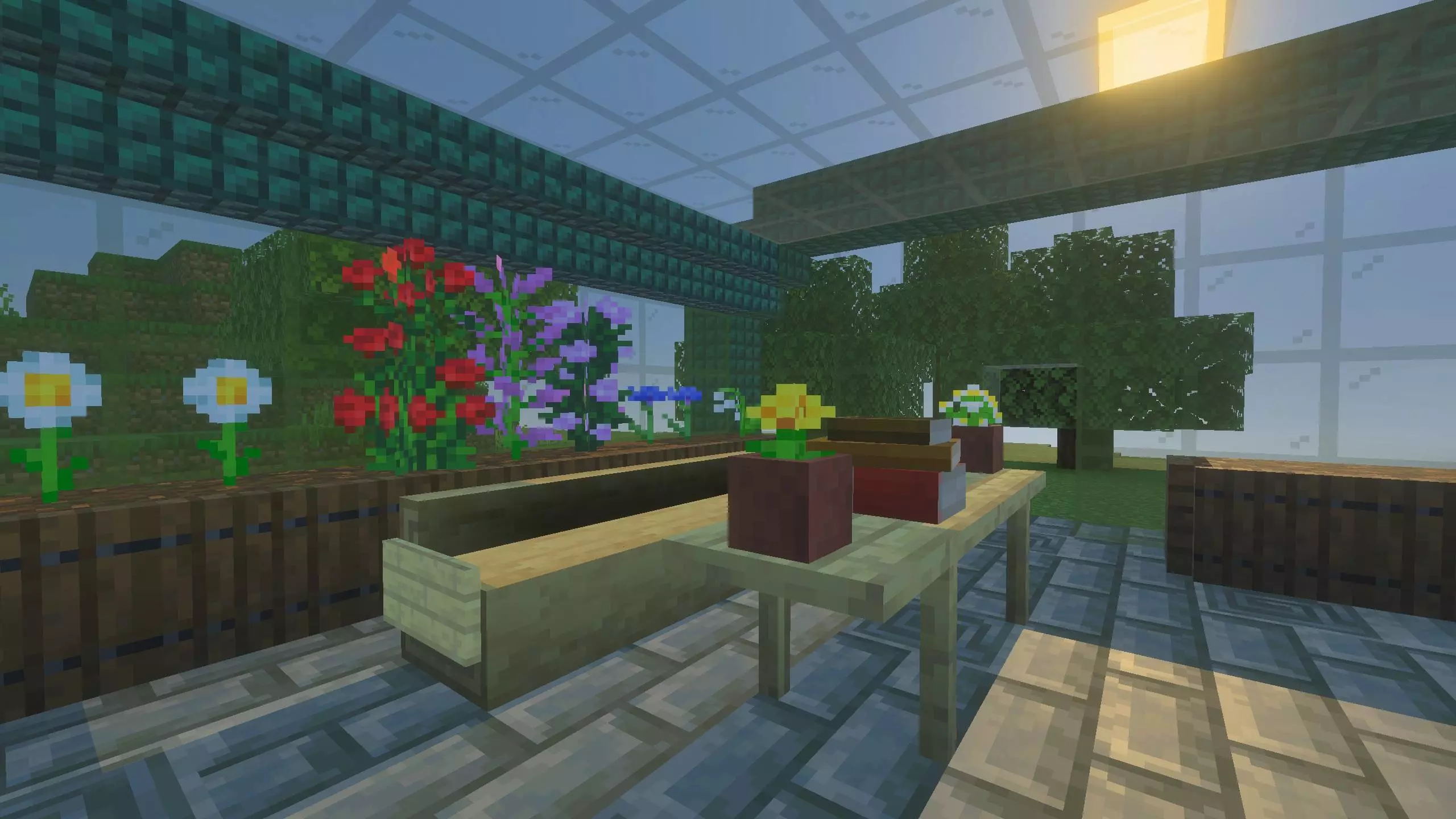
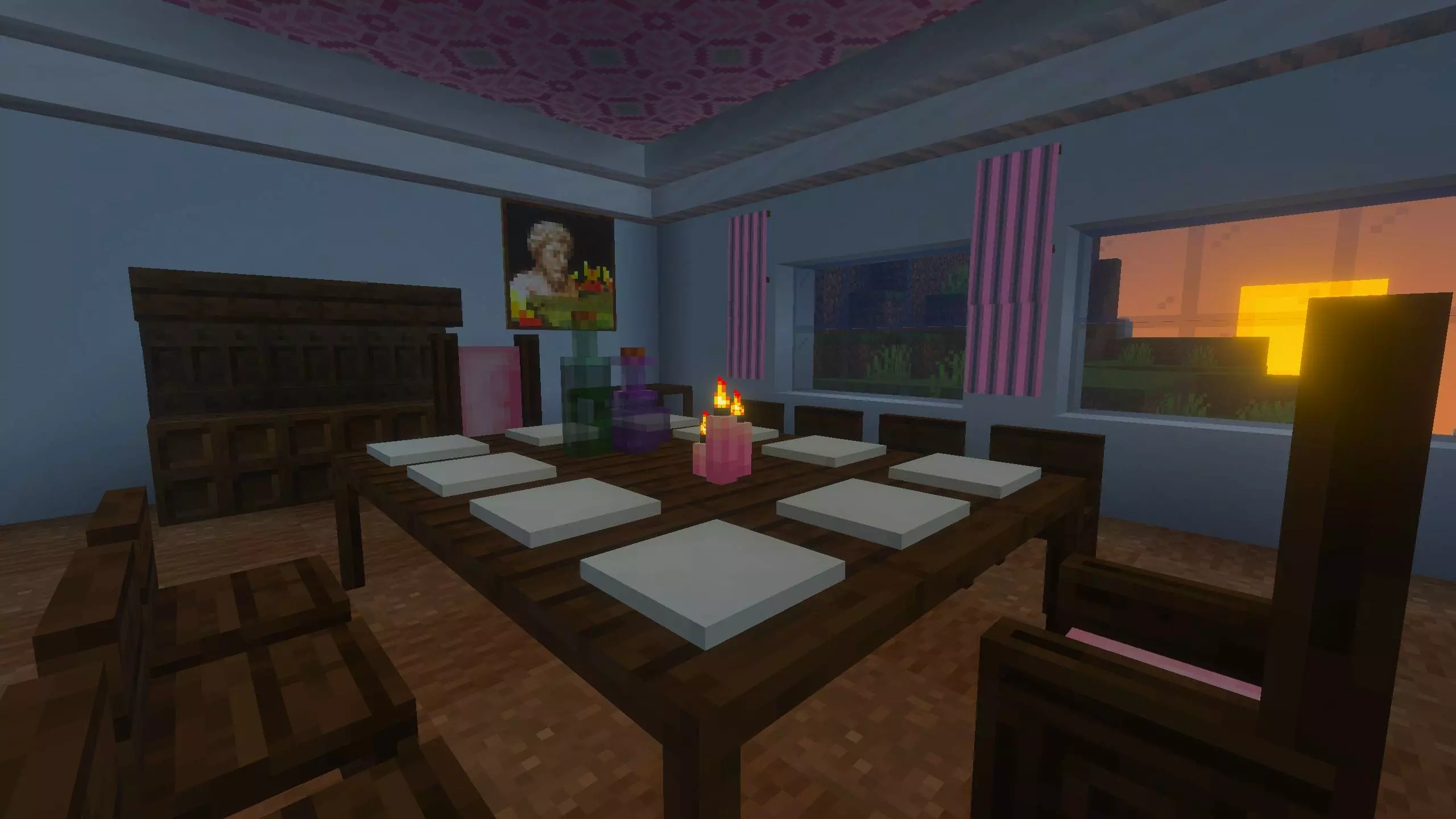
Decoration is where QB Furniture Mod starts feeling like a builder’s daily driver. Certain standard Minecraft items can be placed on tables and shelves, so your rooms don’t look empty. You can place bowls, soups, and stews for a lived-in kitchen, stacks of paper or empty maps for a desk setup, glass or water bottles for a tavern vibe, and stacks of books that you can pile on tables or line up on shelves. There’s also a neat little interaction loop: you can add items to stacks, and if you sneak while interacting you can take items away, so you’re not stuck breaking stuff just to rearrange a tabletop.
Crafting stays logical. Tables, chairs, thrones, and shelves use sticks plus slabs for wood furniture or ingots for metal furniture, so it fits survival progression without inventing a bunch of random ingredients. Log benches craft from logs or stripped logs (including stems and bamboo blocks), but once a log bench is made, it can’t be stripped later, so you pick the look up front. Netherite furniture is upgraded by combining the gold version with Netherite Scraps, which makes it feel like a real “upgrade path” instead of a totally separate recipe. Thrones require wool and match the padding color, and you can recolor any throne by crafting it with a different dye, which is perfect when you redecorate and don’t want to re-craft from scratch.
Placement details are handled in a way that makes building smoother. Thrones are two blocks high, so you need space above when placing. If you place tables next to each other, the adjoining legs automatically disappear so you get a clean continuous surface with legs only on the corners, which makes long dining tables and workbenches look way less clunky. Shelves adapt to bend around corners, so you can wrap a room without awkward gaps. For the tabletop items, you add them individually to the top of a table or shelf block, and you can adjust stack amounts in both survival and creative. Items that stack upward don’t have a limit to stack size, but you can’t mix item types in the same block—so you’re choosing a “book stack” spot or a “bottle stack” spot, not a messy combo pile. Overall, QB Furniture Mod hits that sweet spot: lots of options, simple rules, and it makes bases feel like real places you’d actually hang out in.
Installation:
— Download McPack
— Install McAddon or McPack files, just open it for this;
— Select new textures in the settings;
— Done.
Comments (0)