Dragons Rising Addon
- 14-07-2026, 17:30
- 391
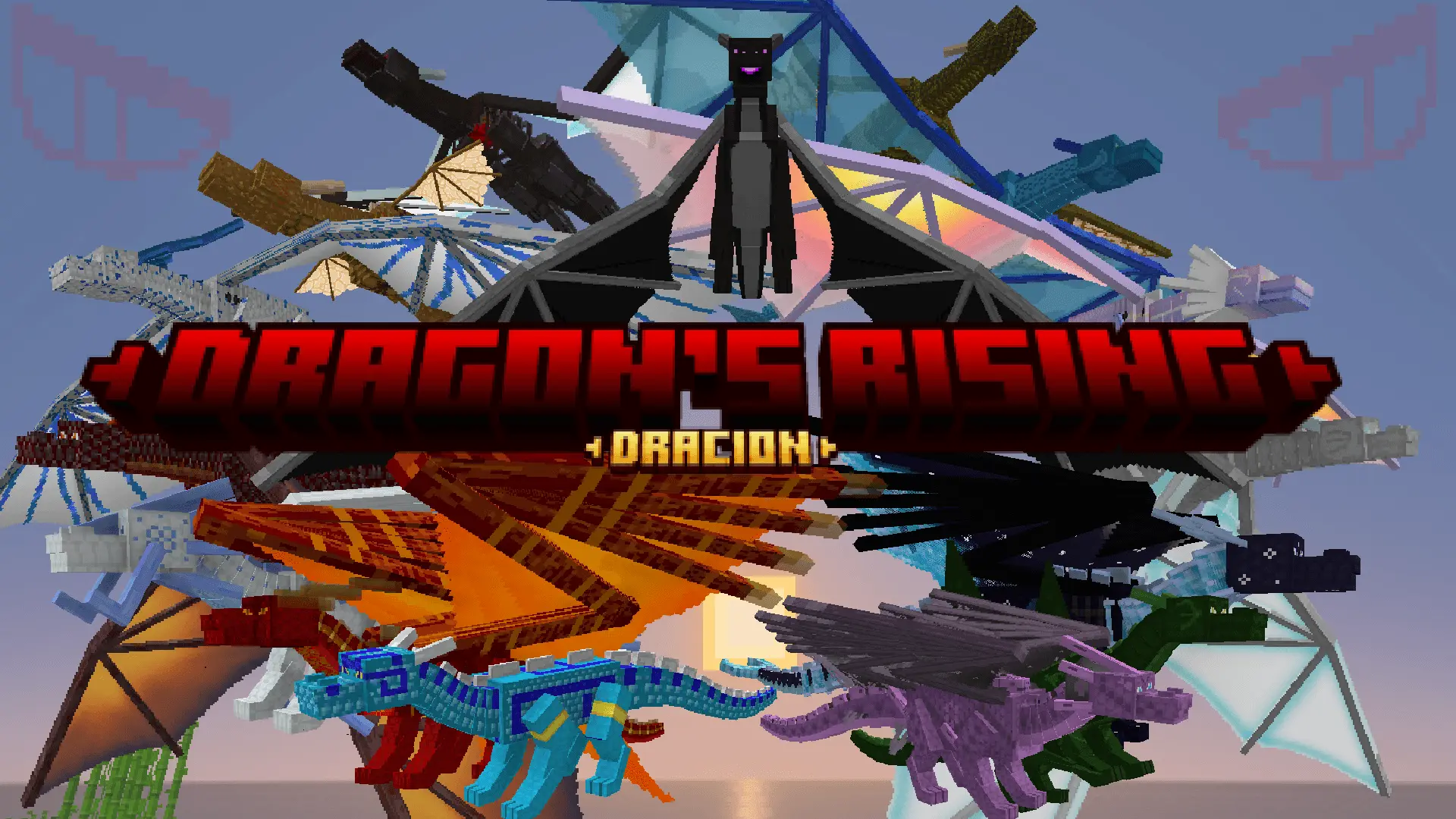
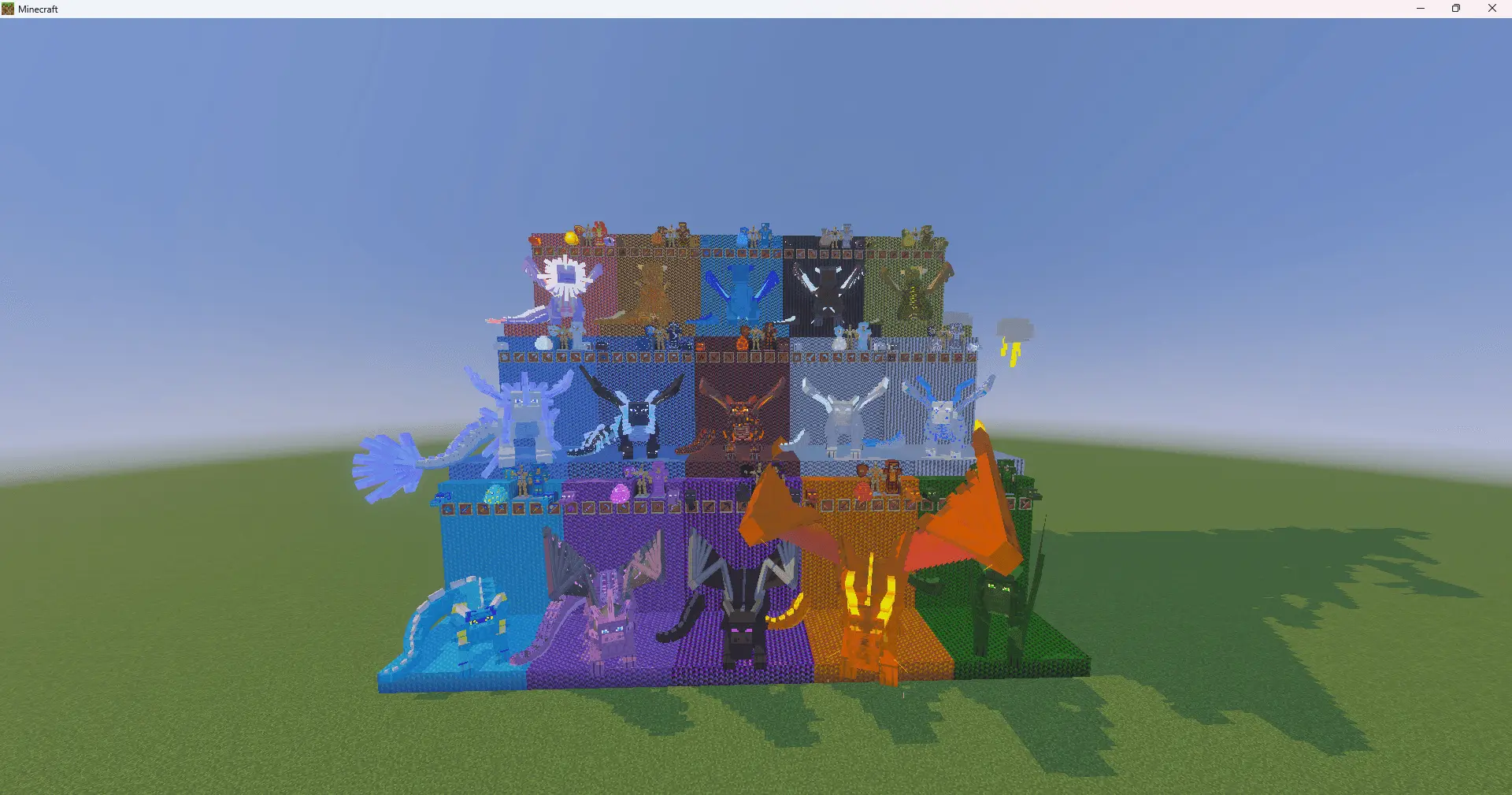
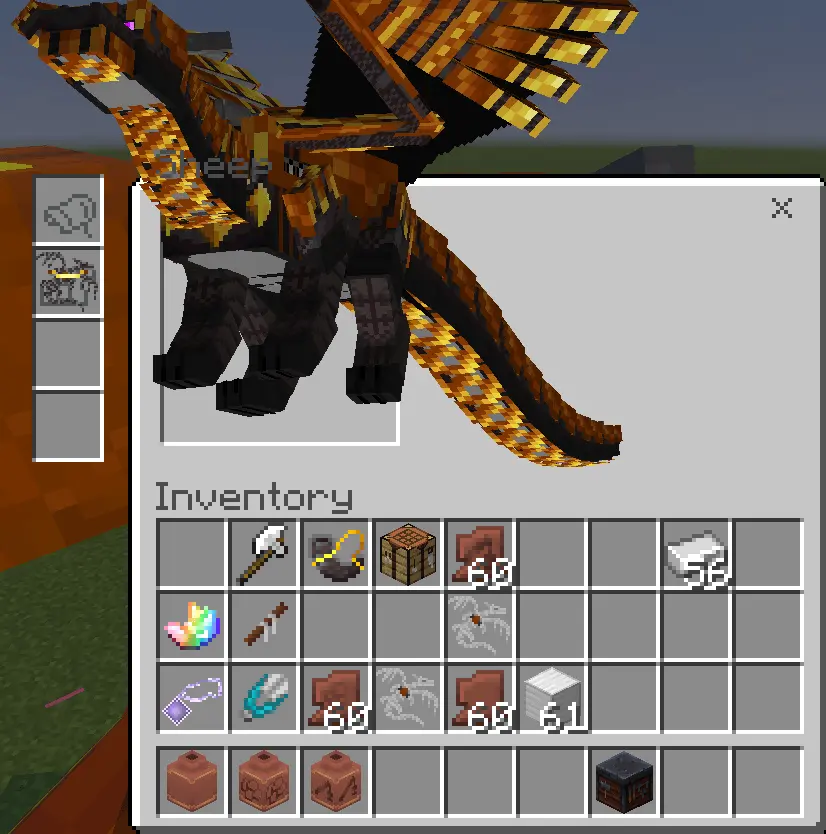
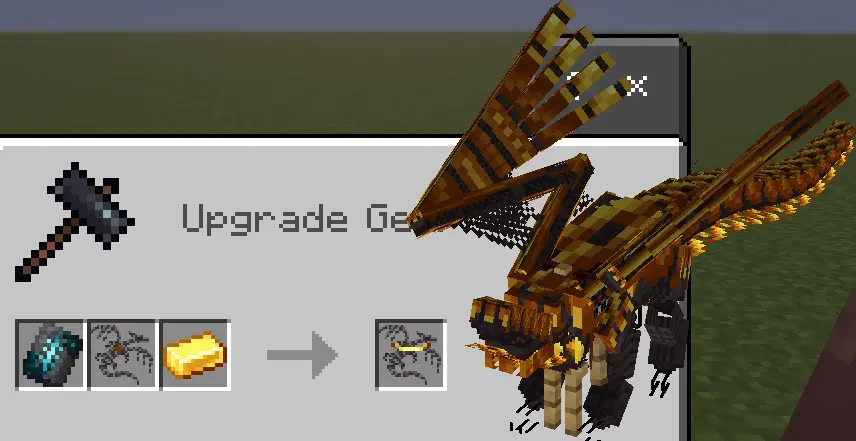
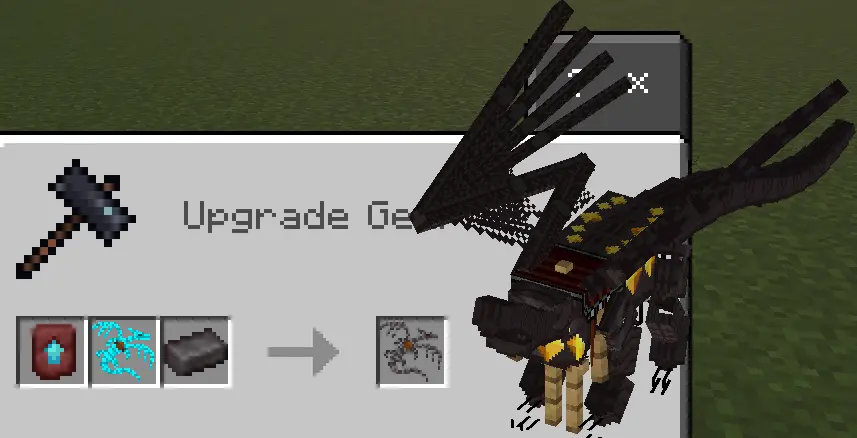
The Dracion Dragons Rising addon takes one of the most legendary creature mods from the old Java Edition days and perfectly reconstructs it for your Bedrock world. Instead of just fighting the Ender Dragon once and throwing the trophy egg into a chest, this pack lets you hatch, tame, and raise fifteen entirely unique elemental dragons right in your own base. The core gameplay loop revolves around securing an egg and incubating it in highly specific environmental conditions to determine the exact species you want. Surrounding the egg with lava, burying it deep underground, or submerging it in water will yield completely different dragon types, giving you a huge incentive to build specialized hatching chambers across different biomes.
Mastering Aerial Combat
Once you successfully hatch your dragon and feed it enough raw meat or fish to tame it, the entire way you navigate your survival file completely changes. Slapping a saddle onto a fully grown dragon entirely replaces the need for an Elytra or a stable of horses, letting you casually soar over massive mountain ranges and deep oceans with zero effort. The developer even threw in some exclusive Bedrock features that were not present in the original Java release, ensuring that the flight mechanics and animations feel incredibly smooth whether you are playing on a console or a phone.
The Ultimate Endgame Mount
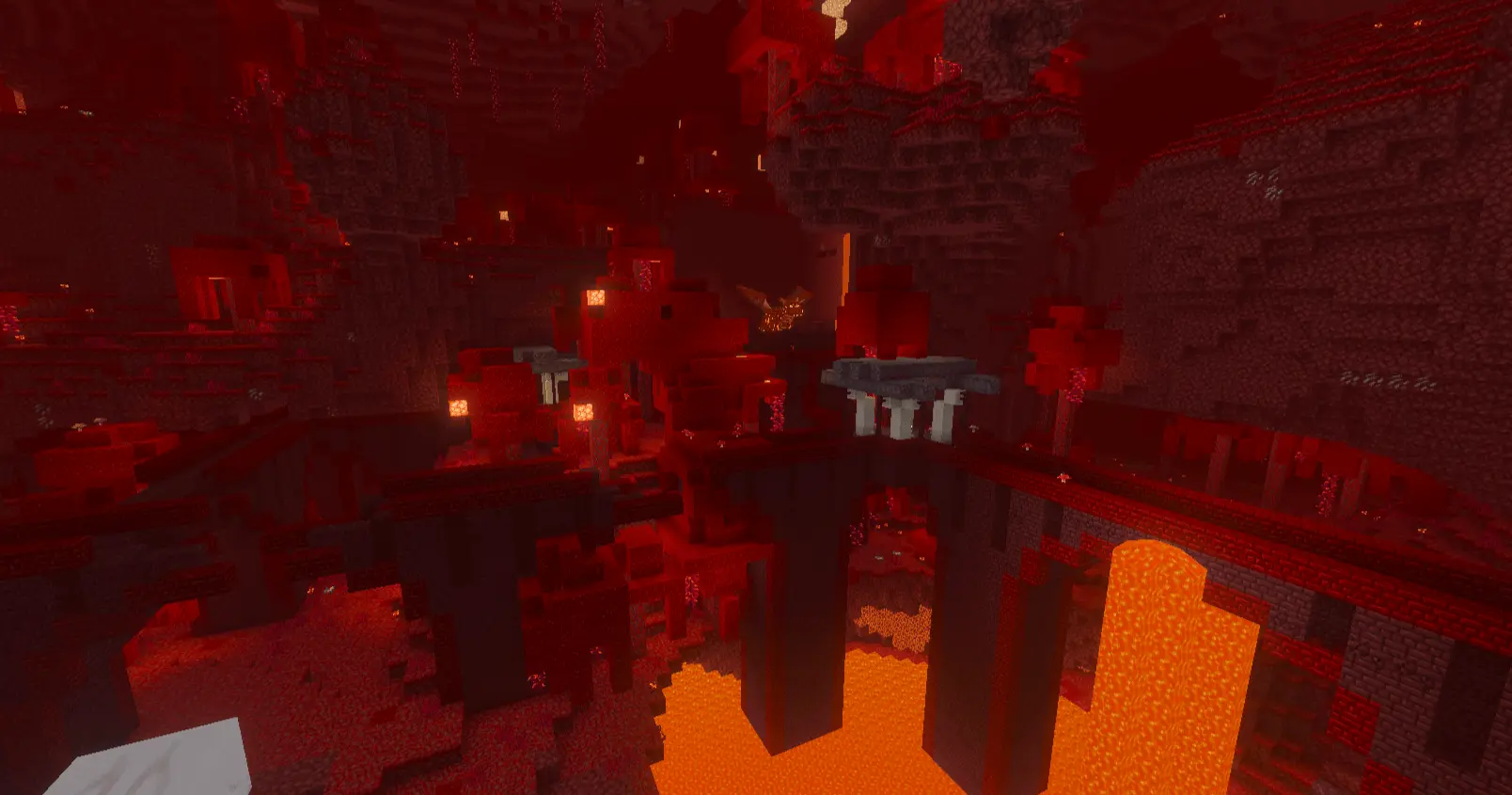
Taking one of these massive beasts into standard vanilla combat encounters feels incredibly overpowered in the best way possible. Exploring the Nether, raiding massive Pillager outposts, or defending a village becomes an absolute breeze when you are hovering directly overhead on an armored fire-breathing tank. If you are setting up a multiplayer realm and want everyone to have their own specialized flying mount to cruise around the map, this pack delivers an incredible amount of high-tier exploration and combat utility.
Installation:
— Download McPack
— Install McAddon or McPack files, just open it for this;
— Select new textures in the settings;
— Done.
Comments (1)