VOID | A Cursed Entity Addon
- 27-07-2026, 12:32
- 491
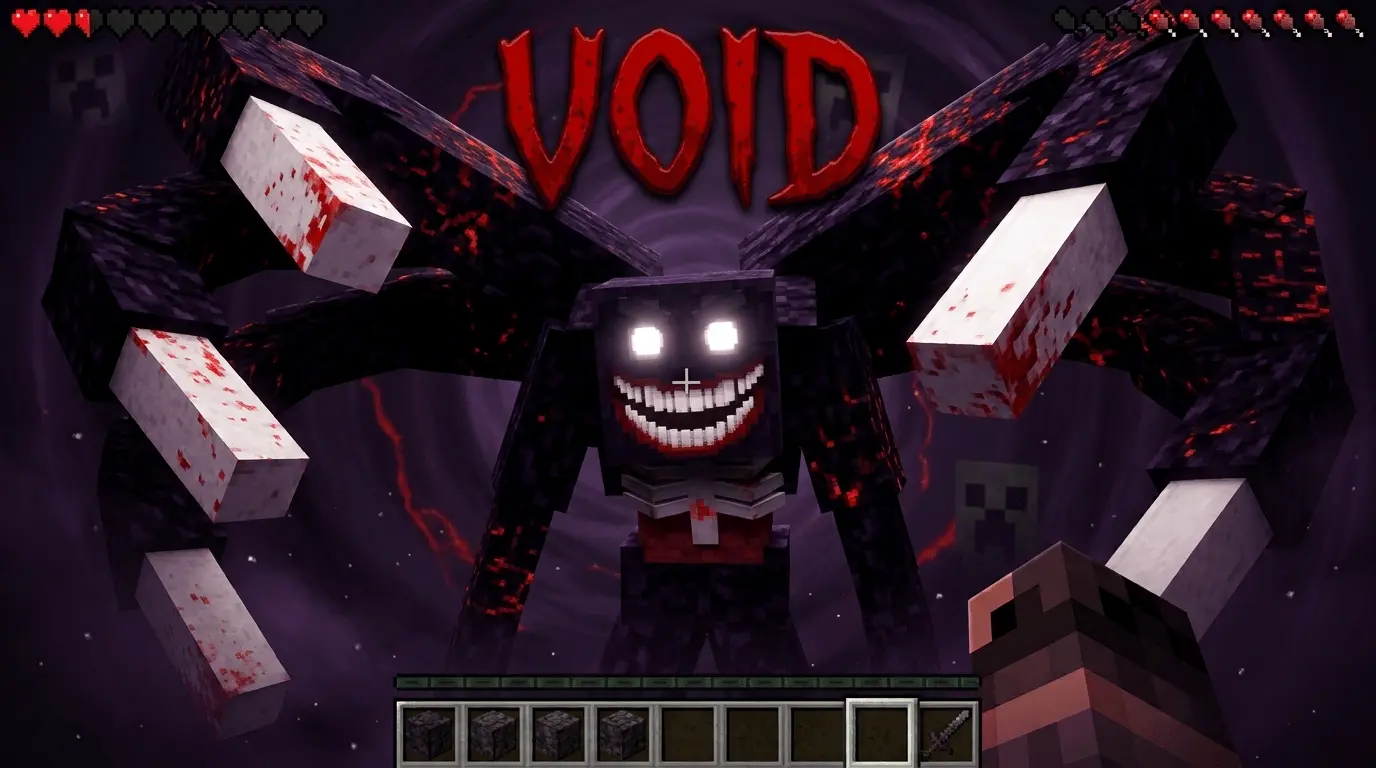
VOID totally wrecks the standard vanilla survival setup by dropping a custom stalker mob into your world that actually tracks you. Instead of dealing with dumb zombie AI that just wanders aimlessly, this .mcaddon runs a background script that actively monitors your playtime. Early on, the entity just stalks the edge of your loaded chunks and pushes timed "Sacrifice Tasks" straight to your screen. You have to juggle these random behavior pack quests while trying to gather basic resources or build your starter base. If you blow off the tasks or let the timer run down, the mob instantly aggros and forces a sweaty PvE fight when you're completely unprepared.
State Changes and Pathfinding
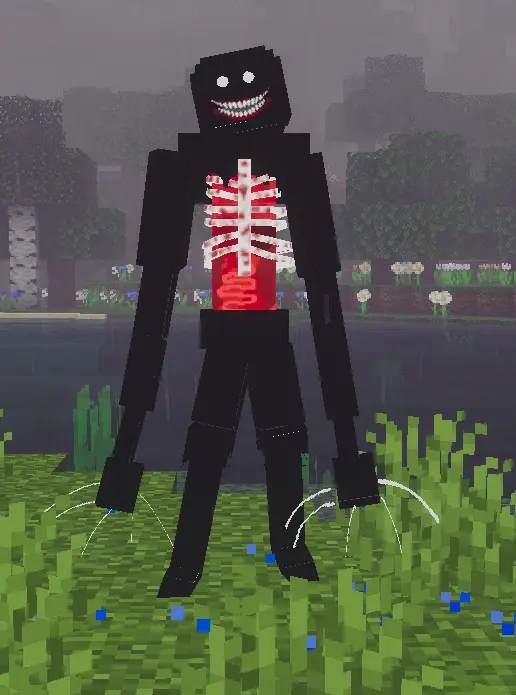
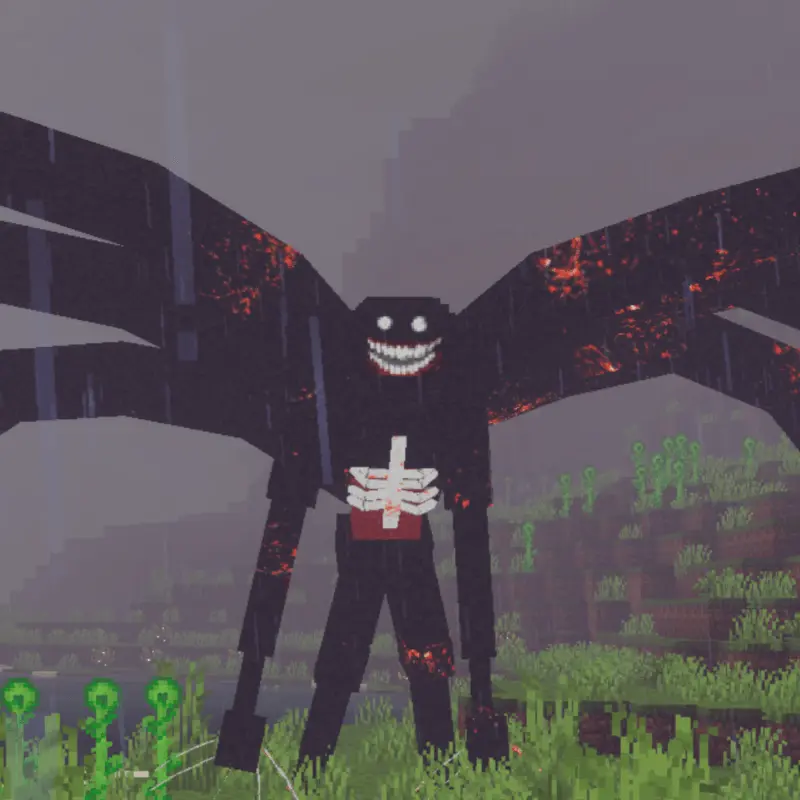
If you mess around for too long and skip too many sacrifices, the entity evolves into its second form and basically locks your world into a permanent horror map. The behavior pack triggers an endless chase sequence where the mob paths exactly to your coordinates, totally ignoring normal vanilla line-of-sight rules. It completely kills the vibe of just chilling and strip mining for diamonds, because you can never safely AFK or stand in one spot. The constant map-wide pressure makes early-game grinding brutal, as every single second matters when this thing is hunting you down.

Weapon Crafting and Compatibility
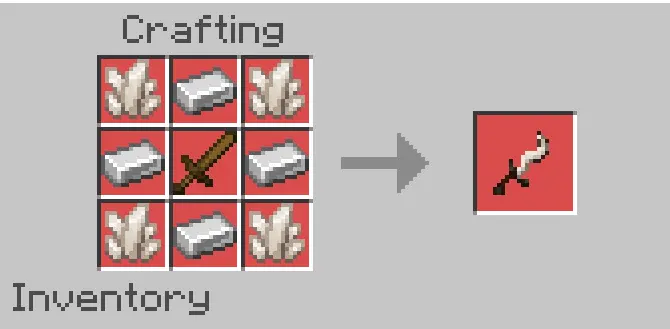
You can't just spam-click this boss with a standard diamond sword and expect to win. To actually beat the mod, you have to explore, grind for custom materials, and craft the Void Slayer in your grid. This specific weapon is hardcoded to bypass the entity's native invulnerability tags, and landing the kill shot shuts down the active chase scripts to finally cleanse your save. Because this pack leans heavily on custom UI triggers and ticking areas to constantly track your location, you absolutely need to make sure your Experimental Gameplay toggles are turned on before you load in. Even with all the complex background tracking, the code is well-optimized, so you won't get hit with massive tick lag or client frame drops on PC or mobile while running for your life.
Installation:
— Download McPack
— Install McAddon or McPack files, just open it for this;
— Select new textures in the settings;
— Done.
Comments (0)