Nuckem Vehicles Addon
- 27-07-2026, 21:30
- 449
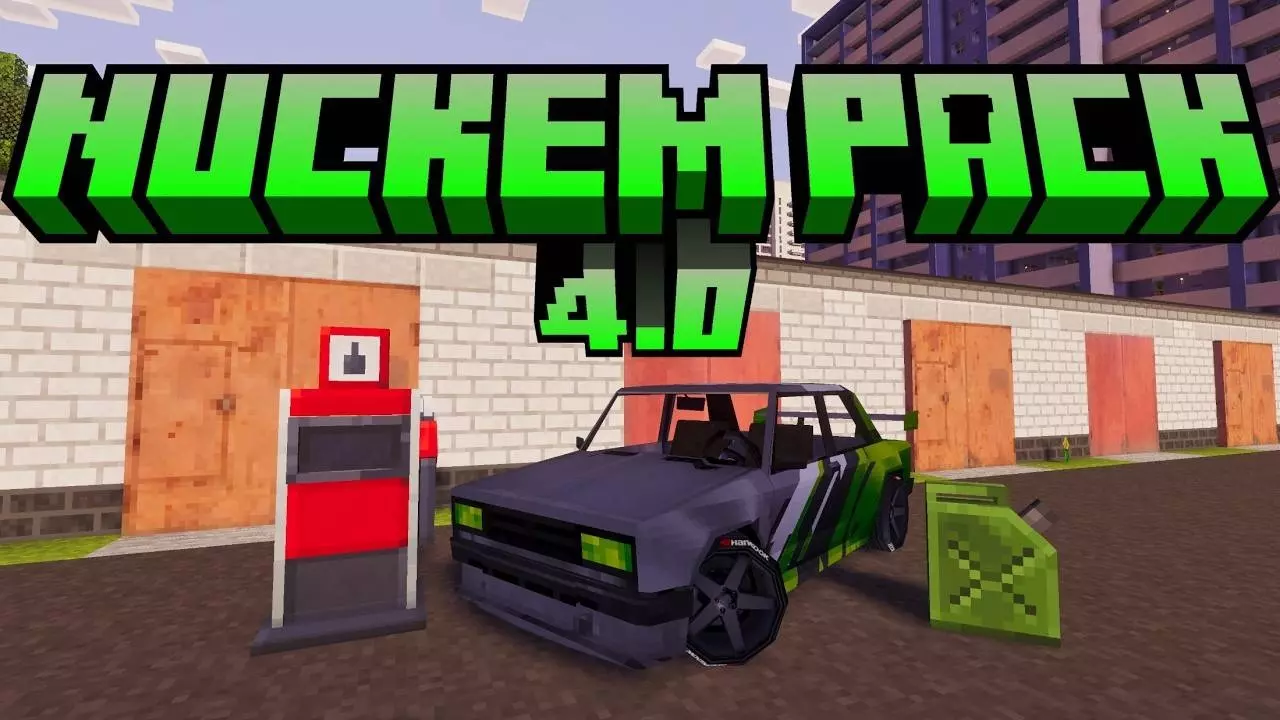
Nuckem Vehicles completely overhauls vanilla transport by dropping a massive fleet of classic sedans, off-road trucks, and imports directly into your Bedrock world. Instead of dealing with clunky minecarts or breeding standard horses, this .mcaddon introduces a custom driving engine that actually reads the terrain geometry. When you take a G-Class or an RX7 off-road, the vehicle dynamically pitches and rolls to match the angle of the blocks beneath it. You are entirely in control of a sequential manual gearbox, meaning you have to actively shift up or down depending on your current RPM and the incline of the terrain, making map traversal feel like an actual driving sim rather than just holding the forward key.
Drifting and Collision Physics
The behavior pack fundamentally changes how you handle corners by tying a manual drift mechanic straight to your jump button. Ripping the e-brake builds up a drift charge that spits out custom tire smoke and exhaust backfire particles, releasing into a physical speed boost when you straighten out. However, if you mess up the handling, the custom collision system will absolutely punish you. Ramming into a wall or a vanilla mob at high speeds calculates velocity-based damage, rocking your screen and triggering dynamic smoke states on the car model. If your engine takes too many hits, it stalls out completely and blows black smoke until you patch it up with a custom repair kit, easily turning a simple joyride into a gritty survival situation.
Fuel Management and Setup
The pack also replaces the standard infinite-travel loop with a functional fuel economy. You have to actively manage your gas gauge by pulling up to custom fuel pumps or hoarding carryable canisters inside your base. Just be careful around the gas stations, because crashing into a pump at top speed triggers a massive, fiery explosion that will instantly wipe your character out. Because this pack relies heavily on custom interactive sub-entities for openable doors, dynamic trunks, and advanced camera angles, you absolutely must toggle on the required Experimental Gameplay settings in your world menu before loading in. Despite the heavy physics calculations and custom UI elements, the scripts run smooth as butter, keeping your TPS stable whether you are drifting on a high-end Windows PC or hauling resources in a dump truck on mobile.
Installation:
— Download McPack
— Install McAddon or McPack files, just open it for this;
— Select new textures in the settings;
— Done.
Comments (0)