Blindfold Addon
- 2-09-2026, 13:06
- 201
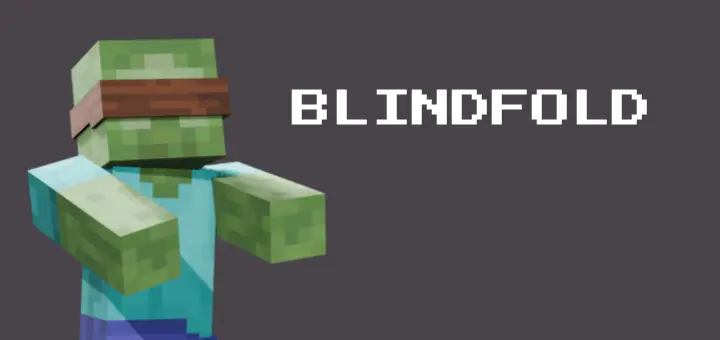
If you are trying to design a custom capture scenario for a roleplay server or just want to aggressively troll your friends, the Blindfold Addon is an absolutely brilliant tool. Instead of merely changing your character's cosmetic appearance, this actually pitches the wearer's screen into complete darkness. It is such a simple concept, but the sheer panic it causes when someone suddenly loses all their vision in the middle of a survival map is genuinely hilarious. You can easily use it to orchestrate hostage situations, level the playing field in a custom minigame, or just mess with someone who went AFK in the middle of your base.
The actual mechanics of dealing with the item are seamlessly integrated and honestly pretty funny. If you want to use it on yourself for an extra challenge, you just drop it right into your helmet slot like a standard piece of iron armor. But the real magic happens when you ambush somebody else. All you have to do is hold the cloth in your main hand and give another player or mob a quick smack, instantly forcing the item onto their head. Getting their vision back requires a bit of outside help, as someone needs to physically hit the blinded target with a pair of shears to cut the fabric free. It brings a uniquely physical, interactive element to multiplayer that standard Bedrock usually lacks.
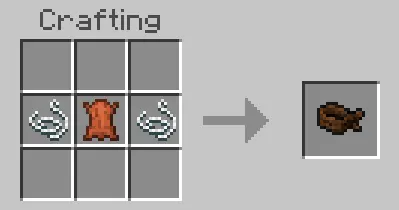
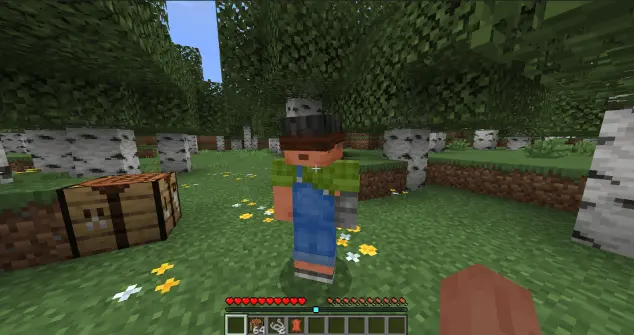
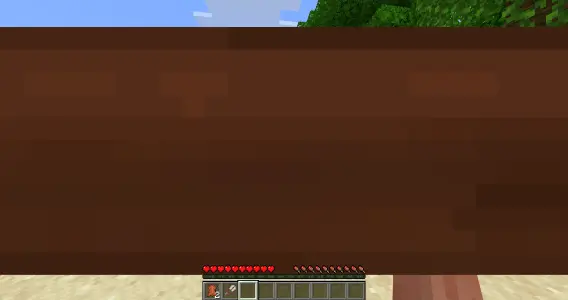
Because this introduces a completely new equipable item with custom hit-detection scripts, you will have to dive into your world options and tick the experimental gameplay boxes before launching. Altering player UI and adding custom interactions naturally turns off your official Xbox Live achievements for that specific save, but the comedy of watching your buddy stumble blindly into a ravine is entirely worth the trade-off. From a performance standpoint, it is essentially just triggering a localized screen overlay, meaning it is remarkably lightweight. Your server won't suddenly start dropping frames, ensuring the chaotic blindfolded scrambling stays perfectly smooth on any device.
Installation:
— Download McPack
— Install McAddon or McPack files, just open it for this;
— Select new textures in the settings;
— Done.
Comments (0)