Ultimate Starter Kit Addon
- 17-09-2026, 06:30
- 153
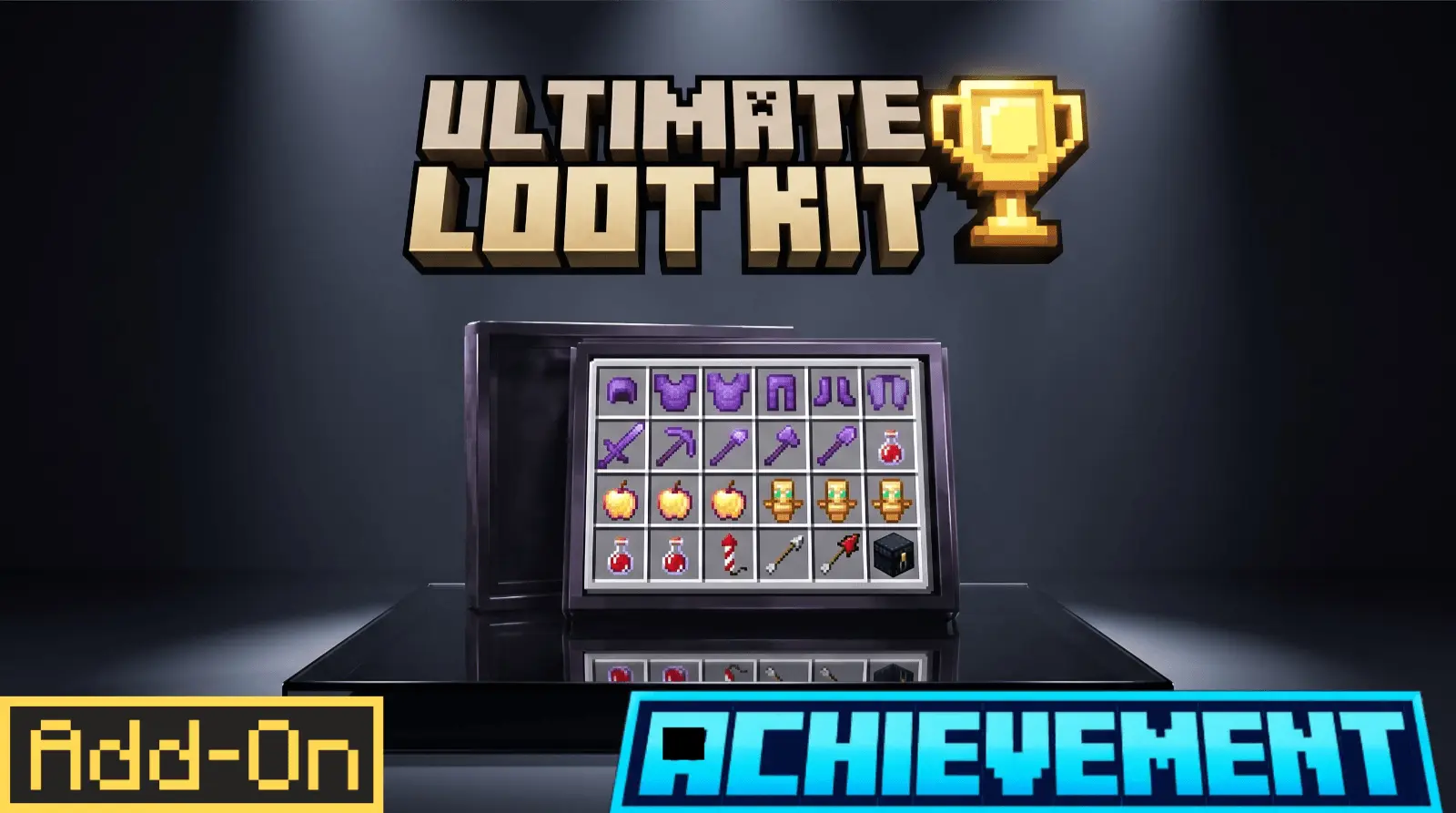
Punching trees for wooden picks and hiding from skeletons in a dirt hole on night one gets old fast, especially if you have started dozens of survival saves before. The Ultimate Starter Kit Addon skips that initial setup phase altogether, dropping a top-tier loadout straight into your inventory the second you wake up in a new map. Instead of spending your first few play sessions digging for iron and gathering basic food, you spawn fully equipped with Netherite armor and tools, a combat bow, stacked food, and an Elytra with rockets ready for launch. It lets you skip straight to megabuilds or high-stakes exploration without burning hours on early-game chores.
The standout feature here is that it keeps your Xbox Live achievements active. Usually, handing out starter gear automatically requires cheat commands or command blocks, which immediately locks your save file out of official trophies. This pack solves that by running a light background script via Bedrock's native Script API. When you log in, the script checks your profile for an internal tag; if it is your first time joining, it hands over the kit and tags your character so you don't get free gear every time you reconnect. Because it works within standard game boundaries without turning on cheat flags or requiring experimental toggles, your gamerscore stays completely safe.
From a server health perspective, handling player setup with event-based scripts is miles ahead of running persistent, lag-heavy command block systems. The code triggers once during a player's initial spawn sequence and then stops entirely, meaning it never eats up server memory or pulls down the world's tick rate over time. It functions smoothly on local worlds, Realms, and multi-platform dedicated servers without causing inventory glitches or join-lag spikes when new players enter the game. It is easily one of the cleanest ways to start a fast-paced multiplayer season while keeping true survival progression fully intact.
Installation:
— Download McPack
— Install McAddon or McPack files, just open it for this;
— Select new textures in the settings;
— Done.
Comments (0)