Paws & Claws : Rodent Companions Addon
- 6-10-2026, 11:55
- 180
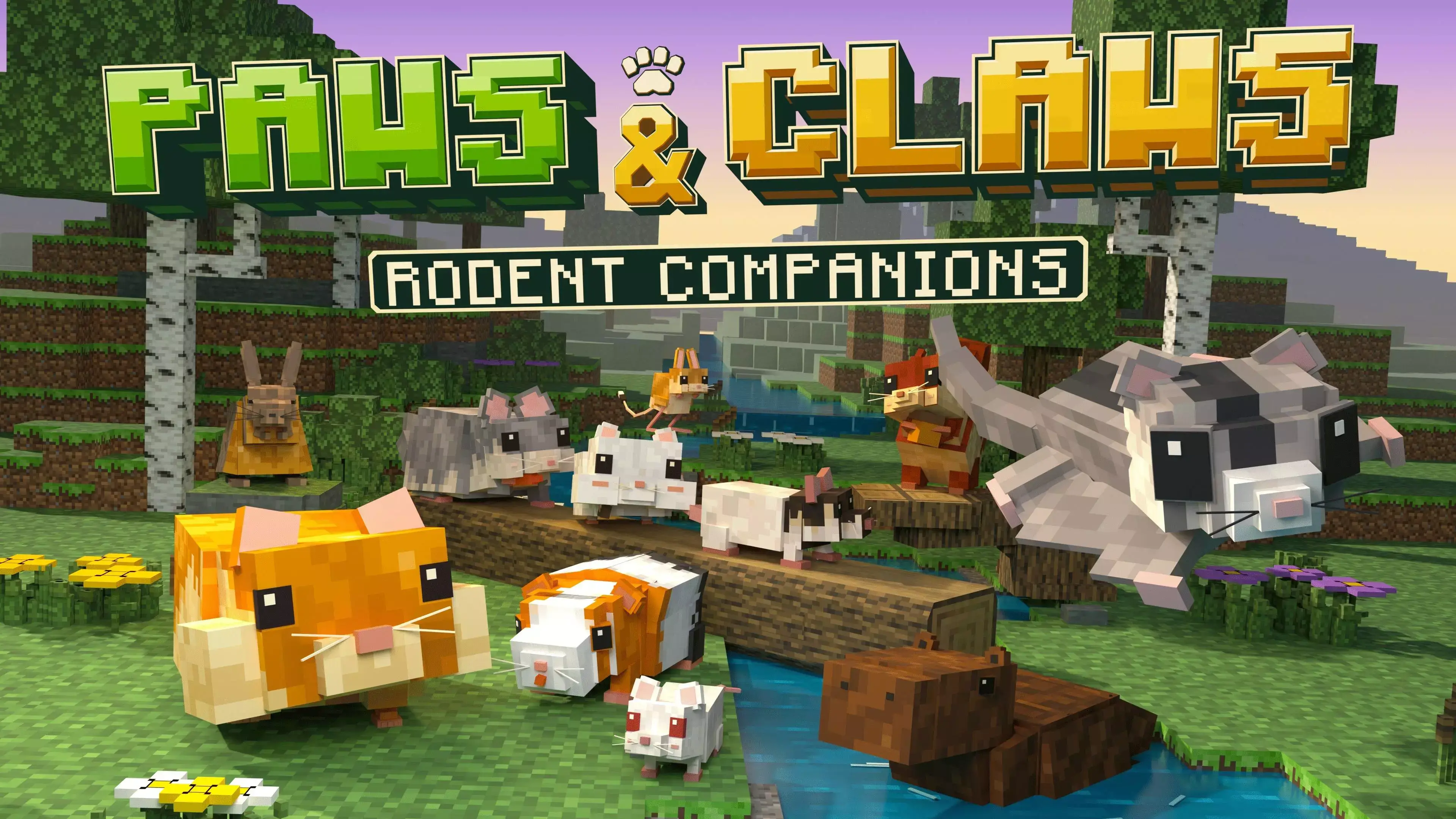
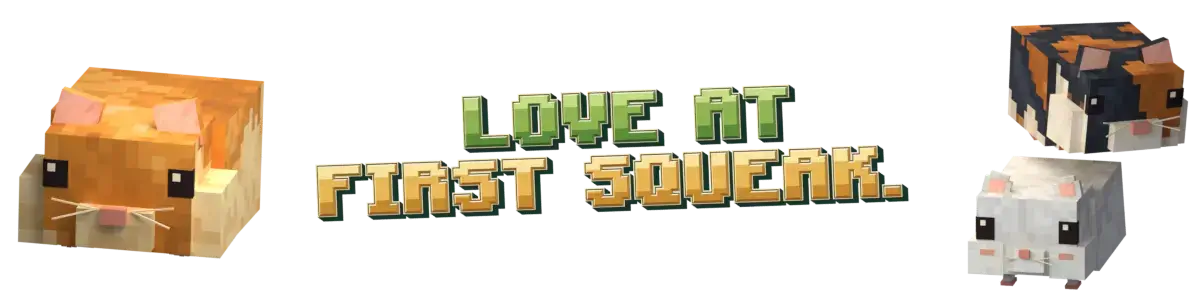
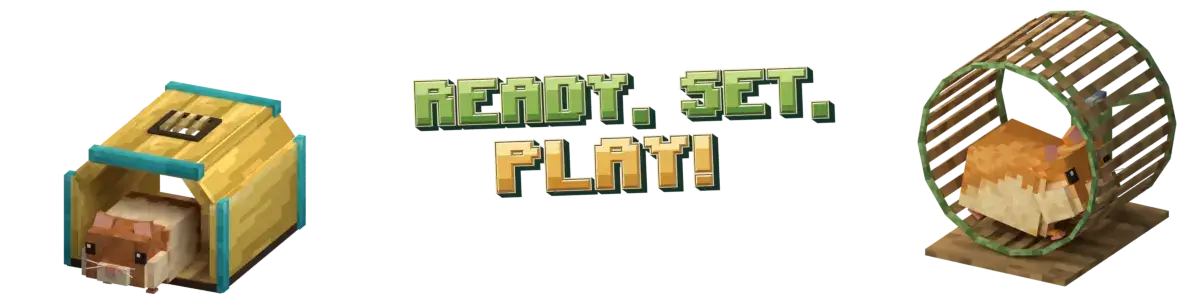
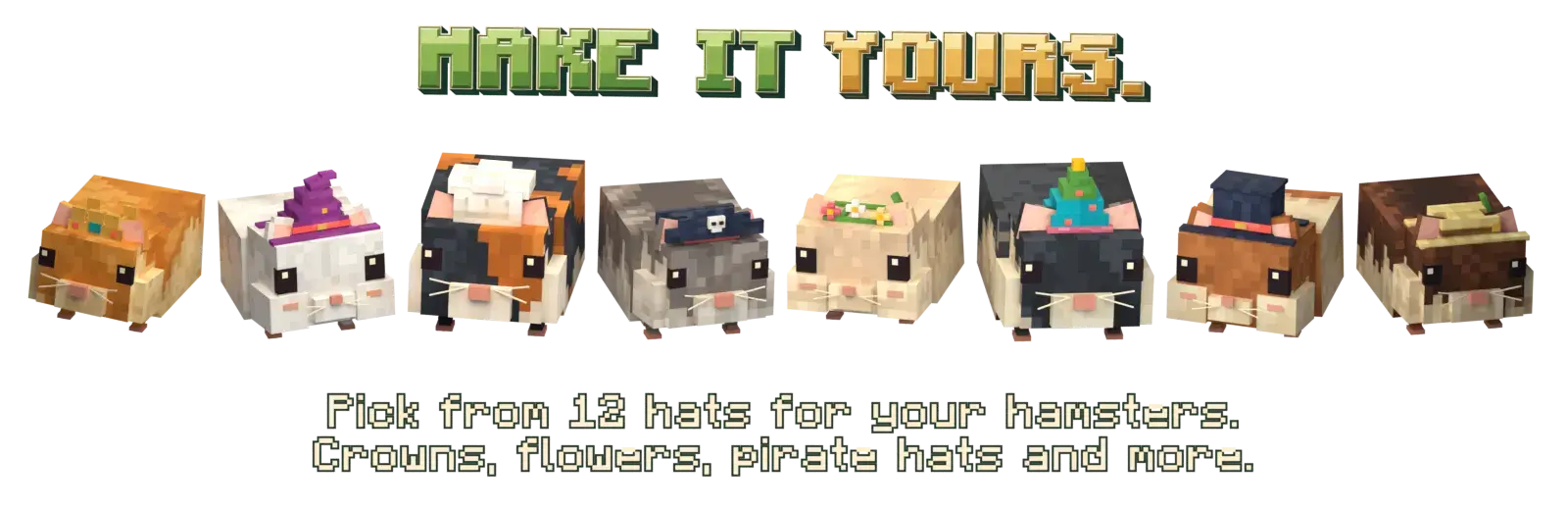
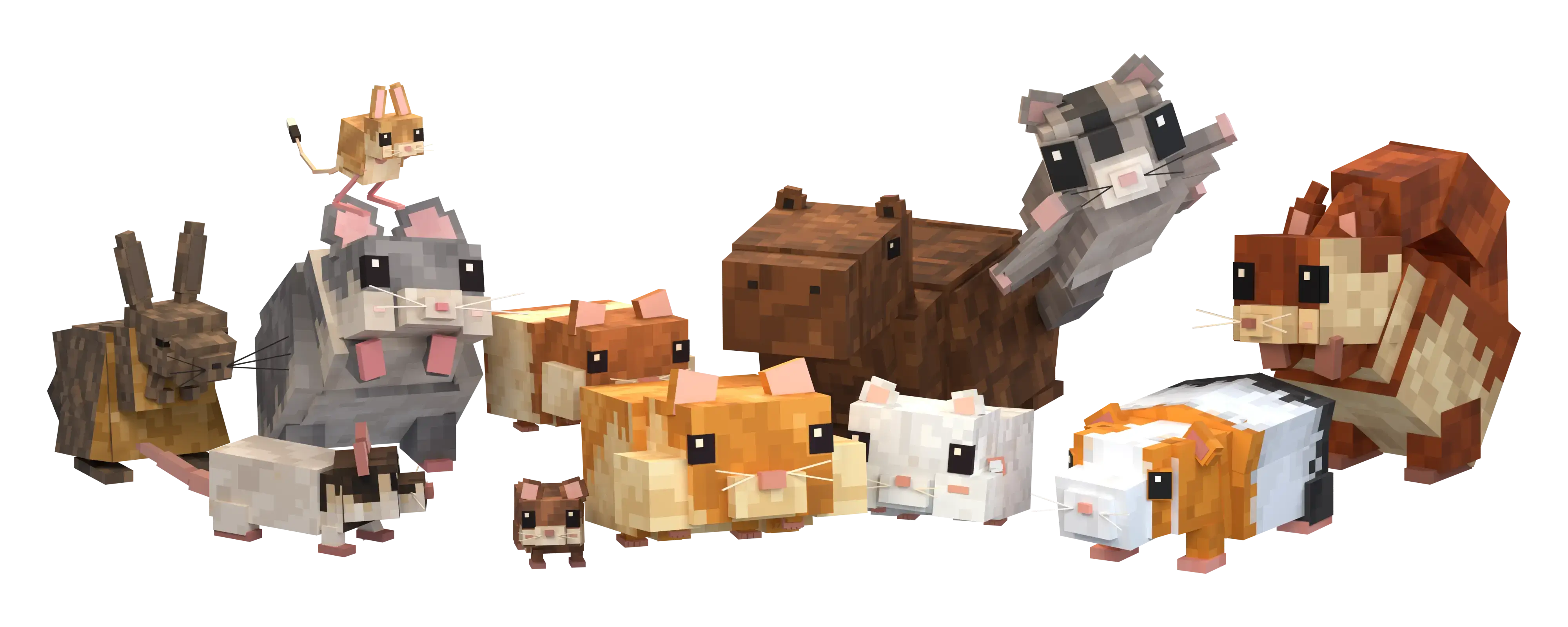
Vanilla Minecraft's pet options are incredibly limited, but Paws & Claws: Rodent Companions effectively turns your base into a full-blown pet sanctuary. Instead of just right-clicking a wolf with a bone and forgetting about it, this add-on introduces a structured pet care loop. You can tame capybaras, sugar gliders, hamsters, and even multiple variants of guinea pigs. The gameplay goes far beyond simple cosmetic reskins by introducing interactive 3D housing and colorful toys for the animals to play with. It forces you to actively manage your companions by feeding them, naming them, and building them custom enclosures, completely shifting the vibe of a standard survival base into a lively, interactive environment.
Because you are injecting entirely new custom entities and interactive blocks into the game code, standard Bedrock modding restrictions apply. The exact moment you apply this behavior and resource pack to your save file, Xbox Live achievements are permanently disabled. You will not earn any official Gamerscore while caring for your pets. Furthermore, getting the custom animal AI and interactive housing to actually function requires manual setup in your menus. Before you hit play, you must dive into your world settings and toggle on Experimental Gameplay options, specifically ensuring the Beta APIs are active. If you skip those developer switches, the custom pets will likely fail to spawn, and their toys will render as broken error blocks.
Hardware performance ultimately comes down to how many pets you decide to hoard. Modern desktop PCs and current-gen consoles will handle a massive room full of active rodents effortlessly, easily rendering their detailed skins and idle animations. However, players on older budget smartphones and low-end tablets need to practice some restraint. Packing two dozen custom entities running constant pathfinding AI, along with multiple interactive 3D toys and housing blocks into a single chunk, will quickly overwhelm a mobile GPU.
Installation:
— Download McPack
— Install McAddon or McPack files, just open it for this;
— Select new textures in the settings;
— Done.
Comments (0)