FURNICRAFT ~ Furniture Addon
- 7-10-2026, 10:31
- 2 112

FURNICRAFT ~ Furniture Addon has become mega popular and liked by many Minecraft players. The mod will add a lot of different furniture for the home.
Building a proper modern house in Bedrock usually means awkwardly stacking wooden stairs to simulate a couch, but *FURNICRAFT* completely bypasses those vanilla workarounds. Delivering over 500 distinct pieces of furniture, this pack floods your inventory with everything from modern kitchen stoves and pool tables to full gaming PC setups and spinning globes. Instead of relying on flat sprites or clunky entity-based workarounds, these are solid 3D blocks that can be rotated freely and actually interacted with. You can physically sit on the sofas, turn on the TV remotely, spin the globes, and dynamically change the color or material of almost any piece using a custom brush tool. It essentially turns standard block-building into a full-scale interior design simulator.
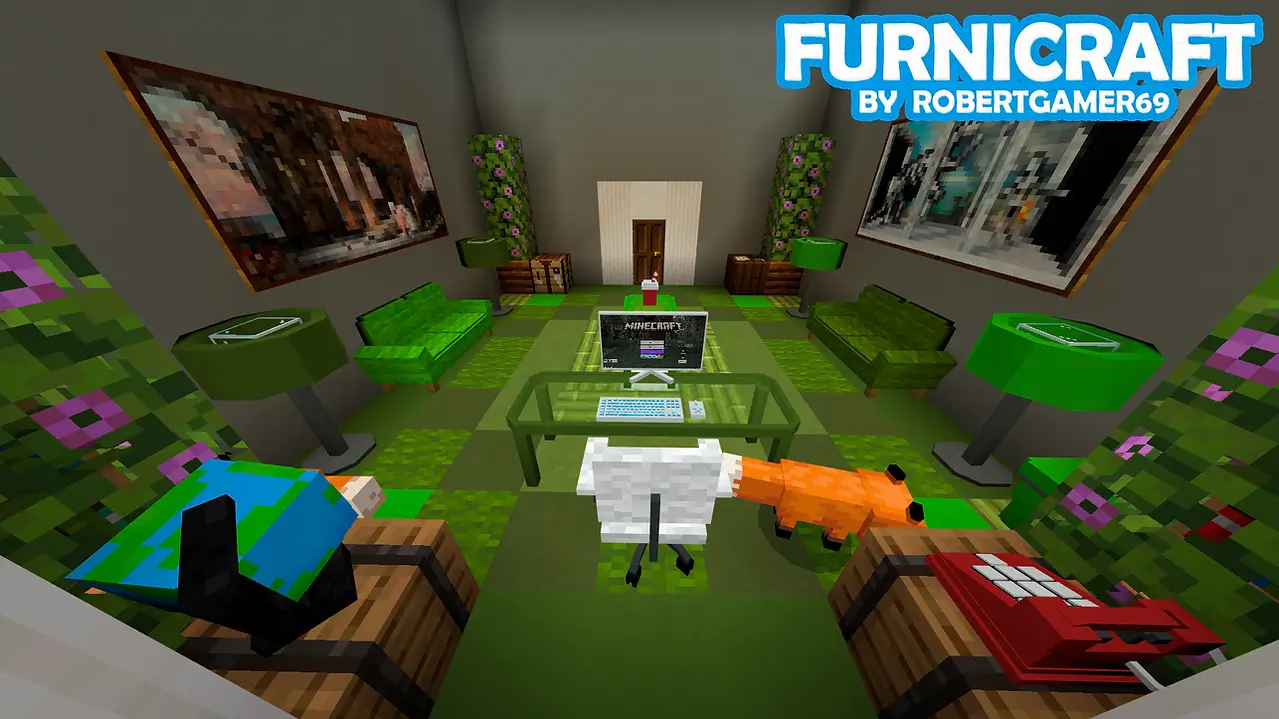
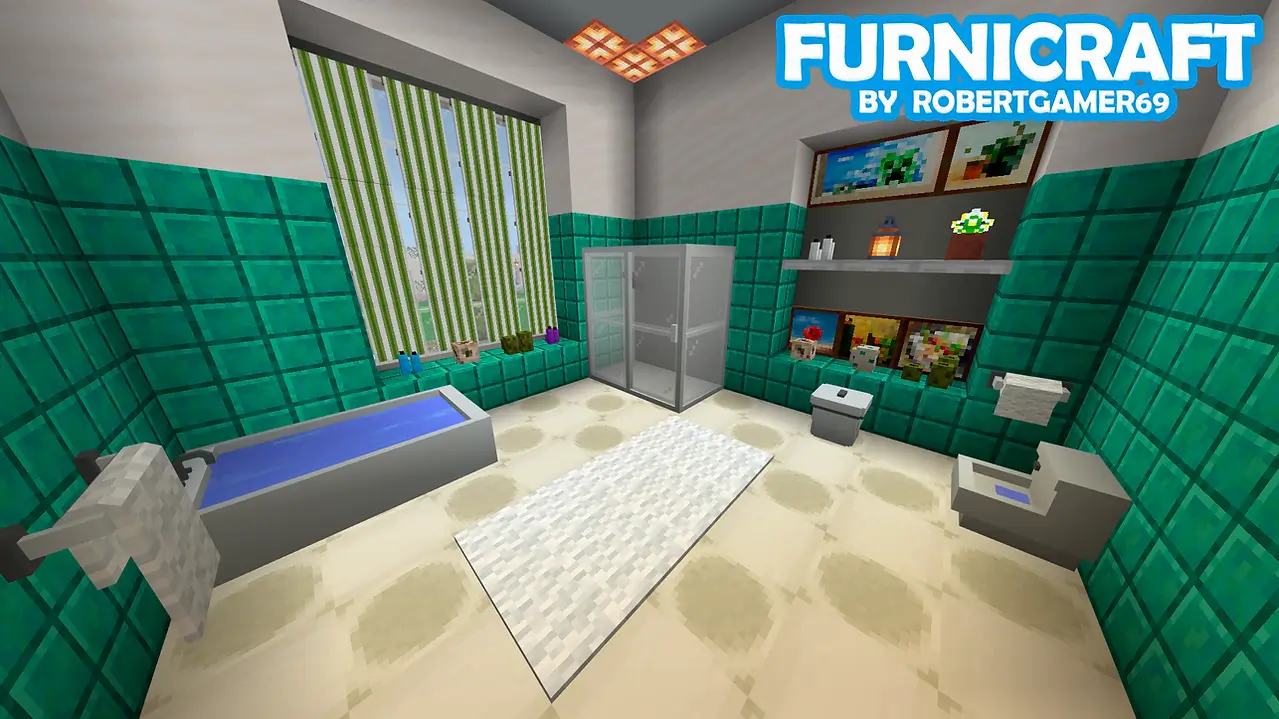
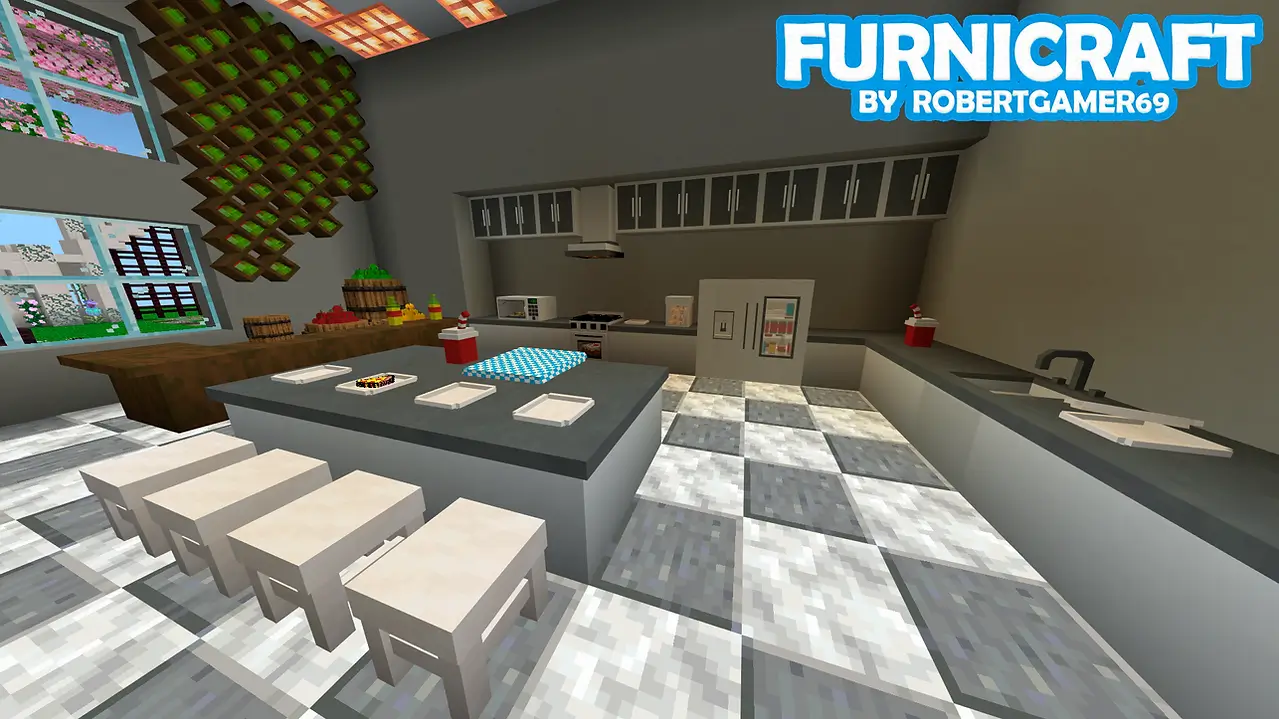
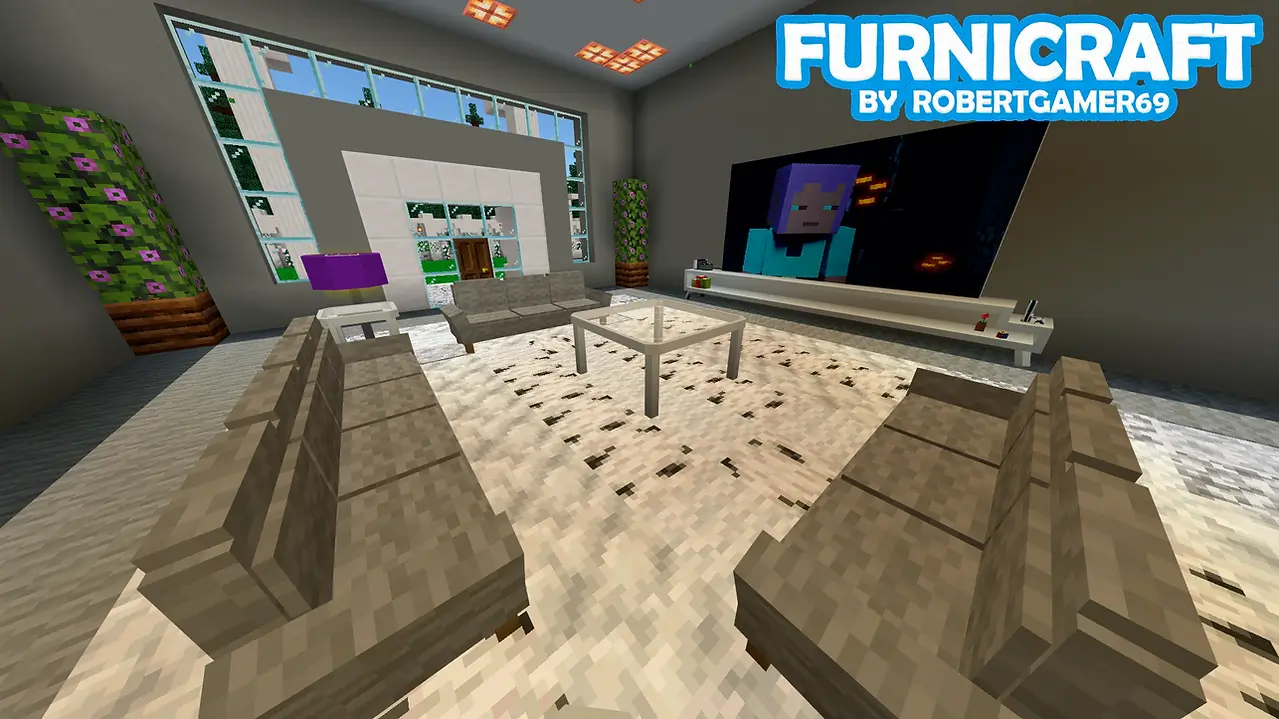
Because the pack injects hundreds of new 3D geometries and custom crafting UI menus—like the dedicated Decorations Table—into the core game, standard Bedrock modding rules apply. Applying this behavior and resource pack immediately disables Xbox Live achievements, so you will not earn any Gamerscore while furnishing your base. Furthermore, getting these interactive blocks to function requires manual setup before you hit play. You must dive into your world settings and toggle on Experimental Gameplay features, specifically ensuring the custom creator features and Beta APIs are active. If you skip those developer toggles, the crafting tables will refuse to open and the custom 3D models will either fail to render or spawn as invisible error blocks.
Hardware performance is a major consideration here, and the creator actually built in a safeguard specifically for this issue. Rendering hundreds of high-poly 3D models with detailed textures inside a single house puts immense pressure on system memory. Modern desktop PCs and current-gen consoles will handle a fully decorated mansion effortlessly. However, if you are playing on an older budget smartphone or low-end tablet, cramming a room full of custom appliances and interactive furniture will quickly overwhelm your mobile GPU, causing severe tick lag, frame stuttering, and eventual game crashes. To combat this, the add-on settings include a built-in toggle allowing you to switch between "NormalResolution" and "LowResolution" texture packs. If you are designing on a portable device, you should absolutely switch to the low-resolution mode and avoid overloading a single chunk with too much dense geometry.
Installation:
— Download McPack
— Install McAddon or McPack files, just open it for this;
— Select new textures in the settings;
— Done.
Comments (0)