Custom Black Hole Cubemap Texture Pack
- 22-09-2026, 13:10
- 229
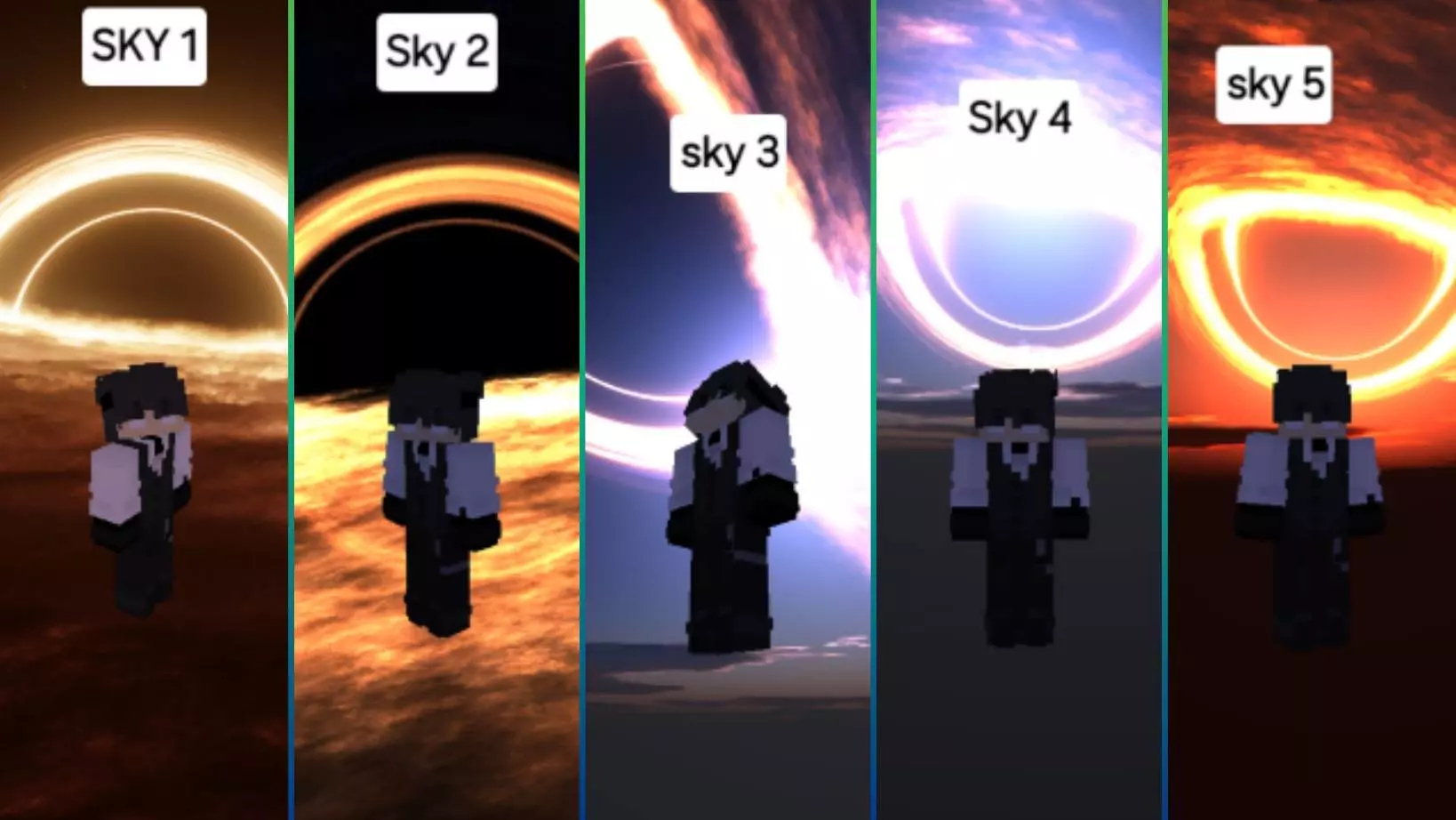
Competitive PvP players know that standard Minecraft skies can actually be incredibly distracting when you are trying to track an opponent's movement or land a precise bow shot. The glare from the sun, the bulky vanilla clouds, and the changing day-night cycle all add unnecessary visual clutter to the screen. This texture pack entirely replaces the standard Overworld sky with a massive, high-contrast black hole cubemap, instantly transforming the atmosphere of your game. Instead of just giving you one static image, the pack includes five completely distinct subpacks, allowing you to easily swap between different variations of the black hole aesthetic directly from the settings menu. It creates a dark, cinematic backdrop that makes player models, critical hit particles, and projectiles pop out much clearer against the horizon, giving you a solid visual edge during fast-paced fights.
Because this is strictly a visual resource pack rather than a pre-built world or a behavioral add-on, using this cubemap will not disable your Xbox Live achievements. You can safely apply it to your oldest, most prestigious vanilla survival realm or a brand-new solo world and continue earning your official Gamerscore without any penalties. The installation process is exceptionally clean. It comes packaged as a standard .mcpack file, which means it imports directly into your Bedrock client with a single tap. You do not need to download external Material Bin (MB) loaders, inject custom shaders, or mess around with sketchy third-party file explorers to get the custom sky working. It applies cleanly over the vanilla textures on the official, unmodified version of the game.
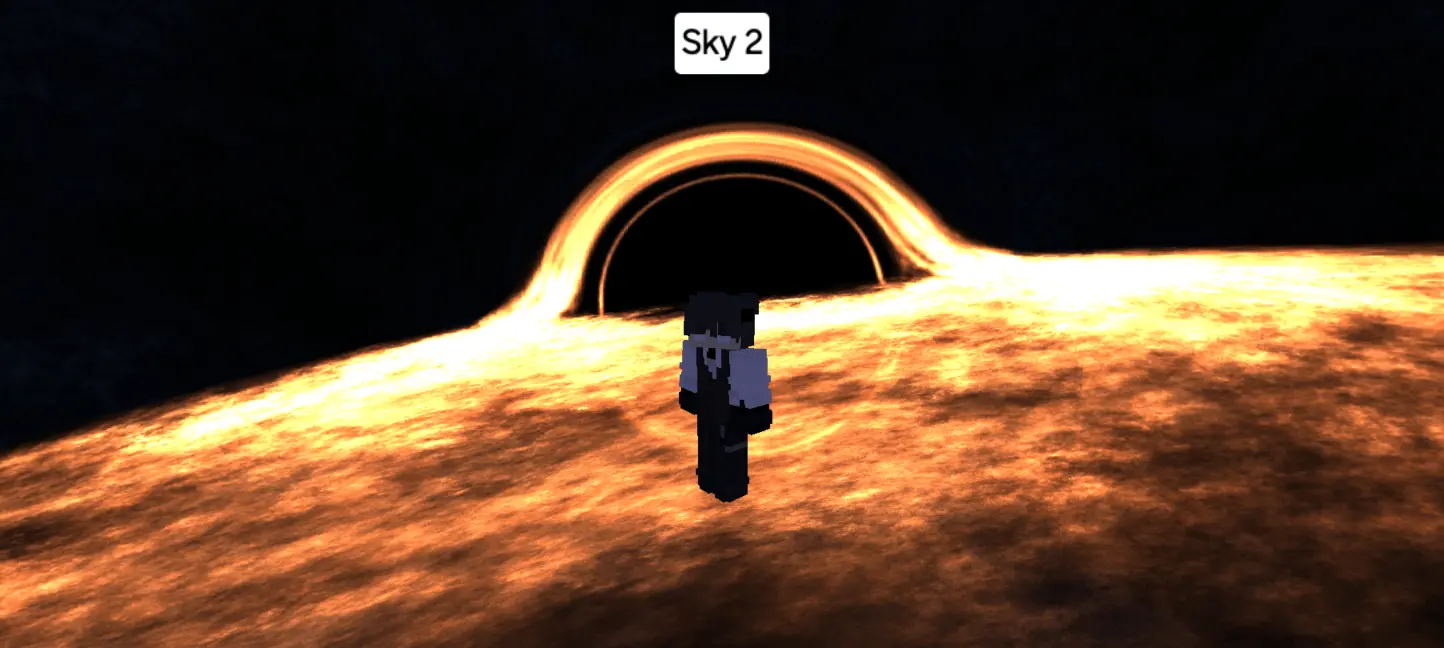
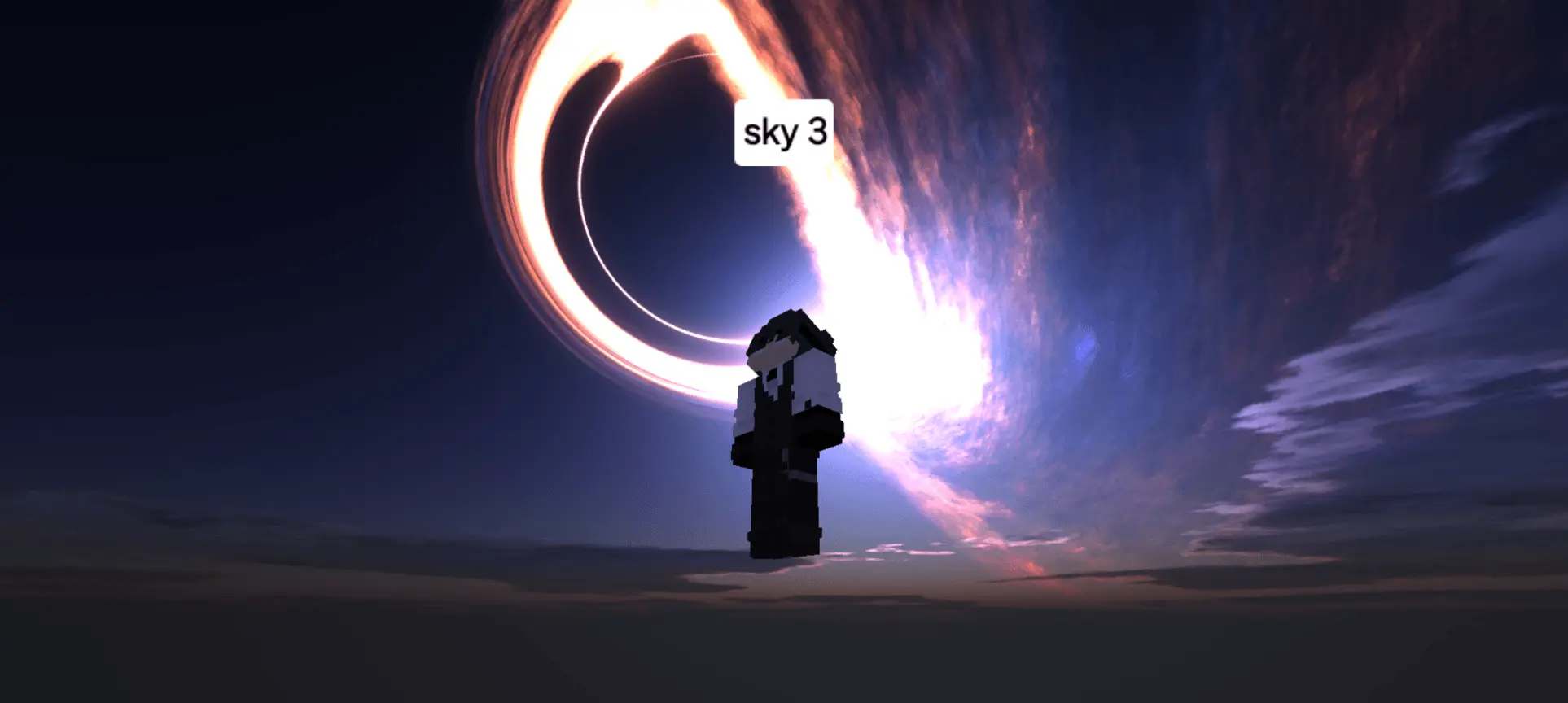
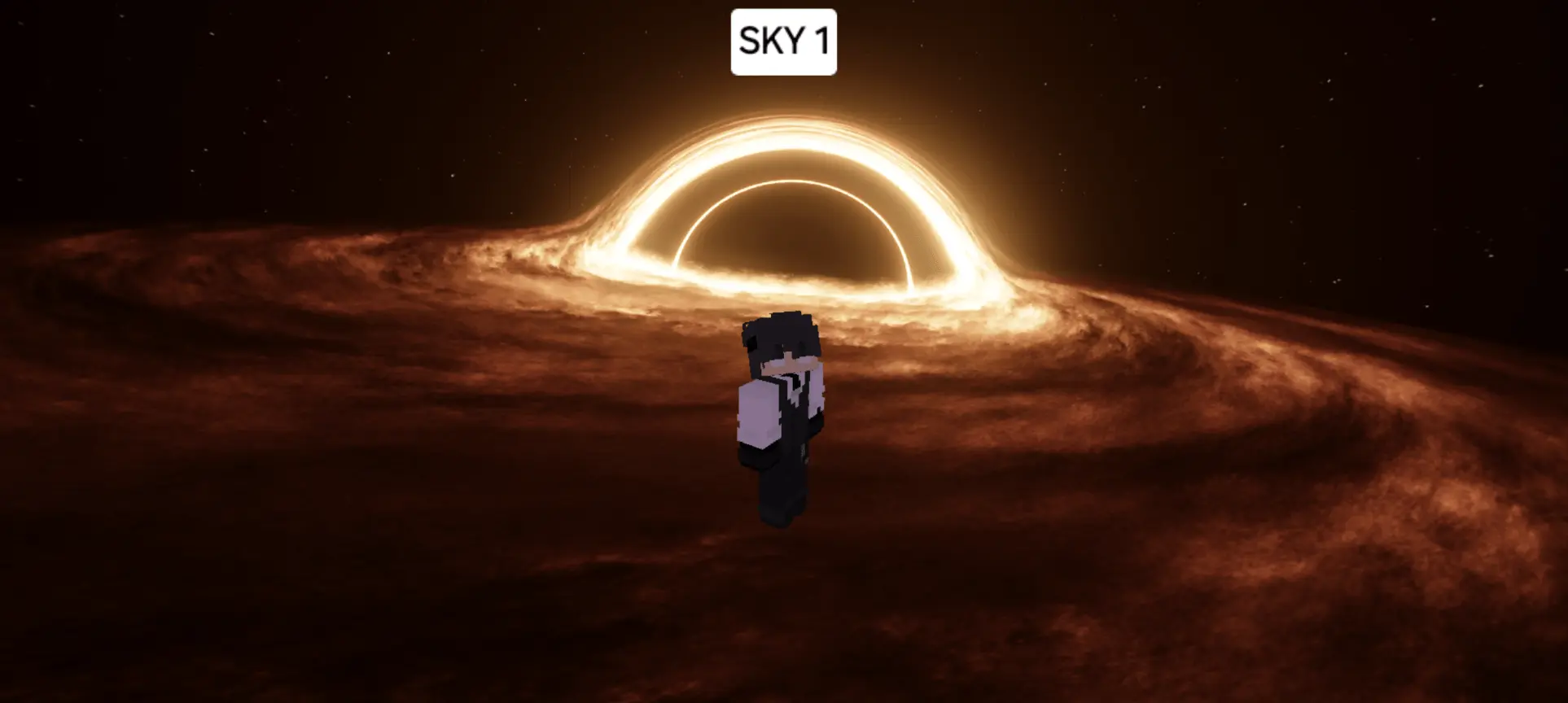
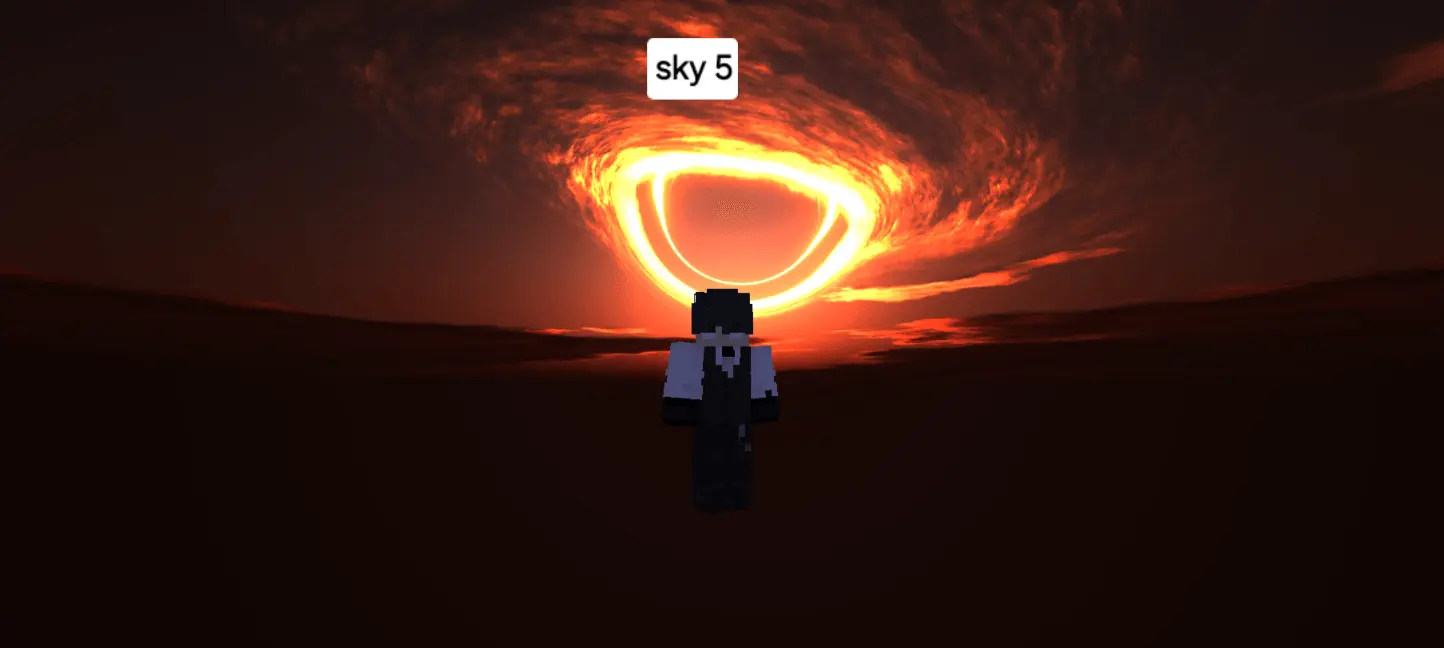
When you start modifying game textures, especially the skybox, there is always a risk of accidentally tanking your framerate. Heavy shaders that attempt to calculate dynamic lighting or render volumetric clouds are notorious for destroying the performance of mobile devices and older consoles. This cubemap completely avoids those technical pitfalls by using a lightweight, static 360-degree panorama. By disabling the vanilla sun, moon, and cloud rendering in favor of this optimized wrap-around image, it actually reduces the strain on your device's graphical processor. Even when you are in the middle of a massive multiplayer server with dozens of players spamming potions and crystal explosions, your screen won't stutter. Budget smartphones, standard consoles, and PCs will all experience a flawless, high-FPS combat environment while maintaining an incredibly striking cosmic aesthetic.
How to install?
- Download resource pack;
- Run and open the .mcpack file in the game;
- Select a texture in the menu;
- Enjoy!
Comments (0)