Visuals Deferred Texture Pack
- 22-09-2026, 13:01
- 189
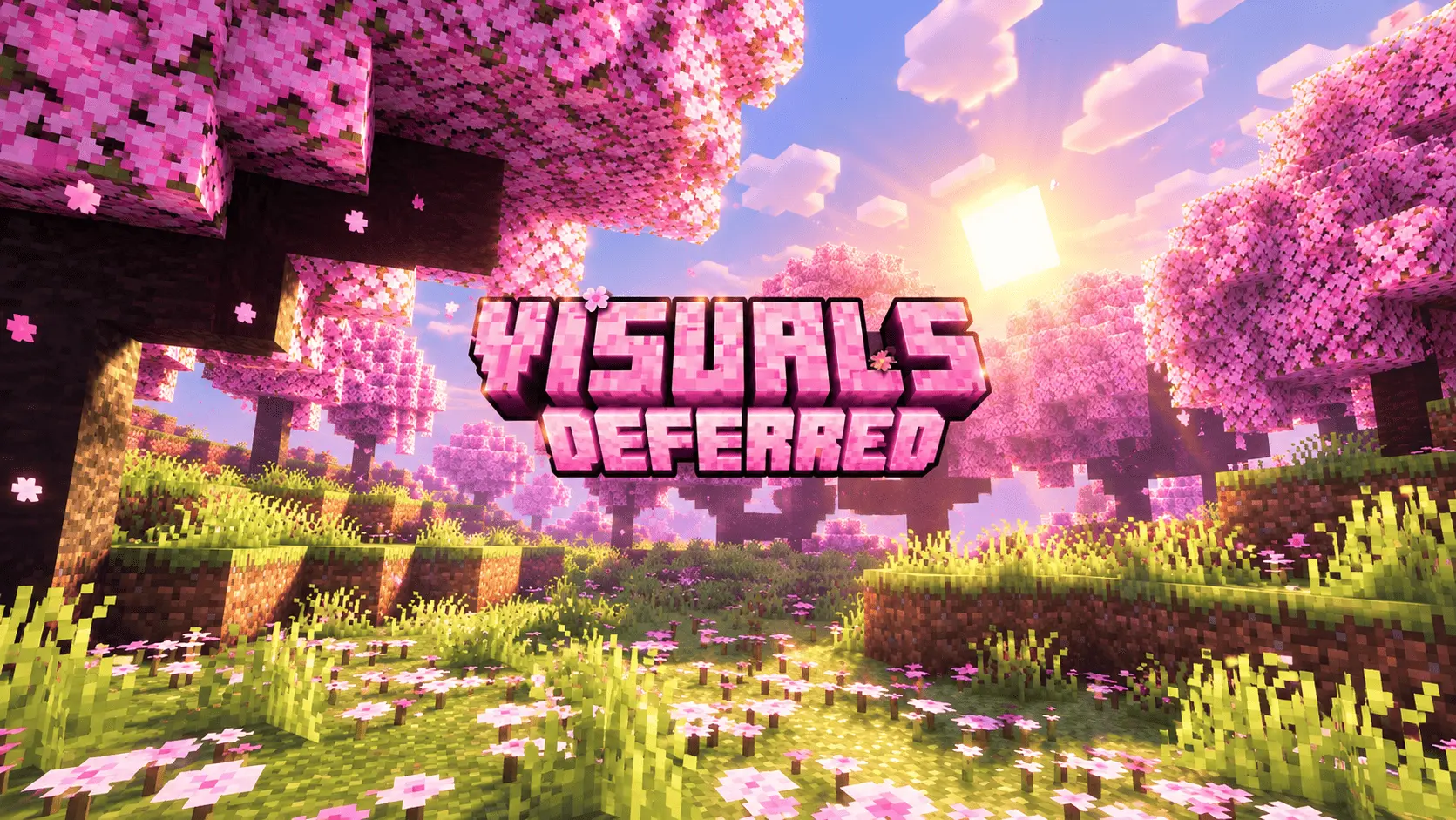
Waiting for third-party shaders to finally work smoothly on Bedrock has been a massive headache for years, but now that the native Deferred Lighting (recently updated to Vibrant Visuals) pipeline is active, creators can completely overhaul the game's graphics without relying on hacky workarounds. Visuals Deferred takes full advantage of this new native rendering engine, completely transforming your world with warm, incredibly cinematic lighting while keeping the classic vanilla aesthetic intact.
The biggest game-changer here is the volumetric fog. Instead of just slapping a lazy color filter over your screen, the pack calculates actual air scattering. When you walk through a dense jungle, a cherry grove, or a thick forest, you get these gorgeous, soft god-rays physically cutting through the canopy and hitting the ground. It gives the environment a massive amount of depth without burying everything in a thick, unplayable haze. The color grading also gets a heavy bump. Midday skies are a crisp, saturated blue, while sunrises and sunsets push deep orange, rose, and violet tones across the horizon to make the day-night transitions feel dramatic. Down underground or during the night, the emissive lighting is completely reworked. Torches, lanterns, and glowing blocks punch through the darkness with rich, warm colors, making cave exploration and base building feel incredibly atmospheric.
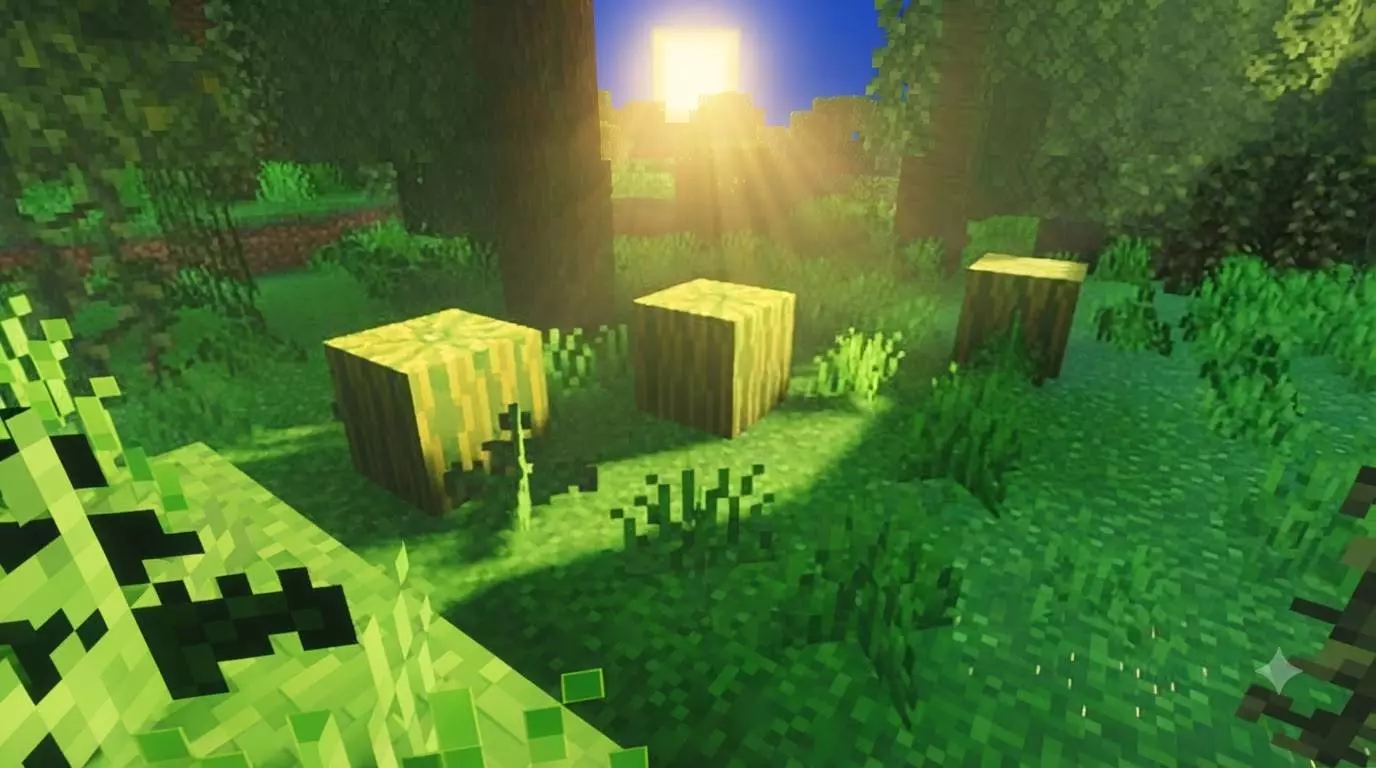
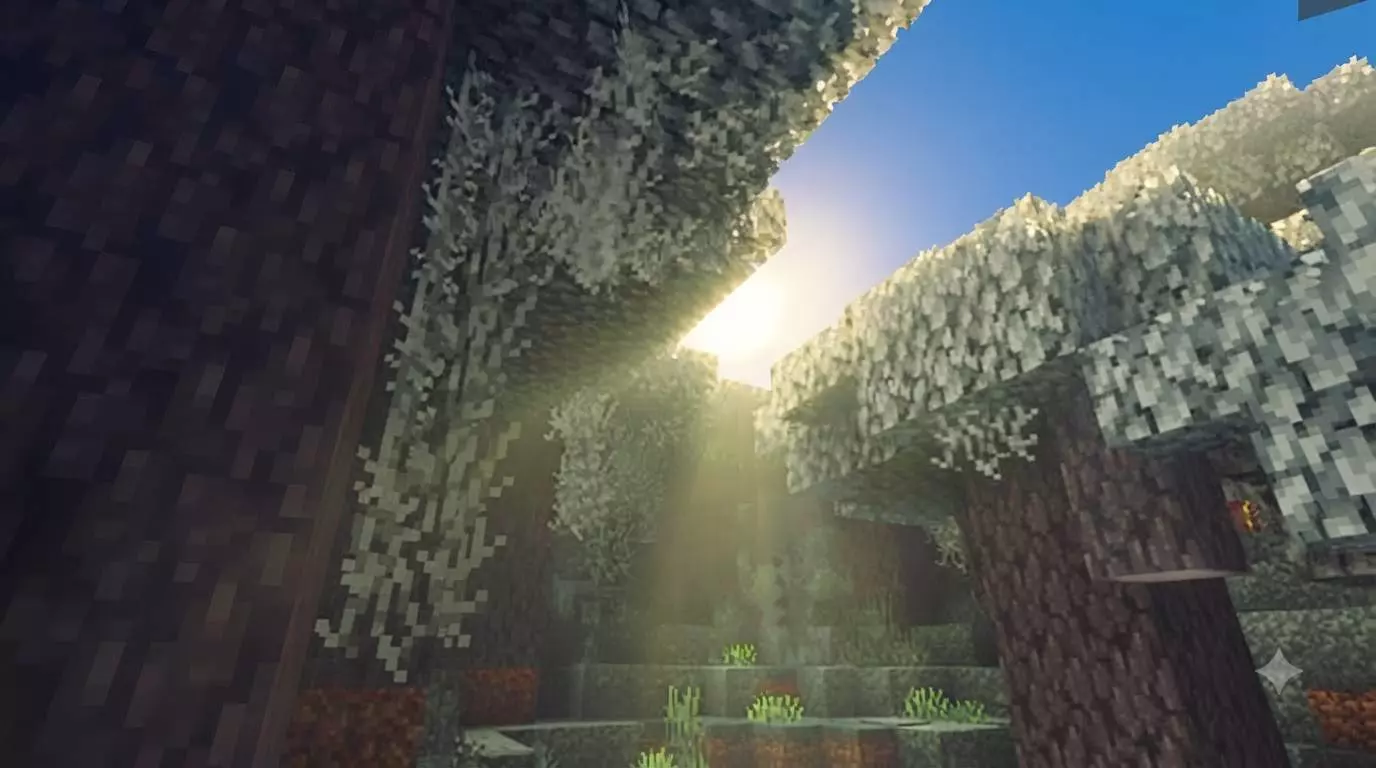
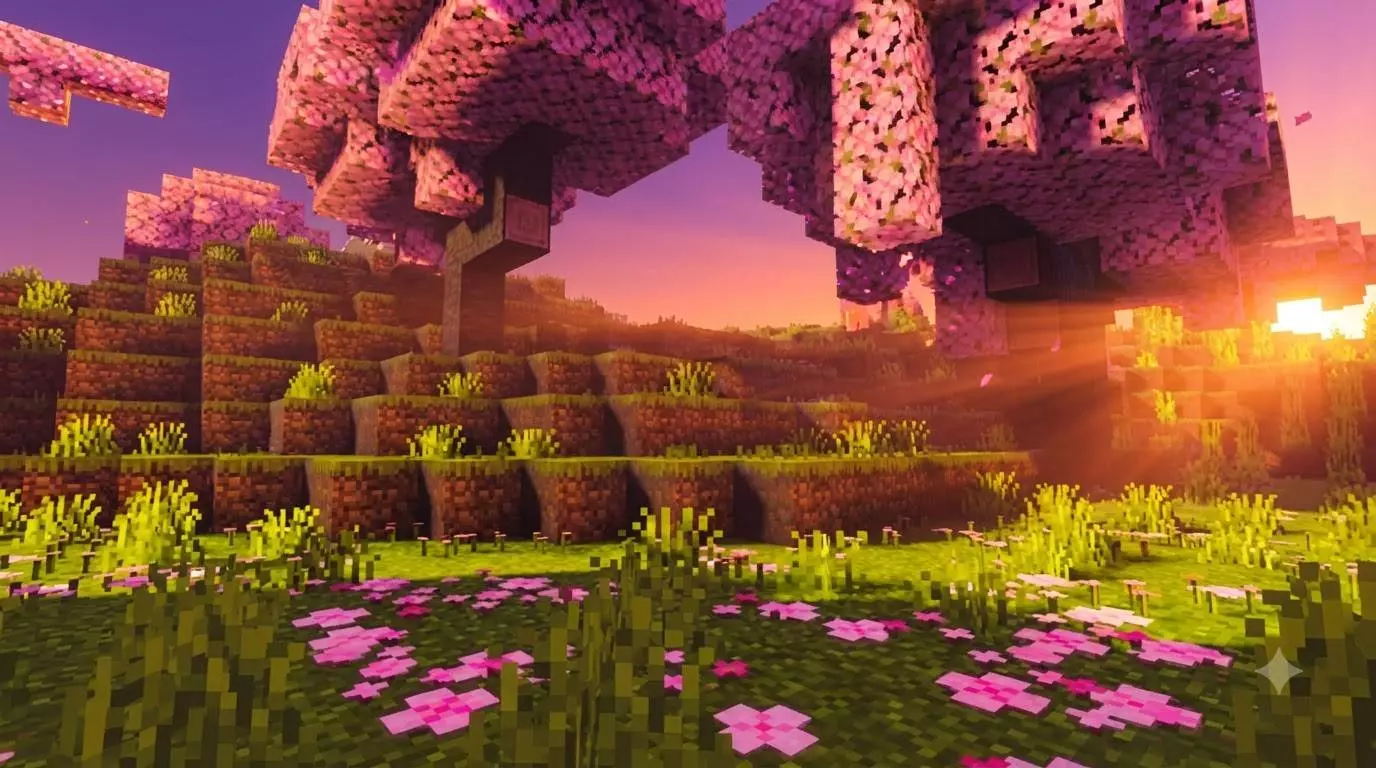
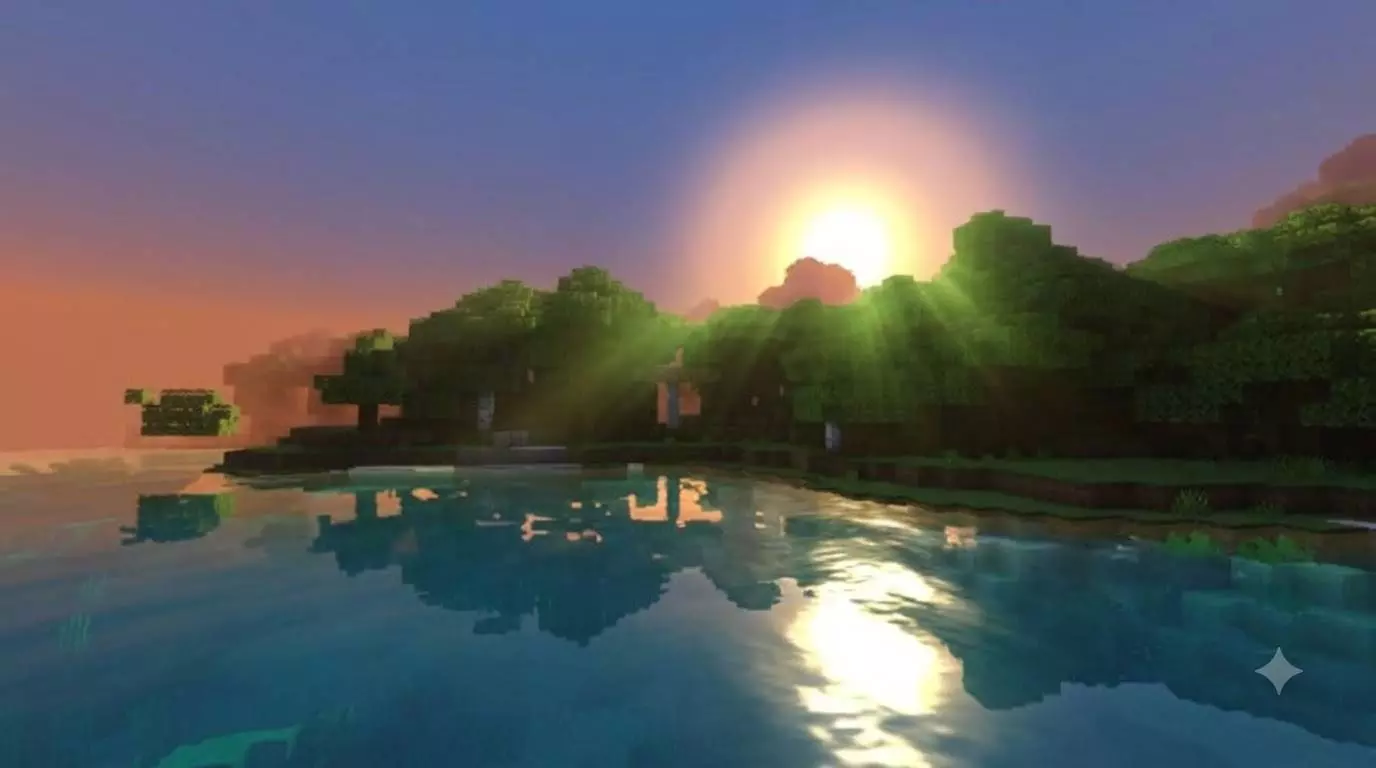
The absolute best part about using Bedrock's official Vibrant Visuals pipeline is that this operates purely as a client-side resource pack. Because it doesn't rely on custom behavior scripts, hidden entities, or world-altering cheat toggles, your Xbox Live achievements stay 100% active. You can safely throw this lighting overhaul onto your most prestigious, long-running survival realm and keep unlocking your official Gamerscore without a single worry.
Getting it running is completely foolproof. It downloads as a standard `.mcpack` file, meaning you just click it once and it imports directly into your global resources. You don't need to mess around with third-party MaterialBinLoaders, you don't need a patched client, and there are no confusing sub-menus to navigate. You just apply the pack, toggle on Vibrant Visuals (or the Deferred Technical Preview) in your video settings, and you are good to go. Because it taps directly into the game's native engine, the performance scales really well across all hardware. Whether you are building on a high-end PC, playing on a modern console, or running a compatible smartphone, you get a beautifully lit, lag-free experience right out of the gate.
How to install?
- Download resource pack;
- Run and open the .mcpack file in the game;
- Select a texture in the menu;
- Enjoy!
Comments (0)