Luma Shader
- 5-05-2026, 10:53
- 906

Luma Shader — a soft bloom Vibrant Visuals pack for Minecraft Bedrock that pushes warm lighting, gentle fog, and godrays to make your world feel smooth and glowy.
Luma Shader (Vibrant Visuals Pack) is made specifically for the new Vibrant Visuals rendering mode in Minecraft Bedrock, and it leans into a “warm film look� instead of trying to turn the game into something sharp and crunchy. The big signature here is soft cinematic bloom, so bright spots don’t just look bright, they spill a little glow into the scene. Add the gentle haze on top and everything gets that slightly dreamy, polished vibe, like your world has actual air in it. It’s not about changing gameplay or adding new blocks, it’s about how the same builds and landscapes read on your screen when lighting is warmer, fog is smoother, and the atmosphere feels more intentional.
Where Luma Shader really pops is in everyday moments you already do a thousand times. Walking out of your base at sunrise feels different when the light is warm and the edges of bright areas bloom a bit. Cutting through a forest path or a village road looks less flat when the distance has a touch of fog, because it gives the horizon some depth without you needing to rebuild anything. If you’re the type who likes building cozy interiors, this pack is a win because warm lighting plus bloom makes lanterns, windows, and lit rooms feel inviting, especially when you’re looking back at your base from outside at night. And those godrays are the kind of effect you’ll notice when you angle your camera through trees, cliffs, or openings where light should be “breaking in,� giving your screenshots and fly-throughs that dramatic beam look without you having to stage anything fancy.
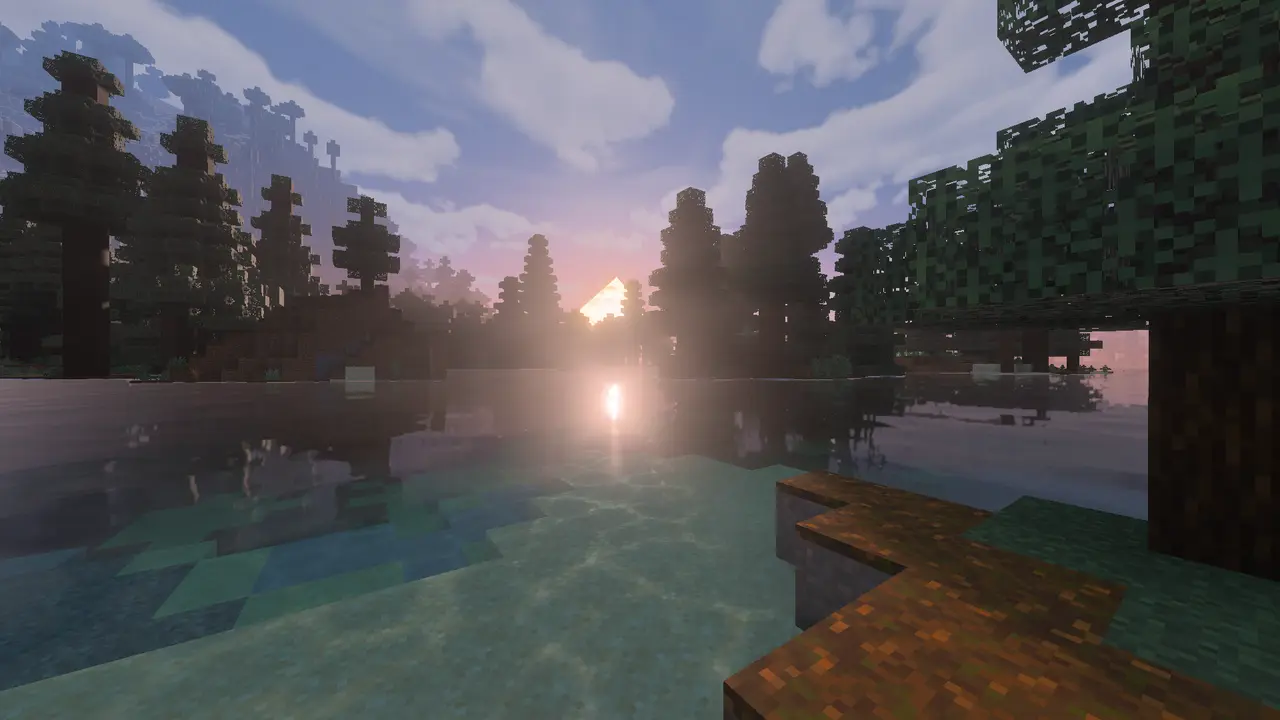
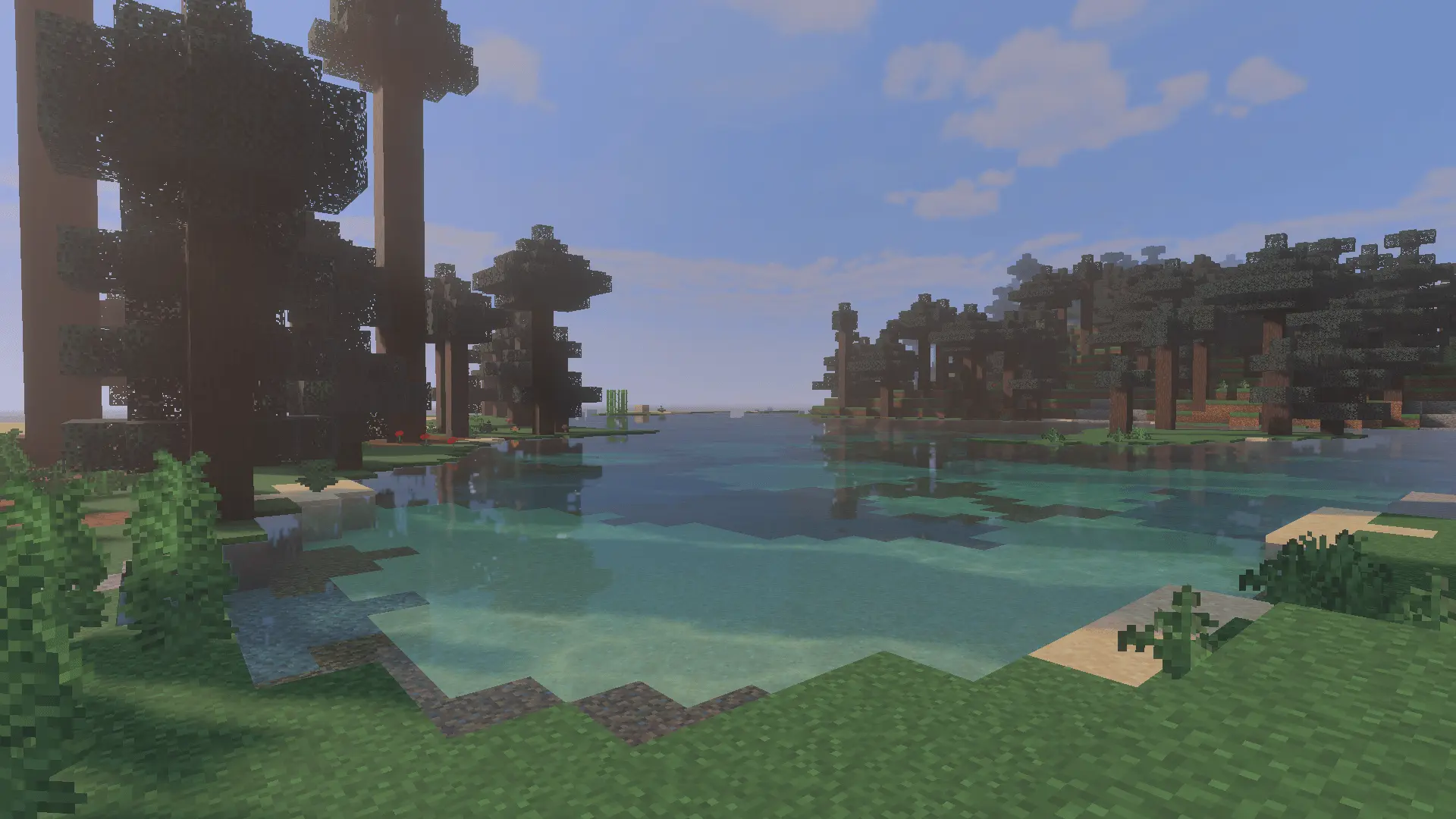
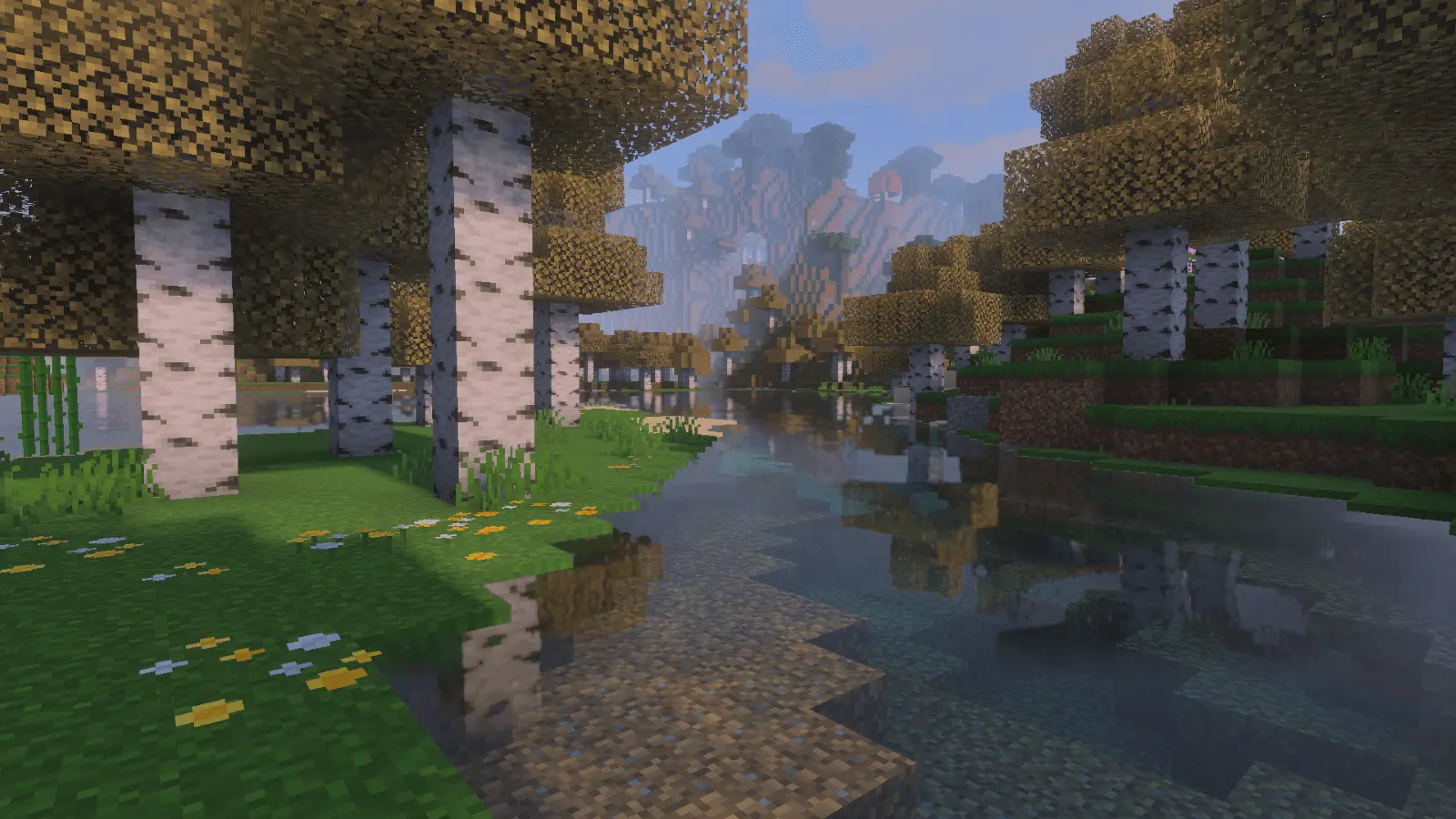
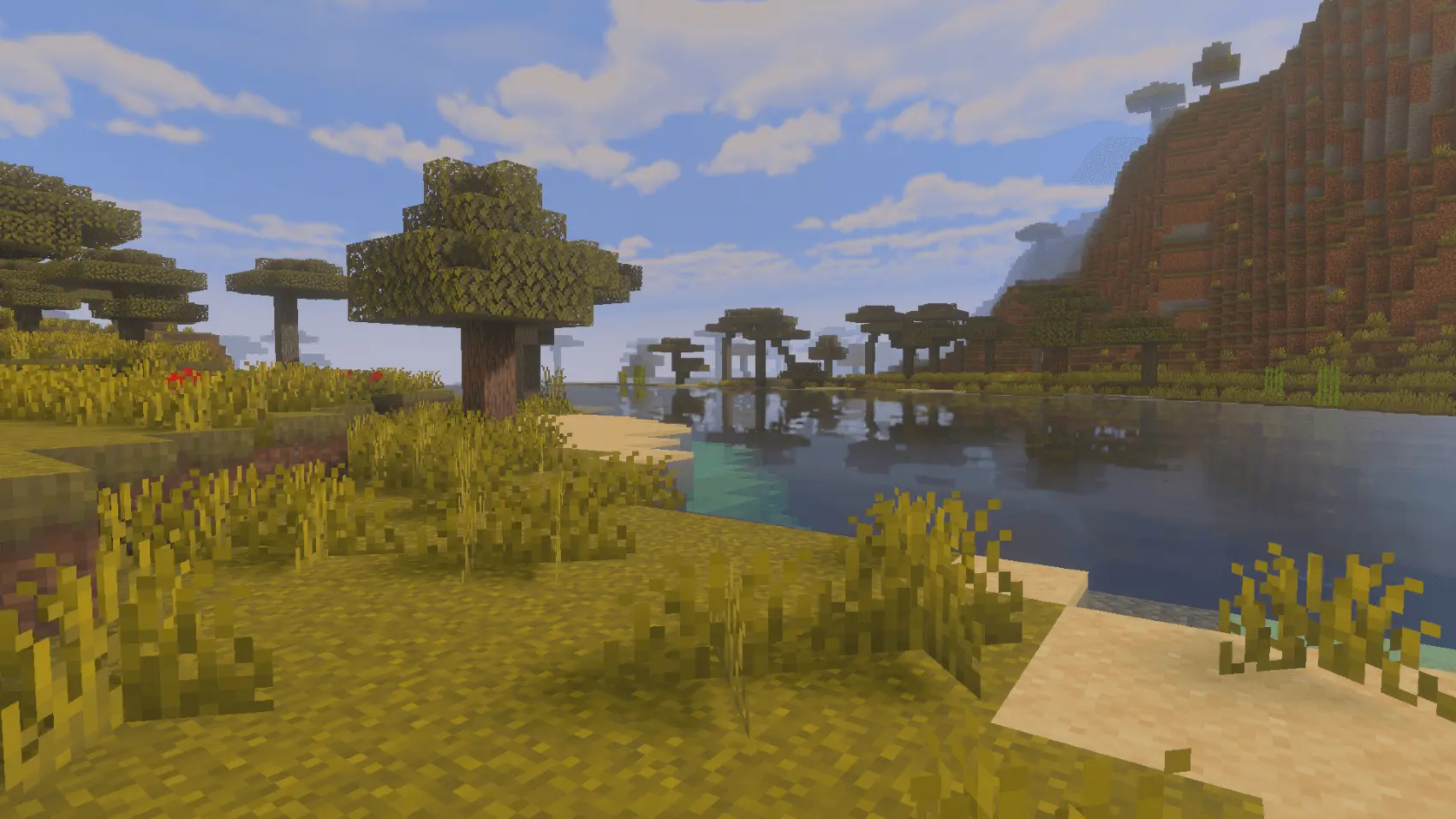
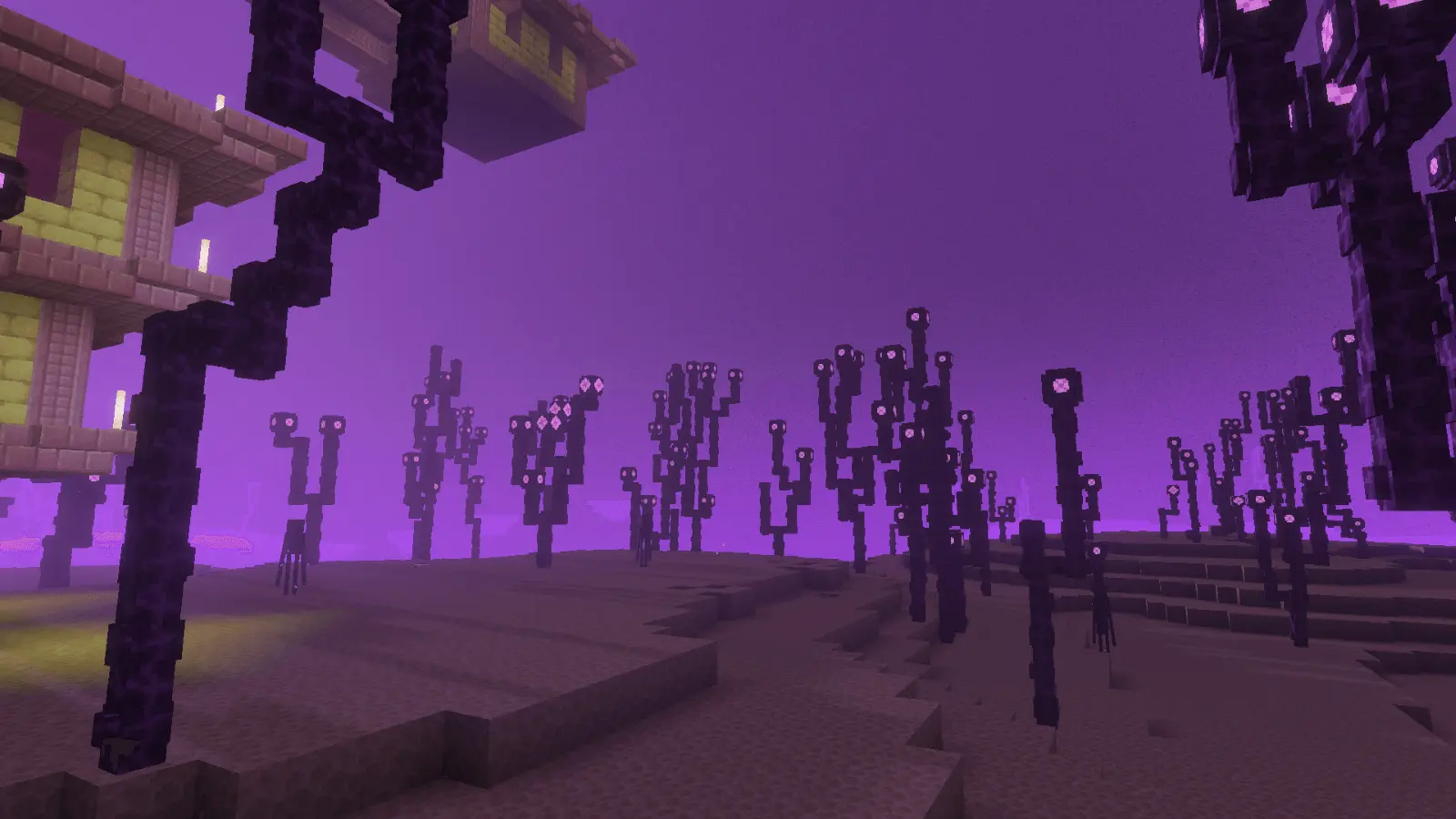
Exploration gets a nice upgrade too. In caves, your light sources feel more “present� because bloom makes lit pockets stand out against darkness, and haze can make tunnels feel deeper just by the way visibility falls off. On long walks across open terrain, the atmospheric glow and fog keep distant chunks from looking like hard cutouts, which makes travel feel smoother on the eyes. If you like recording clips, Luma Shader is basically built for that, since the whole design goal is a cinematic experience with warm mood lighting and soft effects that make scenes look finished even when you’re just doing normal survival stuff like mining, building, or running back home with a full inventory.
Luma Shader is also described as working on iOS, Android, Xbox, PlayStation, and Windows, as long as you’re using the new Vibrant Visuals mode in Minecraft Bedrock. So if you play on multiple devices or you’re trying to match visuals with friends across platforms, it’s aimed at being a consistent look you can stick with. If you want your Bedrock world to feel warmer, hazier, and more atmospheric without going overboard, Luma Shader is a clean pick for that soft bloom, gentle fog, and godray style.
How to install?
- Download resource pack;
- Run and open the .mcpack file in the game;
- Select a texture in the menu;
- Enjoy!
Comments (0)