Pale Garden Underground House Map
- 21-09-2026, 05:30
- 154
Adventure Maps / Creation Maps / Survival Maps
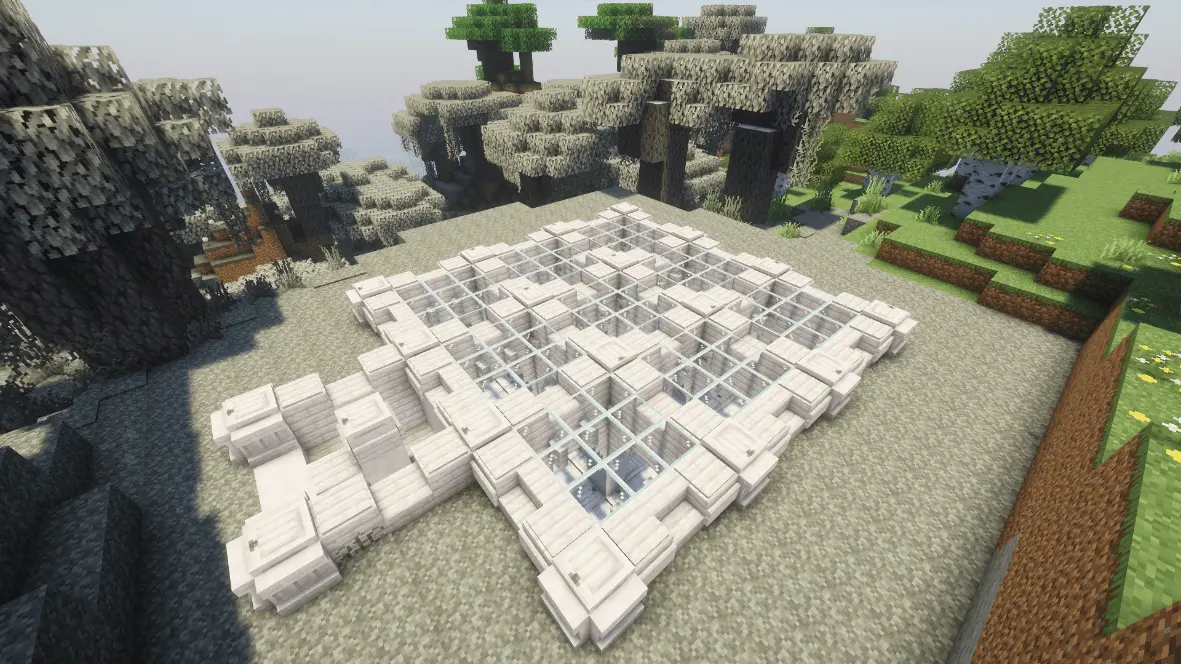
Surviving in the eerie atmosphere of the Pale Garden is a lot more enjoyable when you don't have to worry about the Creaking sneaking up on your starter camp. This map buries a beautifully designed survival home right beneath the pale canopy. What really makes the build stand out is the massive glass skylight serving as your roof—you get to take in all the creepy, desaturated visuals of the biome while staying perfectly safe underground. The entrance staircase drops you into a surprisingly cozy layout that breaks up the gloomy grey surface palette with a built-in aquarium and warm, detailed living quarters. It’s a ready-to-play hub complete with a kitchen, a dedicated enchanting setup, and all the necessary crafting stations to get a new playthrough rolling immediately.


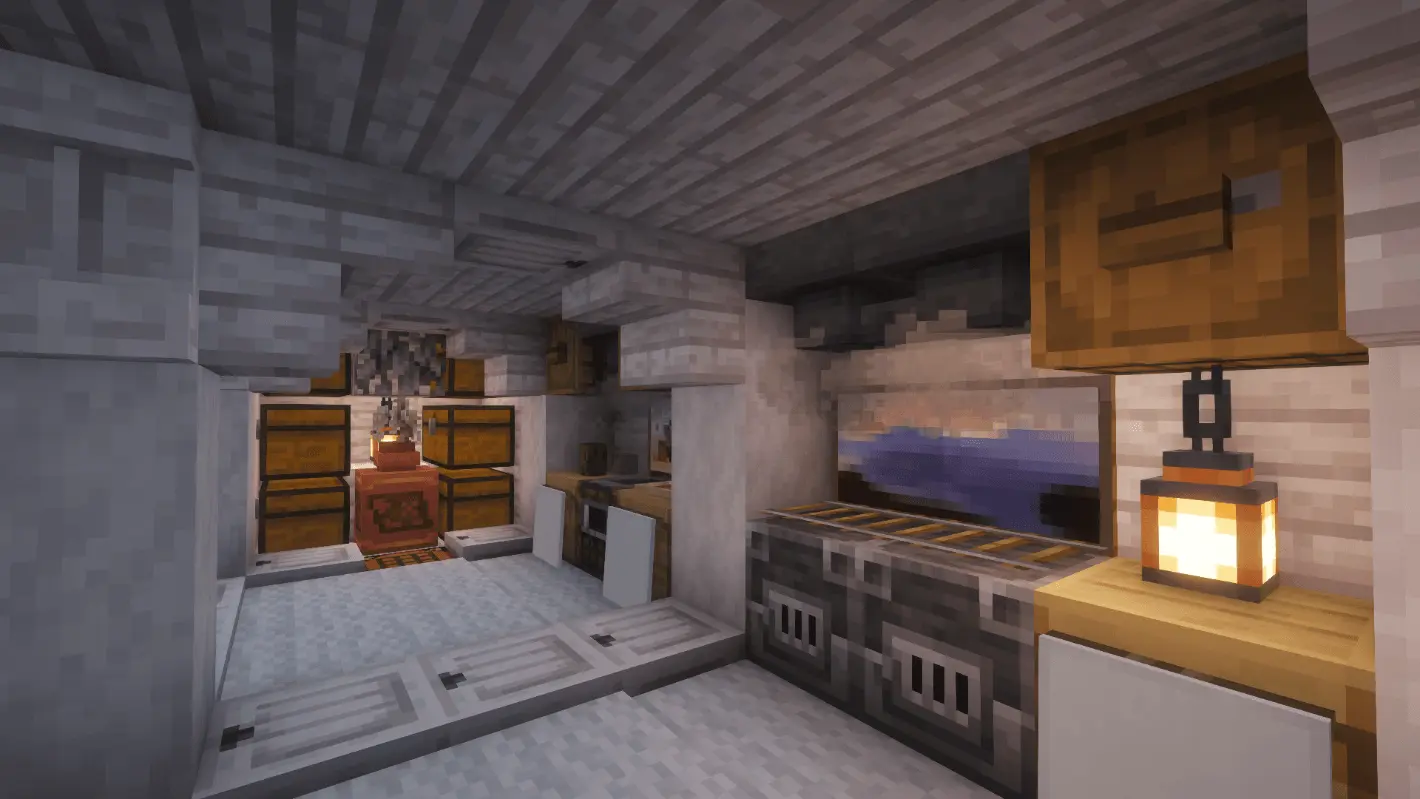
Importing the world is completely straightforward, though you should expect Xbox Live achievements to be locked since the base was hollowed out and constructed before the save was published. It is designed specifically for players who want to jump straight into exploring the new biome without wasting their first few hours digging a dirt hole to hide in.
From a performance perspective, you don't have to worry about the underground architecture tanking your device. Often, carving out large subterranean rooms with giant skylights confuses Bedrock's lighting engine and causes nasty frame drops on older hardware. Thankfully, this map sticks strictly to stable vanilla blocks without relying on hidden redstone clocks or custom entities. The interior shadows and light shafts calculate smoothly, meaning the game runs perfectly fine whether you are loading it up on a budget smartphone or a high-end PC. You get a lag-free, highly aesthetic safehouse from minute one.
How to install?
Android: use ES Explorer to find mcworld in the download folder. Click on a file to import it inside.
Versions of Windows 10: Go to your downloads folder and find mcworld. Click on the document to add it to the client.
IOS: as soon as they clicked on the Download button below, the device will offer to open it.
Comments (0)