Small Viking Villager House Map
- 21-09-2026, 05:42
- 67
Adventure Maps / Creation Maps / Survival Maps
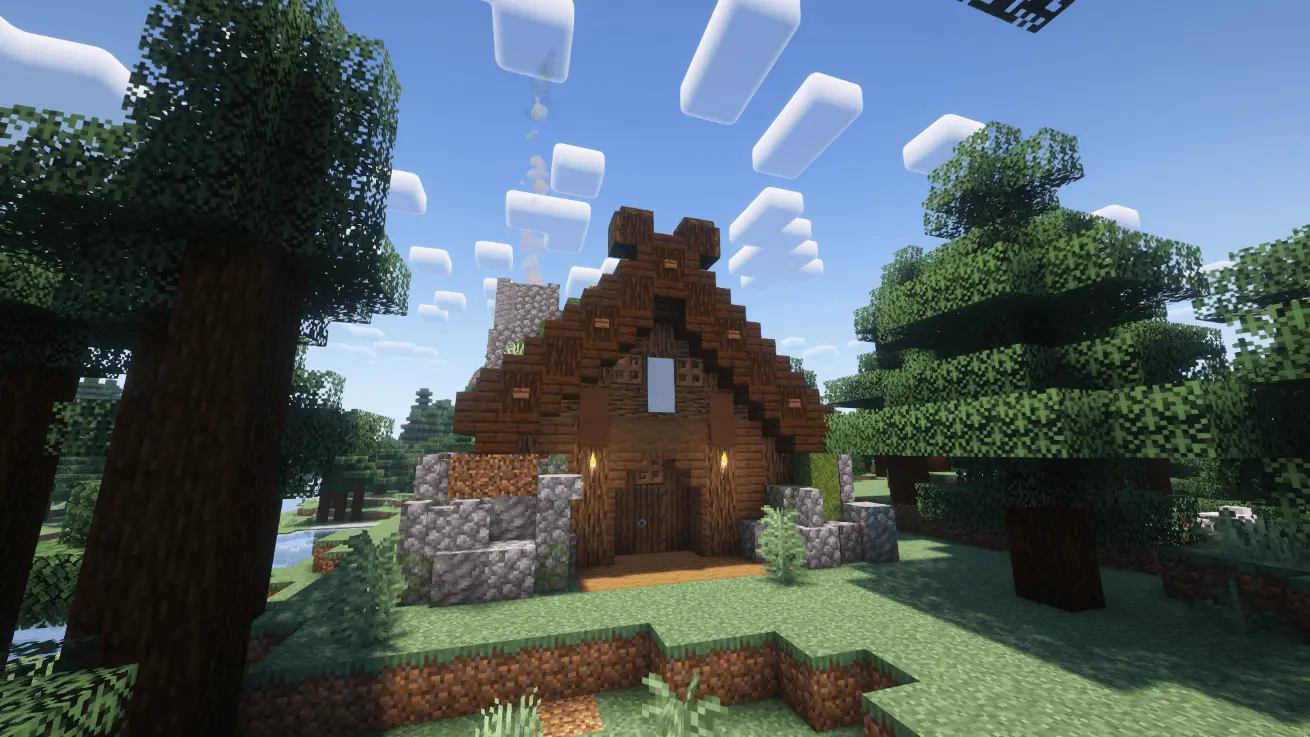
Dropping into a snowy taiga biome usually means scrambling for basic shelter before the freezing temperatures and hostile mobs take over. This map entirely bypasses that brutal early-game grind by placing your world spawn right at the doorstep of a massive, two-story Viking lodge. The architecture fits the frozen landscape perfectly. Built with a steeply pitched roof designed to keep snow from piling up and an active chimney venting smoke into the winter air, the exterior looks like a genuine Norse settlement rather than a standard blocky wooden box. It stands out in the dense pine forest, serving as a highly visible, incredibly secure landmark to base your entire playthrough around.
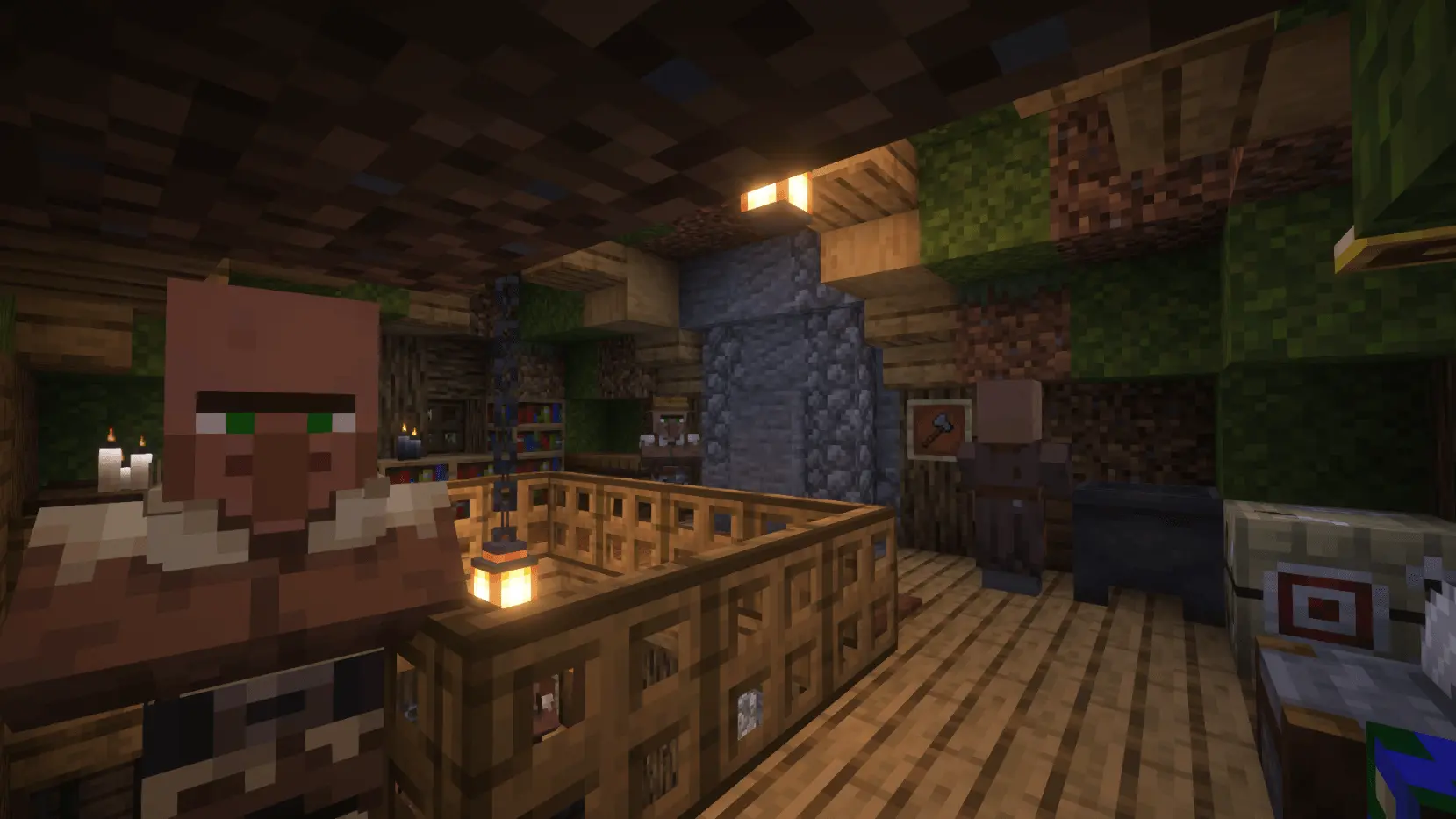
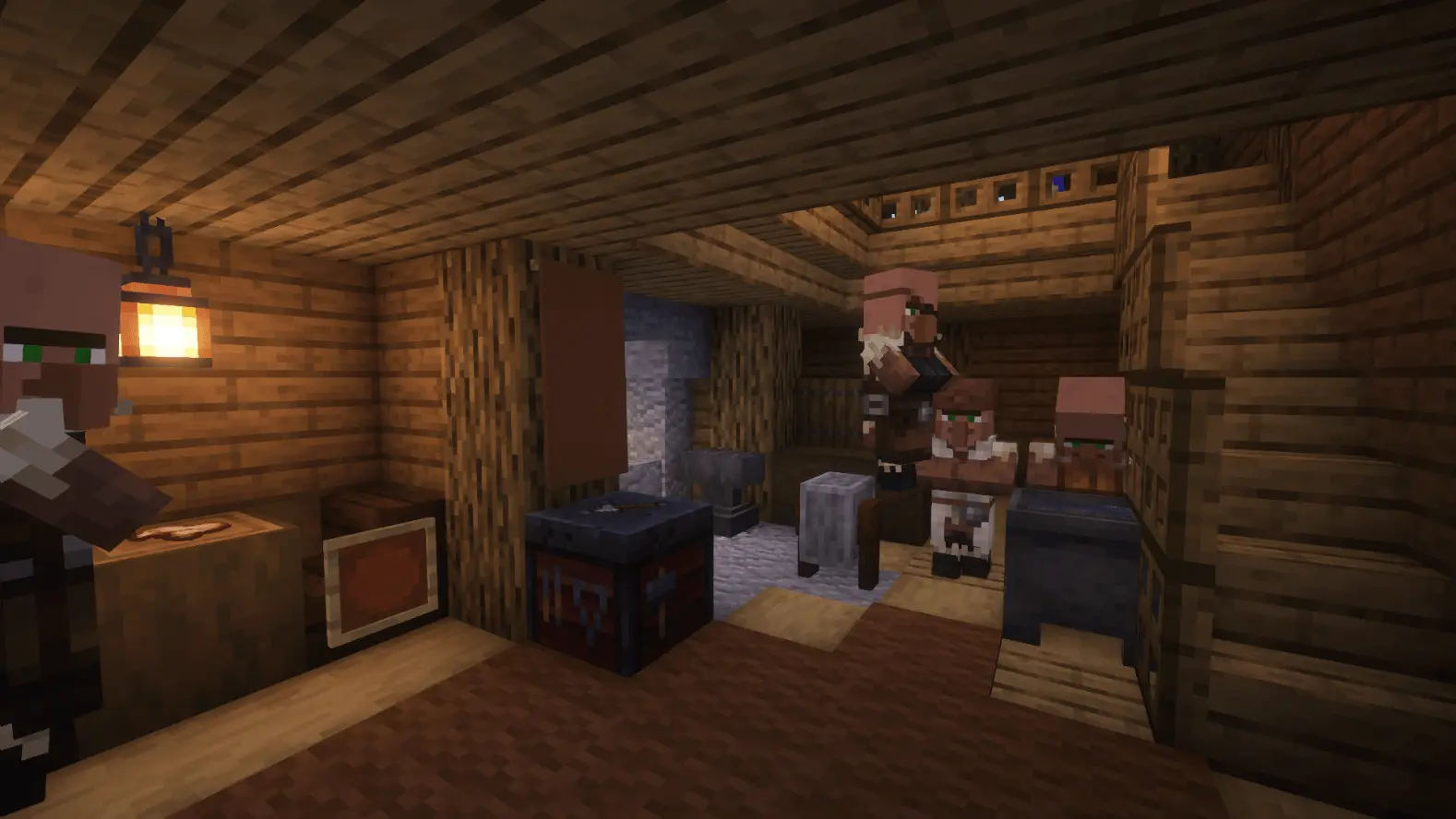
Stepping through the front door reveals that this isn't just an empty structural shell for you to furnish yourself. The interior is a fully operational, bustling hub inhabited by several working villagers of various professions. Having active NPCs living on both floors immediately provides you with a localized trading economy without having to drag them across the map in boats or minecarts. The rooms are densely packed with cozy, era-appropriate decorations, but they also serve a highly practical purpose. You get immediate access to all essential crafting stations, plenty of beds to skip the first night, and several hidden loot chests scattered throughout the lodge to give you a solid head start on resources. It is essentially a turnkey survival headquarters that lets you skip the tedious setup phase and get straight to exploring.
Because the creator had to hand-build this structure and manually assign the villagers using creative mode before packaging the world, loading this save file will permanently lock your Xbox Live achievements. This is standard for any pre-built survival map on Bedrock. Fortunately, getting the world running is completely frictionless. It downloads as a standard .mcworld file that imports directly into your game with a single click. You don't have to navigate confusing settings menus to toggle on experimental gameplay features, nor do you have to worry about broken third-party behavior packs corrupting your save after a game update.
Placing multi-level structures populated by pathfinding NPCs into a dense forest biome can sometimes cause older hardware to struggle with chunk loading. However, this map keeps its technical footprint surprisingly low. The creator built the entire lodge using standard vanilla blocks instead of forcing the game engine to render heavy custom geometries, high-resolution textures, or complicated background command loops. The villagers navigate the staircases and workstations seamlessly without causing the AI pathfinding glitches that usually drag down the server tick rate. Whether you are running the game on a budget mobile phone, a home console, or a high-end PC, the environment renders smoothly. You can expect a completely fluid, lag-free survival experience from the exact second you load into the snow.
How to install?
Android: use ES Explorer to find mcworld in the download folder. Click on a file to import it inside.
Versions of Windows 10: Go to your downloads folder and find mcworld. Click on the document to add it to the client.
IOS: as soon as they clicked on the Download button below, the device will offer to open it.
Comments (0)