Ultimate City Map
- 1-10-2026, 12:37
- 186
Adventure Maps / Creation Maps / Survival Maps
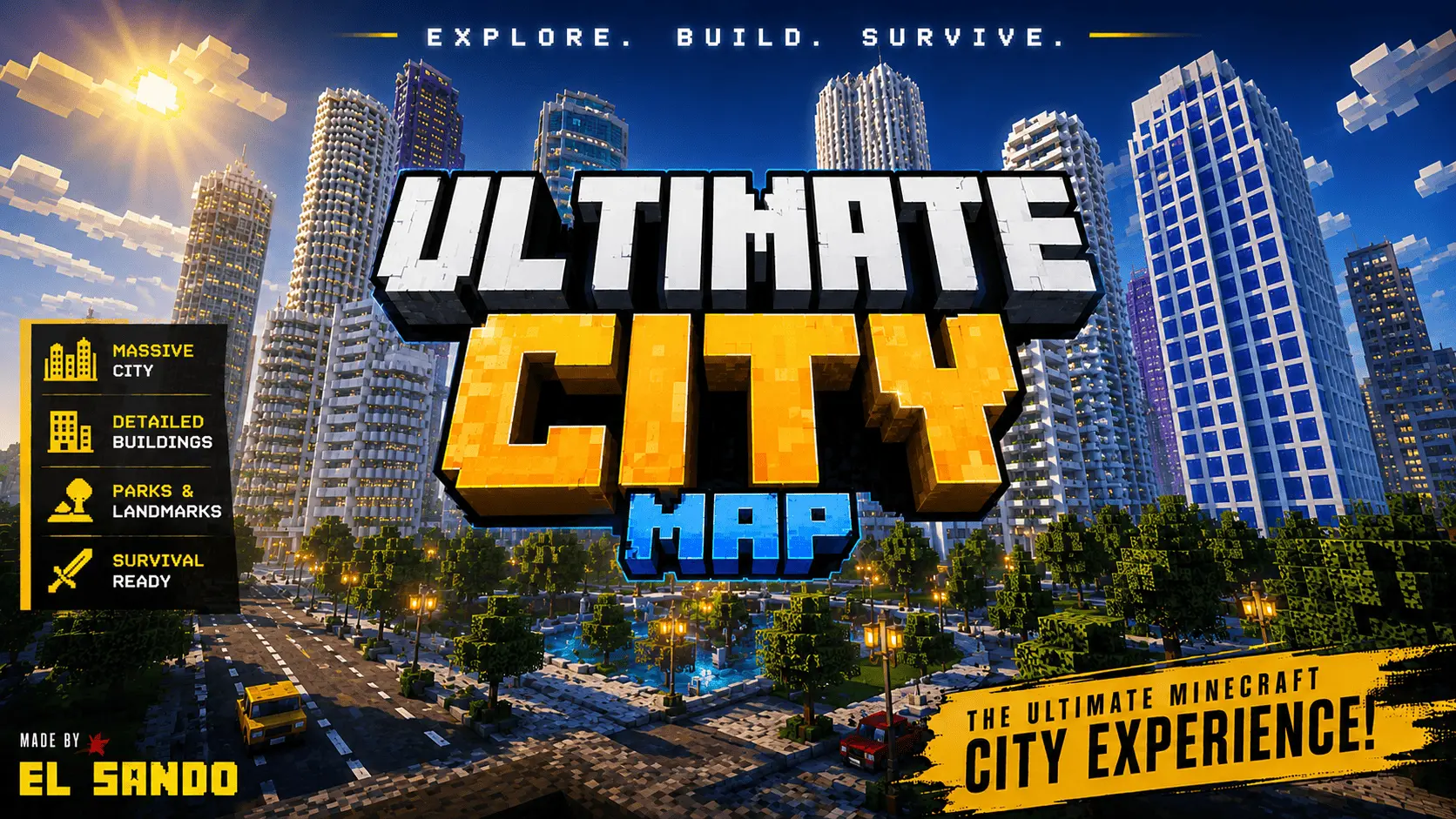
Building a believable modern city in Bedrock usually runs into two major design flaws: either the streets are too narrow to navigate comfortably, or every block is filled with identical copy-pasted glass boxes. This city project avoids those traps by spacing out its urban planning with actual breathing room. The avenues and multi-lane intersections are wide enough to accommodate third-party vehicle add-ons without constantly clipping curbs, and the zoning transitions naturally from towering downtown high-rises down into suburban neighborhoods, industrial parks, and civic infrastructure like bridges and green spaces. Having distinct districts makes the map versatile—it works right out of the box as a clean slate for zombie outbreak scenarios, police roleplay servers, or just an expansive backdrop for testing custom vehicle packs without needing to terraform your own roads.
From a technical configuration standpoint, the map is remarkably straightforward. Because the city is constructed out of standard vanilla blocks and terrain rather than custom scripted entities, you do not need to dig into the settings to turn on Experimental Gameplay features or enable Beta APIs just to explore the streets. Everything loads natively. The only time those developer switches come into play is if you decide to layer third-party behavior packs—such as driveable cars or custom interactive NPCs—over the save file. However, because this is an imported world template featuring pre-constructed coordinates and modified save data, your Xbox Live achievements are permanently disabled the moment you spawn in. If your main goal is unlocking Gamerscore milestones, you will need to keep this strictly as a creative or sandbox world.
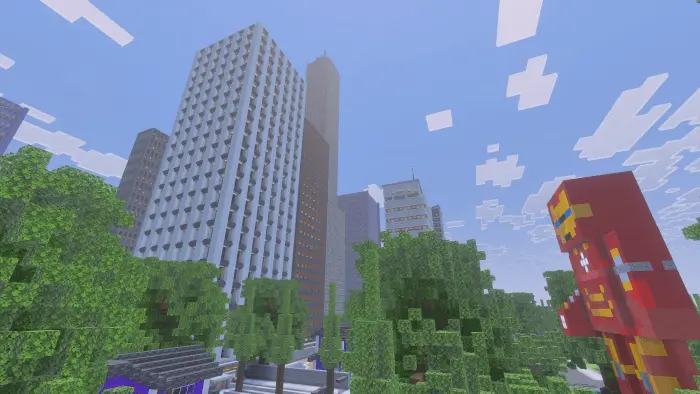


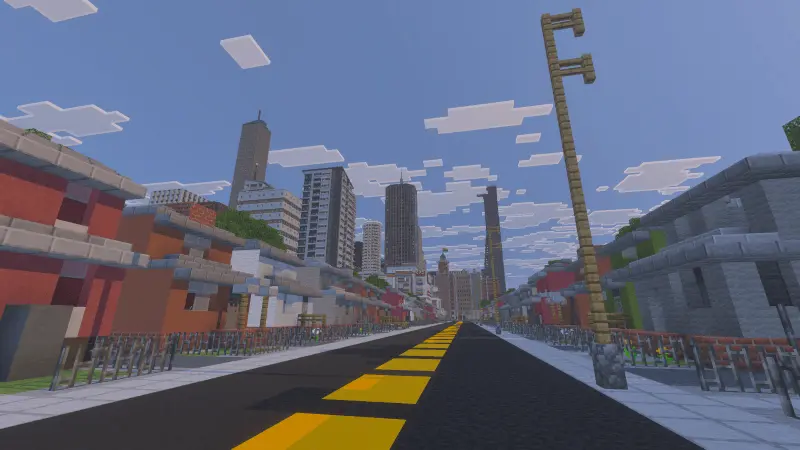

Hardware performance is going to be the main hurdle, simply because dense urban architecture is notoriously heavy on the Bedrock rendering engine. Modern desktop PCs and current-gen consoles handle the draw distances easily, maintaining steady frame pacing while cruising through downtown avenues. On older budget smartphones and low-spec tablets, though, the sheer density of stacked blocks, decorative lighting, and transparent glass panes creates a heavy processing bottleneck. Sprinting or driving at top speed on mobile hardware will quickly outpace the engine's chunk generation, leading to sudden frame drops, visible texture pop-in, and occasional stuttering. If you are loading this up on a handheld device, dropping your render distance down to 8 or 10 chunks and steering clear of maxed-out FOV settings will keep the downtown district running smoothly.
How to install?
Android: use ES Explorer to find mcworld in the download folder. Click on a file to import it inside.
Versions of Windows 10: Go to your downloads folder and find mcworld. Click on the document to add it to the client.
IOS: as soon as they clicked on the Download button below, the device will offer to open it.
Comments (0)