Legendary 750+ days hardcore world Map
- 2-10-2026, 03:01
- 171
Adventure Maps / Custom Terrain Maps / Survival Maps

Stepping into a pre-built hardcore save usually feels like wandering through a chaotic graveyard of half-finished ideas, but this 750-day world plays more like an interactive architectural museum. Instead of punching trees, you inherit a sprawling, fully upgraded medieval civilization completely dialed in for high-tier survival. The map drops you into a massive network of detailed houses, custom bridges, and carefully landscaped cherry blossom gardens that actually feel cohesive rather than just randomly placed. What makes the map genuinely useful, beyond just looking good, is the underlying infrastructure. With massive automatic farms handling your resources, you completely bypass the early-game grind and can immediately use this established stronghold as a staging ground for your own endgame projects.
From a technical standpoint, adopting someone else's modified save file carries the usual Bedrock restrictions. The moment you load into the medieval village, your Xbox Live achievements are permanently disabled. Gamerscore hunters will need to stick to fresh, unmodded seeds. On the positive side, because this is a pure vanilla building project rather than a heavily modded sandbox, the backend setup is completely frictionless. The custom roads, detailed structures, and automated farms all rely on standard in-game redstone mechanics. You do not need to dive into your world options to toggle on Experimental Gameplay features or activate unstable Beta APIs, meaning the world is immune to the script-breaking bugs that usually plague heavily modified maps after a base game update.
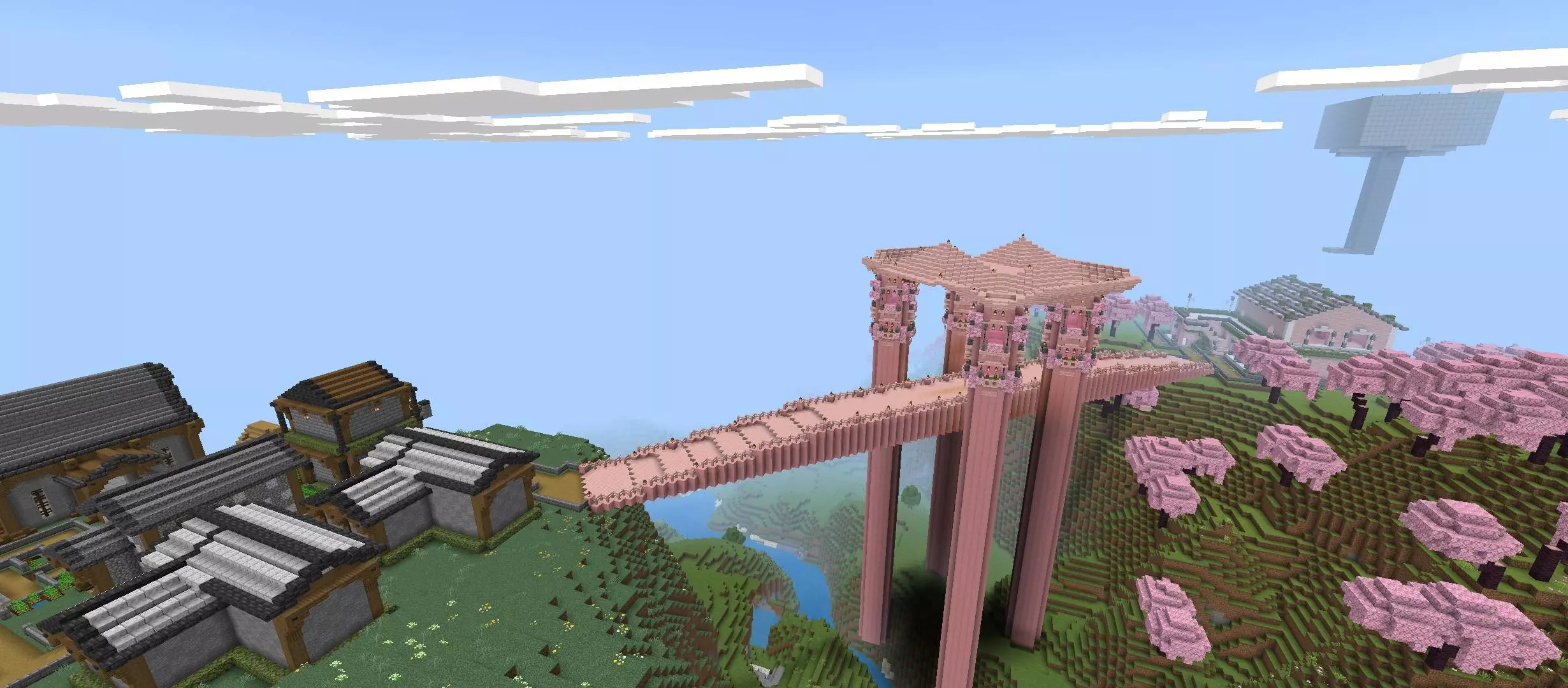
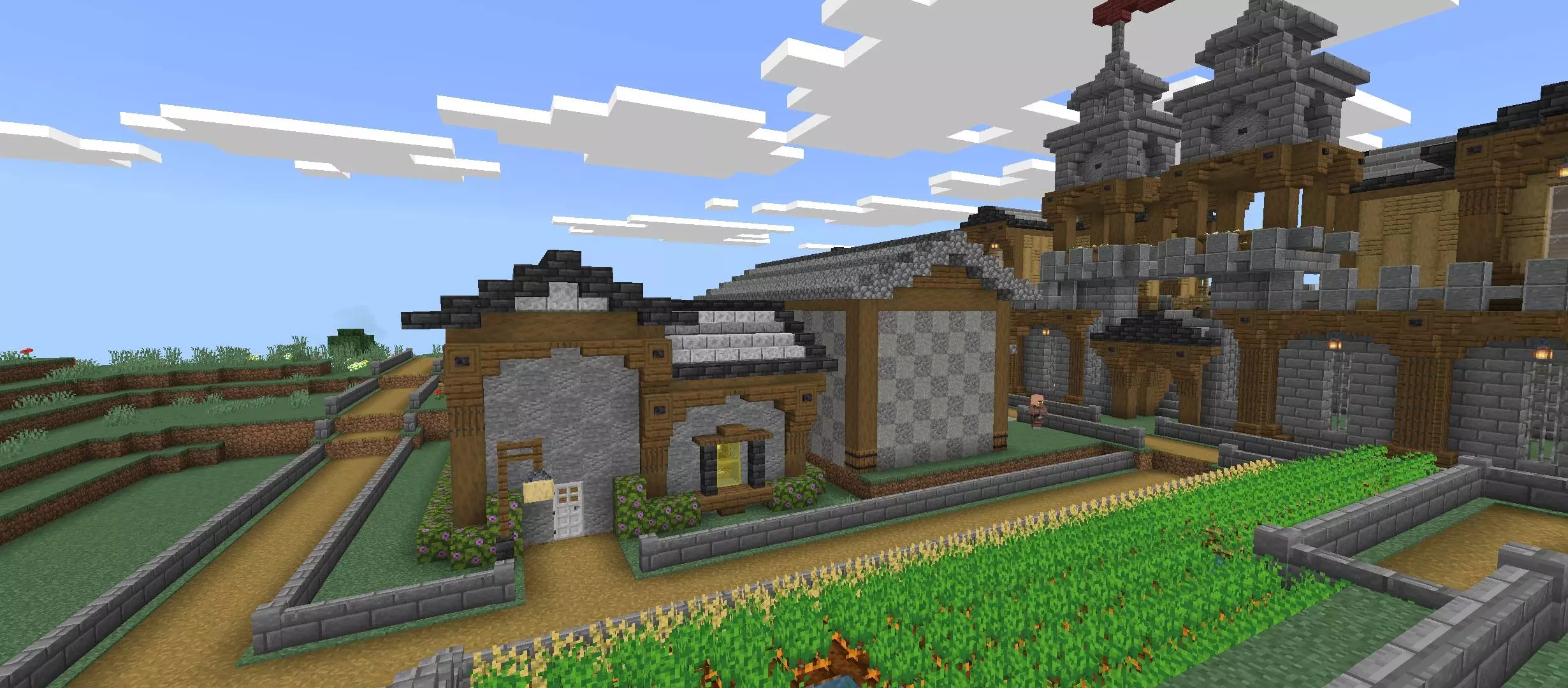
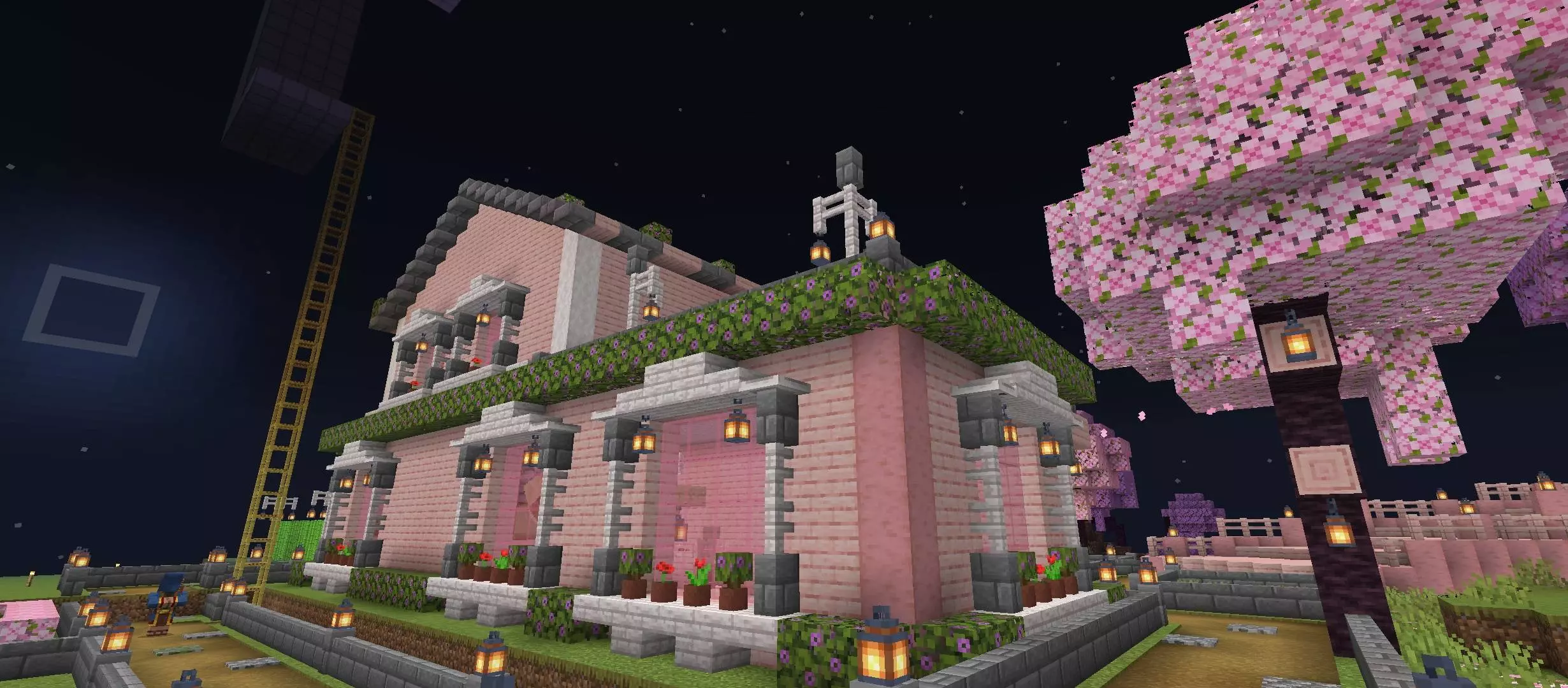
Performance is where the weight of a 750-day civilization really shows. Stacking that many detailed builds, hopper lines, and active entity farms into a concentrated area creates an incredibly heavy simulation load. Modern desktop PCs and current-gen consoles will power through the chunk density without breaking a sweat, keeping framerates high even while flying over the custom bridges. However, players on older budget smartphones will hit a massive processing bottleneck. If you load the map on a weaker mobile chip and stand anywhere near the active automated farms, the sheer volume of redstone updates, lighting calculations, and trapped entities will instantly tank your tick rate and heat up the device. Lowering your render distance and temporarily disabling any active redstone clocks is the only way to keep the medieval streets navigable on a portable screen.
How to install?
Android: use ES Explorer to find mcworld in the download folder. Click on a file to import it inside.
Versions of Windows 10: Go to your downloads folder and find mcworld. Click on the document to add it to the client.
IOS: as soon as they clicked on the Download button below, the device will offer to open it.
Comments (0)