4213+ Days Hardcore Survival World Map
- 2-10-2026, 07:09
- 203
Adventure Maps / Creation Maps / Survival Maps
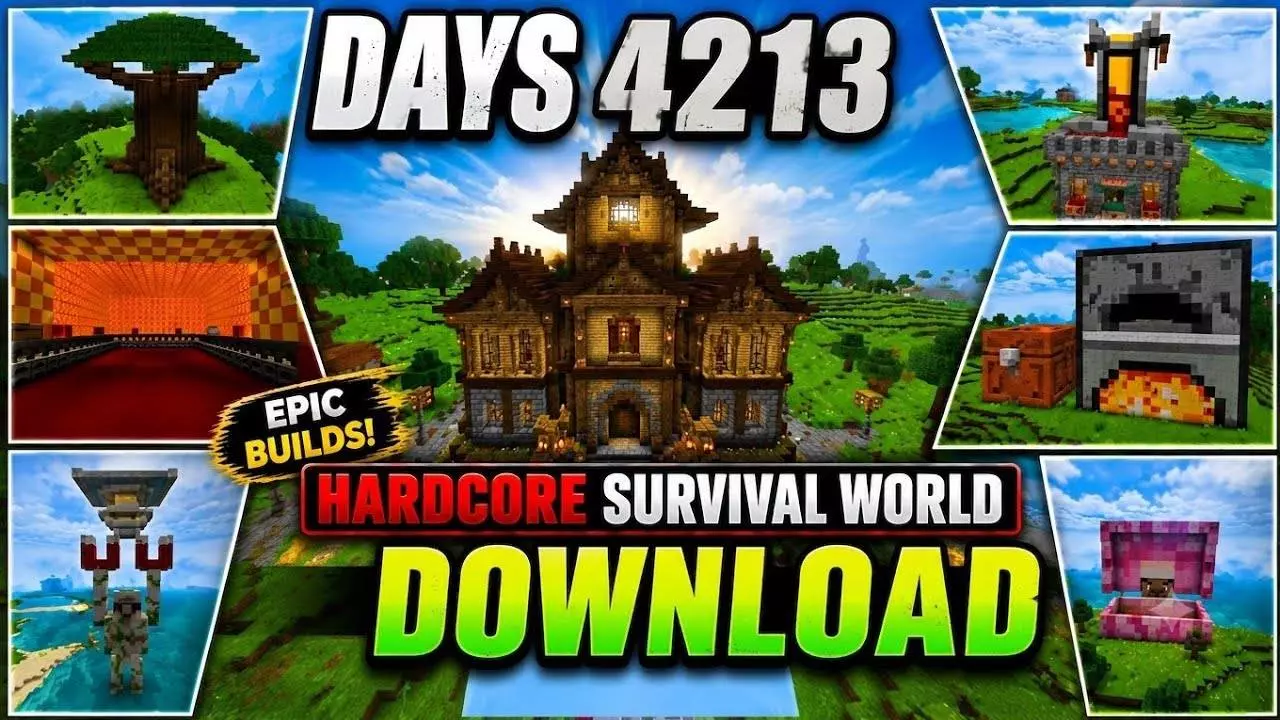
Most downloaded survival worlds drop you into an unfinished mess where the creator quit after week three, but this 4,213-day world is a flat-out monument. You’re dropped straight into an endgame civilization where literally every basic chore has been automated away. Massive stone and wood structures stretch across terraformed terrain, connected by elevated walkways, huge storage bunkers, and perimeter walls that took years of real-time play to finish. The main draw isn't just looking around, though—it's having unlimited materials on tap from the jump. Instead of grinding out iron, stone, or crops, you can raid pre-built automated farms and chest rooms packed with shulkers to start building immediately. It plays less like a survival trial and more like an unlocked creative sandbox running on survival mechanics.
Setup-wise, there is zero modding friction. Since everything on the map was built by hand using standard vanilla Bedrock blocks and redstone, you don't have to touch Experimental Gameplay or mess with Beta APIs in the menus. Just import the file and jump in; future game updates won't break anything. The single catch is achievements. Because it’s an imported world template that already has player data and modified coordinates baked into the save file, Bedrock flags it immediately and kills Xbox Live achievement tracking. You won't get any Gamerscore progress here, no matter what you accomplish.

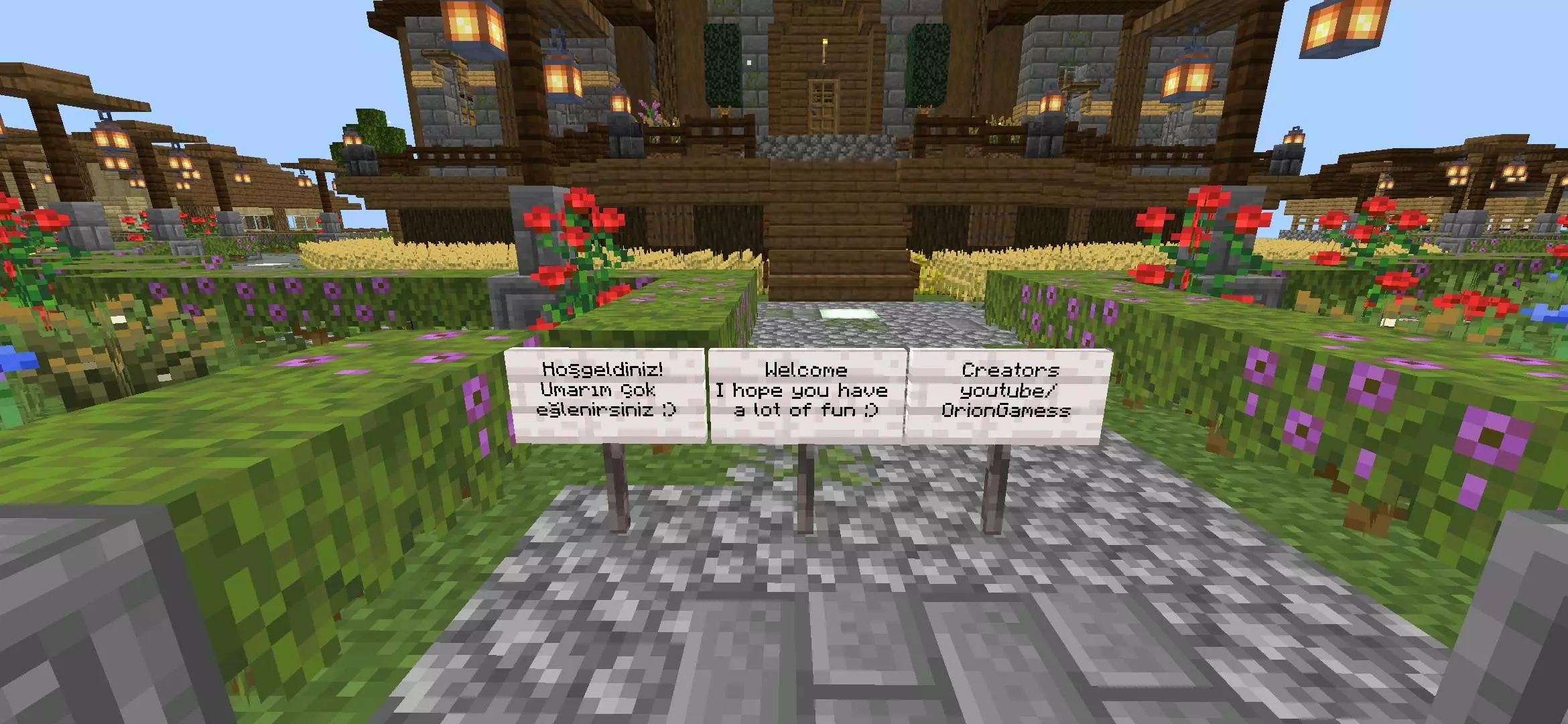
The real issue is performance, specifically on older phones. On a PC or current-gen console, Bedrock handles the massive build volume fine, outside of some tiny hitches when you sprint past the storage vaults. But on low-end Android or iOS hardware, a 4,000-day base turns into an unintentional lag machine. You’ve got hundreds of hoppers constantly running checks, double chests taking up chunk memory, and mobs stacked inside auto-farms. If you try running this on a budget phone, immediately drop your simulation distance to 4 and dial your render distance down to 6–8 chunks, or the tile entities will choke your frame rate down to single digits before you even clear the main gate.
How to install?
Android: use ES Explorer to find mcworld in the download folder. Click on a file to import it inside.
Versions of Windows 10: Go to your downloads folder and find mcworld. Click on the document to add it to the client.
IOS: as soon as they clicked on the Download button below, the device will offer to open it.
Comments (0)