Tokyo Skytree 1:1 Map
- 19-09-2026, 03:21
- 150
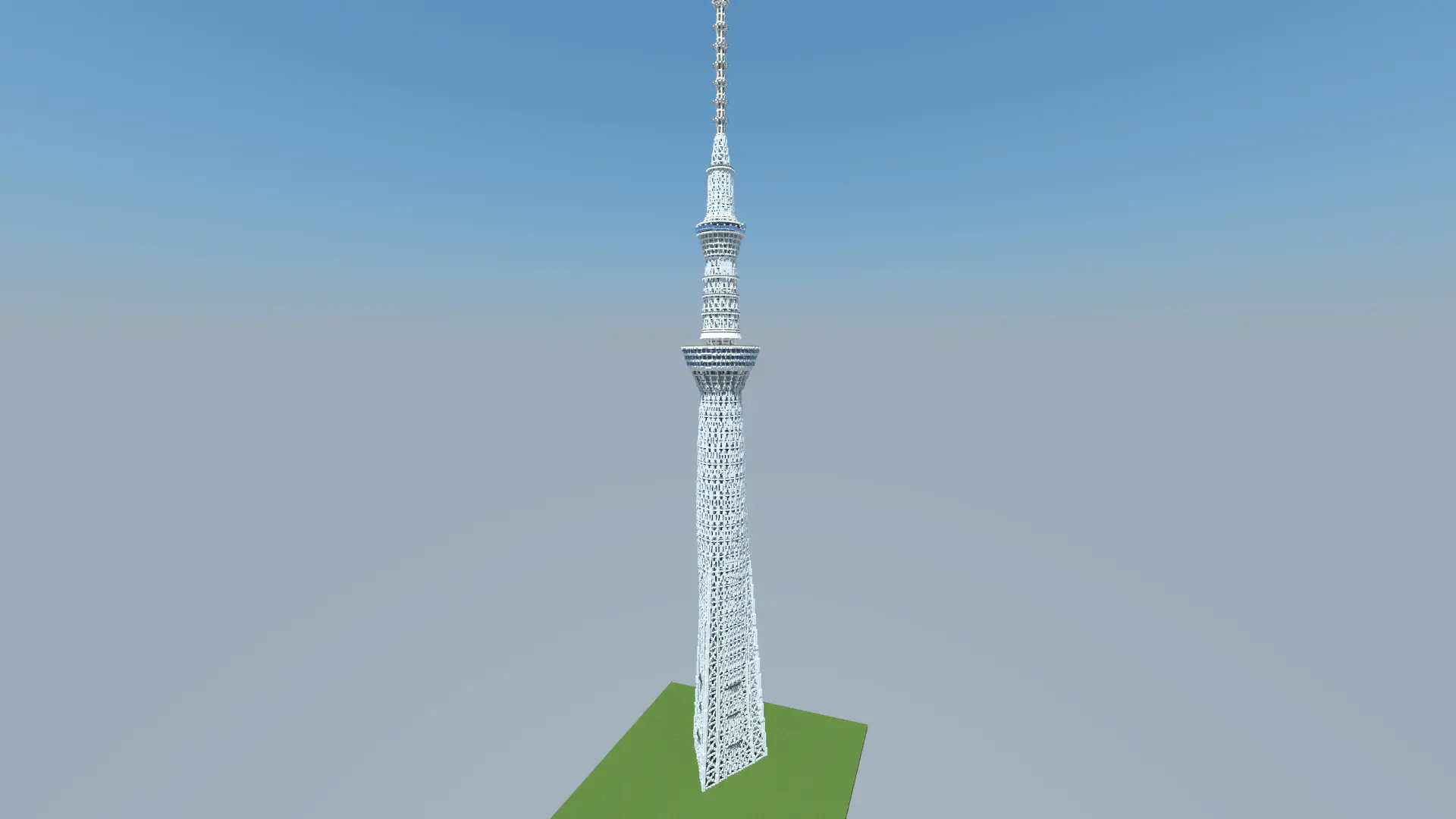
Recreating real-world mega-structures in Minecraft usually forces builders into an awkward compromise, scaling things down until monumental architecture ends up looking cramped and toy-like. The Tokyo Skytree 1:1 Map refuses to make that concession, bringing Japan’s tallest tower into Bedrock at a true one-to-one scale where one block directly equals one meter. Towering an incredible 634 blocks straight into the sky, the sheer verticality of the project gives you genuine vertigo when looking down from the upper tiers. The build focuses heavily on structural silhouette rather than obsessing over every interior beam; its iconic neo-futuristic framework, tapering profile, and stacked observation platforms are instantly recognizable from miles away, making it an incredible centerpiece for custom cityscapes, cinematic video projects, or Elytra flight courses.
Pulling off a build of this magnitude requires breaking the rules of vanilla Minecraft, which normally caps construction well below the 600-block mark. To bypass the default vertical boundary, the map comes bundled as a ready-to-play .mcworld file running a dedicated height-extension behavior pack. This pack must remain active at all times, as disabling it will cause the upper observation decks and spire to shear off or fail to load. Because the world relies on modified engine boundaries and custom behaviors to sustain its height, Xbox Live achievements are completely locked out. For the map’s intended audience of builders, photographers, and city roleplay communities, sacrificing survival trophies is an obvious trade-off for a build that literally shatters the sky limit.
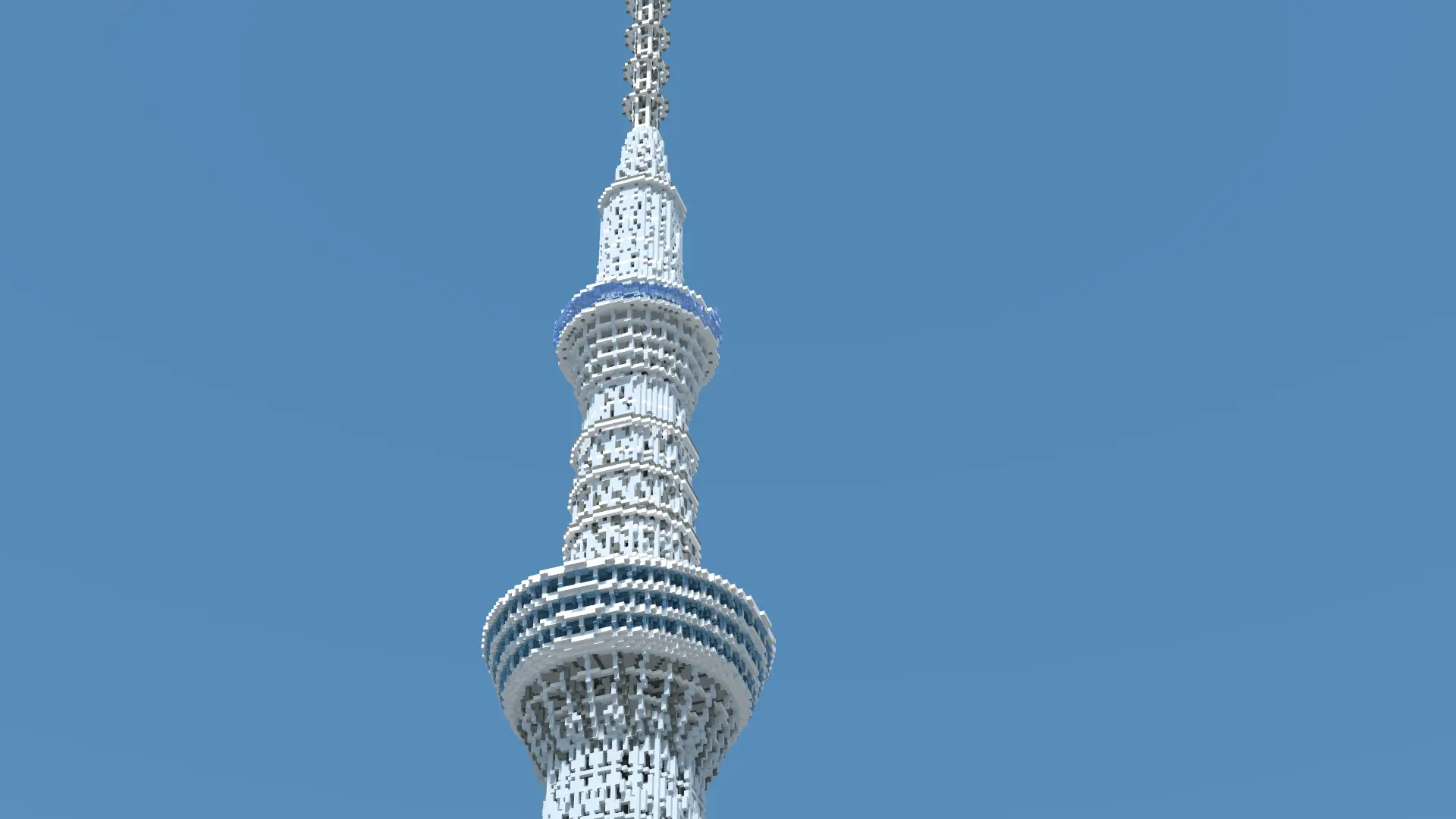
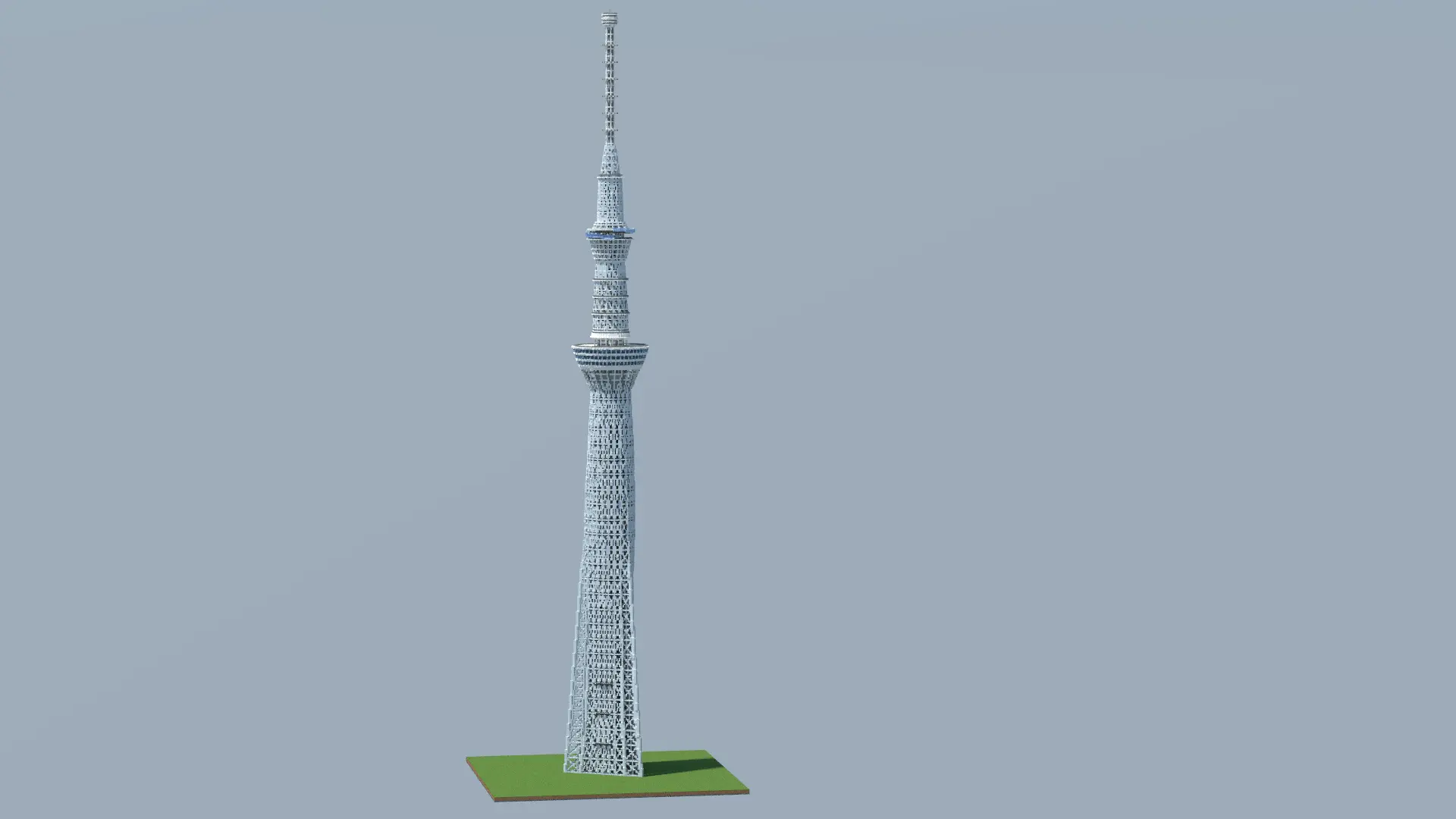
Handling a structure that pierces through dozens of vertical sub-chunks can easily push Bedrock’s rendering pipeline to its limits. Loading a massive column of blocks all at once often triggers noticeable chunk-loading stutters, especially on mid-range hardware. Fortunately, the decision to simplify fine framework elements and avoid filling the tower with thousands of unnecessary interior tiles keeps the world’s file size and memory footprint surprisingly lean. While higher-end PCs and current-gen consoles can crank their simulation and render distances to admire the full tower from horizon to pinnacle, mobile players can still explore the surrounding base and observation tiers smoothly without running into brutal frame drops or game freezes.
How to install?
Android: use ES Explorer to find mcworld in the download folder. Click on a file to import it inside.
Versions of Windows 10: Go to your downloads folder and find mcworld. Click on the document to add it to the client.
IOS: as soon as they clicked on the Download button below, the device will offer to open it.
Comments (0)