One World Trade Center 1:1 Map
- 20-09-2026, 01:58
- 181
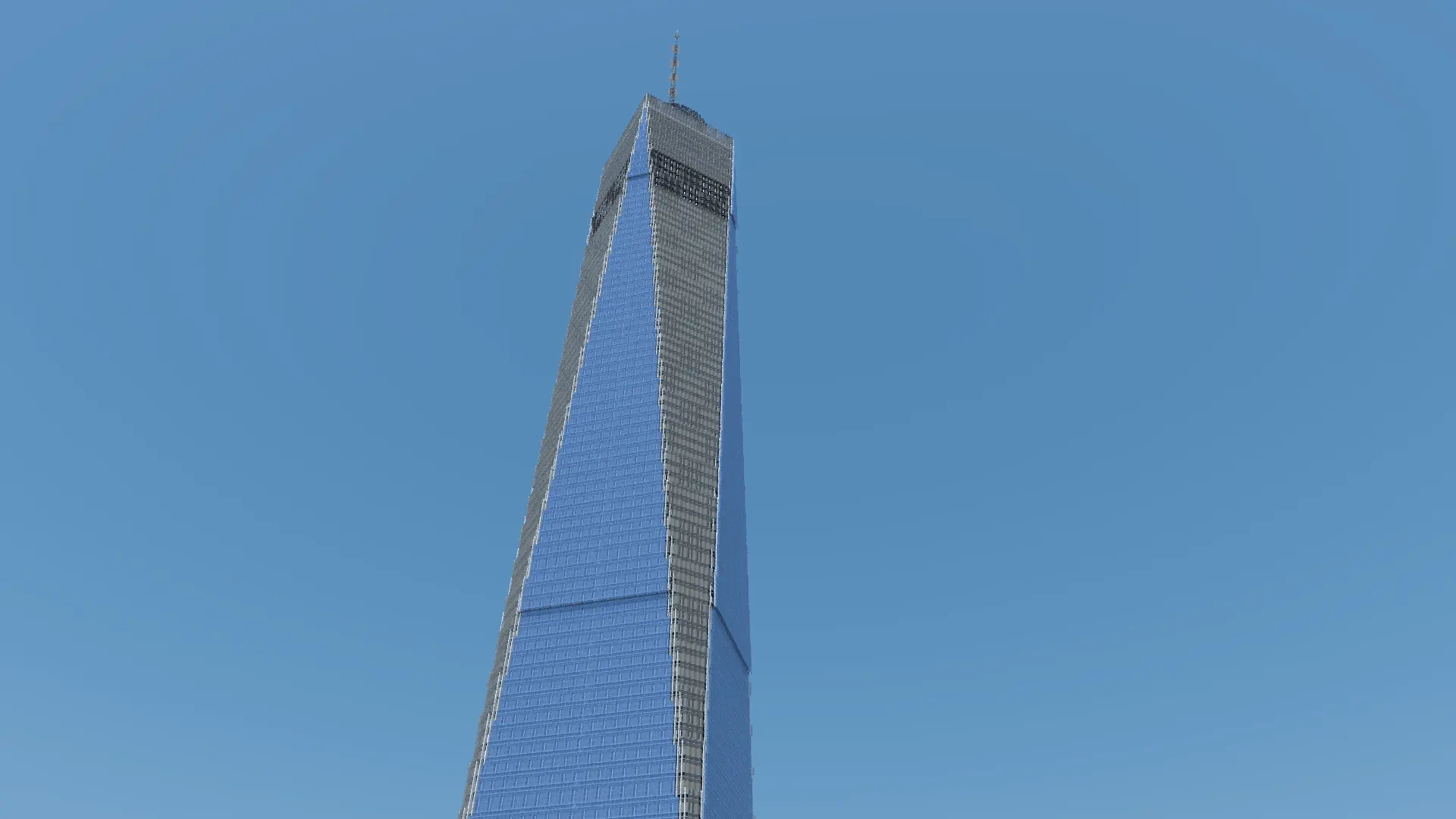
Most skyscraper builds in Bedrock look off because builders shrink them down to fit under the skybox, leaving you with stubby, awkward towers that look more like toys than actual city landmarks. This map takes the opposite route by tackling One World Trade Center at an uncompromising 1:1 scale, where one block equals one real-world meter. The sheer height hits you the second you load in; standing at the street-level base and tilting your camera all the way up gives you that actual sense of vertigo you rarely get in Minecraft. The creator nailed the iconic tapering facade, shifting from a square footprint into eight stretched triangles and back to an octagon near the summit. It makes an incredible anchor for custom city builds, cinematic video backgrounds, or just a ridiculous launch pad for Elytra flights across the terrain.
Getting the map into your game is as simple as clicking the ready-to-import .mcworld file—no extracting zip folders or configuring addon managers required. Because a mega-build of this scale could only be constructed using creative mode and world-editing tools, Xbox Live achievements are permanently disabled on the save. There are no experimental toggles to worry about or third-party behavior packs that might break on the next game patch, but this is definitely an exploration and showcase map rather than a survival progression world. If your goal was grinding Gamerscore, you won't find it here.
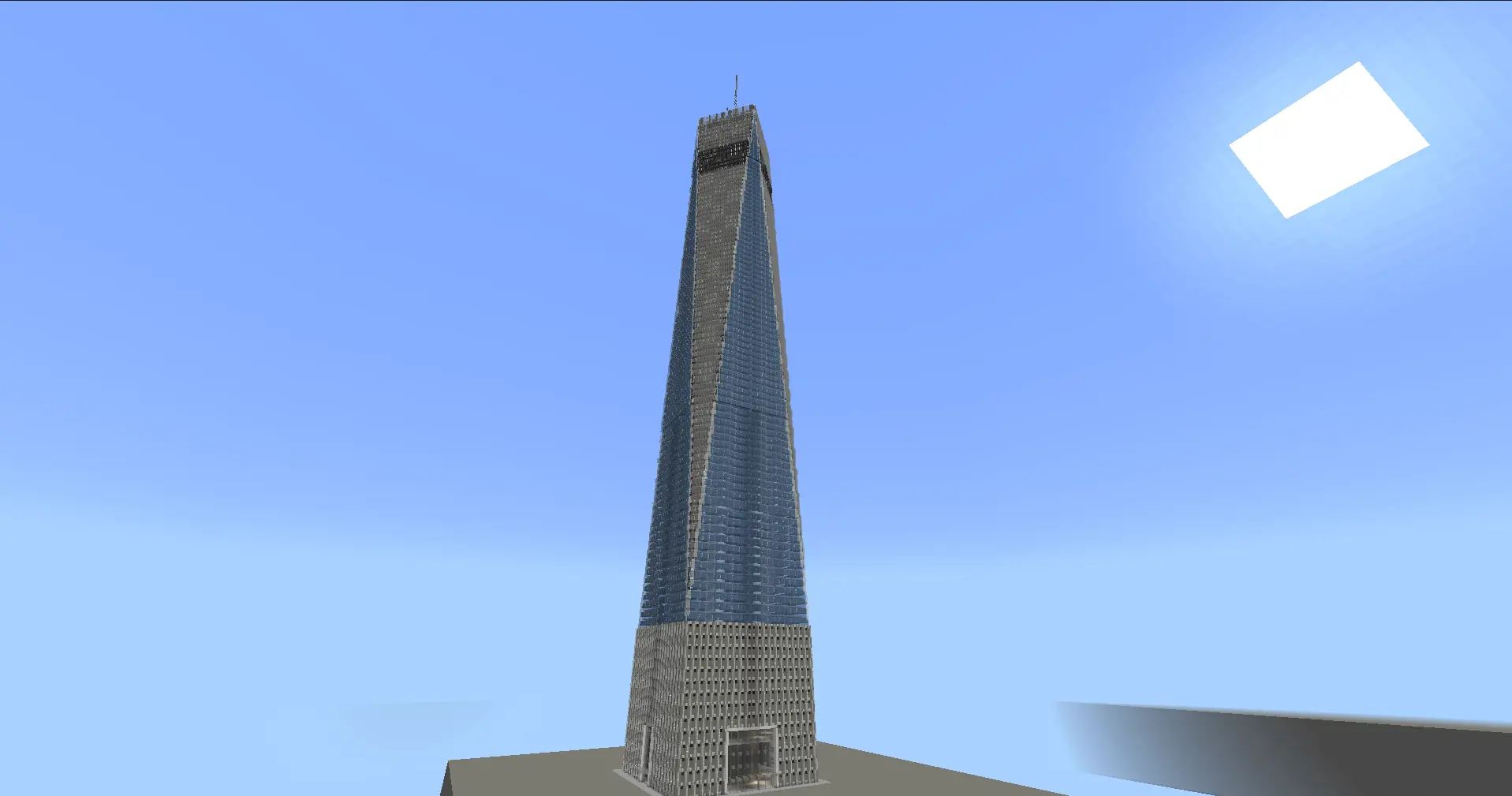
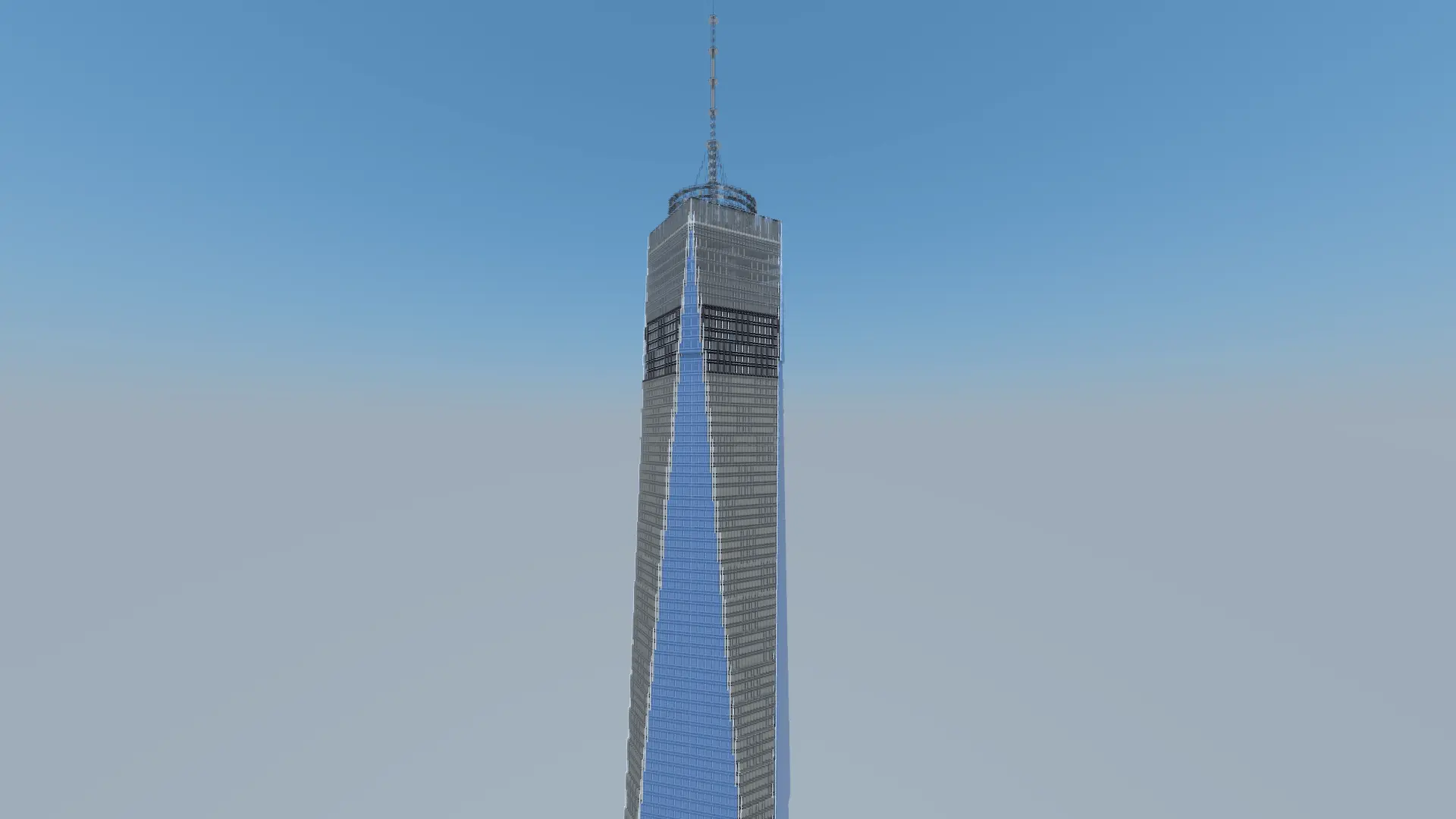
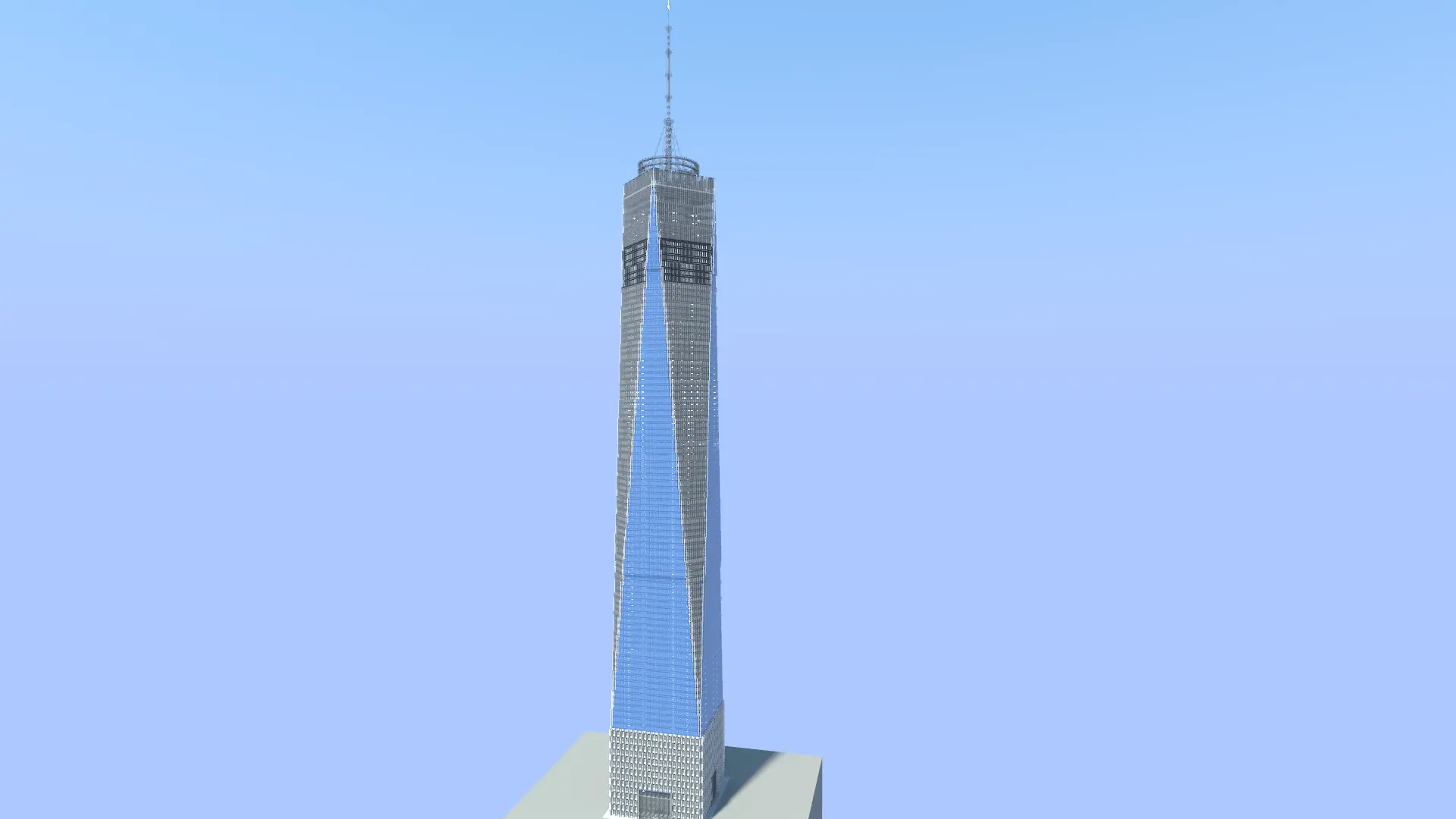
Massive builds that pierce straight through the cloud layer often bring Bedrock’s rendering engine to its knees, especially when thousands of transparent glass blocks load in at the same time. Thankfully, the map doesn't suffer from the brutal chunk lag you usually get with mega-structures. The creator focused entirely on the exterior architecture and structural frame instead of packing the inside with thousands of useless, entity-heavy interior rooms. As a result, the world file stays lightweight. Chunks load in predictably when you fly around the spire, and the framerate holds steady without the random freezing or input lag that usually ruins big map showcases on phones and consoles.
How to install?
Android: use ES Explorer to find mcworld in the download folder. Click on a file to import it inside.
Versions of Windows 10: Go to your downloads folder and find mcworld. Click on the document to add it to the client.
IOS: as soon as they clicked on the Download button below, the device will offer to open it.
Comments (0)