Ultimate All Kits PvP Map
- 21-09-2026, 11:58
- 143
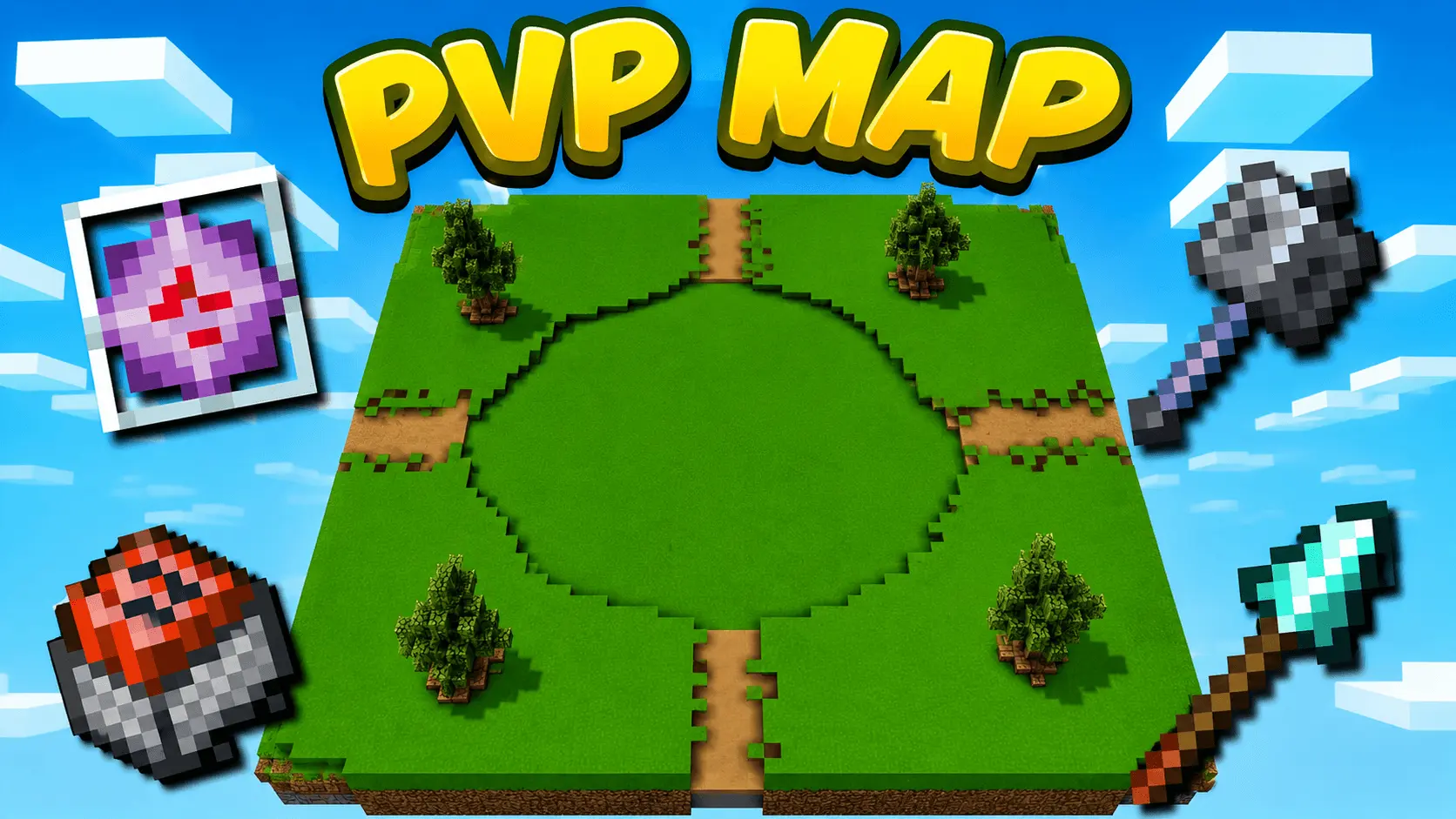
Getting eliminated in a typical Minecraft multiplayer brawl usually means wasting the next five minutes frantically digging through unorganized chests to rebuild your loadout. This battleground completely strips away that frustrating downtime. It acts as a rapid-fire combat sandbox built around a seamless one-click gear system. Whether your preferred playstyle is high-explosive Crystal warfare, crushing opponents with the heavy-hitting Mace, keeping your distance with a Spear, or rolling into the chaos with Cart PvP, your entire inventory is instantly generated the second you make your selection. You are dropped into a massive, highly detailed colosseum designed specifically for continuous, fast-paced action. You do not even have to wait for a full server of friends to log online to start fighting. The map features built-in AI combat bots, allowing you to jump straight into the arena and warm up your mechanics, target tracking, and combo timing entirely solo.
Powering instant inventory resets and automated AI opponents requires a heavy reliance on command blocks and creative-mode configuration prior to publishing. Consequently, loading into this specific save file will permanently block your ability to earn official Xbox Live achievements. Given that this is a specialized competitive training facility rather than a standard survival playthrough, trading away your Gamerscore is an expected compromise. Setting up the lobby is completely frictionless. Packaged as a direct .mcworld file, it installs with a single tap. You won't have to fiddle with experimental game toggles, navigate confusing behavior pack load orders, or worry about the arena breaking after a minor version update.
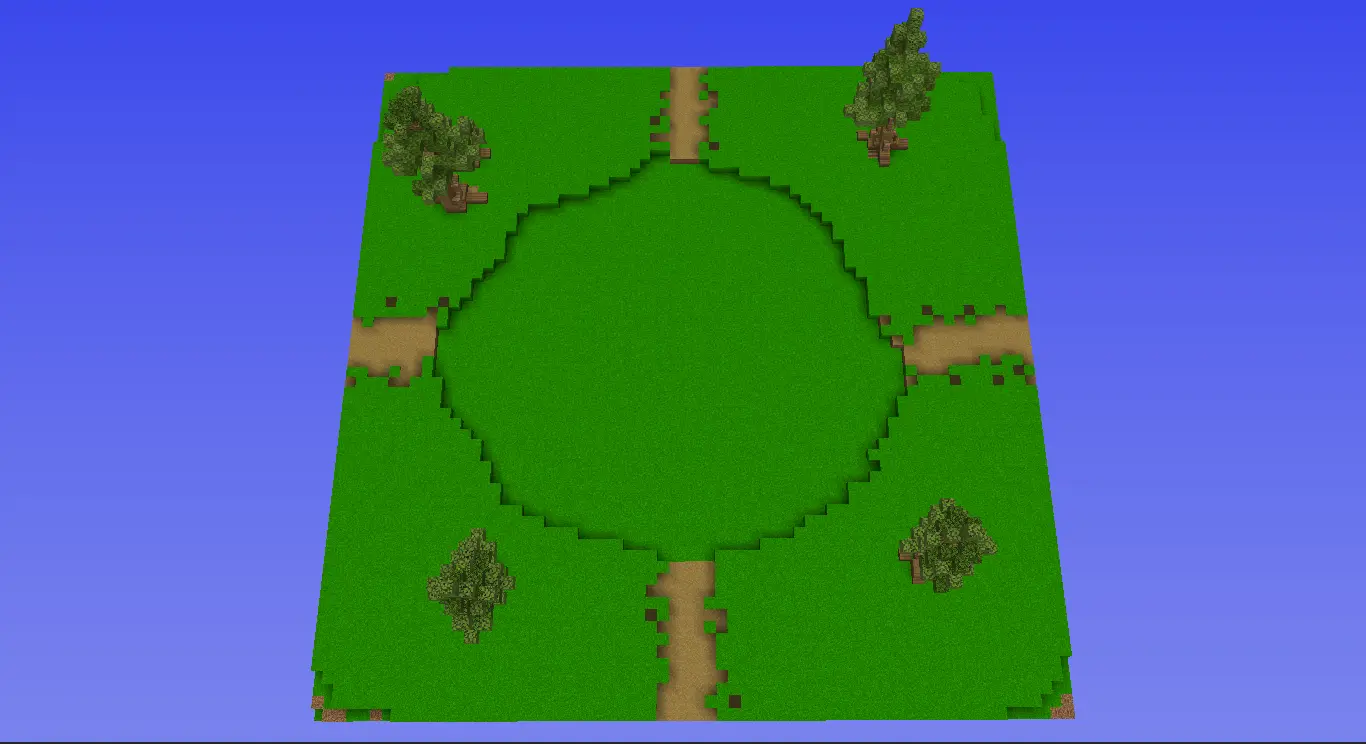
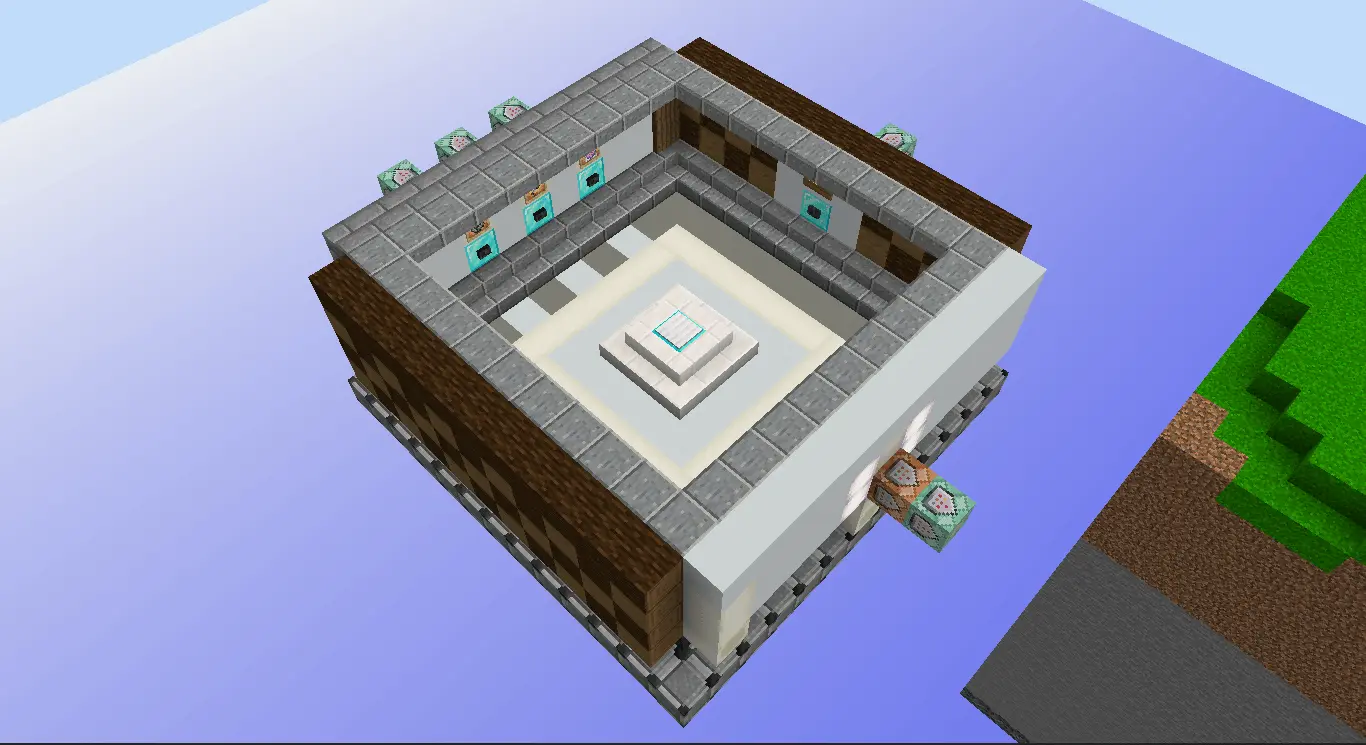
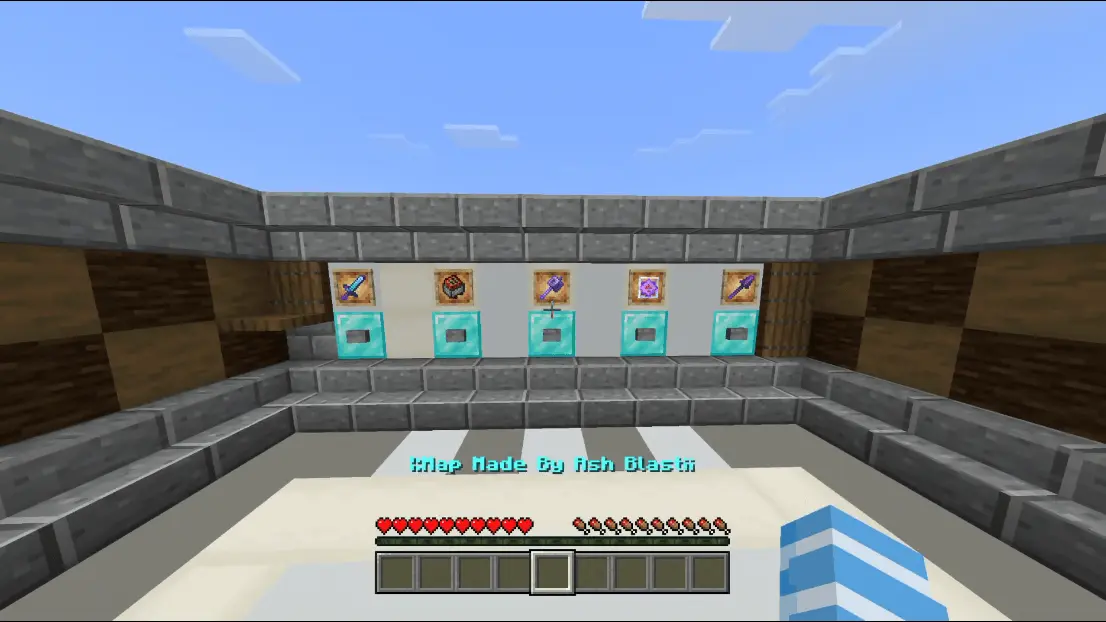
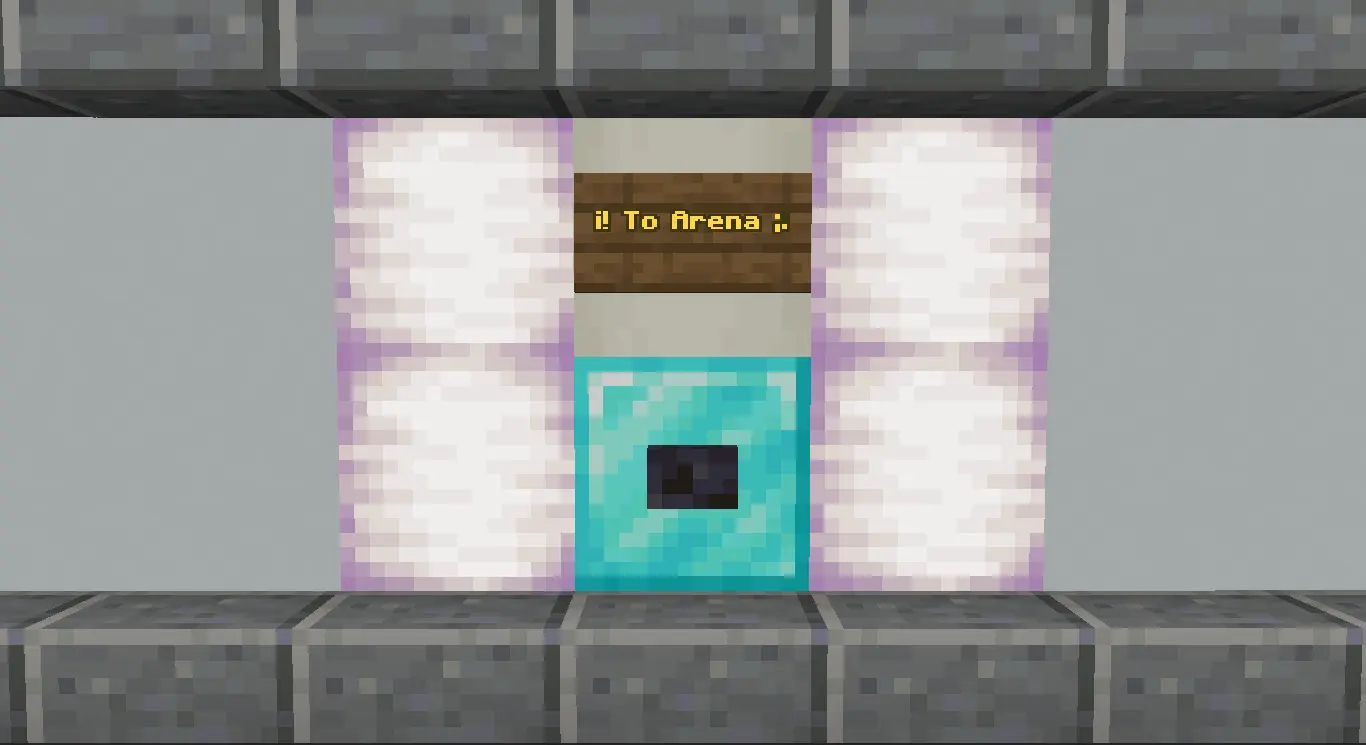
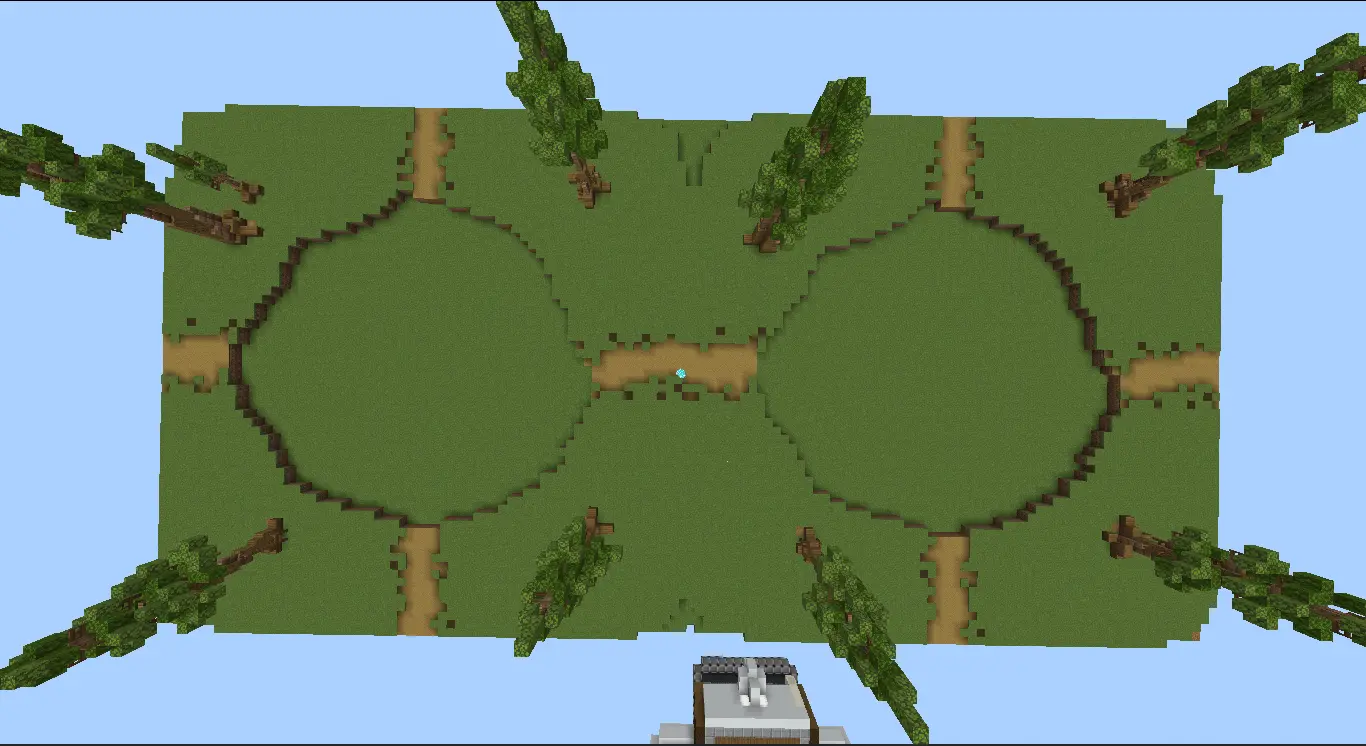
When it comes to competitive game modes, a single dropped frame or screen stutter is all it takes to ruin a perfect combo or miss a crucial crystal placement. Custom arenas frequently suffer from brutal server lag when multiple players start spamming explosives or triggering heavy particle effects all at once. The architect behind this project specifically optimized the backend to prioritize flawlessly smooth gameplay. By executing the kit mechanics through clean, lightweight commands instead of burying hundreds of ticking redstone clocks under the arena floor, the world's technical footprint remains exceptionally small. Even with a packed lobby detonating crystals simultaneously, the game engine refuses to buckle. Mobile players, console competitors, and PC users alike will experience perfectly responsive, lag-free combat without any frustrating input delay.
How to install?
Android: use ES Explorer to find mcworld in the download folder. Click on a file to import it inside.
Versions of Windows 10: Go to your downloads folder and find mcworld. Click on the document to add it to the client.
IOS: as soon as they clicked on the Download button below, the device will offer to open it.
Comments (0)