All in One Map V2 | 50+ Games, Ai Bot PvP, MLG, Races & Boss Fights
- 1-10-2026, 07:58
- 224
Minigame Maps / Parkour Maps / Puzzle Maps / PvP Maps
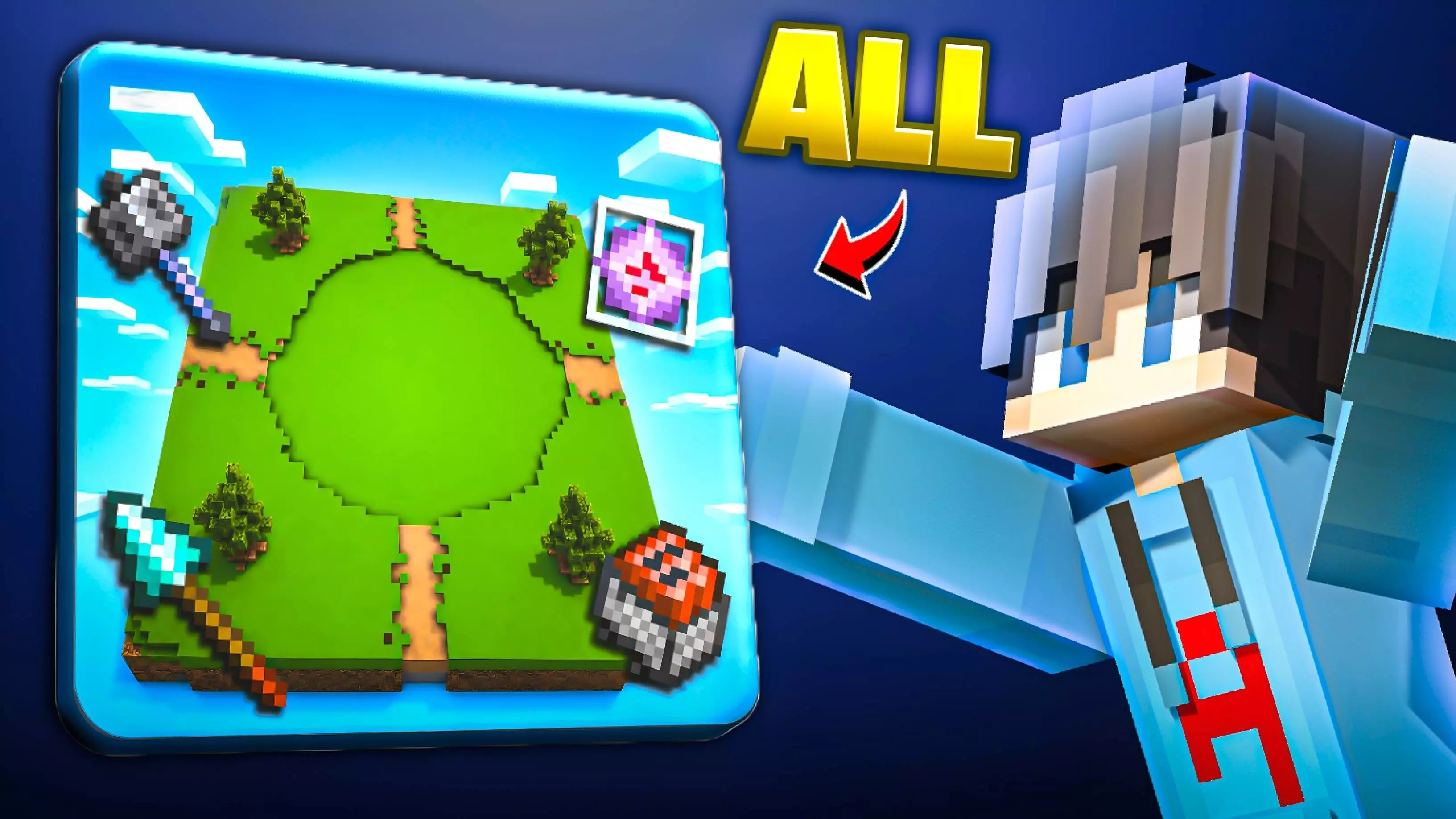
Consolidating dozens of training drills and party games into a single world usually results in a messy, disjointed sprawl, but All in One Map V2 pulls off the multi-arena concept with impressive breadth. Instead of forcing you to swap between separate worlds for combat duels, clutch training, and casual minigames, everything is wired into a massive centralized hub. You can jump straight from testing high-level PvP metas—like mace strikes, end crystal detonations, and minecart bombing against customizable AI bots—into high-precision survival mechanics like sand wall clutches, shulker box saves, and speedrun portal builds. It balances sweaty training drills with genuine group activities like TNT Run, ice boat drifting, and controlled boss arenas for the Wither and Warden. It serves equally well as a solo warmup routine or a chaotic multiplayer server substitute without forcing anyone through constant loading screens between activities.
Because this map functions as a heavily modified world template driven by custom behavior files, automated arena resets, and entity logic, your Xbox Live achievements are shut down completely the moment you load into the lobby. Gamerscore cannot be earned here, which is standard for any complex Bedrock training environment. Getting every mode to run properly also demands a quick check in your world settings before hitting play. The AI bot pathfinding routines, custom kit distributors, and game reset triggers rely directly on behind-the-scenes scripting, making Experimental Gameplay toggles—specifically Beta APIs—strictly mandatory. Skipping those developer toggles will cause the bots to lock up, break the teleport triggers, and prevent reset commands from clearing out placed blocks between duel rounds.
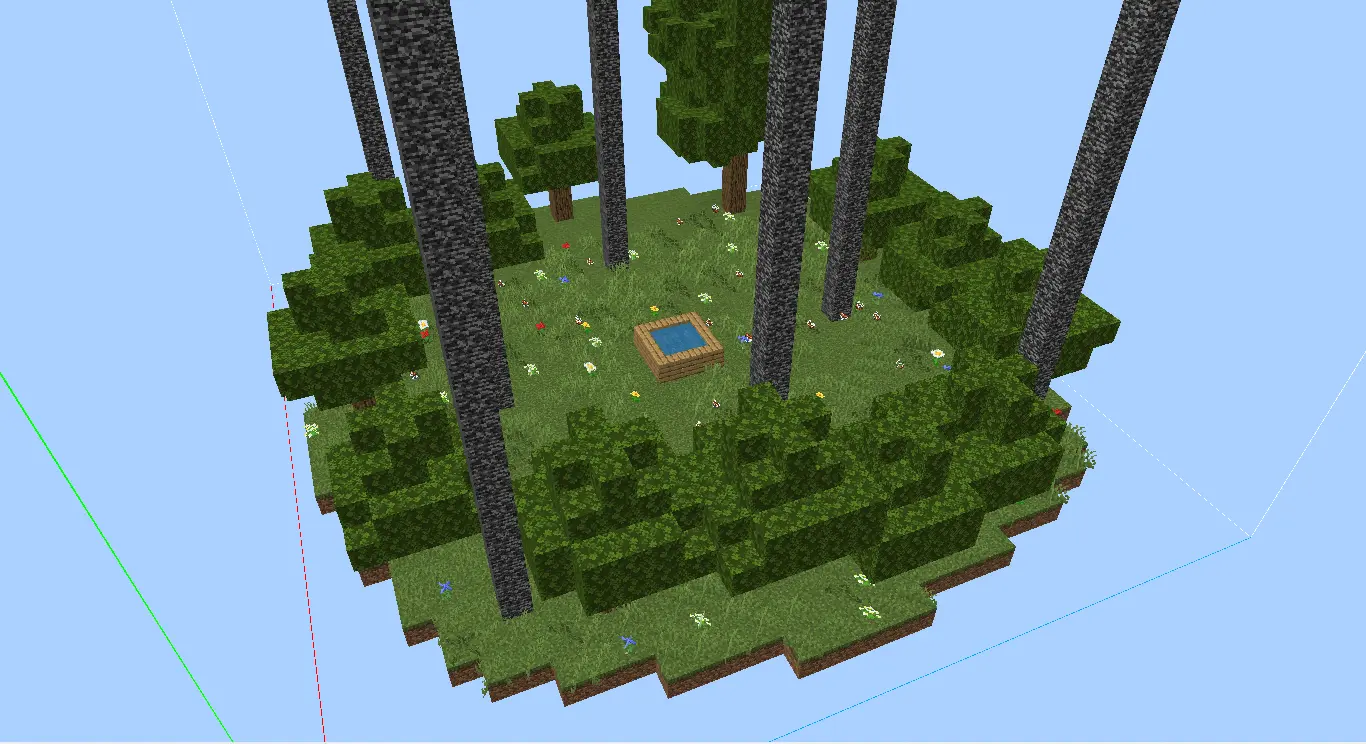
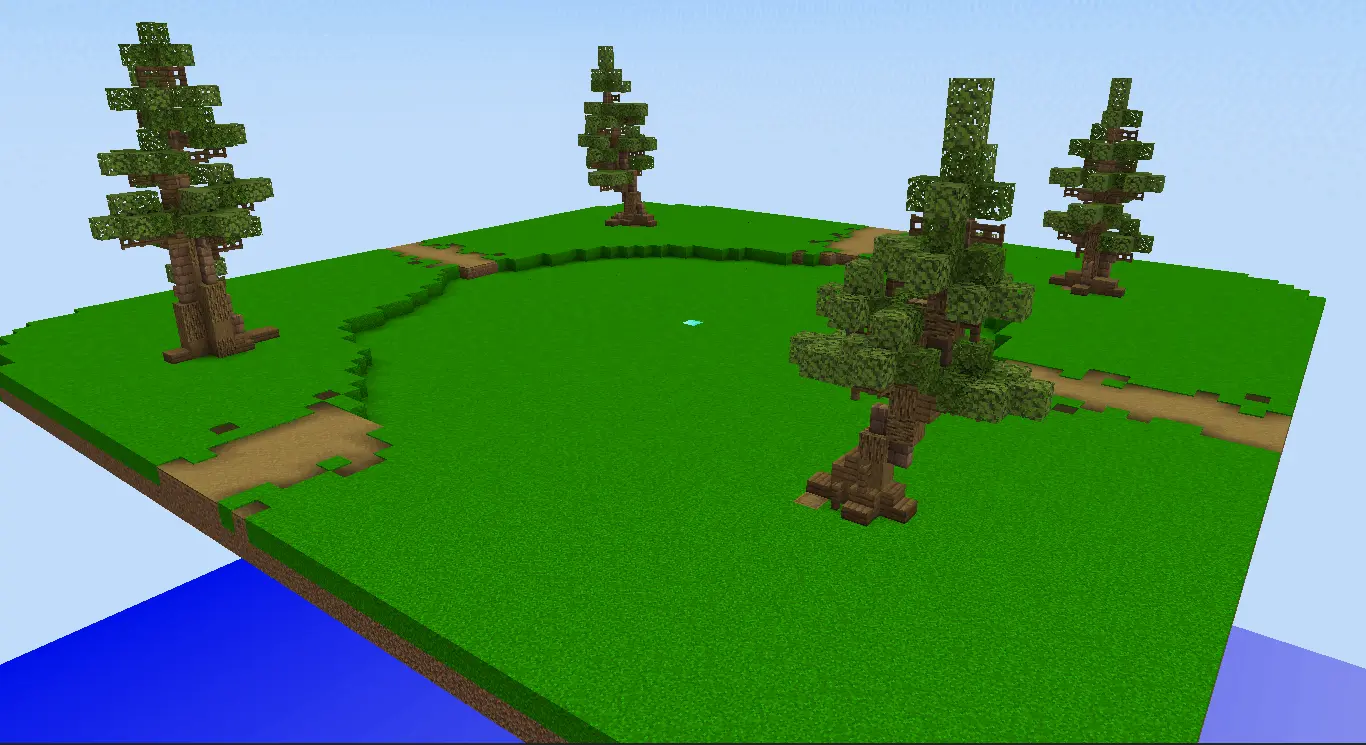
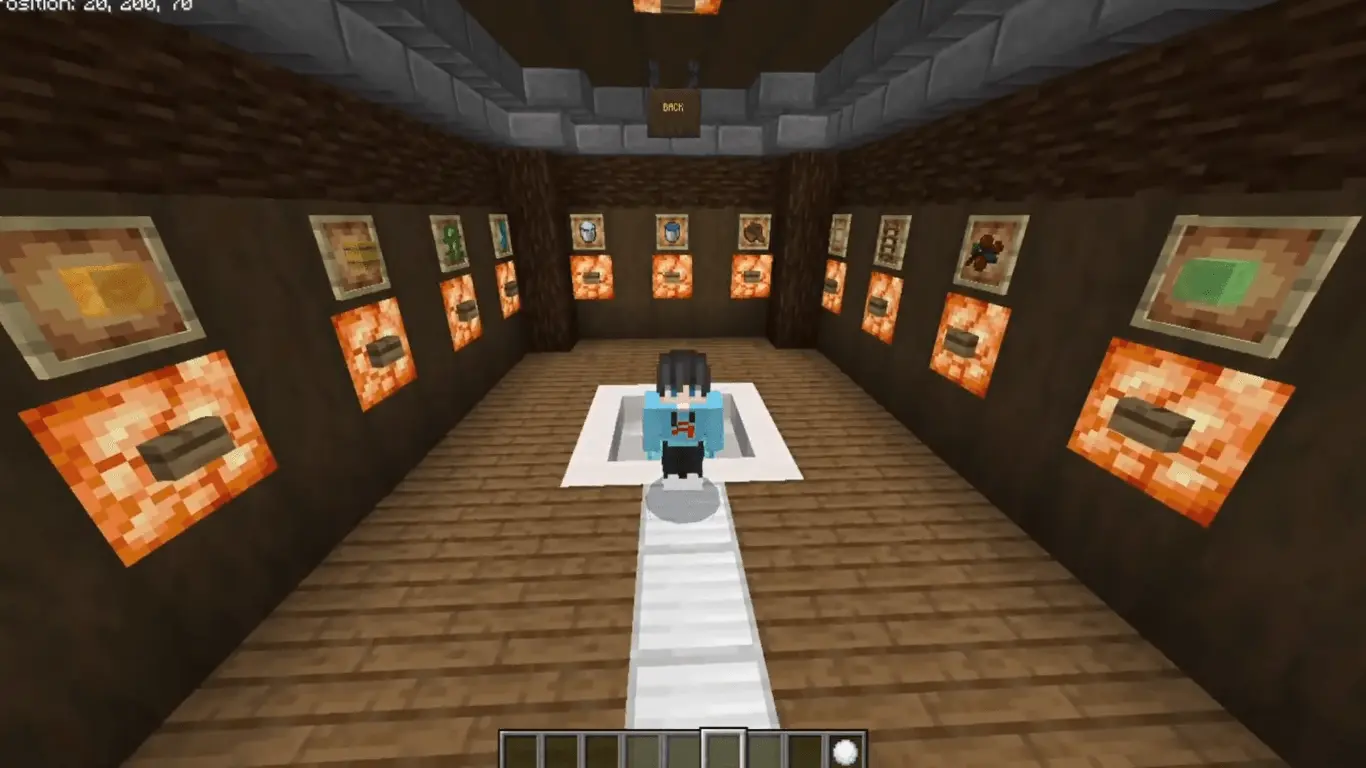
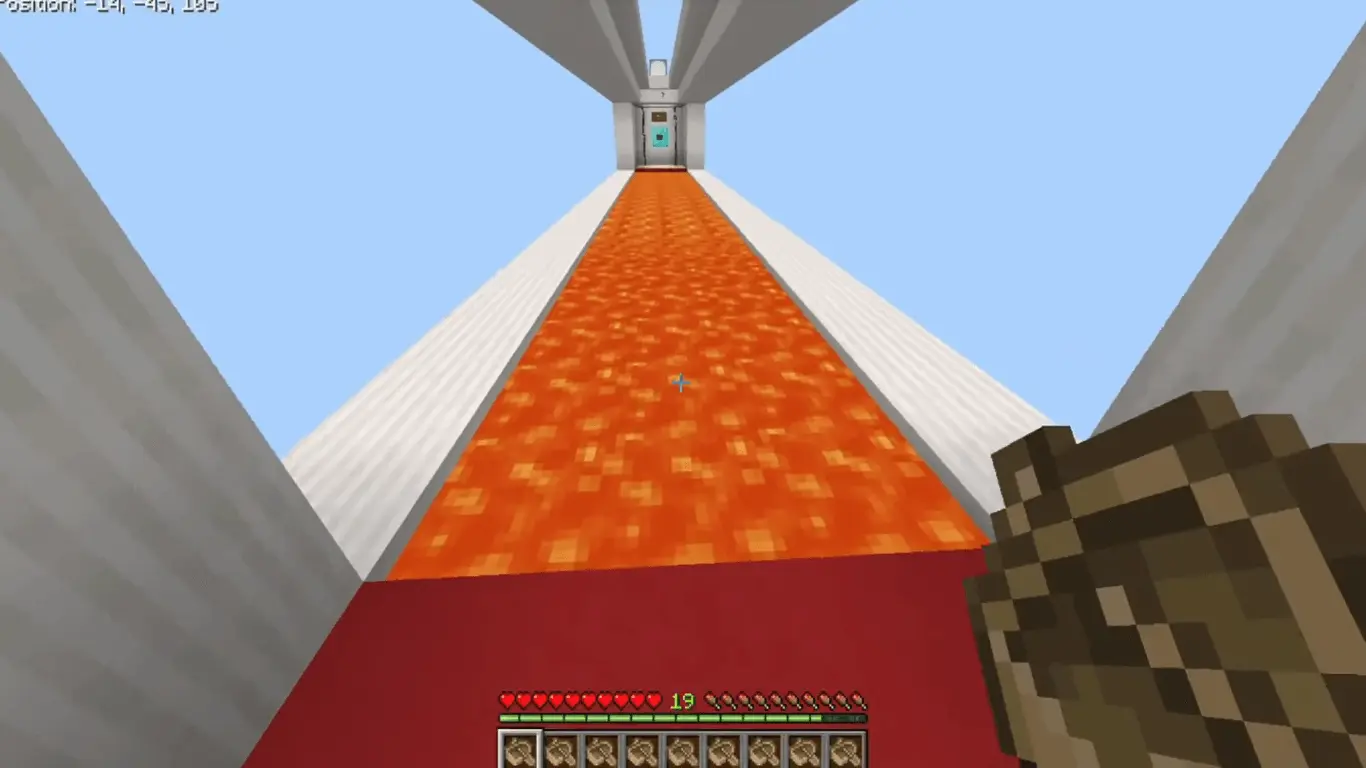
Hardware stability holds up well in isolated training rooms, but the sheer volume of packed content can push weaker hardware to its limits. Modern PCs and current-gen consoles breeze through the hub and maintain high, stable framerates even during high-speed boat races and rapid player respawns. Older budget smartphones and lower-end tablets will face noticeable bottlenecks depending on which activity you choose.
How to install?
Android: use ES Explorer to find mcworld in the download folder. Click on a file to import it inside.
Versions of Windows 10: Go to your downloads folder and find mcworld. Click on the document to add it to the client.
IOS: as soon as they clicked on the Download button below, the device will offer to open it.
Comments (0)