Parkour : 500 Levels Map
- 20-09-2026, 03:50
- 208
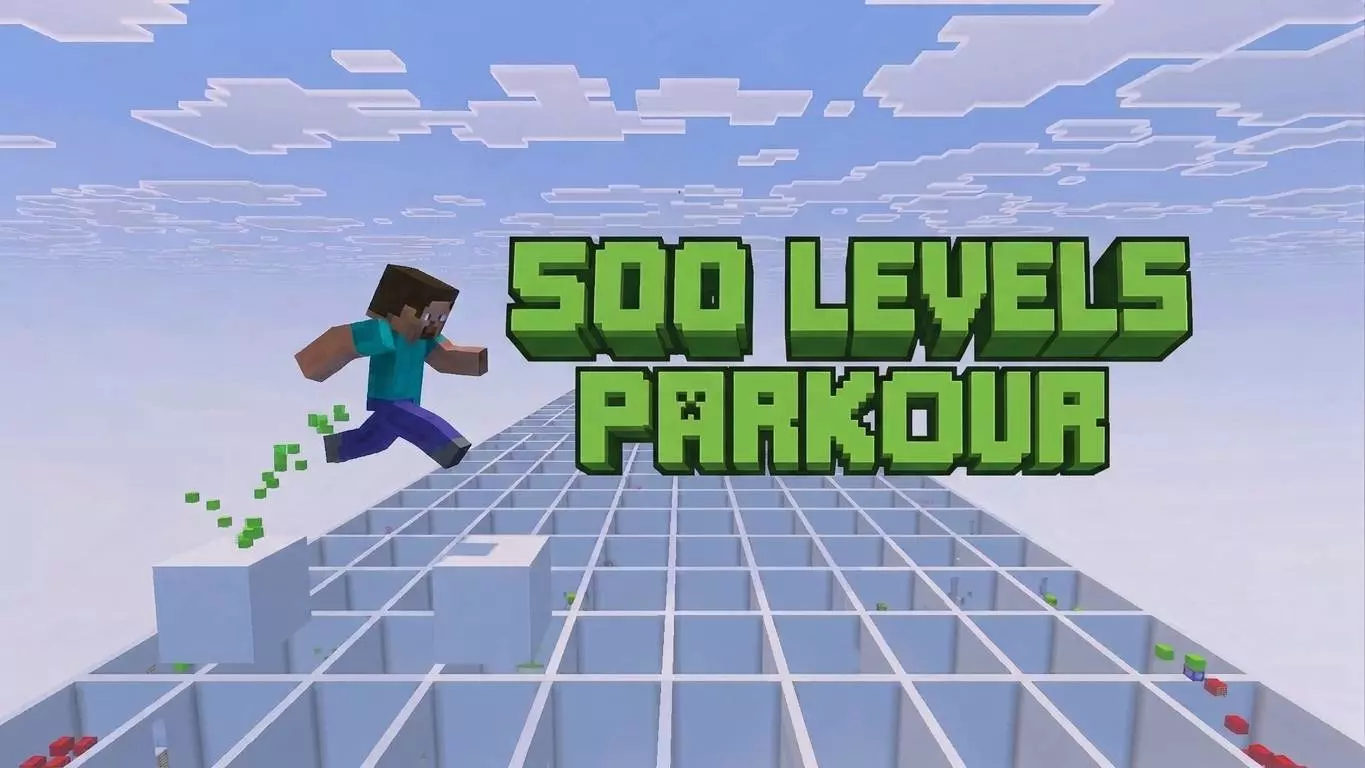
Most Minecraft parkour maps are built to be as punishing as possible, forcing you to perfectly time pixel-perfect jumps until you inevitably rage-quit. The Parkour: 500 Levels Map takes the exact opposite approach. It focuses heavily on momentum and flow, offering a massive gauntlet of bite-sized stages designed around low-to-medium difficulty rather than frustrating trick jumps. To keep a 500-level marathon from feeling like a repetitive, exhausting grind, the environment constantly shifts as you progress. You will transition from clean, color-coded obstacle courses into detailed mini-biomes featuring snow, overgrown nature, and custom themes, keeping the visuals fresh while you sprint and jump your way to the finish line.
Because a map of this scale requires creative mode and external world-editing tools to string together hundreds of custom-built courses, Xbox Live achievements are permanently disabled on this save file. Getting started is incredibly simple, though. You just import the .mcworld file and load in—there are no confusing behavior packs to manage, and you don't need to flip on any experimental gameplay toggles in the settings menu. If your main goal is grinding out vanilla Gamerscore, this map won't help you.
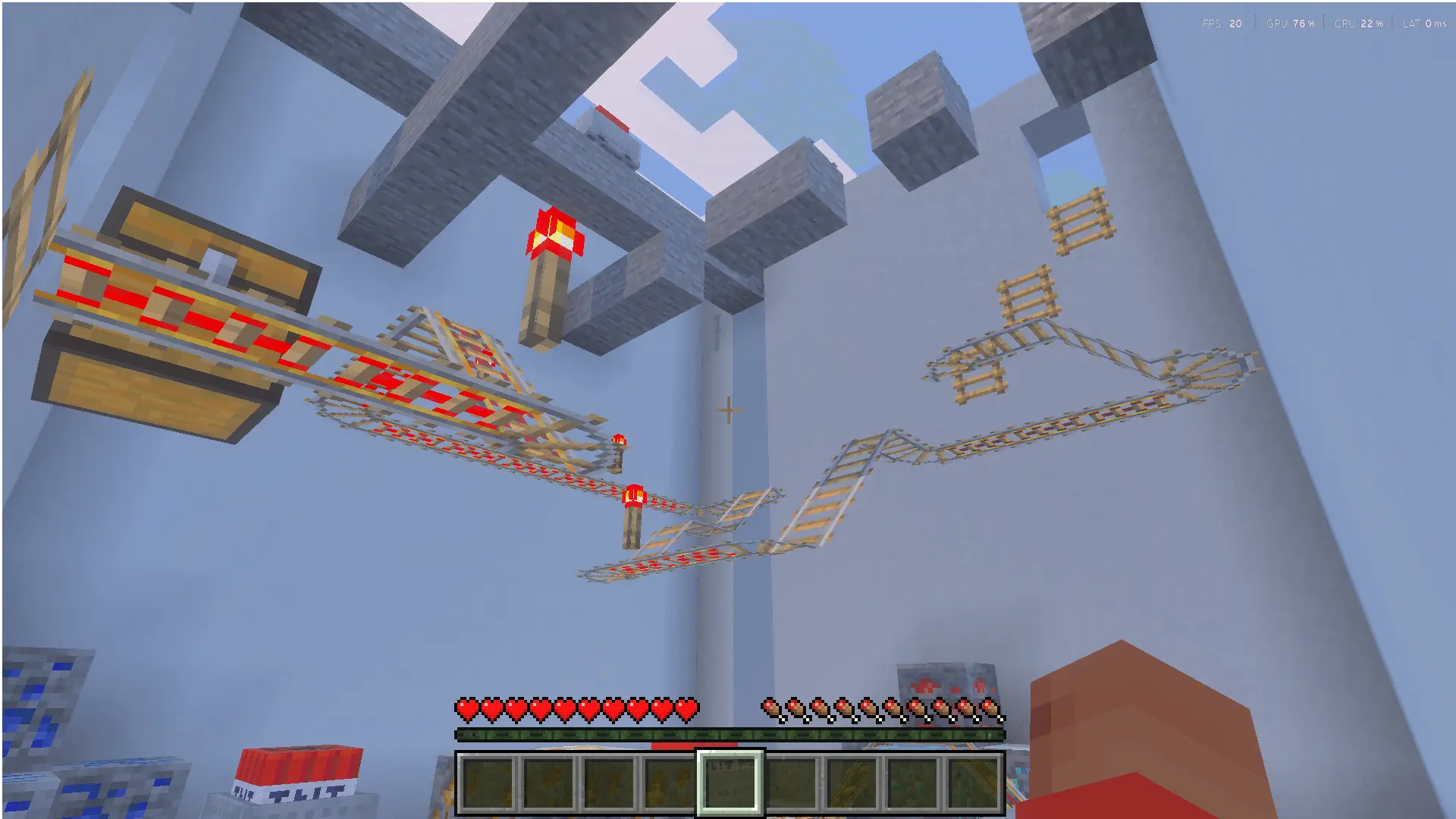
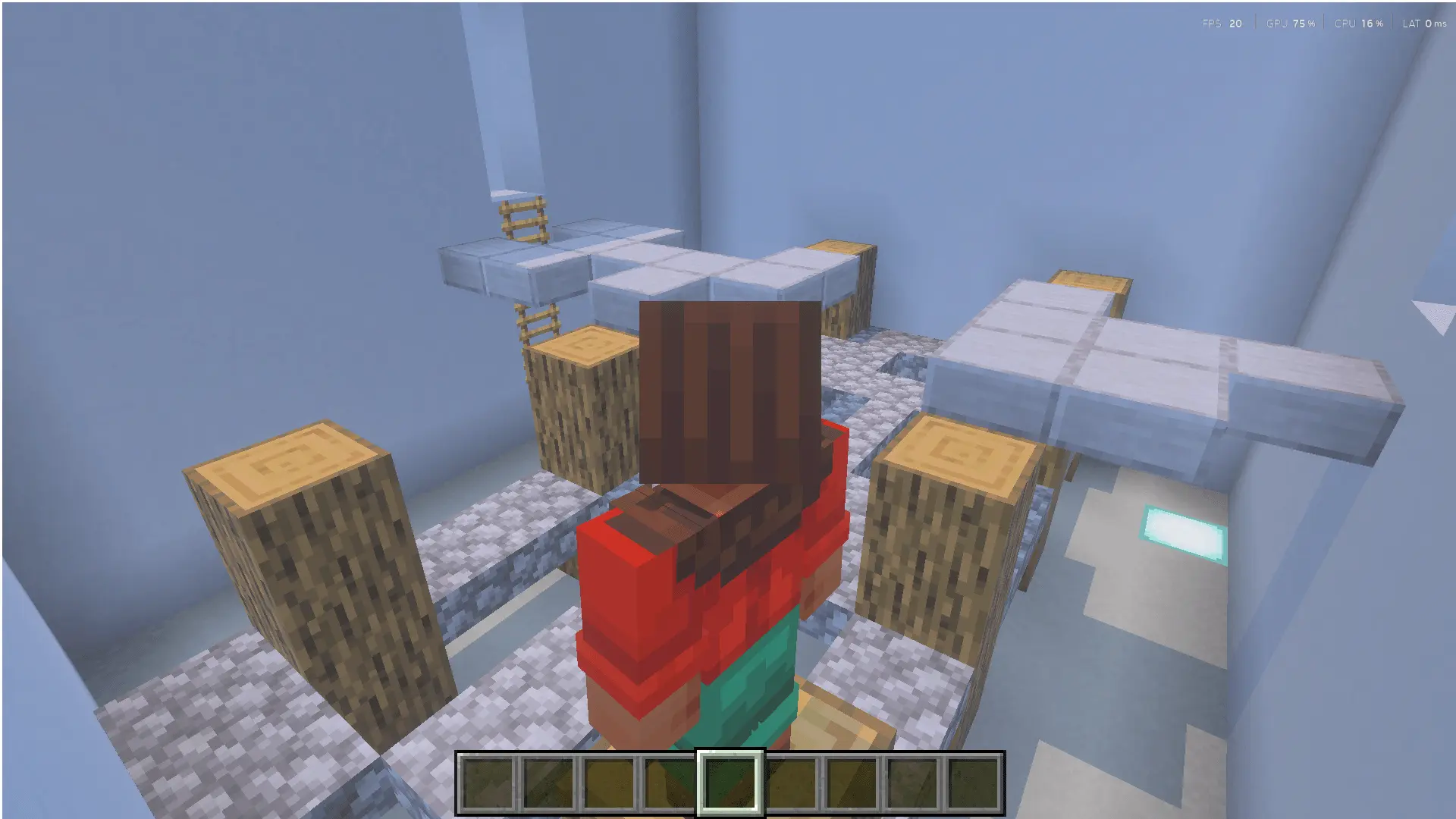
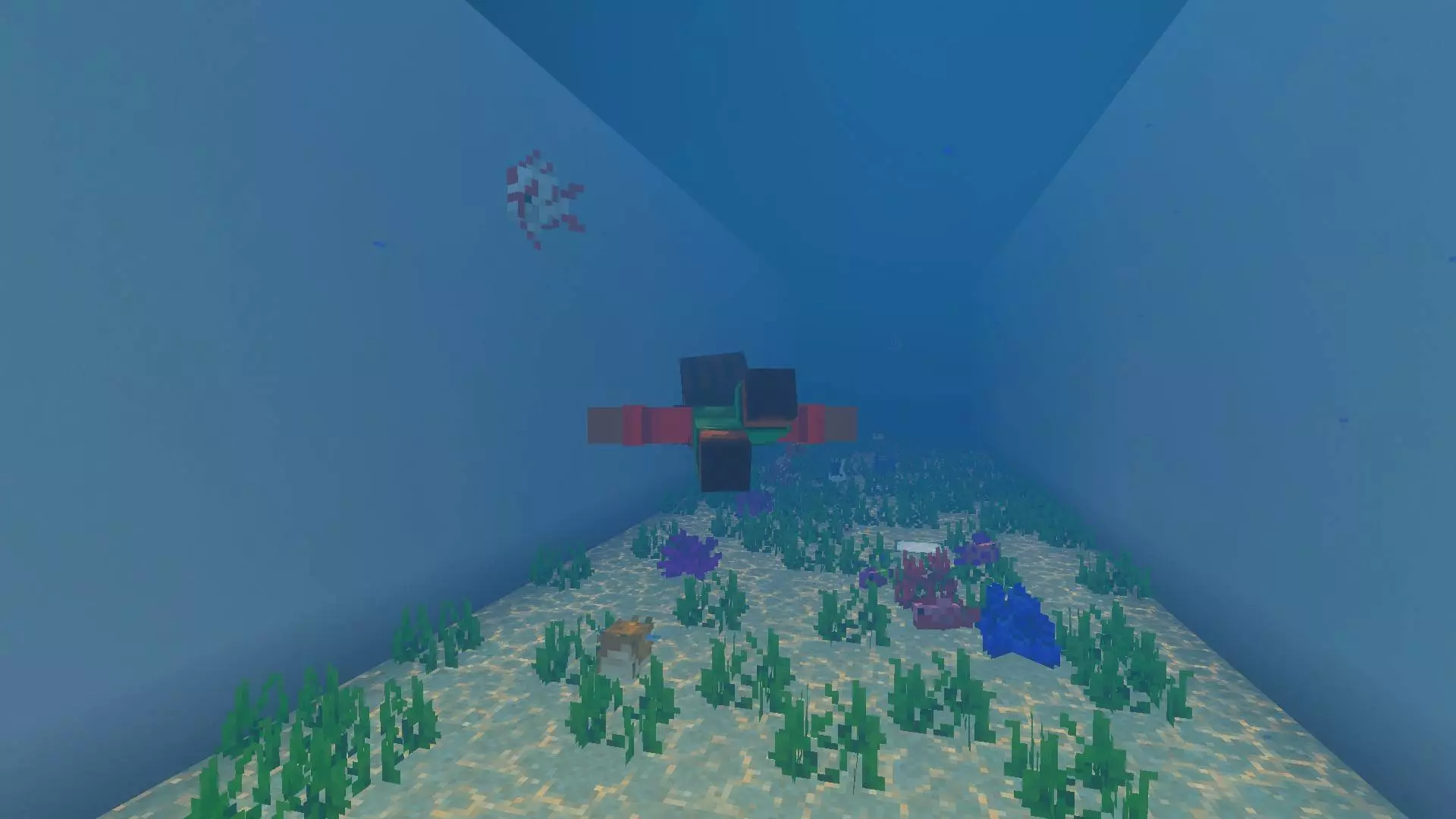
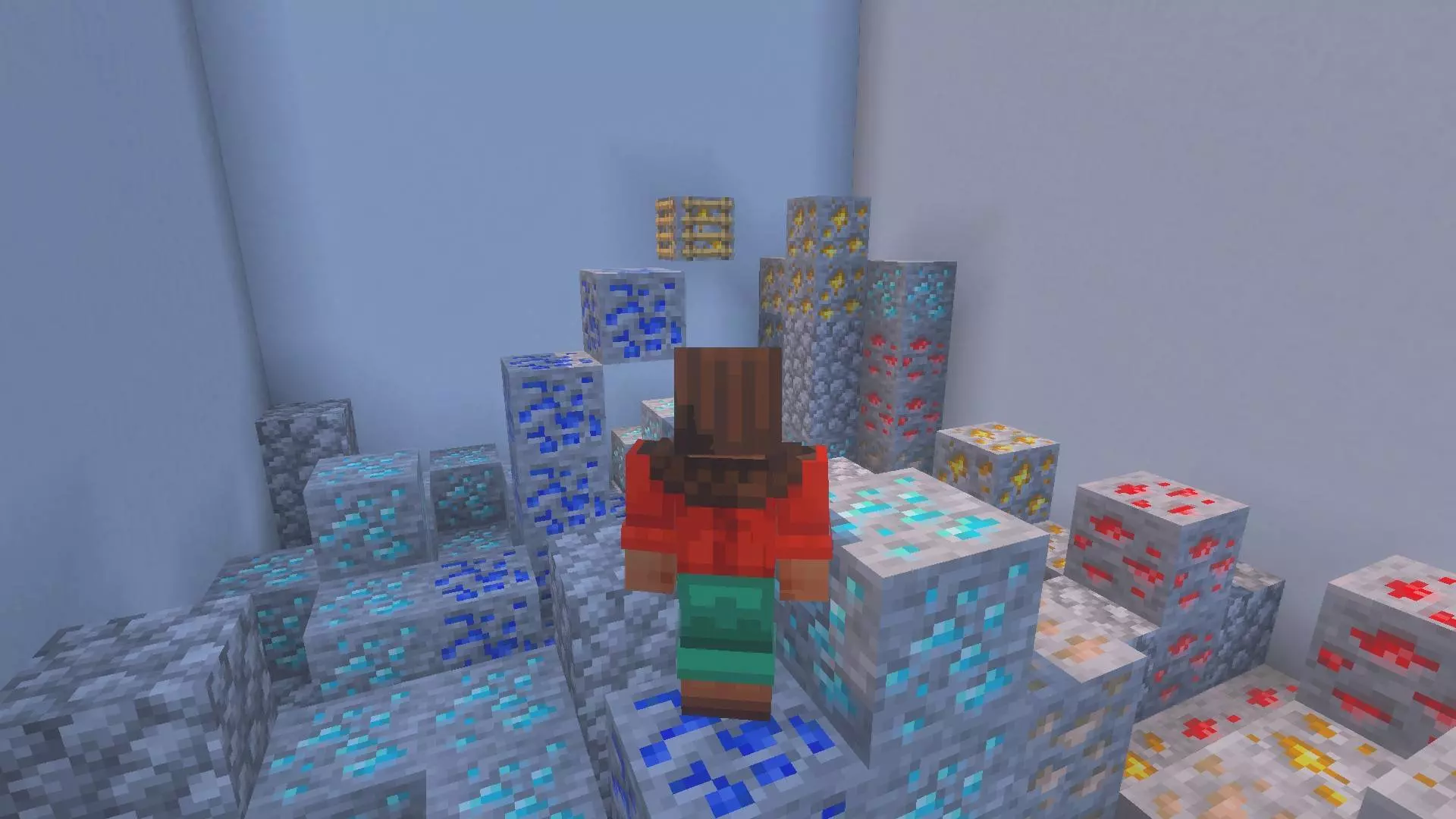
Stringing together a massive 500-stage course in a single world can sometimes cause render lag if the game tries to load too many complex structures at once. Thankfully, this map is heavily optimized for Bedrock's engine. By relying on standard vanilla block geometry instead of packing the levels full of custom ticking entities, heavy command-block loops, or complicated redstone traps, the technical footprint stays remarkably low. Chunk loading easily keeps up with your sprinting speed, meaning you won't suffer from the brutal frame drops or input delays that usually ruin precision platforming on budget phones and older consoles. You get a completely smooth, lag-free run from the first jump all the way to the end.
How to install?
Android: use ES Explorer to find mcworld in the download folder. Click on a file to import it inside.
Versions of Windows 10: Go to your downloads folder and find mcworld. Click on the document to add it to the client.
IOS: as soon as they clicked on the Download button below, the device will offer to open it.
Comments (0)