Ultimate All In One Minecraft PvP Map
- 1-10-2026, 08:53
- 353
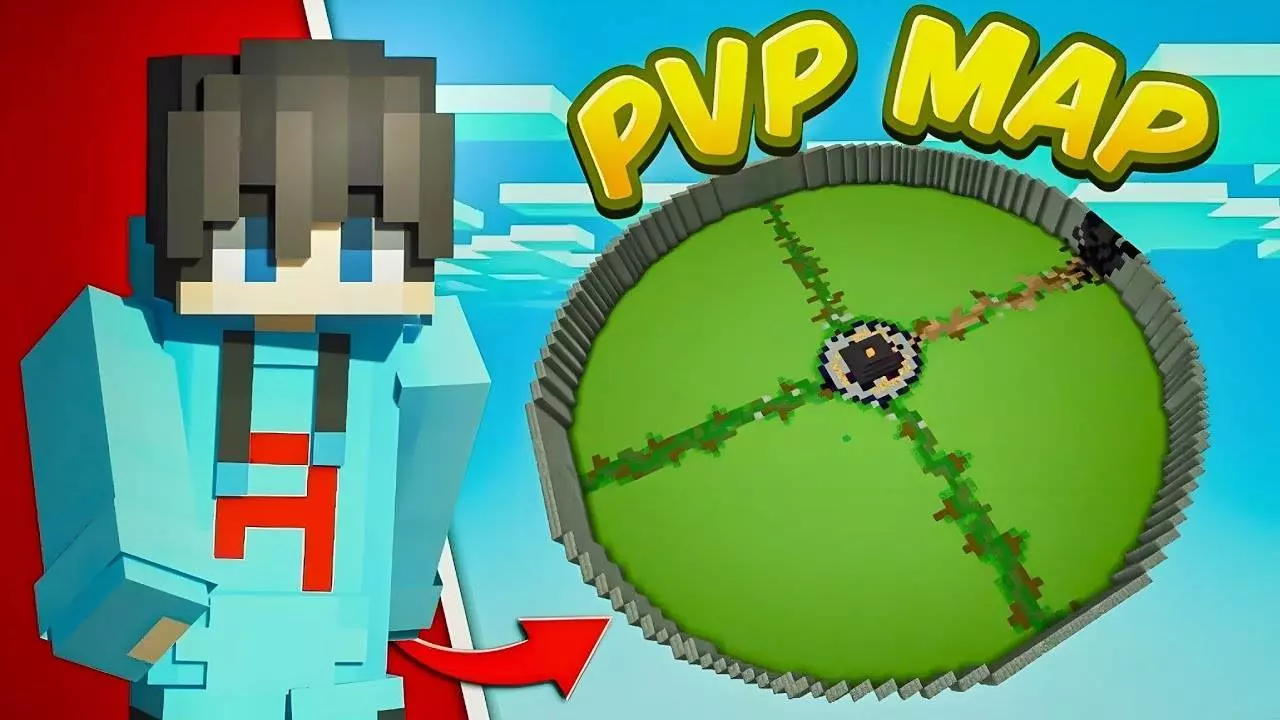
Ultimate All In One Minecraft PvP - Download map with PVP arena for real battles.
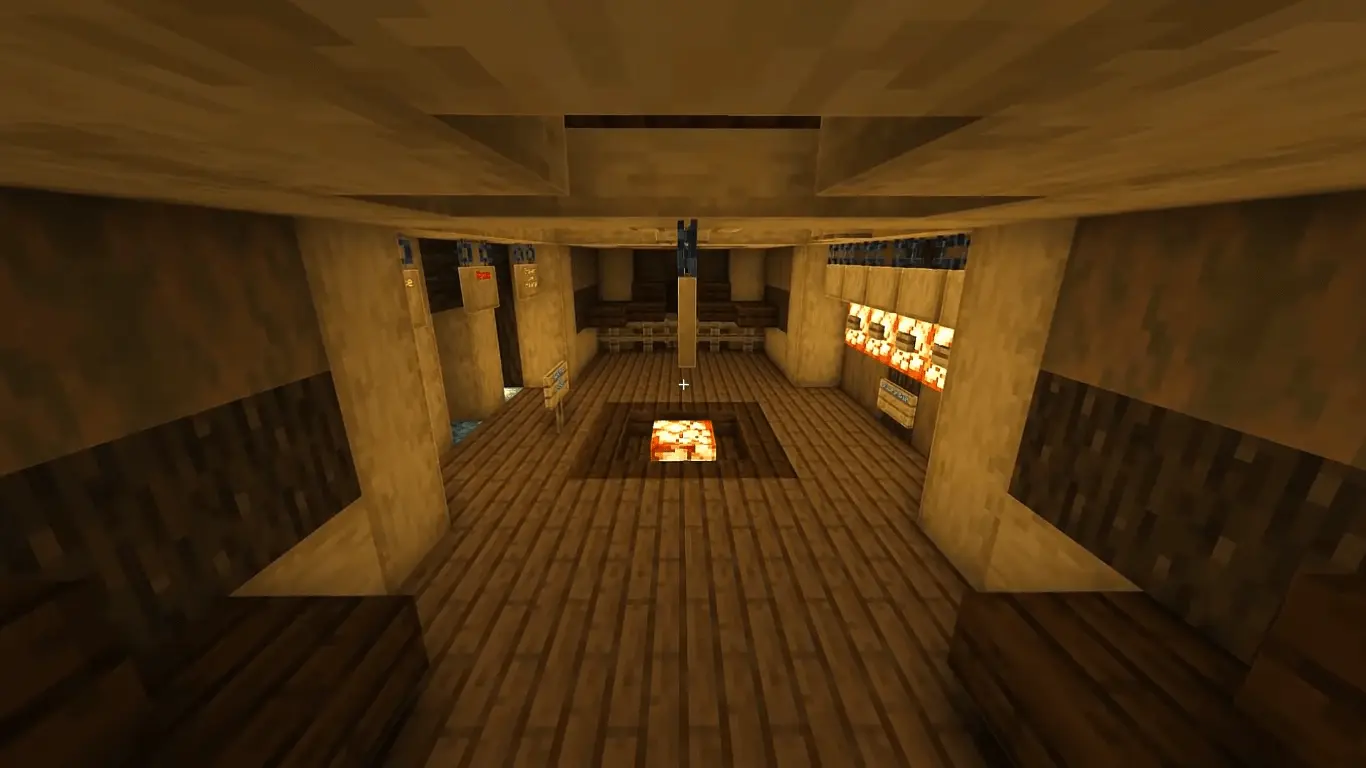
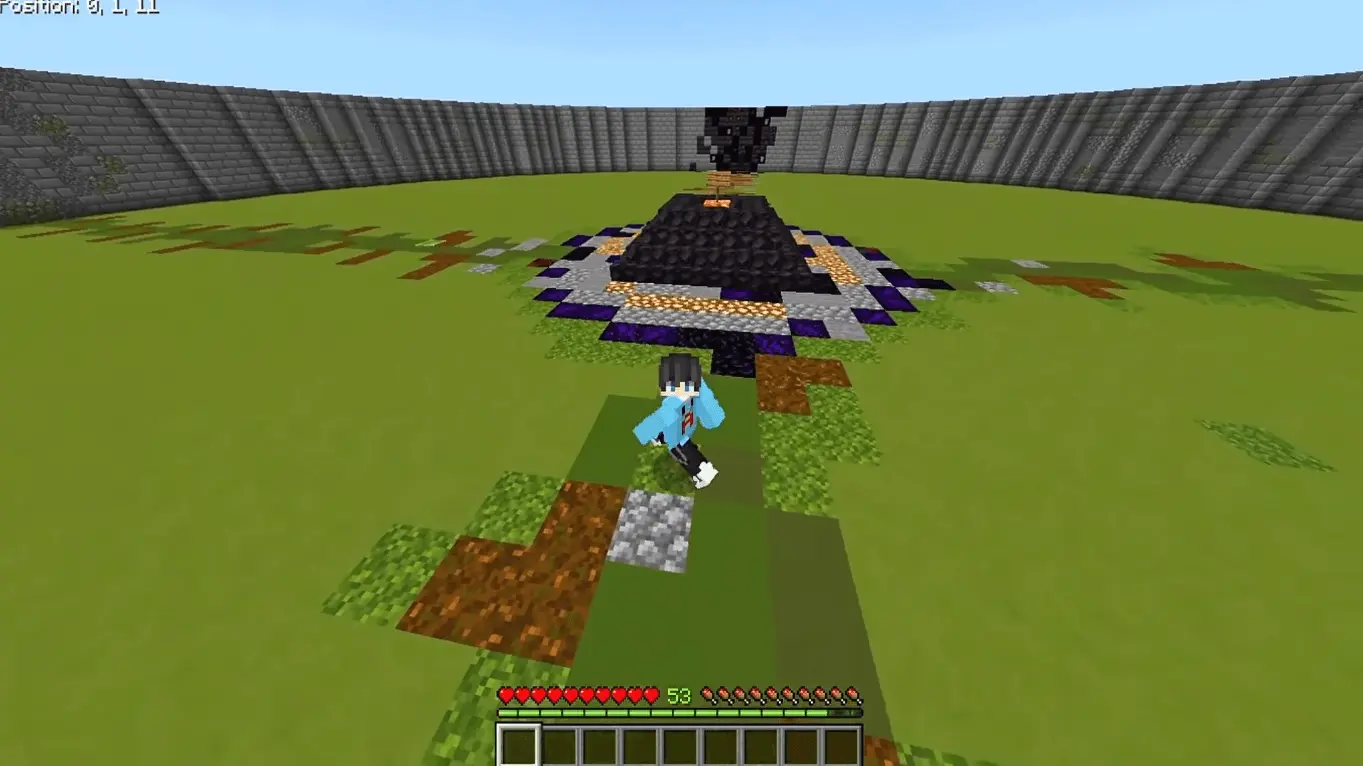
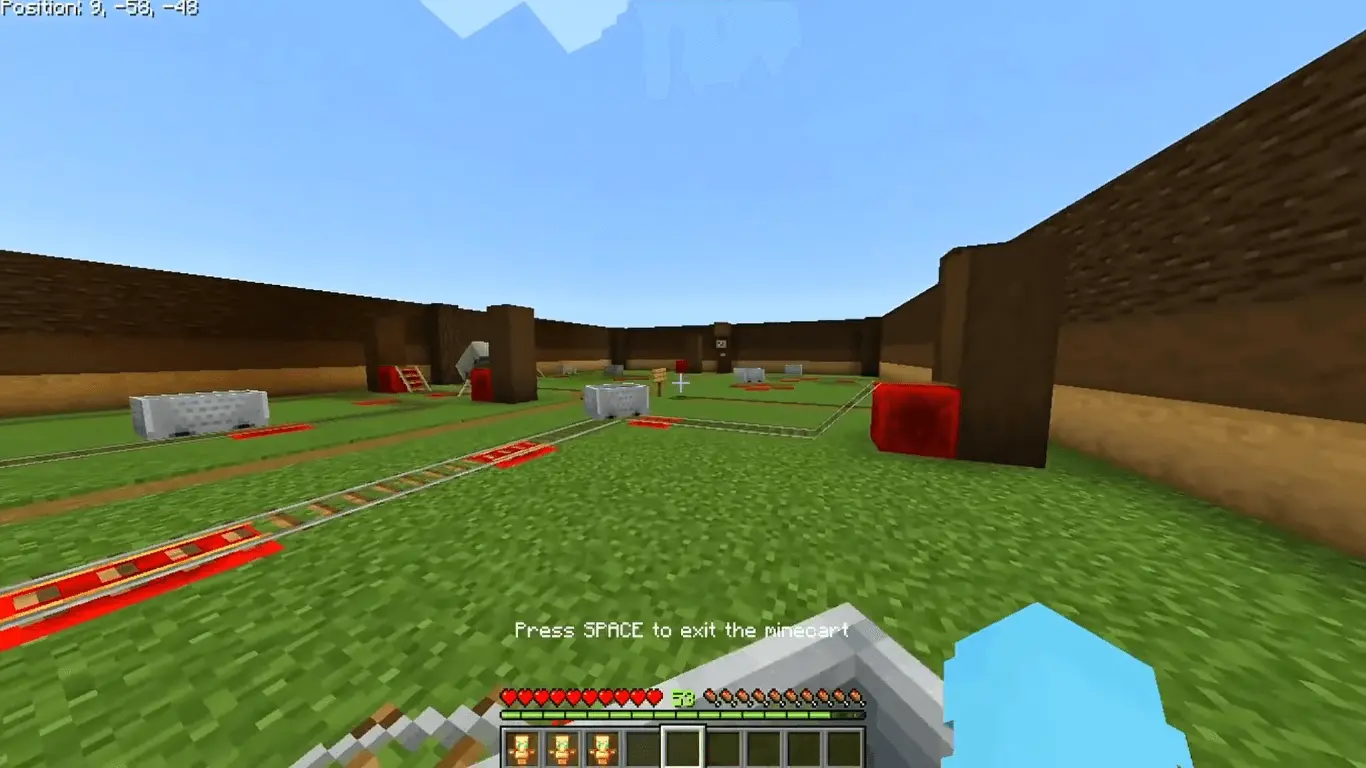
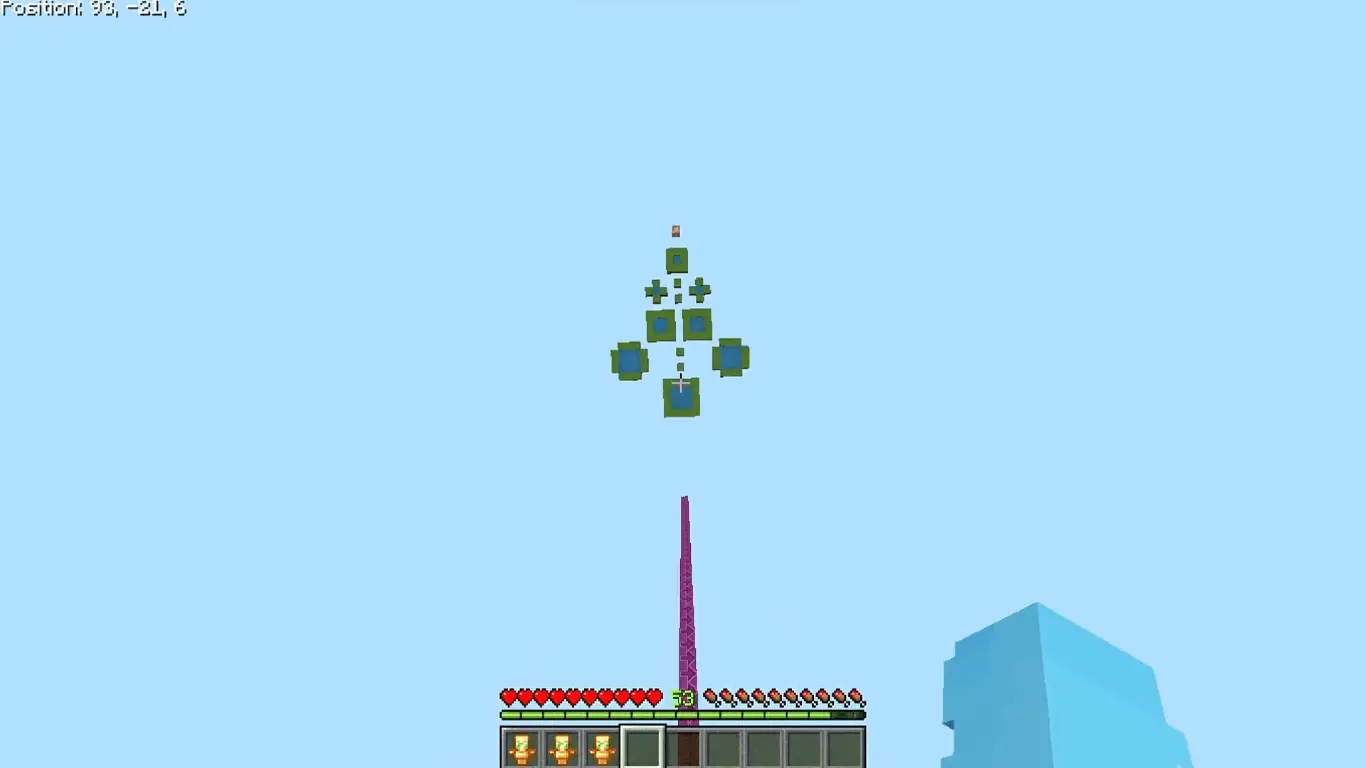
Finding a decent place to practice PvP on Bedrock usually means putting up with the input lag and terrible hit registration of public servers. This map fixes that by moving the entire training routine offline. Even though the description weirdly calls it a "Java PvP arena," it is built natively for Bedrock. The layout is stripped down to exactly what matters for competitive practice: a massive, visually clean main arena, four distinct combat kits, and custom sound effects. What makes it genuinely useful is the solo training infrastructure. You get an aim practice room, a dropper, an automatic chest refill system, and custom AI bots alongside a wave-based mob survival mode. It lets you warm up your mace strikes or dial in your tracking without needing a second player to jump online.
Running custom AI and automated arena logic requires a specific technical setup. The moment you load into the premium lobby, the modified world data permanently disables your Xbox Live achievements. Nobody is earning Gamerscore here. More importantly, you cannot just click play and expect the arena to function. You have to dig into the world settings and turn on the Experimental Gameplay toggles, specifically the Beta APIs. If you skip those switches, the internal scripts fail. The automatic chests will not refill, the mob waves will not trigger, and the custom bots will just stand there completely unresponsive.
Because the arena design deliberately avoids heavy visual clutter, performance is rock solid during normal use. Running basic 1v1 bot duels or shooting targets in the aim room feels perfectly responsive, even on older budget smartphones. The Bedrock engine easily handles the small scope of the map. The only time hardware becomes a problem is during the wave-based mob challenges. If you are playing on a weaker mobile device and let the arena fill up with dozens of custom mobs at once, the sheer amount of pathfinding math and entity collisions will choke the processor. Keep the mob count under control, and the map maintains the high framerate needed for actual combat practice.
How to install?
Android: use ES Explorer to find mcworld in the download folder. Click on a file to import it inside.
Versions of Windows 10: Go to your downloads folder and find mcworld. Click on the document to add it to the client.
IOS: as soon as they clicked on the Download button below, the device will offer to open it.
Comments (0)