Cinematic Editor Addon
- 21-12-2025, 07:10
- 512
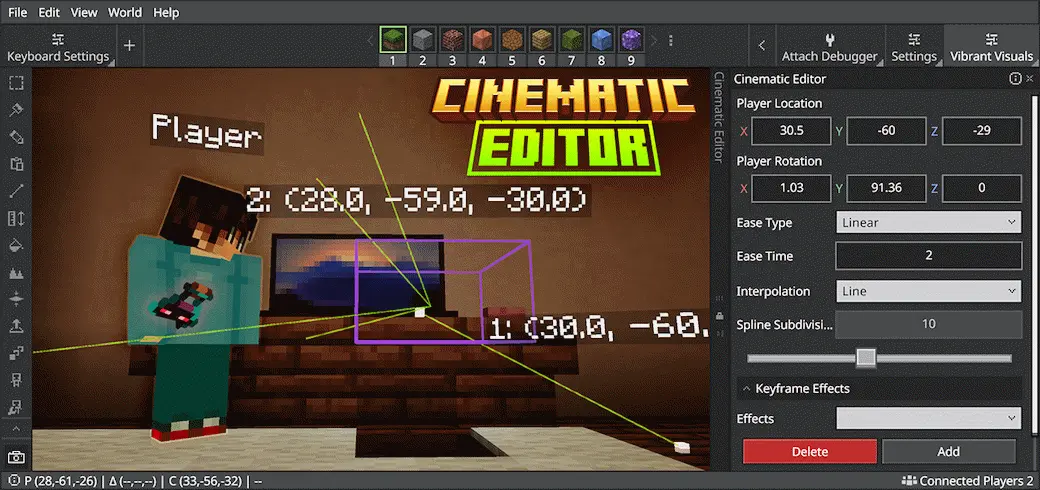
Cinematic Editor Mod — a camera-control tool that lets you switch perspectives and build real cinematic scenes in Minecraft.
Cinematic Editor Mod is made for creators who want their Minecraft footage to look planned instead of just “screen recording with shaky mouse movement.” The whole purpose is controlling the camera so you can change perspectives on command and design cinematic scenes inside your world. That means smoother shots of your builds, cleaner fly-throughs, and better storytelling moments when you’re making trailers, showcase clips, or just posting a cool base tour. Instead of being locked to the normal player view, you can treat the camera like a tool—pick angles, frame the action, and make the world look intentional.
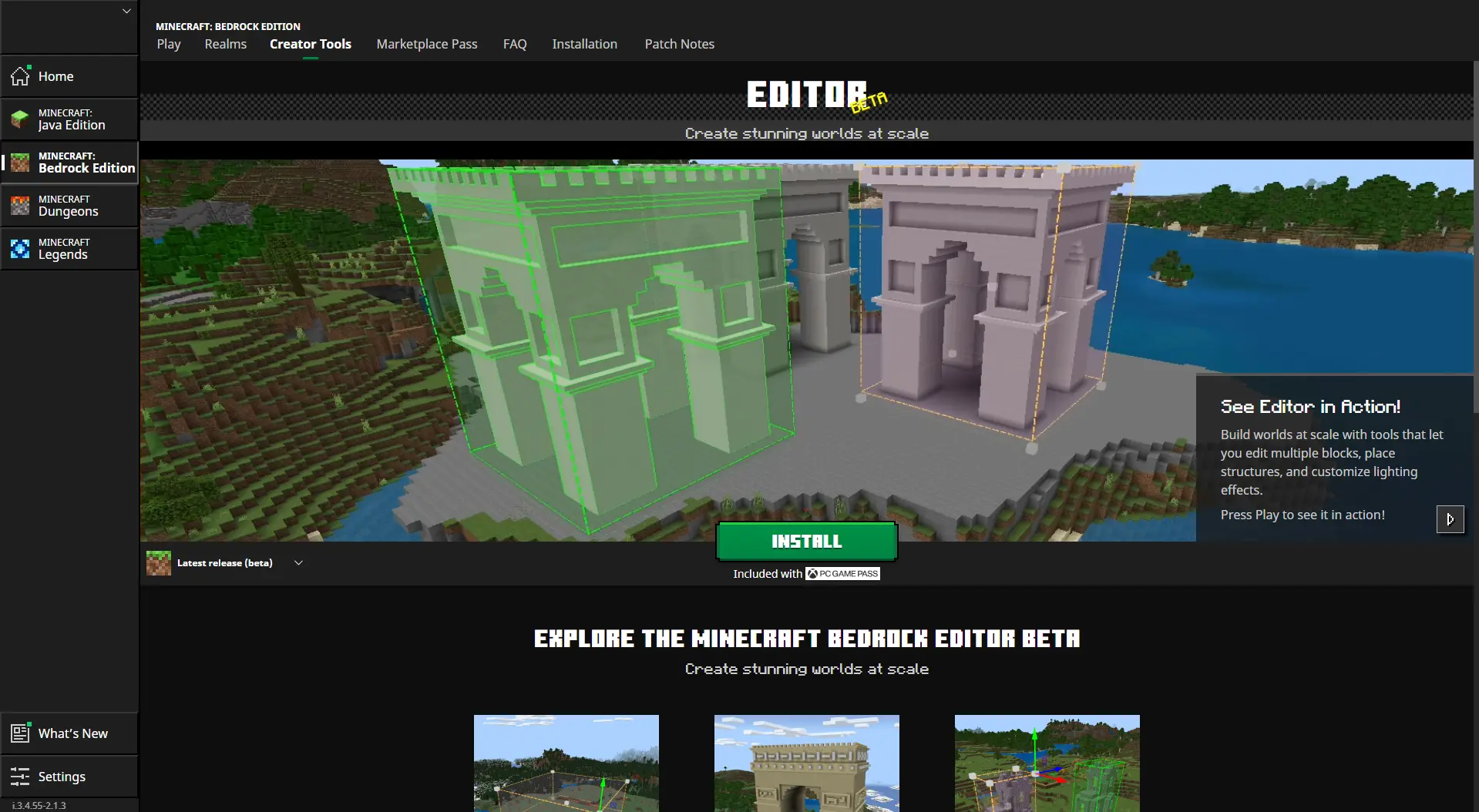
What’s nice is that it’s not tied to only one workflow. Cinematic Editor Mod can run as a standalone Minecraft Add-On, so you can use it directly in a normal world when you just want to shoot content without extra setup. It also exists as a Minecraft Editor extension that’s used within Minecraft Editor, which is perfect if you’re already building and editing in that environment and want camera tools right there in the same pipeline. Either way, it’s about giving you control over perspective so your scenes feel like “a shot” instead of “I walked around until it looked okay.”
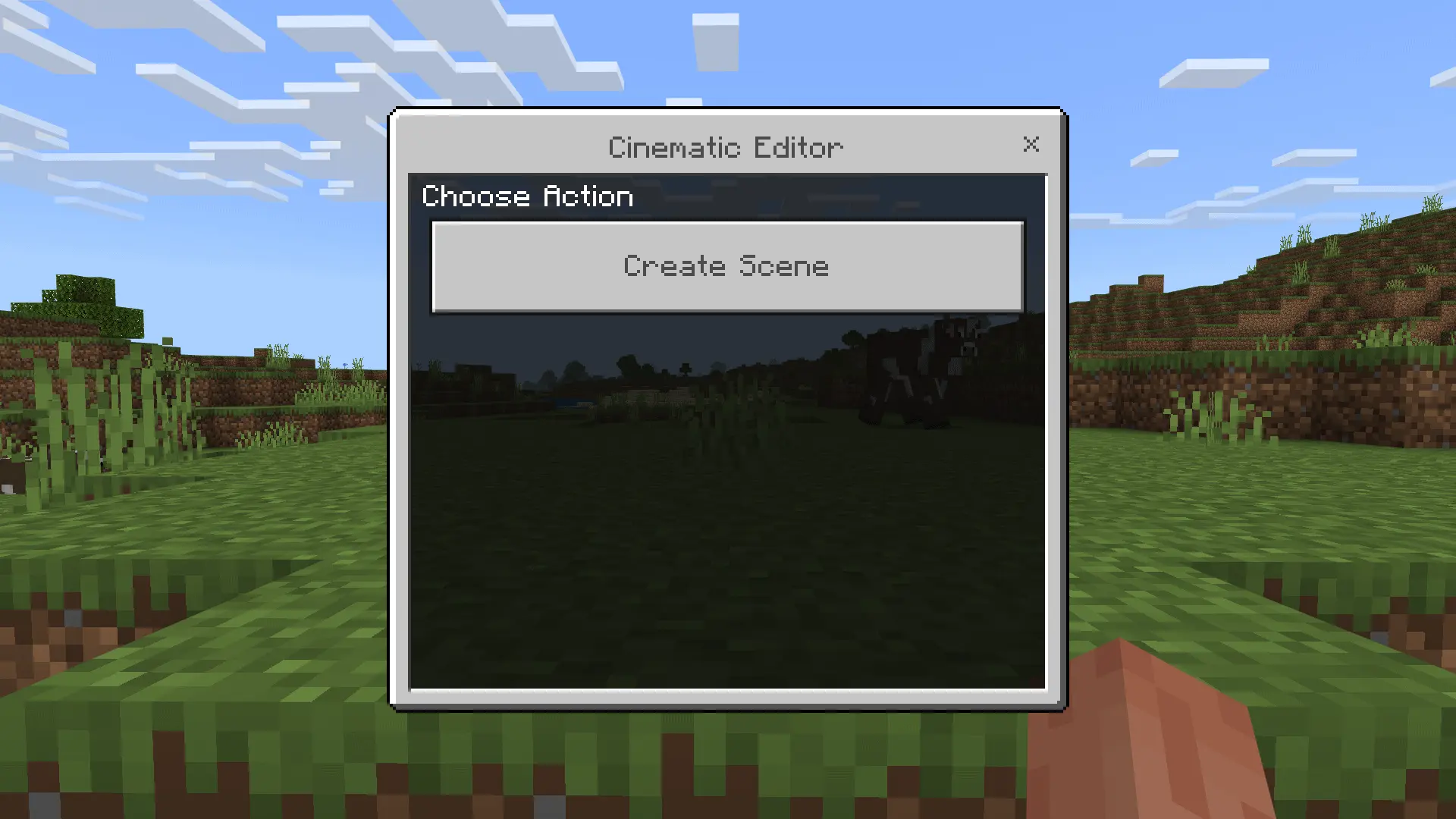
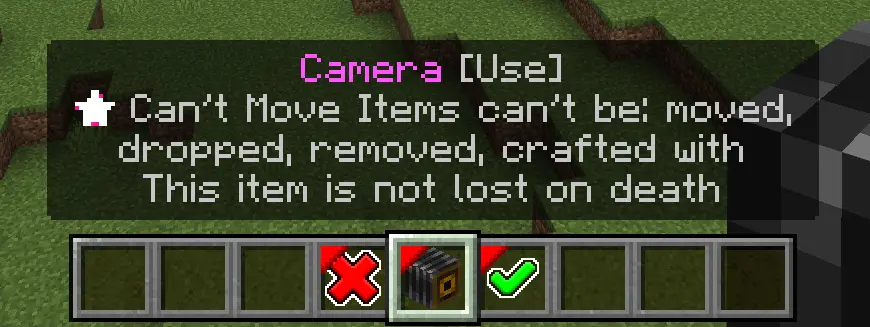
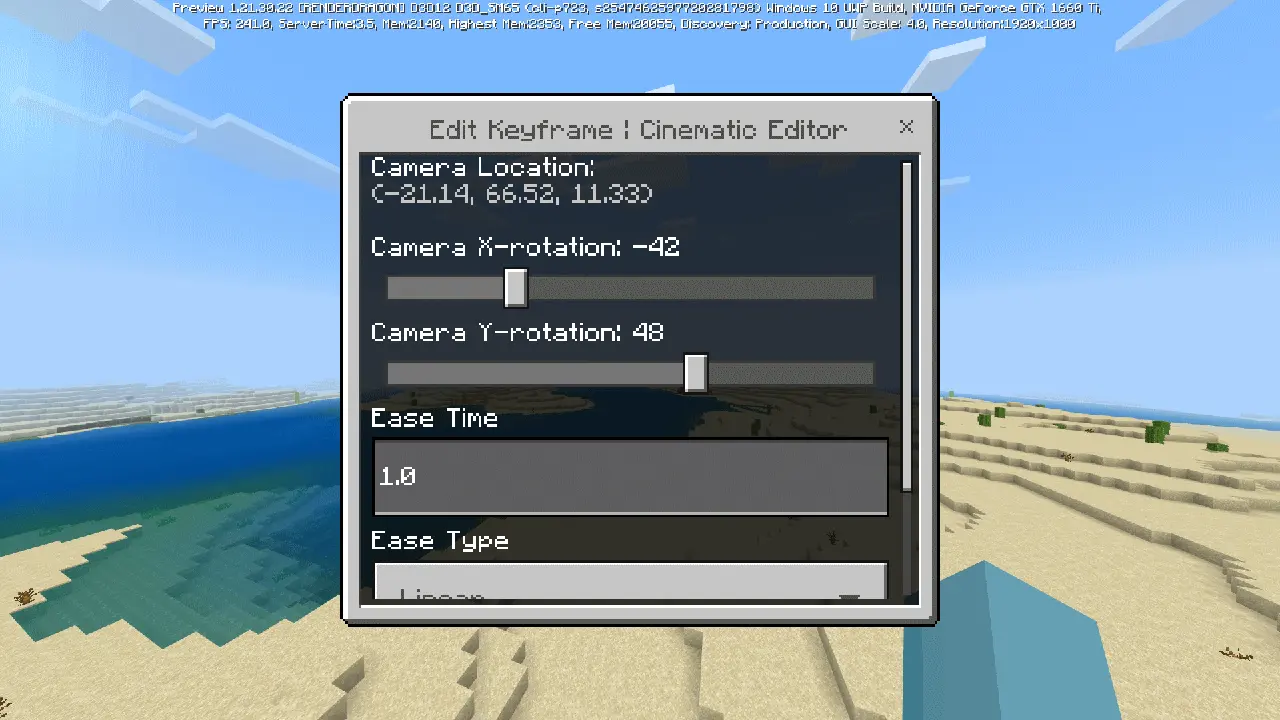
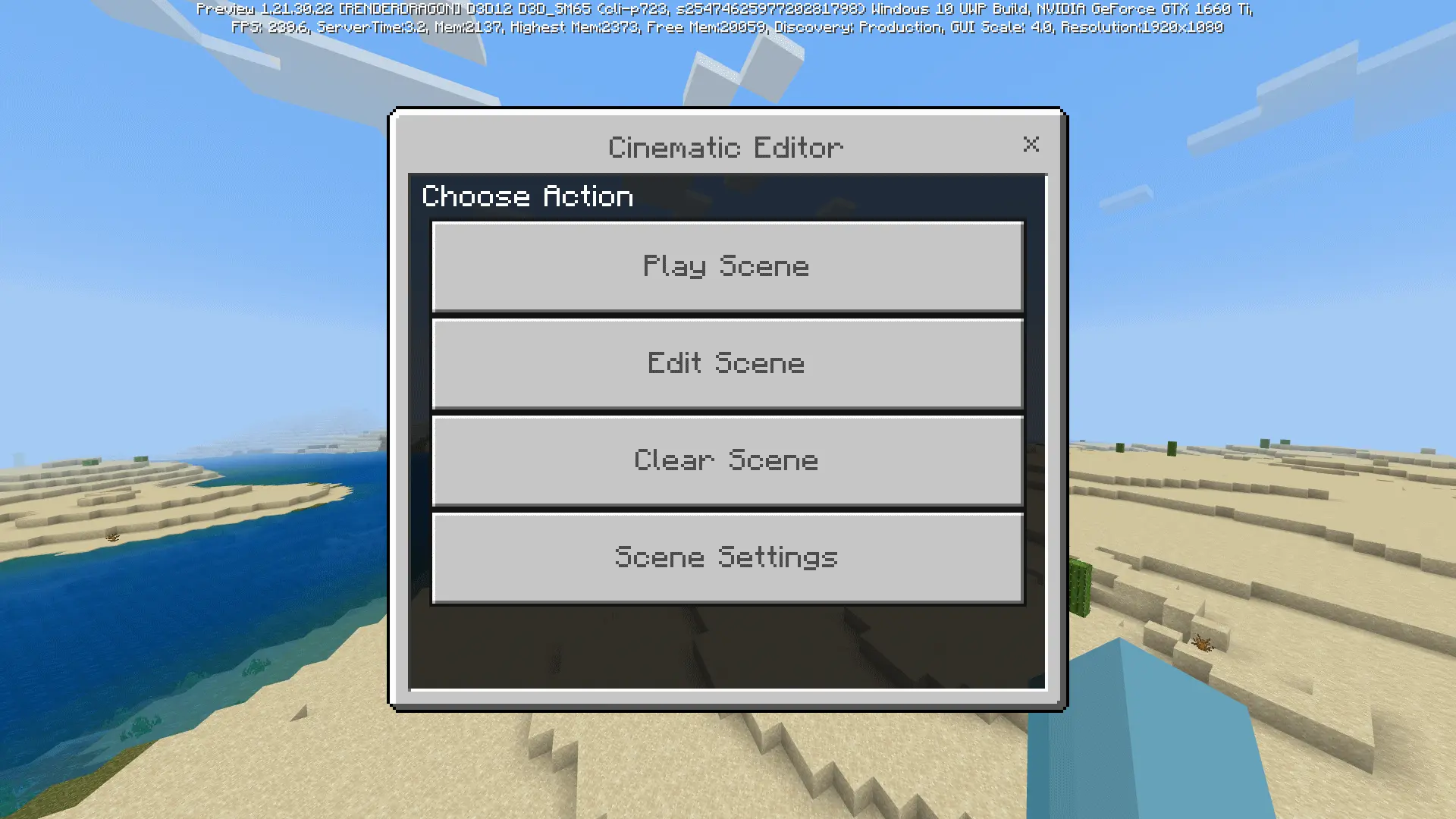
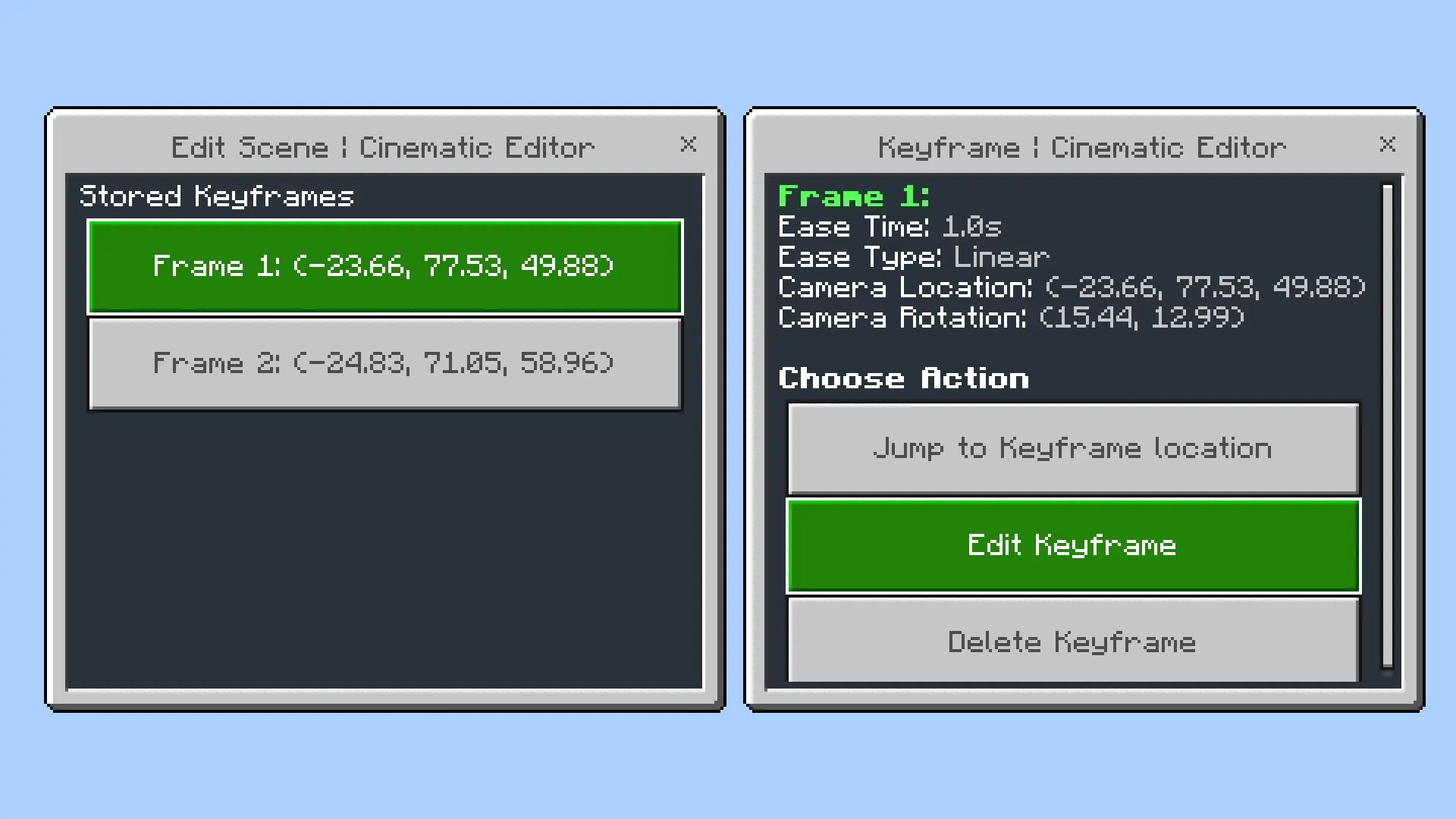
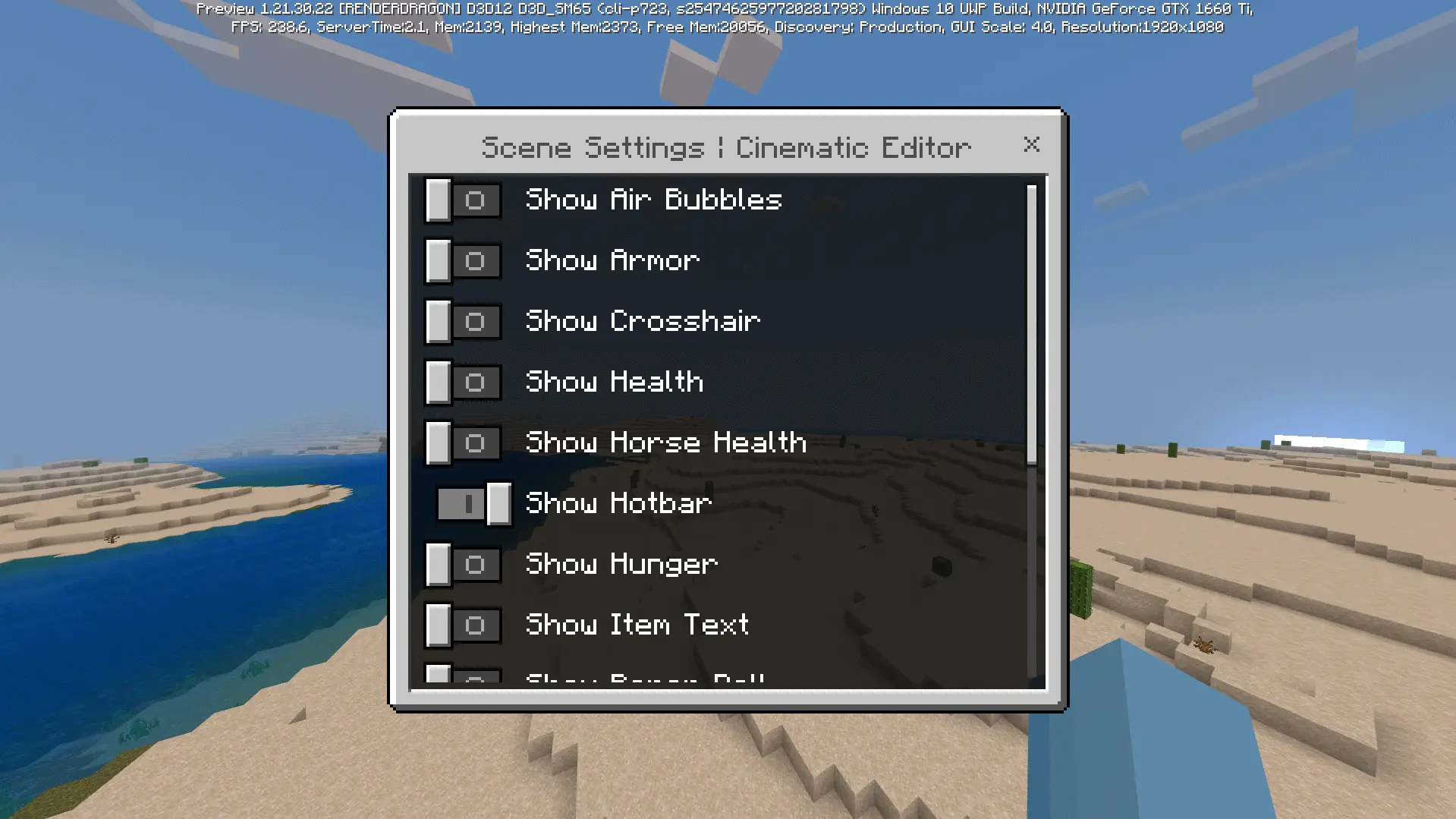
In practical gameplay terms, this is the kind of addon that shines when you’re doing anything visual: showcasing a city build, capturing a redstone machine in action, filming a boss fight moment, or making a short cinematic intro for a realm/server. You can set up a scene, then use camera perspective changes to make it feel dramatic without needing outside editing tricks to fake it. It also helps a lot with consistency—if you’re doing a series and you want the same kind of opening shot every episode, having a camera tool makes that repeatable instead of relying on luck and hand movement.
Cinematic Editor Mod is basically for builders, YouTubers, TikTok clip makers, and anyone who cares about presentation. If you want Minecraft Bedrock content that feels like it was directed, not just recorded, this mod gives you the camera control to pull it off.
Installation:
— Download McPack
— Install McAddon or McPack files, just open it for this;
— Select new textures in the settings;
— Done.
Comments (0)