Advanced Waypoint Addon
- 13-01-2026, 13:15
- 1 039
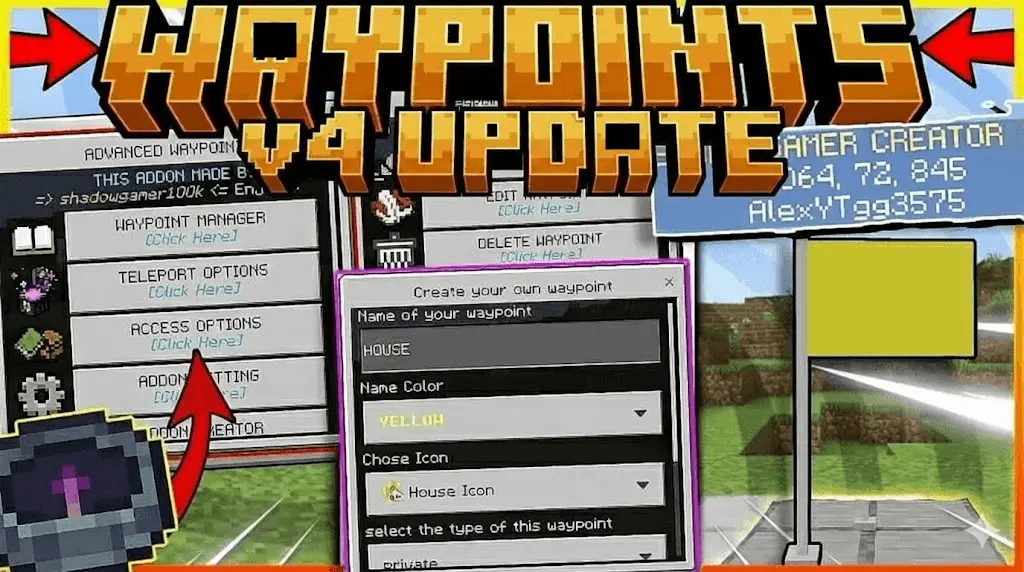
Advanced Waypoint Mod — a waypoint manager for Minecraft Bedrock that gives you a live HUD compass, in-world markers, and a fast teleport menu so you stop getting lost and start moving smart.
Advanced Waypoint Mod (the Waypoint Manager Add-on) changes how you navigate a world once it starts getting big. Instead of scribbling coords in notes or praying you remember where your portal links, you save locations and actually track them while you play. When you hold the manager item, your Action Bar turns into a real-time compass that points to your target and shows direction, distance, and whether the spot is above or below you. If you’re roaming in survival or bouncing between bases on a busy SMP server, that constant readout is the difference between “I think it was this way” and “I’m already on the right line, keep going.”
What makes it feel smooth is how you pick and manage targets. You can star waypoints in the Edit menu, and favorites stay pinned to the top so your go-to spots don’t get buried. There’s also an Auto-Nearest mode that tracks the closest saved location without you manually selecting something every time, and if you want to stay locked on one base, you can pin a waypoint so the compass won’t switch off it while you move. When you reach your destination, the HUD can detect it within 6 blocks and hit you with a success chime and a title, which is a nice little “yep, you’re here” moment when visibility is rough or you’re rushing.
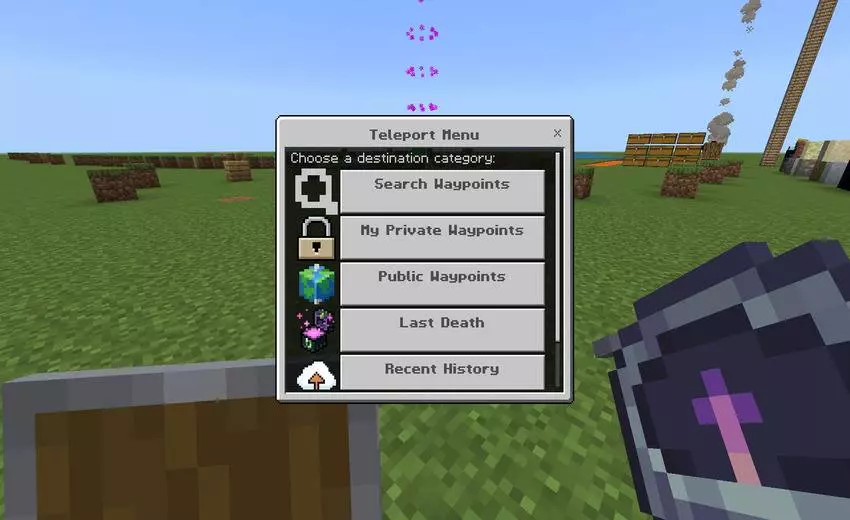
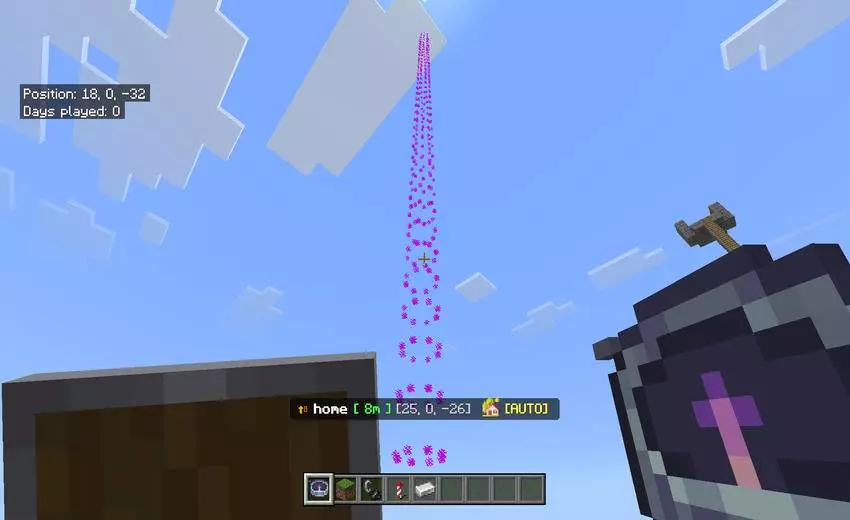
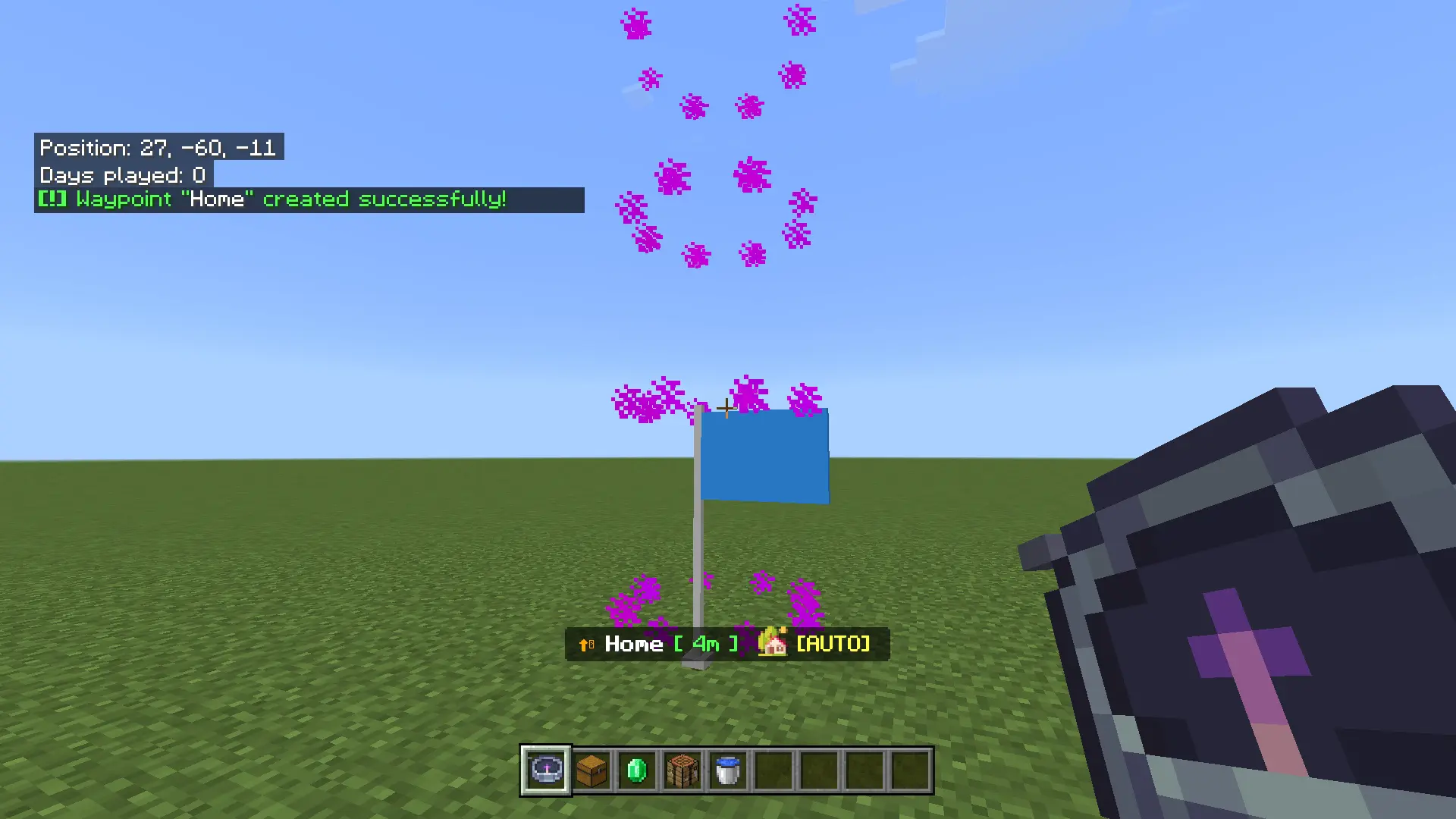
Advanced Waypoint Mod also gives you ways to see targets in the world, not just on the HUD. You can enable 3D flags or flip on beacon beams, and the styles let you pick the vibe, like End Rod sparkles, Totem green, Fire red, or a particle helix that triggers when you get close. On top of that, you can customize waypoint looks with different text colors and map icons like caves, houses, or flames, so your list isn’t just a wall of identical names. That’s clutch when you’ve got a home, a mine route, a nether project, a mob farm spot, and a “do not forget this” location all living in the same menu.
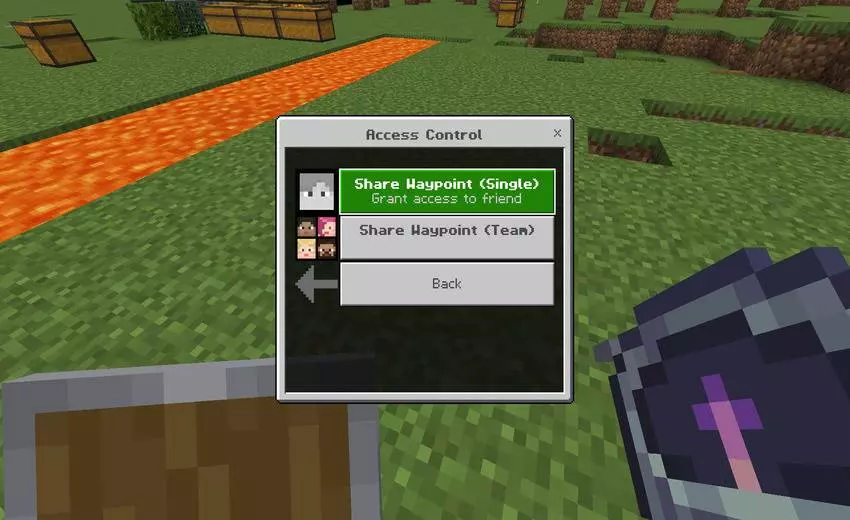
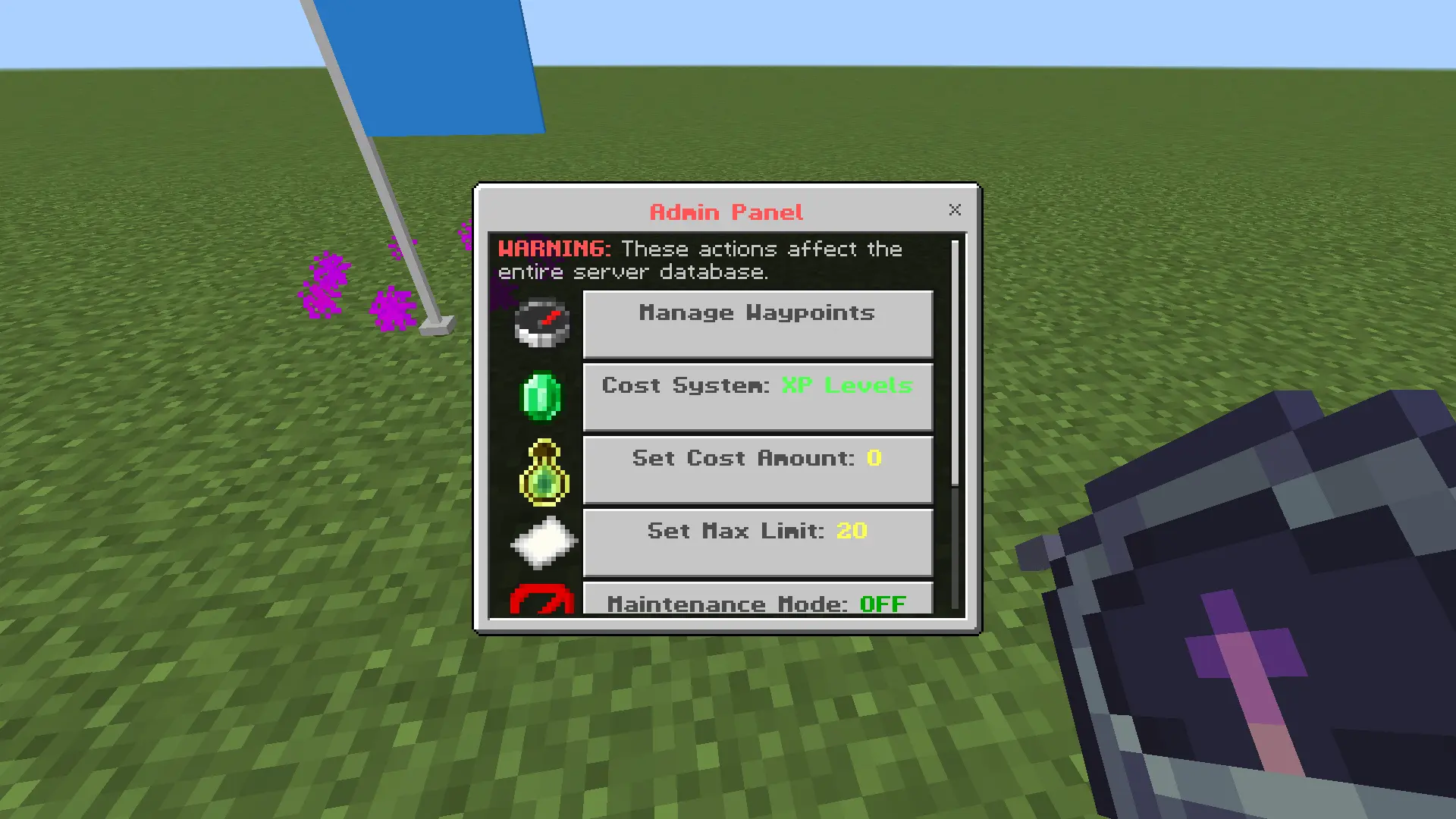
Fast travel is the other half of the package. You get a clean UI that lets you teleport to saved private waypoints or public ones instantly, plus a quick Home slot you can assign to any waypoint for one-tap travel from the main menu. Death points are handled too: your death coordinates are saved automatically, so you can teleport back to your grave instead of rage-running blind. If you’re running a server, you can balance teleports with XP costs or hook it into a Scoreboard Objective like “money” or “coins,” and admins get tools to view all waypoints, delete bad locations, wipe player data, set waypoint limits, or enable maintenance mode to temporarily shut teleporting off. For multiplayer, you can share locations with friends, grant access using tags, make warps public, and even send a teleport request from the waypoint menu so a player can accept and then teleport to you immediately.
Installation:
— Download McPack
— Install McAddon or McPack files, just open it for this;
— Select new textures in the settings;
— Done.
Comments (0)