Storage Network Addon
- 18-01-2026, 16:35
- 546
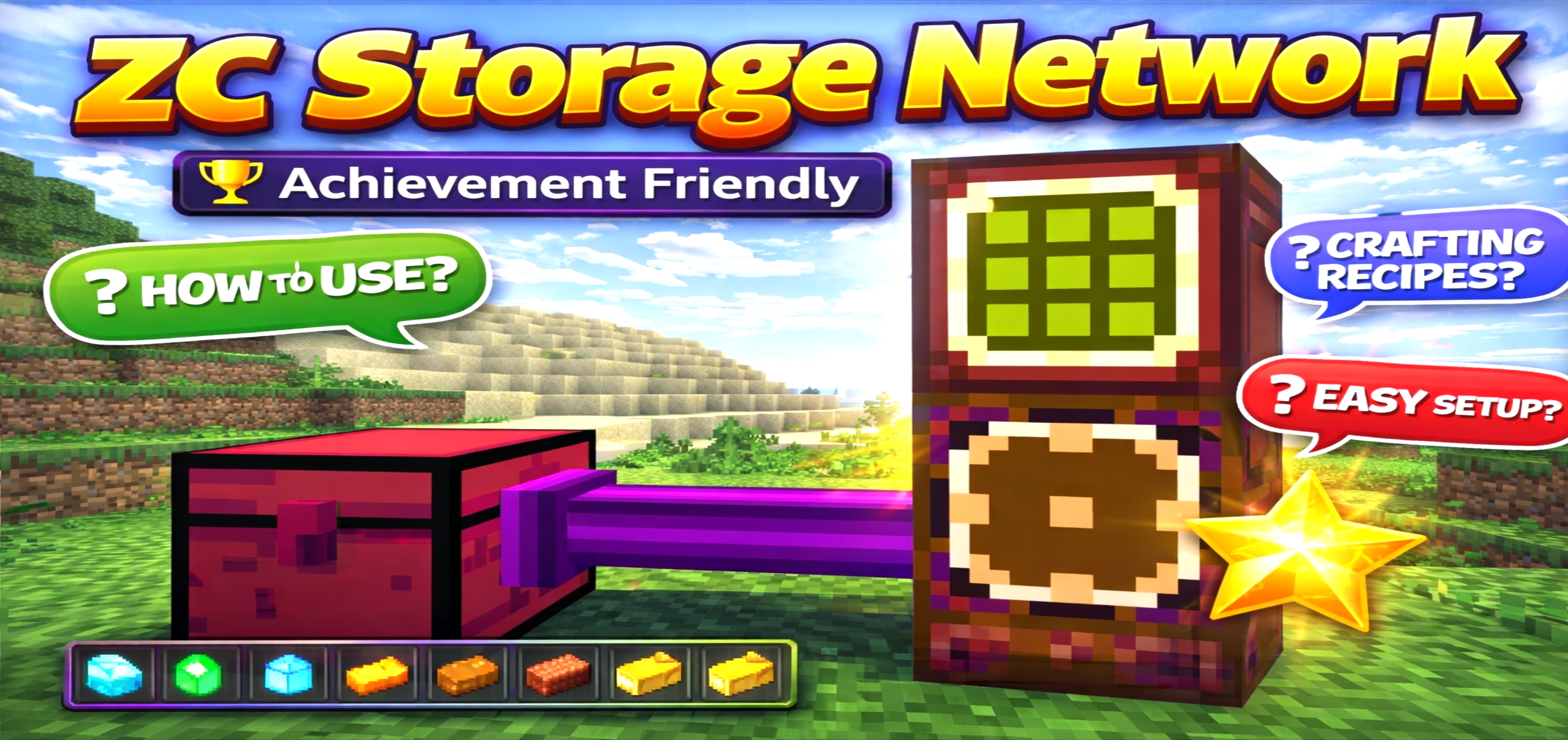
Storage Network Mod — a Cargo Box-based storage system that links your chests into one network, gives you a smart terminal to browse items, and even lets you access everything remotely from anywhere.
Storage Network Mod is built for the moment your Minecraft Bedrock survival world hits that “storage nightmare” phase. You know the one: twenty random chests, items scattered everywhere, and you’re spending more time searching than playing. This addon fixes that by turning storage into an actual network instead of a pile of boxes. The heart of the whole setup is the Cargo Box, the main block that links every storage block together and keeps the network running. If the Cargo Box is your brain, everything else is basically the arms and hands that let you reach into your items fast.
To actually use the network like a real system, you’ve got the Storage Terminal. It works like a Simple Storage Chest, but smarter, letting you access and manage items through the network instead of standing in front of every chest. The mod specifically suggests placing the terminal near the Cargo Box only once, because multiple terminals may cause lag. That’s a nice “keep it clean” rule that fits the whole vibe of the addon—organized storage without turning your base into a lag machine. You build one clean access point and run everything through it.
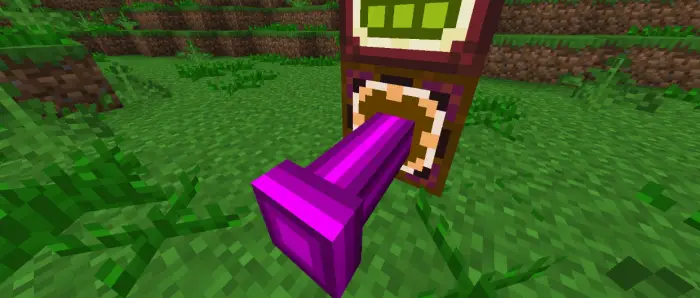
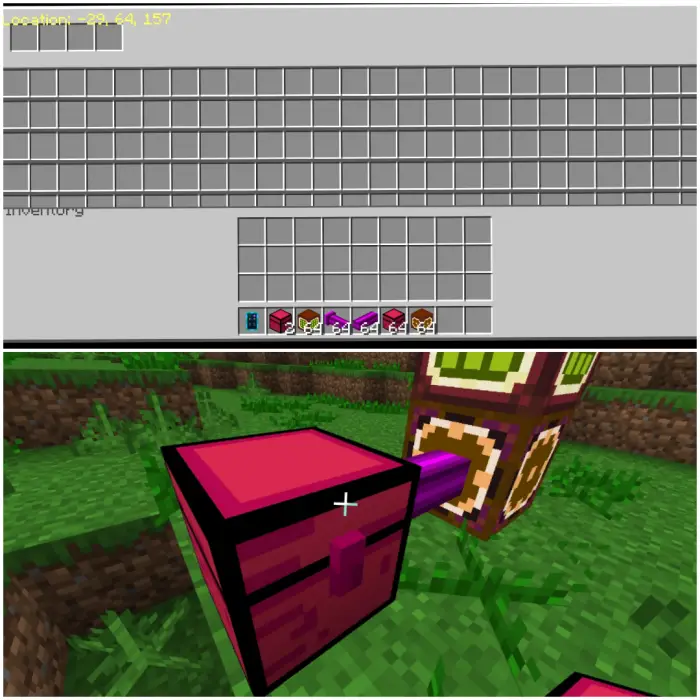
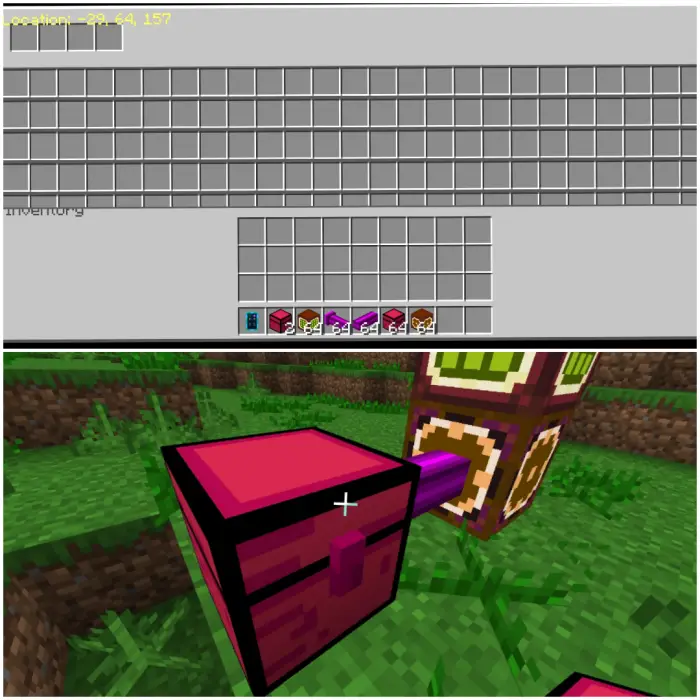
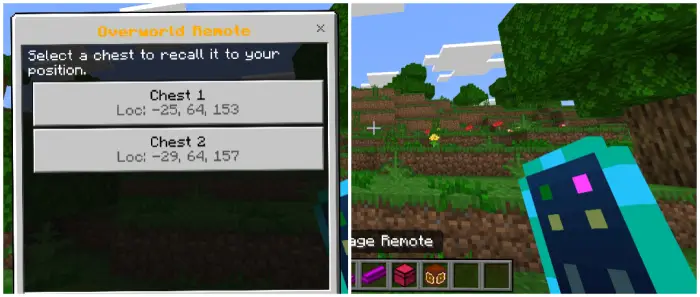
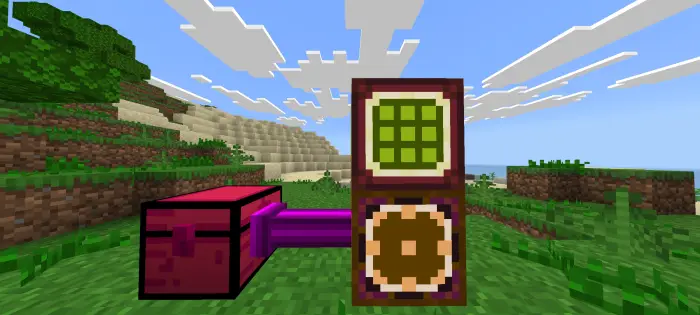
Connecting your storage is handled by Storage Cable and Storage Cable Connect, which act as the bridge between your chests and the Cargo Box. That’s the part that makes the network feel like a network: instead of manually sorting across multiple rooms, you wire your storage together and treat it as one system. The main storage unit in the description is the Simple Storage Chest, and it’s stacked—500 slots is massive, especially for survival worlds where you’re hoarding blocks, ores, mob drops, and random build materials. You can place multiple chests and still manage them from one place, which is the whole point: scale up storage without scaling up your headache. There’s also a safety convenience feature mentioned: you can click the chest anytime to send it back safely, which sounds like an easy way to pull your storage unit back without risking it getting lost or stuck.
The “this feels almost unfair” feature is the Storage Remote. It gives you access to your storage from unlimited distance, meaning your inventory management isn’t tied to your base anymore. You can be out exploring, mining, building far away, or running around a server, and still reach your storage like it’s in your pocket. That changes survival pacing a lot, because it cuts down on constant return trips just to dump items or grab supplies. It also makes long projects smoother, since you can keep working instead of teleporting your brain back to your storage room every ten minutes.
Setup is meant to be fast and straightforward: place the Cargo Box, place a Storage Terminal on it, use Storage Cable Connect on the Cargo Box, attach a Simple Storage Chest, then use the Storage Remote to access everything and you’re good. Storage Network Mod is built for survival, tech builds, and players who want their item management to stay efficient and “lag-clean.” If you’re tired of chest mazes, the Cargo Box + Terminal + Cable system turns your storage into one organized hub, and the remote makes it feel like your whole base inventory is always within reach.
Installation:
— Download McPack
— Install McAddon or McPack files, just open it for this;
— Select new textures in the settings;
— Done.
Comments (0)